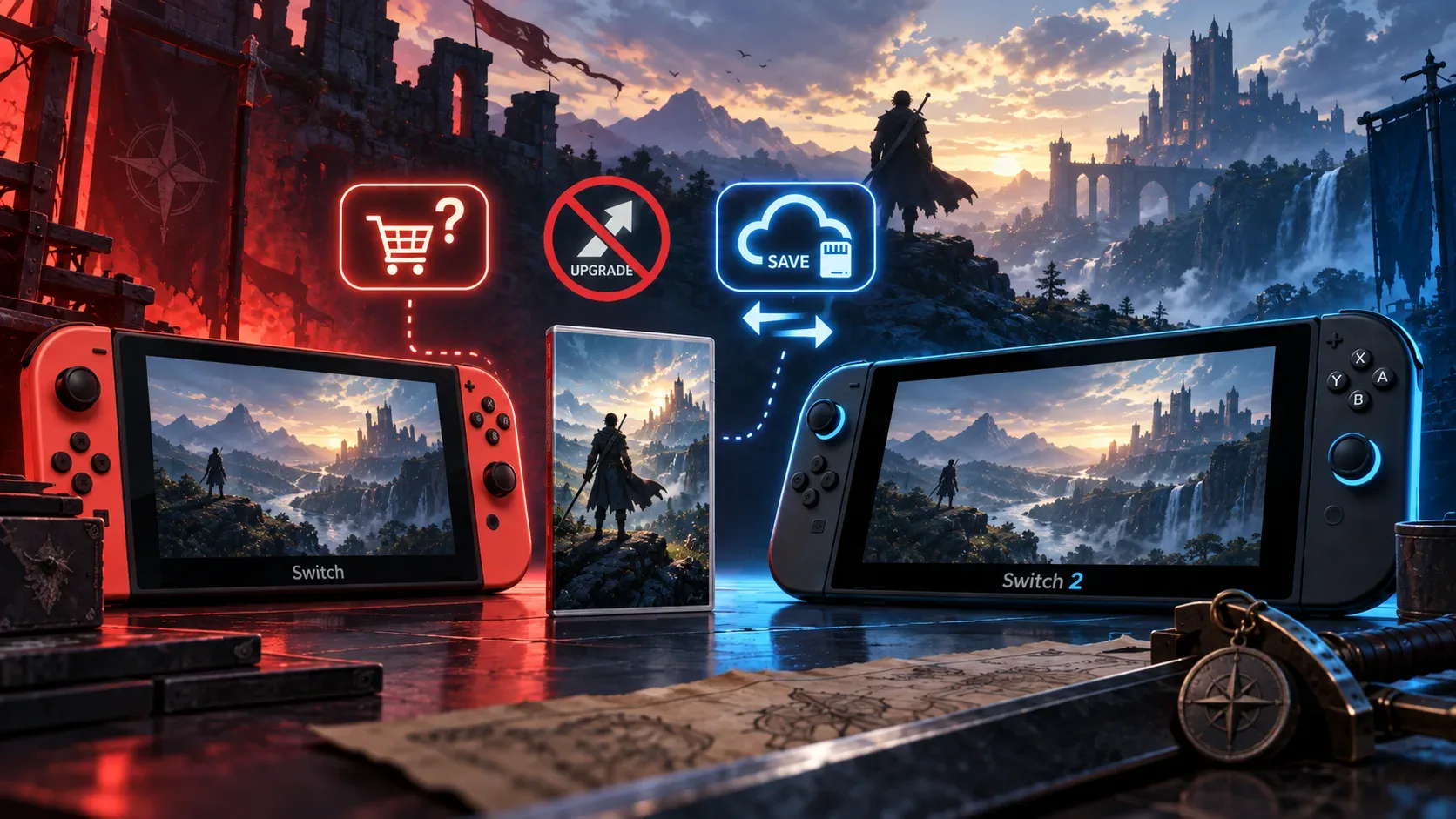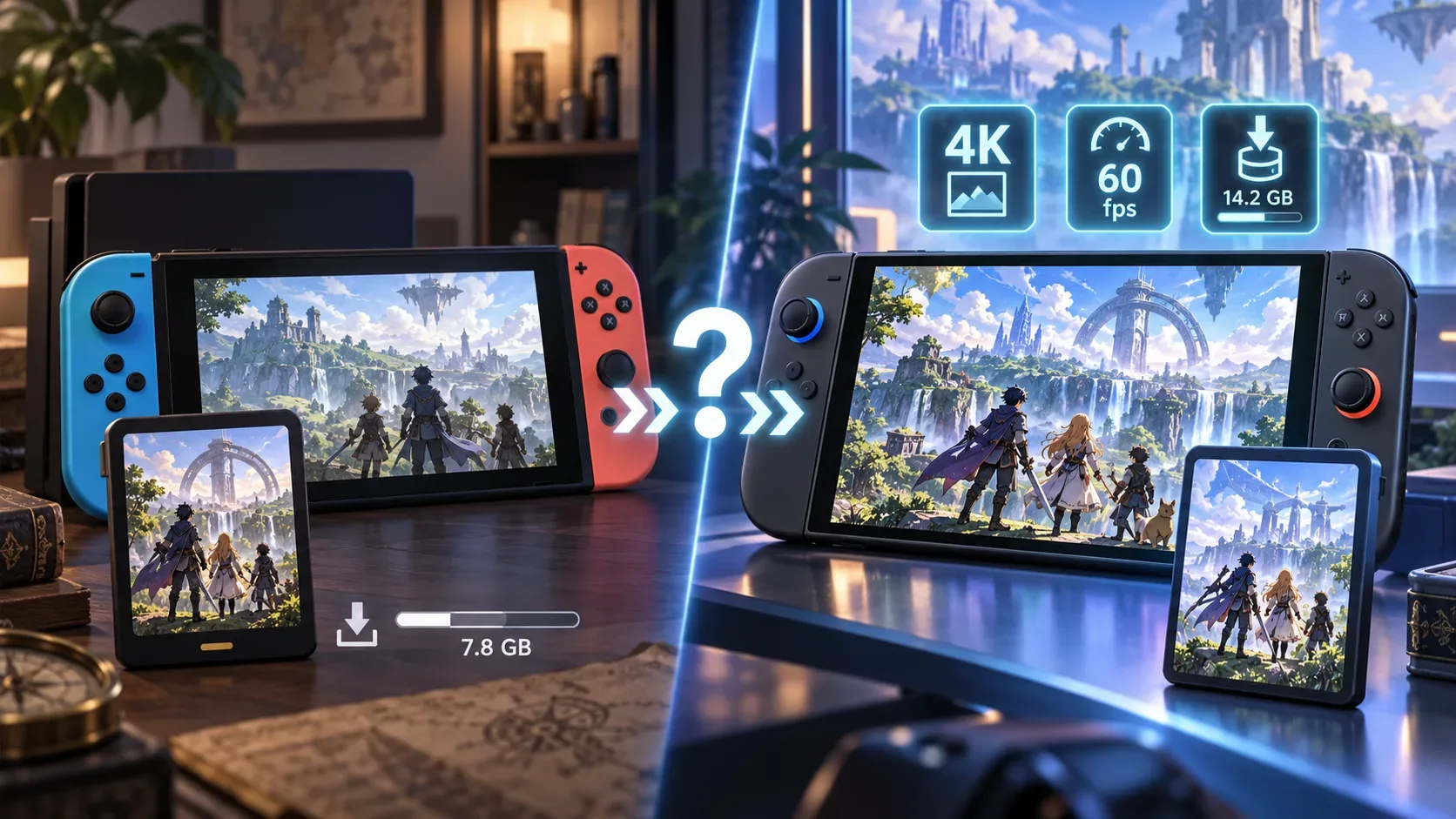
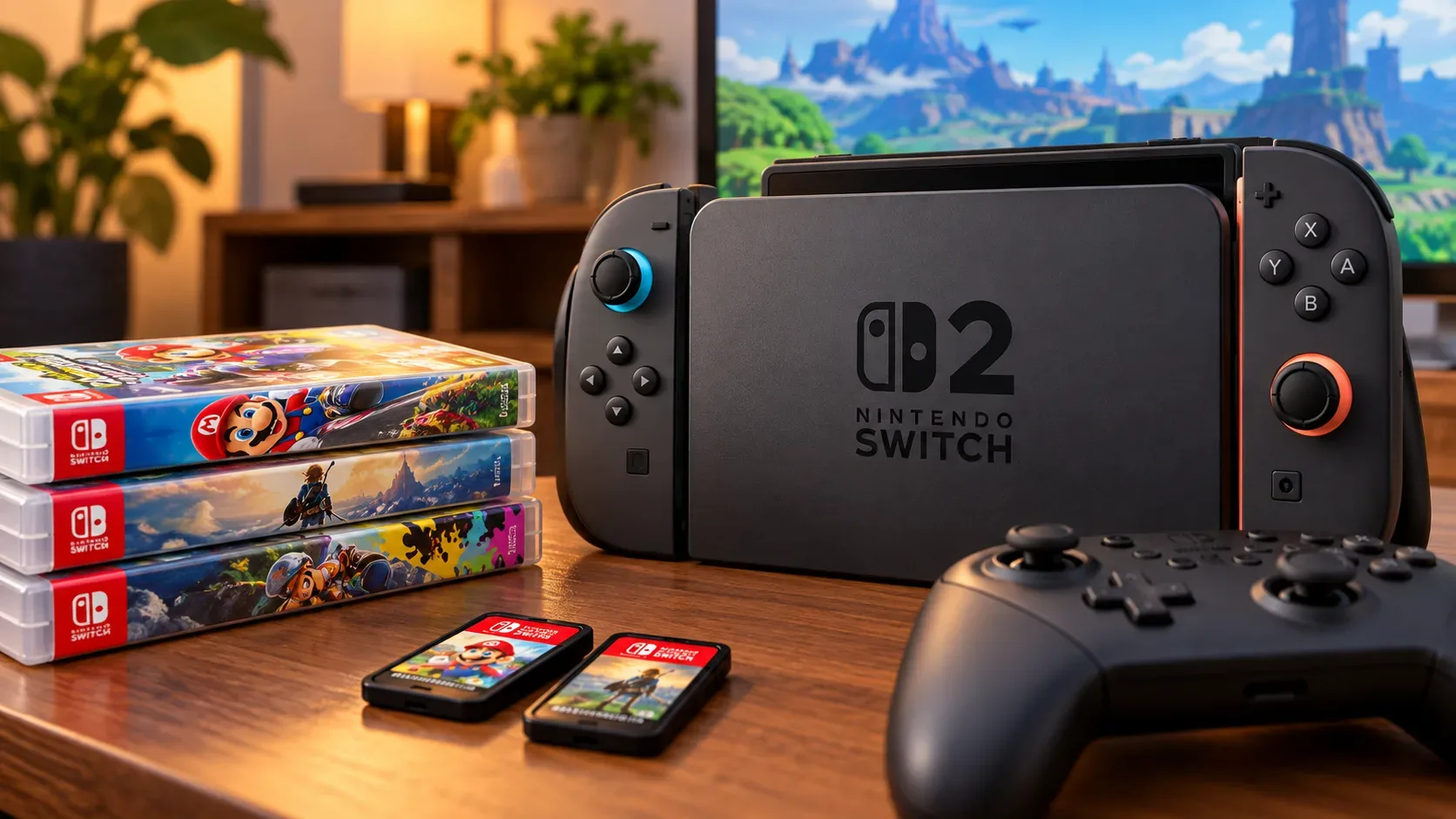
Yes. Nintendo Switch 2 can run compatible physical and digital games released for Nintendo Switch. That means a Switch game card can work on Switch 2, and digital purchases in your library can be transferred or downloaded again. The important word is compatible: Nintendo does not present backward compatibility as absolute, because some titles have limitations, rely on specific controllers or accessories, or need an update.
Before moving over, it helps to separate four questions that are often mixed together: does the software run on Switch 2? is your digital license available on the correct Nintendo Account? can your save data be transferred? and does the game require a controller or accessory that Joy-Con 2 does not replace? A yes to one of these questions does not automatically guarantee the others.
Does Switch 2 play physical Nintendo Switch game cards?
Generally, yes. Nintendo states that Switch 2 can run compatible physical versions of games released for Nintendo Switch. The physical game card remains the media used to launch the game, but the title still needs to be classified as compatible. Because Switch 2 hardware is different, some games may not work, may work only partially, or may depend on an update.
The safest way to check is to use Nintendo's official Nintendo Switch game compatibility page for Nintendo Switch 2. Nintendo recommends checking a title's status before buying a Switch game specifically to use it on Switch 2 and also before migrating with the expectation that an existing library will work.
What about digital games I already bought?
Digital Nintendo Switch purchases can be brought to Switch 2 through the linked Nintendo Account. During a system transfer, Nintendo says purchased digital games can be transferred and downloaded again on the new console. The official transfer guide also covers moving save data and settings.
Another option is virtual game cards. This feature displays your digital library and lets you load a game onto a compatible console in a way that resembles moving a physical game card between systems. It handles the license side, but it does not change software compatibility: a digital Switch game is still subject to the same compatibility status as its physical version.
It is also important not to confuse the digital game with its save data. The license lets you download or load the software, while progress is stored and transferred through separate mechanisms. If you want to continue exactly where you left off, check save-data transfer in addition to game access.
How to check a game before migrating
- Search for the title on Nintendo's official compatibility page. Use the exact game name and open its corresponding page.
- Read the status and notes. Do not stop at a general indication that the game launches. Look for warnings about startup, progression, limited features, or known issues.
- Check controllers and accessories. Some games work on Switch 2, but not with Joy-Con 2 alone.
- Look for a free update or Nintendo Switch 2 Edition. An update may fix compatibility or improve performance. A Switch 2 Edition may include a paid upgrade pack, depending on the title.
- Confirm your digital license and saves. For eShop purchases, verify the Nintendo Account used for the purchase. To continue a campaign, treat save data as a separate step.
- Check again close to your migration date. Nintendo notes that compatibility status can change as testing, patches, and fixes are released.
Game, controller, and accessory: where exceptions appear
| Situation | What normally works | What to check before moving over |
|---|---|---|
| Physical Nintendo Switch game | The game card can be used on Switch 2 if the title is compatible. | Game status and whether an update, specific controller, or accessory is required. |
| Digital Nintendo Switch game | The purchase can be accessed through the Nintendo Account, and the software can be downloaded or loaded as a virtual game card. | Title compatibility, the correct Nintendo Account, and save-data transfer. |
| Nintendo Switch Joy-Con | Can pair wirelessly with Switch 2. | They do not attach physically to Switch 2 and require a Switch system or compatible accessory for charging. |
| Nintendo Switch Pro Controller | Compatible with Switch 2 in compatible games. | Features unique to Joy-Con 2 can prevent its use in certain situations. |
| Ring Fit Adventure | Can be played on Switch 2 with original Switch Joy-Con. | Joy-Con 2 does not fit the Ring-Con or leg strap. |
| 1-2-Switch | Can run on Switch 2. | Activities that use the IR Motion Camera require an original Joy-Con (R), because Joy-Con 2 does not include that sensor. |
| Nintendo Labo Toy-Con 04: VR Kit | The software is listed among Nintendo's official exceptions. | Switch 2 does not fit in the Toy-Con VR Goggles accessory, so that use is not supported. |
The accessory and feature compatibility page is particularly useful when a game depends on external hardware. It also distinguishes between accessories that work wirelessly and those that can be attached to or charged directly from Switch 2.
Compatible does not mean everything works the same way
A game can be considered playable and still have a specific note. The clearest examples are titles designed around physical features of the original Joy-Con. Switch 2 supports Nintendo Switch Joy-Con over a wireless connection, but the controller shape has changed and Joy-Con 2 also does not reproduce every sensor from the earlier model.
There are also cases where a game receives an update to improve how it runs on Switch 2. In other cases, Nintendo offers a Nintendo Switch 2 Edition with enhancements or additional content. These are not the same situation. A free update may improve a game you already own, while an upgrade pack for a specific edition may be sold separately.
Your old microSD card does not determine whether you lost your games
Switch 2 uses microSD Express cards for expanded storage. A standard microSD card previously used in Nintendo Switch does not become compatible with the new system simply because it contains old downloads. That is a storage issue, not a game-ownership issue.
If the digital purchase is linked to your Nintendo Account, you can access the library through transfer, redownload, or virtual game card mechanisms as applicable. The practical step is to make sure you have enough internal storage or microSD Express space to download the games you need again.
A quick checklist to decide whether your migration is safe
- List the games you actually plan to keep playing instead of testing your entire library at once.
- Mark which ones are physical and which are digital.
- Check every title in Nintendo's official compatibility catalog.
- For games that use motion, cameras, Ring-Con, VR, or another accessory, read the title-specific note.
- Confirm which Joy-Con or controllers are required and how they will be charged.
- For digital games, confirm the Nintendo Account and whether you will use a virtual game card or redownload.
- Plan save-data transfer as a separate step.
- If a Switch 2 Edition or update exists, check whether it is free or requires a paid upgrade pack.
What is the practical rule?
The best way to think about Switch 2 backward compatibility is this: most of your Switch library can be carried forward, but any title that matters to your decision should be checked individually. For a physical game, having the card does not remove the need to verify compatibility. For a digital game, owning it on your Nintendo Account does not remove the need to verify the software. In both formats, controllers, accessories, saves, and updates can make the difference between “it launches” and “it works the way I expect.”
Before selling, storing, or trading in your old Switch, check your essential titles in Nintendo's official compatibility catalog and consult the official Nintendo Switch 2 FAQ for current rules on virtual game cards, controllers, and related features.