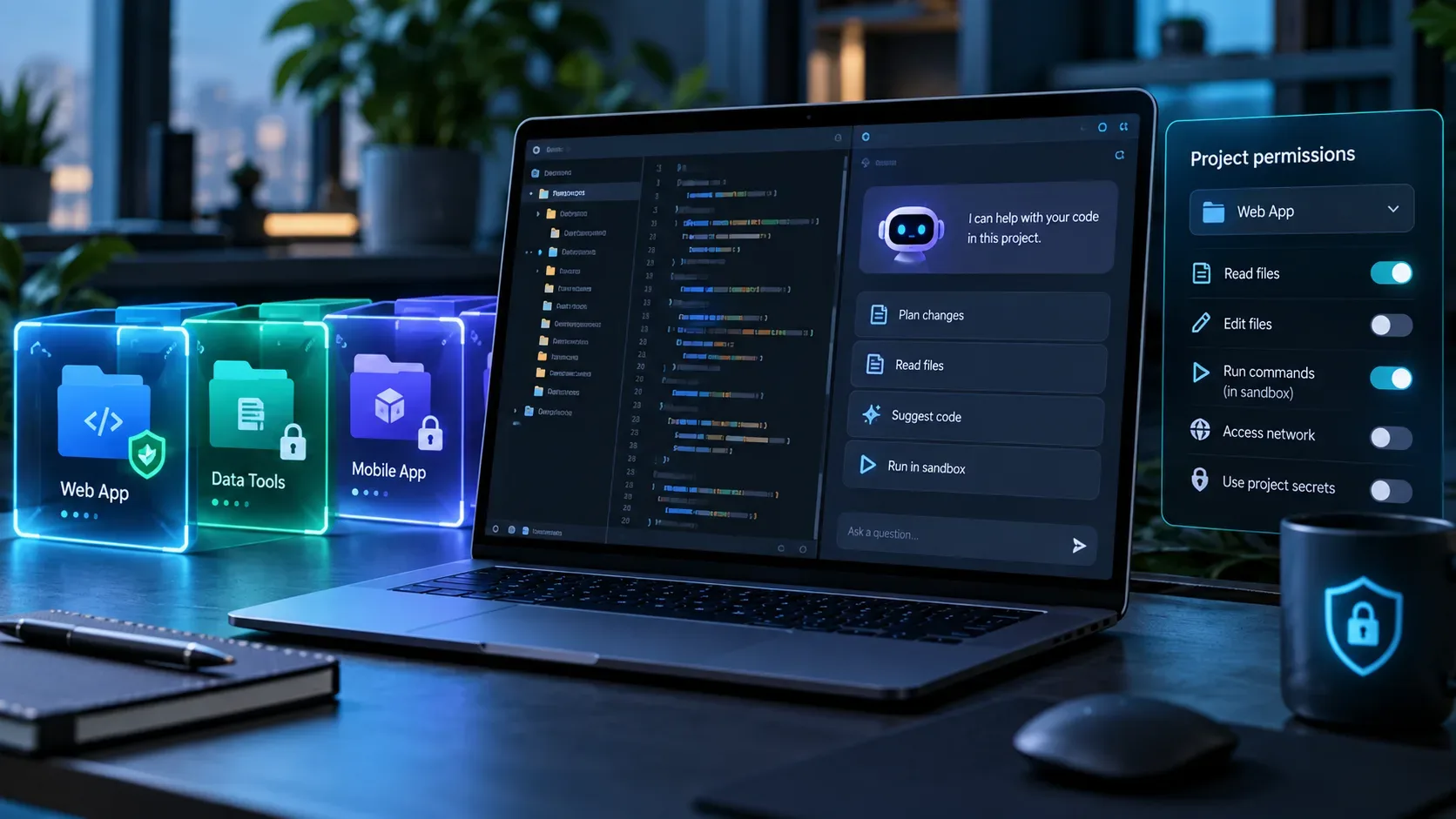
On September 23, 2026, GitHub added local sandboxing to the GitHub Copilot app. The feature runs tools invoked by the agent inside an operating-system sandbox and lets you limit access to files, networks, and credentials on a per-project basis. It is in public preview, is off by default, and applies to local repository and working tree sessions. It does not apply to cloud sandbox sessions or sessions running on a remote host.
For anyone enabling and testing the feature securely, the key point is not to treat the sandbox switch as a single permission. Each project has its own policy. The default policy still allows several common development tasks, so reviewing folders, network access, and credentials is an essential part of the setup.
How to enable local sandboxing per project
- Open the GitHub Copilot app settings.
- Select the project you want to configure.
- Under Sandbox, turn on Sandbox new sessions.
- Start a new local session in the repository or in a working tree so the project default is applied.
Turning it on in project settings does not change a session that is already running. In an active local session, you can use /sandbox on to enable isolation immediately. This command creates an override for the current session and does not change the default for other project sessions. Likewise, /sandbox off disables isolation for that session when the effective policy allows it.
If you change filesystem, network, or credential rules in project settings, the new policy is used by new sessions or after an existing session restarts. GitHub documents /restart-session as a way to restart while preserving session history.
What to review before considering the project isolated
Local sandboxing is configured across three main control groups. The table below summarizes the documented behavior and the practical decision worth reviewing.
| Area | Behavior and controls | What to review in the project |
|---|---|---|
| Filesystem | The session has read/write access to its workspace and current working directory. You can add extra read/write paths, read-only paths, and denied paths. | Grant extra access only when necessary. Prefer read-only access for libraries, data, or reference folders that do not need modification. Use denied paths for sensitive directories located near the project. |
| Outbound internet | Internet access is allowed by default and can be blocked. | If the task does not need dependency installation, API calls, or external services, consider disabling it to reduce the resources available to the agent. |
| Local network | Loopback and local network access are allowed by default and can be blocked. | Keep it only when the session must reach a development server, local database, or another private network service. |
| Git credentials | Authenticated HTTPS Git operations can use credentials inside the sandbox, and that access can be disabled. | Disable it if the session does not need to push or perform another authenticated operation. |
| GitHub CLI credentials | GitHub CLI authentication can be made available inside the sandbox, and that access can be disabled. | Disable it when the session does not need to create pull requests or perform other authenticated actions through gh. |
A more specific denied rule remains denied even when a broader parent folder is granted access. This makes it possible to protect a sensitive subfolder without blocking an entire development directory.
Least-privilege checklist for each project
- Folders: does the agent really need to read or write outside the workspace?
- Read-only: can a shared path be consulted without allowing changes?
- Denied paths: are there keys, backups, personal data, production files, or other local directories that should remain out of reach?
- Internet: does the session need a package registry, API, or GitHub during this task?
- Local network: does it need localhost or another LAN service?
- Git: is there a reason to expose authenticated Git credentials to agent-run commands?
- GitHub CLI: does the task require gh authentication, or can it stop before that step?
- Enterprise policy: is any value managed or made more restrictive by company policy?
The effective policy can be more restrictive than the policy selected in the project when enterprise-managed settings are in place. The project screen therefore represents the local configuration request, while actual behavior can also depend on controls applied to the environment.
How to test the isolation instead of relying only on the settings screen
After enabling the sandbox, run the checks in a new session and in a non-critical project. The goal is to confirm that allowed behavior still works and that blocked behavior fails in a predictable way.
- Test the allowed workspace. Ask the session to read a project file and create or edit a disposable file inside the workspace. It should work when the project keeps the default read/write access.
- Test a denied path. Add a test folder to the Denied list and try to access it from the session. Access should be refused. Do not use a genuinely sensitive folder just to prove that blocking works.
- Test the internet. Turn off Outbound internet and run a task that clearly depends on an external connection, such as querying a package registry or a test endpoint. The operation should fail because connectivity is unavailable.
- Test the local network. If the project uses a local server, turn off Local network and verify that the session can no longer reach it. Restore the permission only if normal development requires it.
- Test credentials. Turn off Git credentials and GitHub CLI credentials, then use an authentication-dependent operation in a test repository or environment. Actions that rely on those credentials should stop working inside the sandbox.
- Restore only what is needed. After testing, return to the minimum policy that supports the project's real workflow.
There is an important Linux limitation: GitHub's app documentation says the sandbox cannot independently control local network access for some spawned processes, such as shell commands and local MCP or LSP servers. The setting still applies to in-process operations, including certain web requests and remote MCP connections. Local-network testing therefore needs to account for the platform.
What happens when the requested policy cannot be enforced
The app accepts sandbox settings before checking whether the operating system can enforce every rule. The check happens when the first sandboxed shell starts. If the host cannot enforce the requested policy, the shell fails with an unsupported-platform or unsupported-policy message. According to GitHub, it does not silently fall back to running the command without a sandbox.
This behavior matters for security review: a sandbox error should be treated as an execution failure to investigate, not as evidence that the agent completed the task with partial isolation.
When the app asks to run outside the sandbox
A tool may need a resource that the policy blocks. In that case, the GitHub Copilot app can show a prompt to run outside the sandbox. Depending on the effective policy, the user may cancel, run that operation once outside isolation, or disable sandboxing for the remainder of the current session.
Running outside the sandbox broadens access for that operation and should be a conscious decision. In enterprise environments, an administrator can prevent this kind of bypass. Temporarily disabling the sandbox from this prompt does not change the project's default and ends when the session restarts or reattaches.
Local sandboxing is not the same as a working tree or a cloud sandbox
A working tree separates branches and files for concurrent sessions, but by itself it does not restrict what a command can access elsewhere on the machine. Local sandboxing adds that containment layer for tools executed by the agent.
A cloud sandbox, in contrast, runs the session in an isolated environment hosted by GitHub. A local sandbox still runs on your machine, with operating-system controls over files, networks, and credentials. Choosing between a local and cloud session is therefore a different decision from tuning permissions for a local project.
Sandbox settings in the GitHub Copilot app and Copilot CLI are also configured separately. Enabling or restricting sandboxing in one surface does not automatically copy the configuration to the other.
A practical starting configuration
For a typical project, a cautious sequence is to enable sandboxing for new sessions, keep read/write access limited to the workspace where possible, deny sensitive local directories, disable credentials that will not be used, and review whether internet and local network access are actually required. Then test those restrictions in a new session and document any exceptions the project needs.
The sandbox reduces the reach of unintended commands. It does not remove the need to review agent actions, especially when the app requests execution outside isolation or when the project requires broad access to networks, credentials, and additional paths.