OIDC in GitHub Actions lets you deploy without keeping a permanent cloud access key in secrets. Instead of retrieving a static credential, the job asks GitHub for a signed OIDC token, the cloud provider validates the identity and conditions carried by that token and, if the trust policy allows it, returns a short-lived credential. The main benefit is reducing exposure to long-lived keys, but the security of the design depends on how narrowly the trust relationship is scoped.
The recommended flow combines four controls: limit who can request the OIDC token, restrict which GitHub identities the provider trusts, grant the cloud role only the permissions it needs, and protect the deployment path inside the repository. GitHub's documentation emphasizes that the provider should apply conditions so that untrusted repositories cannot obtain access to cloud resources. See GitHub's official OIDC guide for cloud providers.
What changes when you replace a permanent key with OIDC
With a static key, a workflow usually reads a credential pair from a secret and presents it directly to the provider. That value remains valid until it expires or is revoked, even outside the run that originally needed it. With OIDC, GitHub issues a JWT tied to the execution context. The JWT carries claims such as issuer, audience, subject, repository, Git ref and, in some cases, environment and other attributes.
The provider should not trust a token merely because GitHub issued it. It must compare the claims against a trust policy. If the policy accepts only the expected repository, branch, environment or other context, the token can be exchanged for a temporary credential. If the values do not match, the exchange should fail. This check is what turns OIDC into a useful authorization boundary.
| Stage | Controlled by | What should be restricted |
|---|---|---|
| JWT issuance | GitHub Actions | Jobs with id-token: write |
| Federated trust | Cloud provider | Accepted issuer, audience, subject and claims |
| Temporary credential | Cloud provider | Duration, role, scope and accessible resources |
| Deployment | Workflow and environment | Branch, review, actions and commands allowed |
1. Configure provider trust before changing the workflow
The GitHub Actions issuer is https://token.actions.githubusercontent.com. The next configuration steps vary by provider, but the model is the same: register GitHub as an OIDC provider and create a policy that accepts only expected identities.
The two most common claims used for this decision are aud and sub. The audience varies by provider and login action. The subject represents workflow context and can include repository, branch, tag or environment. A traditional branch example is repo:ORG/REPO:ref:refs/heads/main. When a job uses an environment, the subject can reflect that environment name. The official reference also lists additional claims such as repository_id, repository_visibility, workflow_ref and job_workflow_ref, which can support more granular policies when the provider can evaluate them. See the OIDC claims reference.
There is an important 2026 change for newly configured trust policies. Repositories created after July 15, 2026 use an immutable subject format by default that includes owner and repository IDs. Renames and transfers after that date also move to the immutable format. Older repositories retain the previous format unless they opt in. Before copying a sub condition from an older example, inspect the actual claim emitted for your repository and make the provider policy match it.
Scope trust to the smallest context that represents the deployment
- Prefer one specific repository instead of an entire organization when the role serves only one project.
- For production, use a dedicated environment and require the production context in cloud trust whenever the provider supports it.
- If deployment only comes from main, do not make the same role available to every branch.
- If your architecture uses a central reusable deployment workflow, consider conditions tied to the calling workflow or job_workflow_ref, depending on provider support.
- Avoid broad wildcards in the subject. An overly convenient pattern can turn a compromise in one repository into a path toward resources that were meant to be isolated.
2. Give id-token: write only to the job that needs authentication
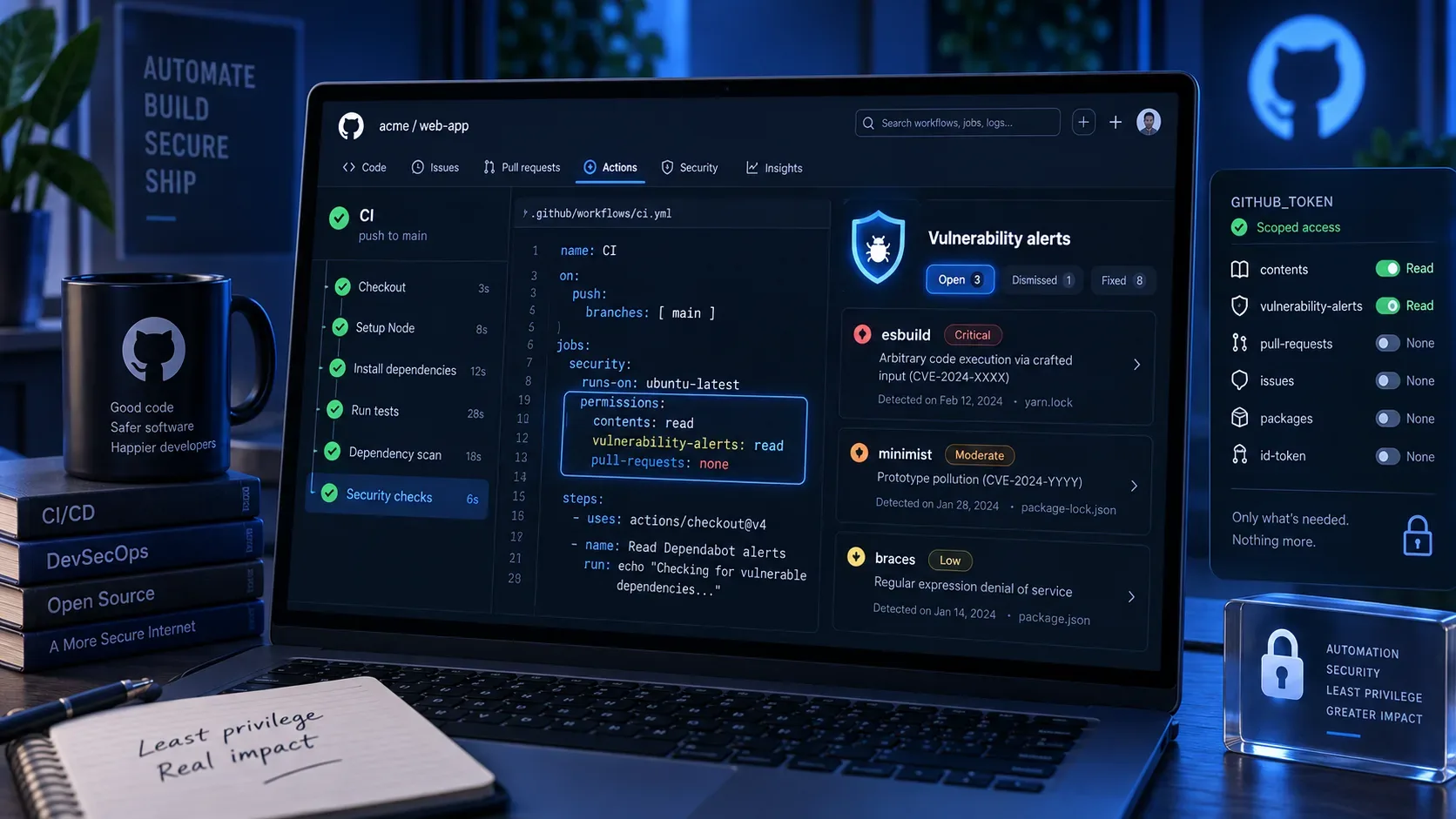
In GitHub Actions, id-token: write is the permission required to request the OIDC JWT. By itself, it does not grant write access to cloud resources or to the repository. Its effect is to let the job obtain the token that will later be presented to an external provider. GitHub's documentation also shows contents: read when the workflow checks out repository content.
When possible, set the permission at the deployment job level instead of granting it to every job in the workflow. That reduces the number of steps that can request an OIDC token.
permissions: contents: read jobs: deploy: environment: production permissions: contents: read id-token: write steps: - uses: actions/checkout@<FULL_COMMIT_SHA> - name: Authenticate with the cloud provider uses: <PROVIDER>/<OIDC_LOGIN_ACTION>@<FULL_COMMIT_SHA> with: <provider-specific inputs> - name: Deploy run: ./deploy.shThe snippet is a template, not a ready-to-run workflow. Replace the action and inputs with values documented by your provider. For third-party actions, GitHub recommends pinning the reference to a full commit SHA when you need an immutable release. See GitHub Actions secure use guidance.
3. Exchange the JWT for a temporary credential through the provider integration
The workflow does not use the GitHub JWT directly to administer the cloud. The authentication step presents it to the provider's identity service, which checks signature, issuer, audience, subject and other conditions. If they match, the provider returns a temporary credential associated with the permitted role or identity.
| Provider | Integration referenced by GitHub | Trust object |
|---|---|---|
| AWS | aws-actions/configure-aws-credentials | OIDC provider and IAM role with a trust policy |
| Azure | azure/login | Federated credential in Microsoft Entra ID |
| Google Cloud | google-github-actions/auth | Workload Identity Provider and service identity |
The details are not identical across clouds. For example, GitHub's AWS guide notes that custom OIDC claims are not supported in that path, while other providers can offer different ways to map or filter attributes. Use provider-specific documentation rather than copying a trust policy from one cloud to another. See the official guides for AWS, Azure and Google Cloud.
4. OIDC does not replace least privilege in the cloud role
Removing the permanent key solves only part of the problem. If the temporary role can administer the entire account, a compromised workflow can still cause major damage while the credential is valid. The federated identity should assume a role designed for that deployment, with restricted actions and resources.
For a pipeline that publishes an artifact and updates a service, the role does not need global administrator permissions. Limit access to the buckets, registries, services, projects, subscriptions or resource groups actually used. When the provider allows it, also limit session duration and keep separate roles for production and non-production environments.
This design creates two independent barriers: the trust policy decides who can assume the identity; the authorization policy decides what that identity can do. Both should be minimal.
5. Use environments to protect the production path
If the OIDC policy relies on an environment, protect that environment in GitHub. Deployment protection rules can require review, restrict branches and tags, or apply other conditions before a job proceeds. GitHub recommends additional protection rules when environments participate in workflows or OIDC policies. See the deployments and environments documentation.
A common production setup allows deployments only from selected branches, requires review when the risk justifies it, and prevents a job from another branch from using the same production path. This complements the trust policy: the provider validates the identity it receives, while GitHub controls which runs can reach the protected job.
6. Run denial tests, not just a deployment that succeeds
A positive test proves that the configuration can authenticate. It does not prove that the policy rejects unwanted contexts. After the first successful deployment, run scenarios that should fail and verify where denial happens.
- Temporarily remove id-token: write in a test branch and confirm the job cannot request the JWT.
- Try to authenticate from a branch that should not be able to assume the role.
- If production requires an environment, try the same flow without that environment or with a different name.
- If the policy restricts repository or workflow context, verify that a different context does not receive a credential.
- Confirm that the credential cannot perform an operation outside the deployment's required scope.
GitHub also provides ways to inspect OIDC claims before you finish the provider integration. This is useful for discovering the real sub, checking aud and avoiding a trust policy built on assumptions.
Common mistakes that weaken the design
- Trusting an entire owner or organization: convenient, but it expands the set of repositories that can reach the cloud role.
- Granting id-token: write globally without need: increases the number of jobs able to request a token.
- Using a broad cloud role because the credential is temporary: short duration reduces the window, not the power of the session.
- Copying an old subject: in 2026, new repositories can use the immutable format with IDs, so trust must match the actual claim.
- Leaving critical actions on movable tags without review: federated identity does not protect against changed action code. Pinning actions to a full SHA reduces that risk.
- Protecting the cloud and forgetting the environment: if any branch can reach the production job, the effective design can be broader than intended.
Checklist for a narrowly scoped OIDC deployment
- Register https://token.actions.githubusercontent.com as the issuer according to your cloud provider's documentation.
- Define explicit trust conditions for repository and deployment context.
- Check the actual sub, especially for repositories created, renamed or transferred after July 15, 2026.
- Grant id-token: write only to the job that authenticates with the cloud.
- Keep GITHUB_TOKEN and other permissions at the minimum required level.
- Use the provider's official authentication action or an equivalent documented implementation.
- Restrict the cloud role to the actions, resources and session duration required by the deployment.
- Protect the production environment with rules appropriate to the risk.
- Pin critical actions to full commit SHAs when immutability is required.
- Run denial tests for branch, environment, repository and authorization scope.
When these layers align, OIDC removes the need to store a long-lived cloud key in GitHub and turns each run into contextual authentication. The goal is not merely to replace a secret with a token, but to ensure that only the right workflow, in the right context and for the necessary time can assume a least-privileged identity.