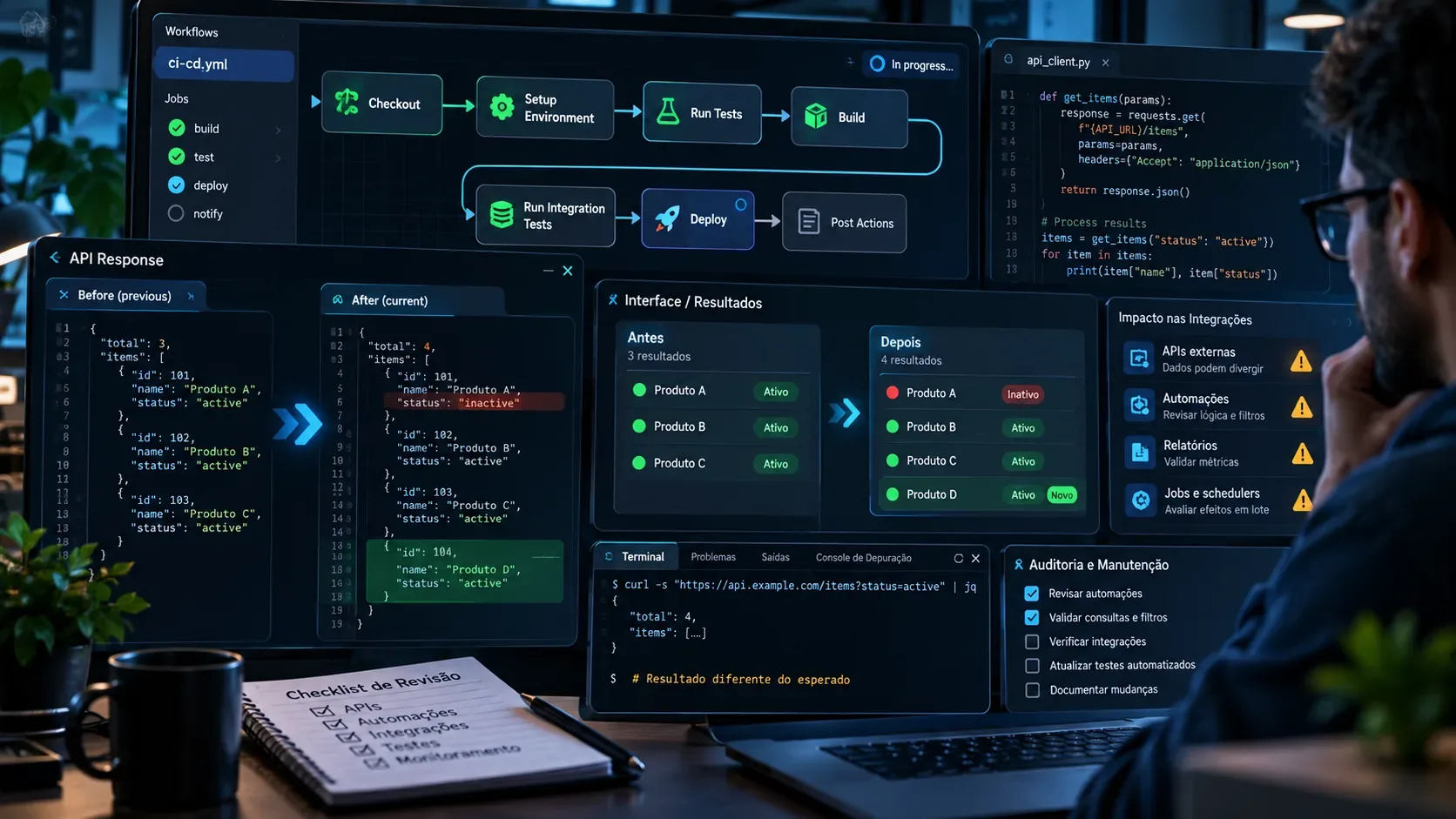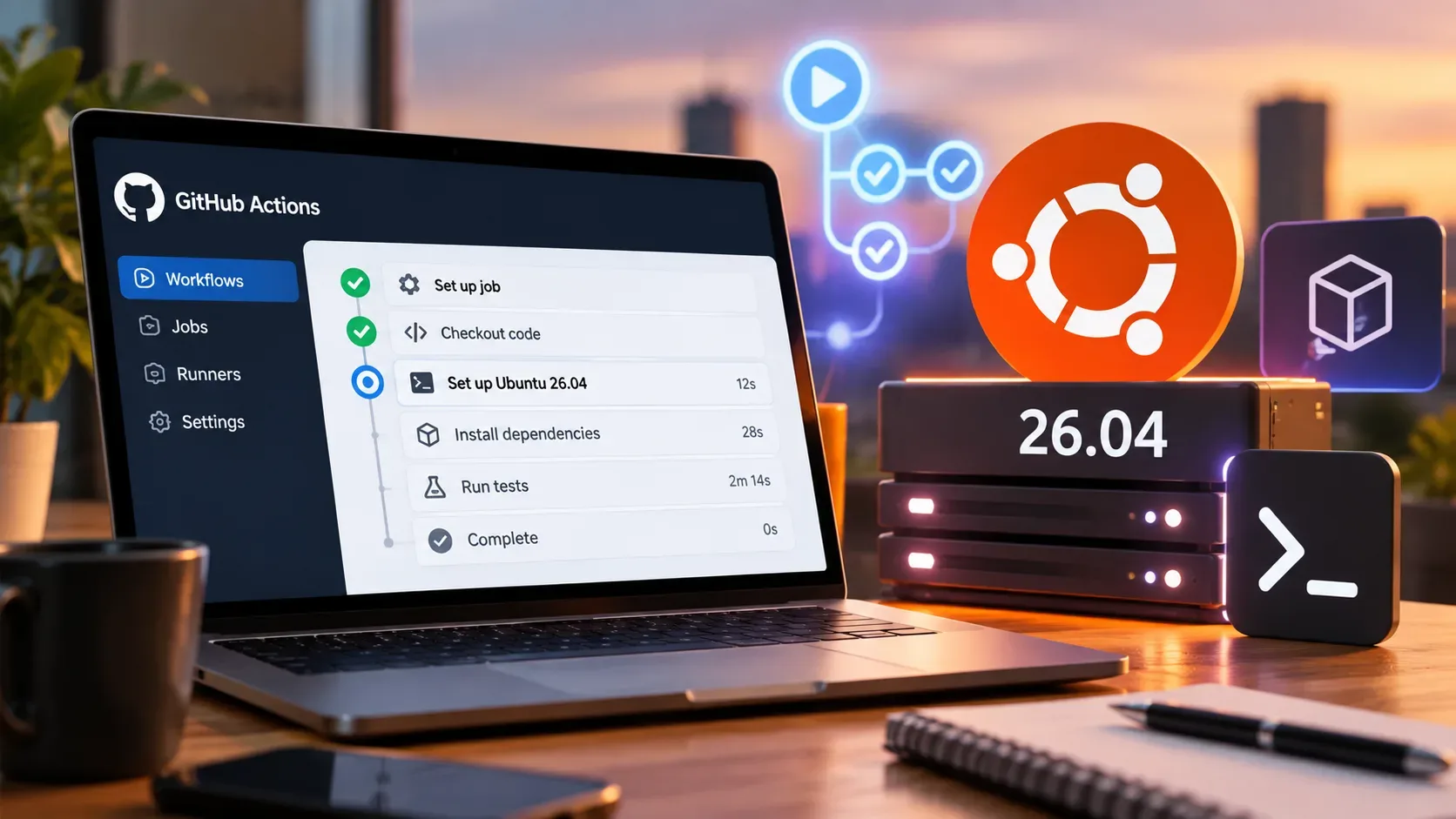
Ubuntu 26.04 is now generally available on GitHub Actions hosted runners for x64 and arm64. The main point to watch is the ubuntu-latest label: GitHub announced that it will stop pointing to Ubuntu 24.04 and will gradually migrate to Ubuntu 26.04 between October 19 and November 19, 2026. Teams using ubuntu-latest should validate their workflows before that window because preinstalled tools, runtime versions, and system packages differ between images.
What changes in the migration to Ubuntu 26.04
To use the new image explicitly, GitHub instructs users to set runs-on: ubuntu-26.04 for x64 jobs or runs-on: ubuntu-26.04-arm for arm64 jobs. During the ubuntu-latest migration, the same workflow file may run on Ubuntu 24.04 or Ubuntu 26.04 as the rollout progresses. For that reason, a single run should not be treated as proof that every job has already migrated.
If a team is not ready to move yet, it can temporarily pin runs-on: ubuntu-24.04. This pin prevents the job from automatically following the ubuntu-latest change, but it also makes the team responsible for planning the upgrade later.
How to check which runner executed a job
The most reliable way to verify the image used by a run is to open the job logs in GitHub Actions and expand Set up job. Inside that step, the Runner Image section shows the image version and provides the Included Software link for the exact runner that processed that job.
This check is more precise than looking only at the current list in the actions/runner-images repository because hosted images are updated regularly and a new image rollout takes several days. The repository itself recommends using the Set up job log when you need to know the effective image version for a specific run.
How to test before ubuntu-latest changes
The most direct test is to run the same set of jobs on ubuntu-26.04 before October 19. For important workflows, it can be useful to keep a temporary comparison between ubuntu-24.04 and ubuntu-26.04, for example with an operating-system matrix, so differences can be found without relying on the ubuntu-latest rollout.
Do not look only at the final status. Check installation, compilation, tests, packaging, artifact generation, and publishing steps. A migration can remain green while still producing a different binary, selecting another compiler version, or resolving dependencies differently.
Which dependencies deserve review
Ubuntu 26.04 comes with a different set of preinstalled software. The published image list contains newer versions of runtimes, compilers, and package managers than the Ubuntu 24.04 image. Because these images are updated over time, comparisons should use the Included Software link from the actual run and, when needed, the 24.04 and 26.04 image software files in the official repository.
- Runtimes: check Node.js, Python, Ruby, Java, .NET, and other languages used directly or by supporting tools.
- Compilers and toolchains: validate GCC, Clang, CMake, Make, the linker, and native libraries when the project compiles code or extensions.
- Package managers: changes in npm, pip, Homebrew, Helm, vcpkg, and others can affect dependency resolution, lockfile formats, or installation behavior.
- System packages: do not assume that an APT library available on the previous image remains installed with the same name and version.
- Containers and infrastructure tools: review Docker, Buildx, cloud CLIs, and tools used for build, deployment, and integration tests.
- Browsers and drivers: end-to-end test pipelines can be affected by different versions of Chrome, Chromium, Firefox, or drivers.
How to reduce dependence on preinstalled image contents
The more a workflow implicitly depends on the runner's contents, the greater the risk that an image update changes its result. For critical components, prefer installing or selecting versions explicitly with official setup actions, lockfiles, and reproducible installation commands.
It is also useful to record versions inside the job during the migration period. Simple commands that print the runtime, compiler, package manager, and build-tool versions make comparisons between runs much more objective. This evidence helps separate an operating-system problem from a change in the project's code or dependencies.
Practical migration checklist
- Find workflows that use ubuntu-latest.
- Run critical jobs on ubuntu-26.04 before October 19, 2026.
- Open Set up job and record the image version and Included Software link.
- Compare installation, build, tests, artifacts, and deployment steps between Ubuntu 24.04 and 26.04.
- Pin runtime and tool versions that must not vary between runs.
- If an incompatibility is not yet resolved, temporarily use ubuntu-24.04 while fixing the workflow.
- After the fix, test again on ubuntu-26.04 before relying on ubuntu-latest again.
What to do if the workflow breaks
If a run fails during or after the migration, first confirm which image actually executed the job. Then compare the Included Software link and the versions recorded in the log with an earlier successful run. If the problem is tied to Ubuntu 26.04, temporarily pinning Ubuntu 24.04 can restore predictability while the incompatible dependency is updated.
The goal is not to keep the pin forever. The announced migration means Ubuntu 26.04 will become the basis of ubuntu-latest, so the sustainable path is to remove assumptions about preinstalled software, make critical versions explicit, and validate the pipeline on the new image before rollout.