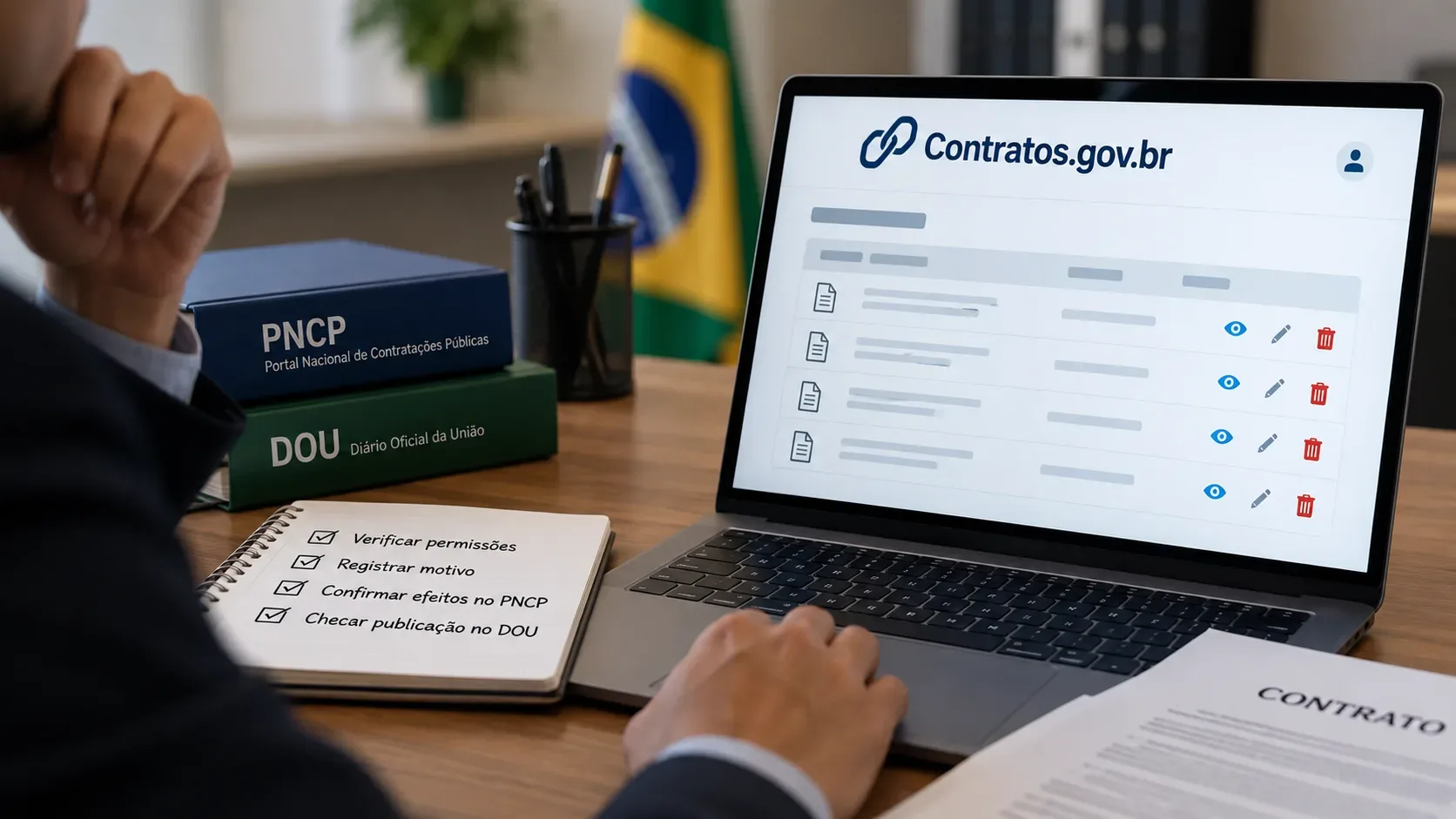
Since January 27, 2026, Contratos.gov.br has allowed users with the Setor Contratos profile to directly delete contracts that were registered by mistake or contain a registration error. The feature reduces the need to open a support ticket, but it comes with an important safeguard: deletion is final and cannot be undone. Before using it, the unit should confirm that the problem is truly a record that must cease to exist, rather than valid contract data that simply needs correction.
When deletion is the right tool
The official Federal Government notice limits the intended use of the feature: it was created for contracts entered by mistake or with a registration error. This can include situations such as an improper or duplicate record, or a contract that should not have been entered in that form.
The key point is not to turn deletion into the default solution for every discrepancy. The PNCP itself provides contract correction services, including partial correction. Therefore, if the contract is valid and the problem concerns a field or piece of information that can be amended, the unit should verify the applicable amendment or correction procedure before choosing an irreversible deletion. The public documentation does not say that every error must be solved by deletion; it presents the feature specifically as a way to correct mistaken registrations.
Who can delete a contract and how the Contratos.gov.br flow works
Direct deletion requires the Setor Contratos profile. The Federal Government's published workflow is:
- access Contratos.gov.br;
- search for the contract to be deleted;
- open the actions menu and select Excluir Contrato;
- enter the justification for deletion;
- click Salvar e Excluir.
The justification is not merely a formal field. It is recorded in Contratos.gov.br and, when the contract had already been published in the PNCP, it is also sent to the portal and linked to the user responsible for the action. The PNCP integration likewise provides a dedicated contract-deletion operation with a mandatory justification.
What can block deletion
The system does not allow deletion when the contract already has certain linked records. According to the official notice, deletion is blocked by:
- deliveries;
- service or supply orders;
- a declaration related to Decree No. 11,430/2023;
- receivables anticipation, including AntecipaGov or bank domicile;
- a commitment draft of the “Contrato” type;
- a collection instrument;
- appropriation of a collection instrument;
- an amendment term;
- an apostille term;
- a termination term;
- a final report.
If any of these links exists, deletion will not be completed. This indicates that the contract has already generated management or performance records that must be handled through the appropriate procedure. Related records should not be removed merely to “unlock” deletion without first reviewing the administrative and documentary status of the case.
What happens in the PNCP after deletion
If the contract had already been published in the National Public Procurement Portal, confirming deletion in Contratos.gov.br causes the contract publication to be removed automatically from the PNCP. The unit does not need to perform a second manual deletion in the portal.
At the same time, when there was a prior publication, the justification entered in the operation is recorded in the PNCP and associated with the responsible user. In other words, the integration does not treat deletion as a context-free removal: the reason given for the action is registered.
It is also important to distinguish a contract from the procurement procedure itself. The PNCP technical documentation provides separate services for different resources. For contracts or commitments, there is a dedicated deletion endpoint and justification is mandatory. This separation helps avoid the assumption that deleting a contract automatically erases other objects belonging to the procurement.
What about the Federal Official Gazette (DOU)?
The DOU follows a different logic. The 2026 notice is explicit: there is no automatic removal of the Federal Official Gazette publication when a contract is deleted from Contratos.gov.br.
In that situation, the unit responsible for deletion must assess whether it is necessary to ask the National Press to publish a notice informing the public that the contract was deleted. Therefore, it is not enough to confirm that the PNCP was updated and assume the DOU followed automatically. They are separate publication channels.
The official guidance also does not support the conclusion that the original DOU publication simply “disappears.” The indicated step is to assess the case and, when appropriate, arrange a new publication informing readers of the deletion. The administrative file should document that assessment and the action taken.
Checklist before and after deletion
| When | Check | Why |
|---|---|---|
| Before | Confirm that the record was created by mistake or contains an error that warrants deleting the registration | The action is final and cannot be undone. |
| Before | Verify that the user has the Setor Contratos profile | This is the profile specified for using the feature. |
| Before | Check for deliveries, orders, terms, collection records, final report or other blocking links | These linked records prevent deletion. |
| Before | Prepare an objective and traceable justification | The reason is recorded and linked to the responsible user. |
| Before | Identify whether the contract was published in the PNCP and in the DOU | Deletion has different effects in each channel. |
| After | Confirm that the contract publication was removed from the PNCP | Removal should occur automatically after deletion. |
| After | If there was a DOU publication, document the assessment on whether a new notice is required | The DOU is not updated automatically. |
| After | Keep the justification and the measures taken in the administrative file | This preserves traceability of the correction. |
Three procedural mistakes to avoid
- Deleting simply to “edit faster.” If the contract is valid, first verify whether the issue should be handled through an amendment or correction procedure.
- Confusing the PNCP with the DOU. Deletion automatically removes the PNCP publication, but it does not eliminate the need to assess a separate measure for the Federal Official Gazette.
- Ignoring linked contract records. Existing performance or management records can block deletion and may show that the case requires a different administrative treatment.