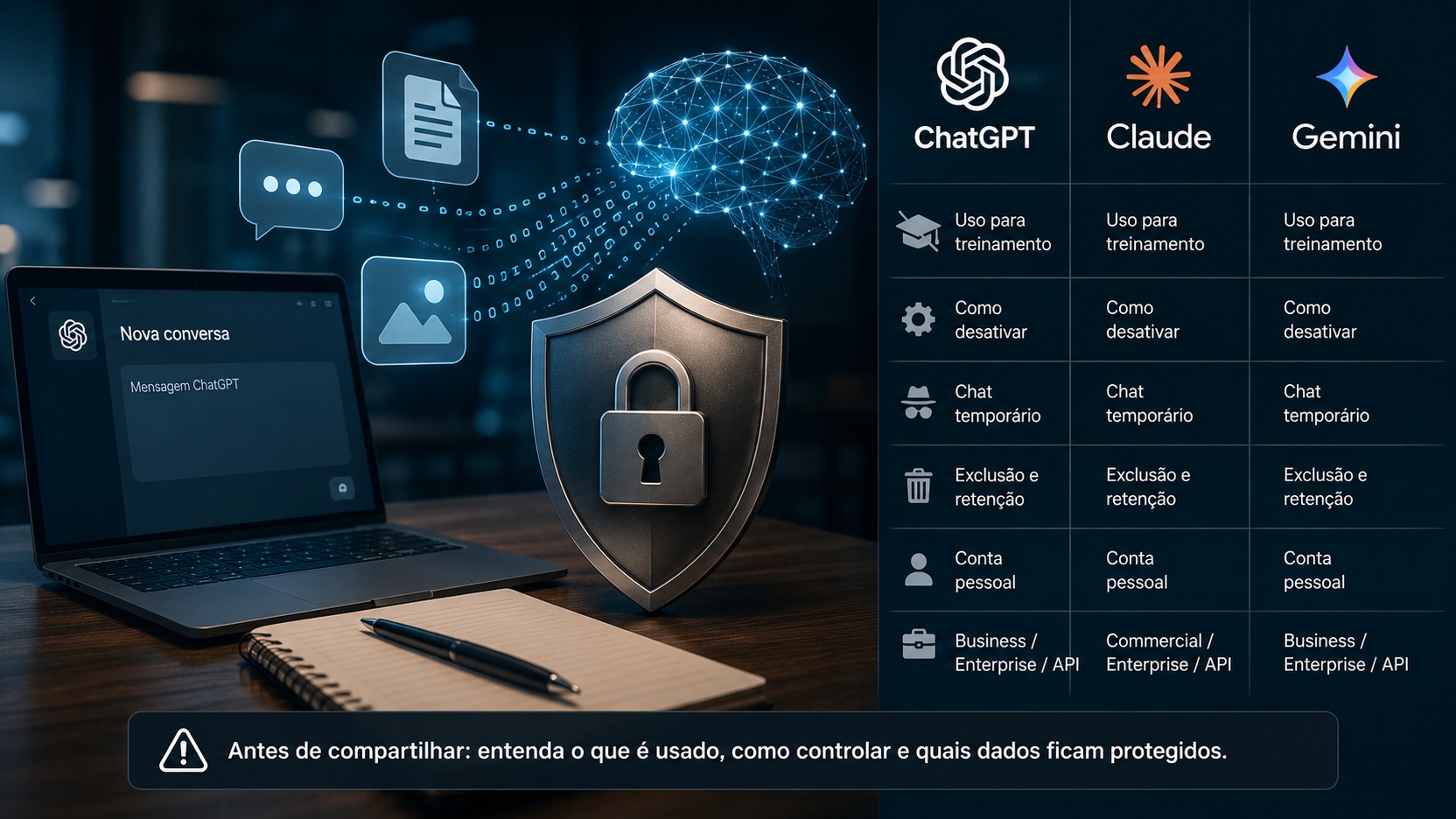
The short answer is: it depends on the product, account type and active configuration. On personal accounts, ChatGPT, Claude, and Gemini may have rules that allow you to use certain conversations to improve models, but all three offer controls to reduce or prevent this use in specific situations. On enterprise plans and paid APIs, the rule is often more protective: customer data is not used for training by default. Still, "not to use for training" does not mean "not to store", much less "no one can ever review".
This difference is the main source of confusion. Training, retention, history, memory, human review, and security use are different things. A conversation may not feed model training and may still be held for a few days for abuse prevention, legal obligations, or service operation. It may also remain in history because you chose to save it. And a sent file can follow its own retention rules even when the chat is deleted.
The policies below were verified in official documentation from OpenAI, Anthropic and Google available on August 20, 2026. As controls and deadlines may change, the safest point is to understand the logic of each environment and review the configuration before sharing sensitive information.
First, pick five things that look the same but aren't
Use for training
When a company says it may use conversations to "improve" or "train" models, it means that the content may participate in future model development processes, assessments, tuning, or security systems, as applicable policy. Disabling this usage typically affects future conversations; does not undo training that has already started or remove knowledge from a model that has already been trained.
Retention
Retention is how long the provider keeps the conversation, file, log or some derived data. It is perfectly possible to have retention without training. ChatGPT's temporary chats and Claude's incognito chats are clear examples: they are not used for training, but may be kept for a limited period of time for security and operation.
History and memory
History is what you can go back and open later. Memory is the mechanism that allows the assistant to use information from previous conversations for personalization. Turning off memory is not the same as turning off training, and deleting a chat from the history does not necessarily instantly erase all technical copies of the provider.
Human review
Some products may allow human review for quality, safety, feedback analysis, or abuse investigation. The possibility and purpose vary depending on the plan and configuration. Therefore, "does not train" should not be automatically interpreted as "no person can access".
Feedback
Like, dislike buttons or error forms deserve separate attention. In all three ecosystems there are situations where voluntarily sending feedback can lead the conversation.
Associated for analysis and improvement flows, even when the general training setting is turned off.
ChatGPT: personal account, Temporary Chat and business environments
ChatGPT Free, Plus and Pro in personal workspace
Current OpenAI documentation says that in Free, Plus, and Pro personal workspaces, data sharing for model improvement is enabled by default. The user can disable the "Improve model for everyone" option in Settings and Data Controls. After deactivation, new conversations may still appear in the history, but are not used to train OpenAI models.
This also shows why paying for the Pro or Plus plan does not transform your personal account into a business environment. The relevant criteria for privacy is not just "paid or free", but which contract and which workspace is in use.
There is one important exception: if the user sends feedback on an answer, OpenAI advises that the entire conversation associated with the feedback can be used for training, even when general training has been turned off. Therefore, those who work with confidential content also need to think before using the review buttons in that chat.
ChatGPT Temporary Chat
Temporary Chat is the most direct option for a conversation that should not go into history or create memory. OpenAI states that these chats are not used to train its models. They also do not appear in the history and do not create memories for personalization.
But temporary does not mean instant disposal. For security reasons, OpenAI may keep a copy for up to 30 days. In other words, this mode reduces persistence and excludes training, but it should not be treated as a log-free vault.
If a personalized GPT uses third-party actions or services, the data sent to those third parties will follow their privacy policy. ChatGPT's temporary mode does not automatically control what an external service does with the information it receives.
Deleting chats and files in ChatGPT
Regular chats are saved in the account until you delete them. When you delete a conversation, it immediately leaves your account and is scheduled for permanent deletion from systems within 30 days, except for exceptions such as legal retention, security or content that has already been de-identified and dissociated from the account.
Files require extra attention. When the File Library is available, a file sent during a conversation can be saved and managed separately. OpenAI itself warns that deleting the chat does not necessarily delete the file saved in the Library. For work material, the scan should include both the conversation and the account's file repository.
ChatGPT Business, Enterprise, Edu and API
In business products, the rule changes. OpenAI states that by default it does not use inputs and outputs from ChatGPT Business, Enterprise, Edu, and the API platform to train or improve its models. This is a structural difference from the personal workspace.
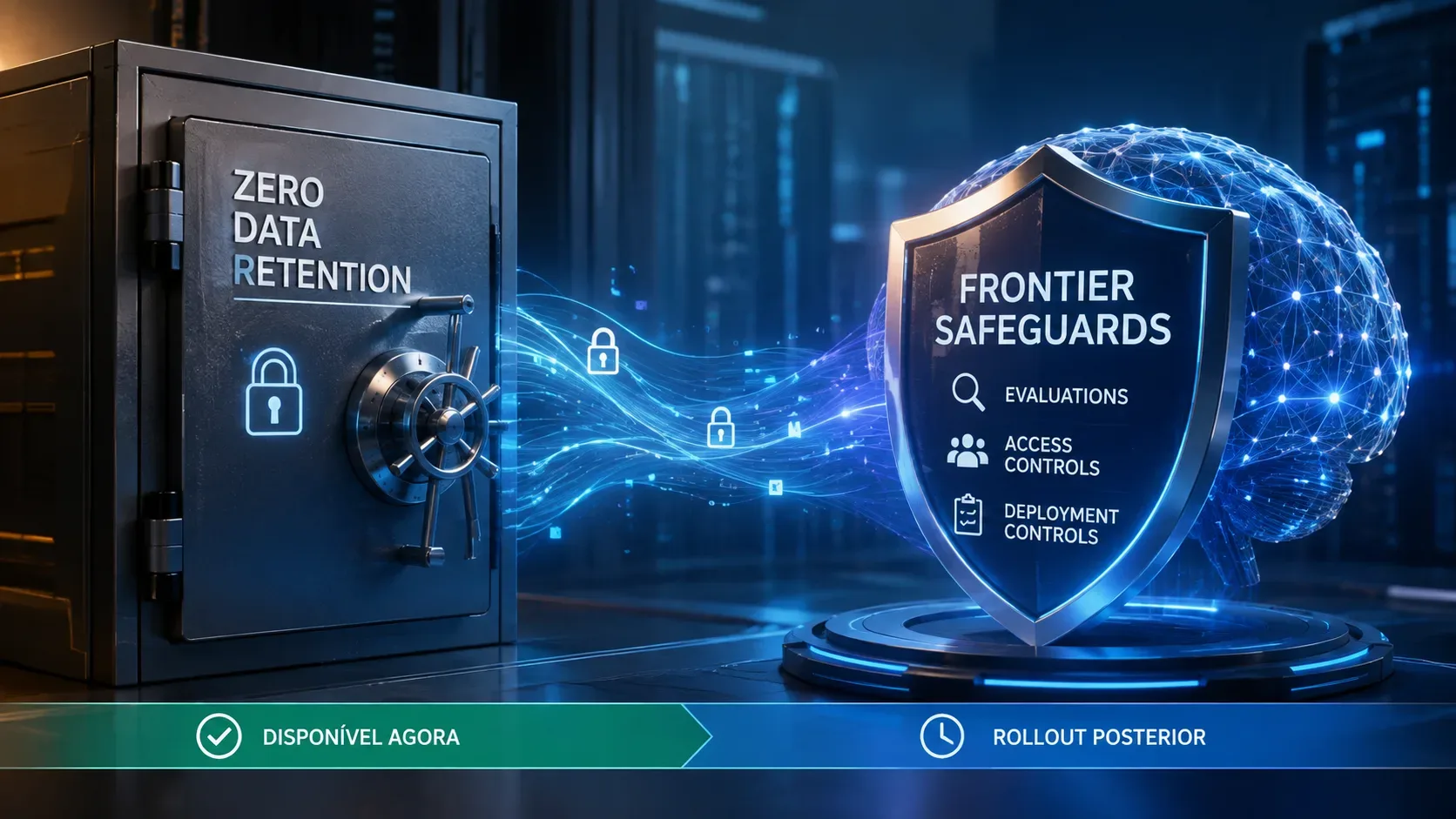
There is still retention. In the API, abuse monitoring logs can contain prompts and responses and, by default, can be kept for up to 30 days. Some stateful features retain data longer to function, and eligible customers can request controls such as Zero Data Retention or Modified Abuse Monitoring. Therefore, choosing the API should not be boiled down to "don't train"; Endpoint architecture and retention policy also matter.
Claude: the choice of model improvement and the role of incognito
Claude Free, Pro and Max
In Anthropic consumer products such as Claude Free, Pro, and Max, using conversations to improve Claude depends on a user's privacy choice. Anthropic says it may use chats and code sessions when a person allows model improvement, when a conversation is flagged for security review, or when there is another explicit opt-in, such as sending feedback or participating in specific programs.
The option can be changed in the privacy settings. If it is turned off, new conversations and code sessions will no longer be used in future training. Anthropic also advises that previously stored chats are no longer used in future training runs, although data already present in a started run or in already trained models cannot be retroactively "untaught."
When the user authorizes use for improvement, Anthropic may retain de-identified data for up to five years in training pipelines. The company also maintains separate rules for safety-flagged content and for feedback.
Claude's incognito chat
The closest equivalent to temporary mode is incognito chat. It is available on consumer plans and also on Team and Enterprise. Incognito chat is not recorded in the history, is not used by Claude's memory and is not used for training, even if model improvement is activated on the account.
Still, Anthropic reports 30-day retention by default. In Enterprise organizations, a custom policy can change this deadline. The practical point is the same as seen in ChatGPT: temporary mode reduces secondary use of content, but does not mean a total absence of operational retention.
Deletion and feedback on Claude
When a user deletes a consumer conversation, it is removed from the history immediately and deleted from back-end systems within 30 days. If a conversation was sent as feedback, the rule may be different: Anthropic advises that feedback data can be kept for up to five years and used for analysis, research and model training, after unlinking the user identifier.
Claude for Work, Team, Enterprise and API
In commercial products, Anthropic states that it does not use inputs and outputs for training by default. This includes Claude for Work and the API. Use for training may occur if the customer explicitly sends feedback, participates in a sharing program, or gives other specific authorization.
In the API, the standard retention of inputs and outputs is up to 30 days, with security exceptions, legal requirements and specific agreements. Some approved customers may have zero retention agreements for the API. In work products that need to maintain conversations and projects, chats can remain available to continue work until they are deleted or until organization policy determines otherwise.
Gemini: the difference between personal account, Workspace and free or paid API
Gemini in personal account
In Gemini for consumers, the central control is the "Keep Alive" setting. For users aged 18 and over, it is enabled by default. When active, conversations and shared items such as files, images, videos, screens and photos can be saved in Gemini App Activity and used to deliver, develop and improve services, including training generative AI models. Google reports that there is human review in part of this process.
By default, the activity is automatically deleted after 18 months, but the user can choose 3 months, 36 months or not to delete automatically. This history period is not the same as the period for data that has already undergone human review: Google informs that conversations analyzed by reviewers can be disconnected from the account and retained for up to three years, and are not necessarily deleted when the user deletes the visible activity.
Keep Activity off and chat momentary
If Keep Alive is turned off, future conversations aren't used to improve Google models, except when the user sends feedback. Still, Google maintains these conversations for 72 hours to respond to commands, preserve recent context, and protect the service, users, and the public.
Momentary conversation, Gemini's temporary mode, follows similar logic. It is not included in the normal history and is not used to train Google's AI models, but is retained for 72 hours for operation and security.
Sending feedback reopens another door. Google reports that feedback can include contextual information, including up to the last 24 hours of the conversation and associated content, such as uploads or data from connected apps. This material may be reviewed and used to improve services.
Gemini on Google Workspace
For organizations using eligible versions of Google Workspace with Gemini, treatment is different from the consumer product. Google says the organization's data is not used to train or improve Gemini models or for ad targeting. In qualified enterprise licenses, Gemini submissions are not used for training and are not reviewed by humans for that purpose.
History retention continues to exist, but can be controlled by the administrator. The Workspace documentation indicates a default history of 18 months for the Gemini app on work or school accounts, with administrative options of 3, 18, or 36 months or disabling history, depending on your organization's configuration.
This reinforces an important point: a personal subscription to the Google ecosystem does not automatically equate to Workspace's contractual protections. For corporate filing, what
what matters is being in the right organizational environment, not just using a product called Gemini.
Gemini API and Google AI Studio
Here there is a difference that may go unnoticed even by developers. Under the current terms of the Gemini API, Unpaid Services, such as free interactions in Google AI Studio and unpaid API quota, may use submitted content and generated responses to provide, improve, and develop machine learning products and technologies. Human reviewers can also analyze inputs and outputs. Google itself advises not to send sensitive, confidential or personal information to these Non-Paid Services.
For Paid Services, the policy changes: Google states that it does not use prompts, system instructions, associated files, or responses to improve its products. There may still be limited logging to detect breaches, security and legal obligations. The 2026 documentation also describes ways to reduce retention in the Gemini Developer API, but eligibility depends on the resources used and project configuration.
For those who develop systems with AI, this is one of the most important distinctions in the entire comparison: "using the API" is not enough to conclude that the data is out of training. In the case of Gemini, you need to know whether the usage is unpaid or paid and which Cloud project it is associated with.
What changes, in practice, before sending a work file
If the content is public or low sensitivity, a personal account may be sufficient as long as you understand and adjust the controls. In ChatGPT, disable "Improve model for everyone" or use Temporary Chat. In Claude, review the model improvement option or use incognito chat. On your personal Gemini, turn off "Keep Alive" or use momentary chat.
If the material contains a contract, customer base, proprietary code, internal financial spreadsheet, HR document, commercial strategy, information under confidentiality agreement or any data that your company has not authorized to send to a consumer service, the decision should not depend solely on a privacy button. The ideal is to use an environment approved by the organization, with a corporate contract, administrative controls and retention policy compatible with the risk.
It's also worth checking whether the file really needs to be sent in its entirety. Many tasks can be solved with an anonymized snippet, a fictitious structure or data reduced to the minimum necessary. This practice remains useful even in enterprise plans, because contractual protection does not eliminate operational risk, human error, or exposure from third-party integrations.
Five questions to ask before clicking send
What product and workspace am I using?
ChatGPT Plus or Pro in personal workspace remains under consumption rules. Claude Pro and Max are also consumer products. At Google, enterprise treatment depends on the Workspace environment and applicable license. The model name alone does not reveal the data policy.
Is training on or off?
Check out the specific control of the service. Don't assume that paying for a personal subscription automatically turns off training. In personal ChatGPT, sharing for improvement is turned on by default. At Claude, there is a choice of privacy. In personal Gemini, "Stay Active" is turned on by default for adults.
Do I need history or can I use temporary mode?
If there is no reason to save the conversation, Temporary Chat, incognito chat or momentary conversation reduce history and exclude use for training. Still, accept that short retention may exist for safety and operation.
What happens to files and integrations?
Files should be treated with the same care as the prompt. In some products, they have their own retention cycle. If the assistant uses actions, connectors, MCP, plugins or external services, some of the content may leave the main environment and follow the third party's policy.
Am I sending feedback about a sensitive chat?
Feedback is often treated as a separate authorization for review. OpenAI, Anthropic, and Google describe flows where conversational context can accompany an assessment. In a chat with confidential information, do not use this mechanism without understanding what will be sent.
Temporary chat is not synonymous with absolute confidentiality
All three providers today offer a conversation mode that avoids training: Temporary Chat on ChatGPT, incognito chat on Claude and momentary chat on Gemini. It's an important improvement for privacy, but it doesn't amount to a "zero data" promise. OpenAI and Anthropic indicate retention of up to 30 days in their temporary modes; Google says 72 hours for in-the-moment conversations.
Additionally, security policies, abuse investigation, legal requirements, and external integrations may create exceptions. For high-value data, the strongest control often comes from a combination of data minimization, appropriate business environment, contract, manageable retention, and internal governance.
The most useful rule: choose the context before choosing the model
The question "ChatGPT, does Claude or Gemini use my conversations for training?" is too broad to have a single answer. In 2026, the most useful division is another: training-enabled consumer product, opt-out consumer product, temporary mode, enterprise environment, and paid or free API.
For common personal use, privacy controls already allow you to greatly reduce the use of conversations. For confidential work, however, the safest choice is not to rely solely on disabling training. Use the right enterprise workspace, review retention and integrations, avoid sending more data than the task requires, and treat feedback as additional sharing.
AI policies change frequently. Before a sensitive project, double-check the provider's official documentation and your own organization's rules. The difference between a personal chat, a temporary mode and a business environment can be greater than the difference between the models themselves.