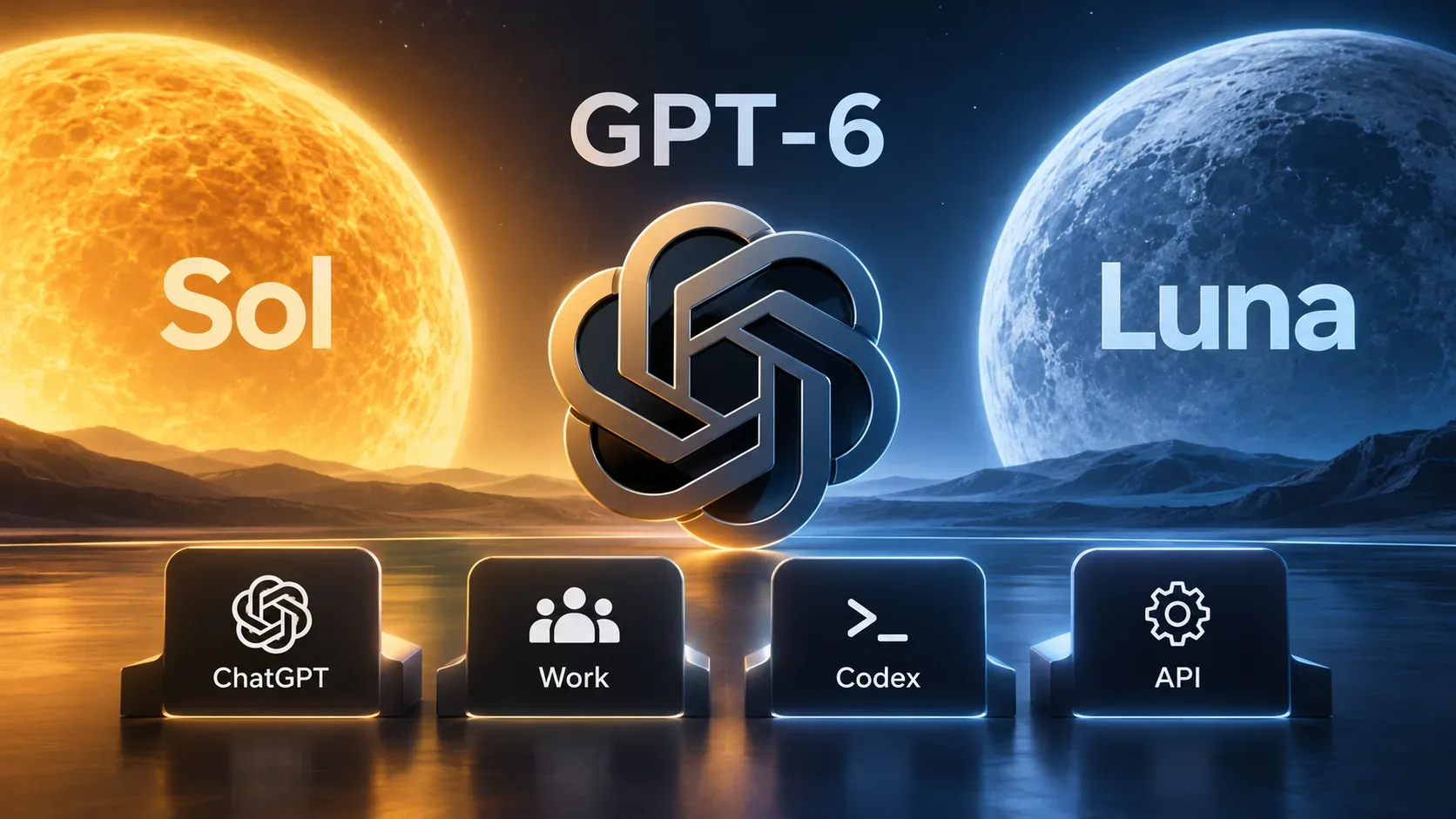

Updated September 5, 2026. OpenAI announced GPT-6 Astra on September 3, but the launch still does not mean general availability. Official release notes continue to describe a limited rollout, with expansion to paid plans and other environments over the coming days. For technical teams, the practical consequence is simple: even when the model appears in an account, migration should not be treated as a model-name swap.
Astra uses the gpt-6-astra identifier in the API and is designed for end-to-end work involving reasoning, code, computer use, research, and document creation. It also introduces new controls for long-running work while removing or restricting options used by some earlier workflows. Before changing production, validate access, endpoint, parameters, tools, cost, and prompt behavior.
Who has access to GPT-6 Astra now
As of September 5, the safest answer is: access still depends on the rollout for your account and product. OpenAI's release notes say Astra is reaching a limited set of organizations first and is not yet generally available. The Help Center says enterprises in the Daybreak Access Program are among the first to receive the model, including through the API, while expansion to Plus, Pro, Business, and Enterprise is planned over the coming days.
| Environment | Status on Sep. 5, 2026 | What to check |
|---|---|---|
| ChatGPT | Gradual rollout to eligible paid plans; there is no guarantee every account can already see Astra. | Check the model picker and, for managed workspaces, administrator permissions. |
| ChatGPT Work and Codex | Expansion is underway. Availability can arrive at different times within the same account. | Update the app/CLI where applicable and confirm the model appears in the specific product. |
| OpenAI API | Initial access for eligible organizations; official notes still do not describe the model as universally available. | Confirm gpt-6-astra is enabled in the project before changing production. |
| Enterprise | Rollout depends on workspace and administrative controls. | The launch announcement says access may be off by default for administrators at launch. |
So being on a plan listed for expansion does not necessarily mean having access at this moment. The most reliable operational source is the account itself: the ChatGPT model picker or model availability in the API project. Buying credits should not be treated as a way to jump ahead in the rollout.
Model ID, endpoints, and API capabilities that matter
The documented identifier is gpt-6-astra. The release notes call out v1/responses and v1/chat/completions. The model catalog lists additional supported endpoints, but OpenAI's migration guidance recommends the Responses API for modern workflows and requires Responses when tools are used.
According to the official model catalog, Astra has a 1,050,000-token context window, a 128,000-token maximum output, and a April 30, 2026 knowledge cutoff. It accepts text and image input; audio and video are not supported model modalities. Streaming, Structured Outputs, and function calling are listed as supported, but tool calling with Astra must be implemented through the Responses API according to the migration guide.
The reasoning control supports low, medium, high, xhigh, and max. The none level is not supported. That is a meaningful incompatibility for applications that used minimal or no reasoning effort with earlier models.
What changed and can break a direct migration
1. Tool calling needs the Responses API
If your current workflow calls functions or tools through Chat Completions, changing only the model field is not enough. Astra's migration guide directs developers to move that path to the Responses API. Test argument serialization, tool-result return, state continuity, and error handling before cutover.
2. Some sampling and log-probability parameters are no longer accepted
The migration guide says to remove temperature, top_p, and top_logprobs. In Chat Completions, remove logprobs as well. In Responses, do not request message.output_text.logprobs in include. Applications that depend on these controls for style variation, diversity, or telemetry need another calibration strategy.
3. Reasoning effort changed
If you used none or minimal, start testing with low and compare quality, latency, and cost. In Responses, the control is reasoning.effort; in Chat Completions it is reasoning_effort. For long conversations where effort changes during the task, Astra adds the configuration_update input item, which can change effort without rewriting the prompt prefix and can help preserve cache when the configuration is compatible.
4. Prompt caching changed for older migrations
When migrating from GPT-5.5 or earlier, OpenAI recommends replacing prompt_cache_retention with prompt_cache_options.ttl set to 30m. Review cache rules as well because Astra has a separate cache-write charge.
5. Fast mode has a limitation with EU data residency
The guide says Fast mode is unavailable for GPT-6 Astra when the workload uses European Union data residency. In that configuration, use Standard processing. The guide also notes that Fast mode for Astra does not include a latency SLA.
6. Agent work has additional monitoring
Astra includes asynchronous monitoring for potential misalignment in supported workflows. If systems detect a case that requires review, they may generate an alert or stop a conversation. Applications that expect long unattended execution should account for this state in retry, escalation, and human-review logic.
New features worth testing in isolation
Async tool calling lets a function or custom tool be marked with async: true. While the application runs that tool, the model can keep reasoning, call other tools, or answer independent parts of the request. The result is returned later with the original call_id. This can reduce idle time in orchestrations with slow calls, but the backend must manage pending work and results that may arrive out of order.
Mid-turn steering lets the application send additional instructions while Astra is still working. Over a WebSocket connection with Responses, a correction or changed requirement can be incorporated without discarding completed work. This is worth testing for long tasks where users often change scope during execution.
Configuration update is useful when one conversation alternates between routine and difficult steps. Instead of sending a whole new prompt just to raise reasoning effort, the application can change the configuration mid-conversation within the documented compatibility limits.
Pricing: compare cost per task, not only cost per million tokens
For Standard processing, the published model pricing is $10 per million input tokens, $1 per million cached input tokens, $12.50 per million cache-write tokens, and $50 per million output tokens. OpenAI says Astra can use fewer output tokens on some tasks and may therefore have a lower estimated cost per task than earlier models despite higher unit pricing.
There is an important detail for very large contexts: prompts with more than 272,000 input tokens receive higher multipliers for the entire request — 2x input and cache rates and 1.5x output. Testing only short cases can therefore hide the real cost structure of a workflow that relies on massive context.
Checklist before switching an existing workflow
- Confirm actual access. Check whether gpt-6-astra appears in the project or product you will use; do not infer access from plan name alone.
- Map the current endpoint. If tools are involved, plan the Responses API migration first.
- Remove incompatible parameters. Search for temperature, top_p, top_logprobs, logprobs, and logprob includes.
- Review reasoning effort. Convert none/minimal to low and test at least two effort levels on representative tasks.
- Review caching. For older migrations, update TTL configuration and measure cache-write costs.
- Run a fixed eval set. Compare quality, latency, token use, tool calls, error rate, and cost per task.
- Test prompts and auxiliary files. Astra is described as more sensitive to instructions in skills and files such as AGENTS.md; conflicts that previously went unnoticed may change behavior.
- Test autonomy. The model may ask for clarification more often when it considers ambiguity material. Adjust prompting if your product expects more initiative.
- Validate both small and large tasks. The model tends to be thorough about testing code; for small changes, that can produce more verification than necessary.
- Roll out gradually. Start with shadow traffic, a canary, or a controlled percentage before making Astra the default.
When it is worth testing now — and when to wait
Testing now makes sense if your workflow is limited by long computer-use tasks, research, software development, document production, or tool orchestration, and your account already has access. The new long-running-work controls make Astra particularly relevant for agents that move across several systems before finishing a deliverable.
Waiting makes sense if your team still lacks access, if the workflow depends on removed parameters, if tool calling is still tied to Chat Completions, or if you do not have an eval suite to measure regressions. The rollout window is short, so there is little benefit in forcing a migration without observability just to adopt the model a few days earlier.