
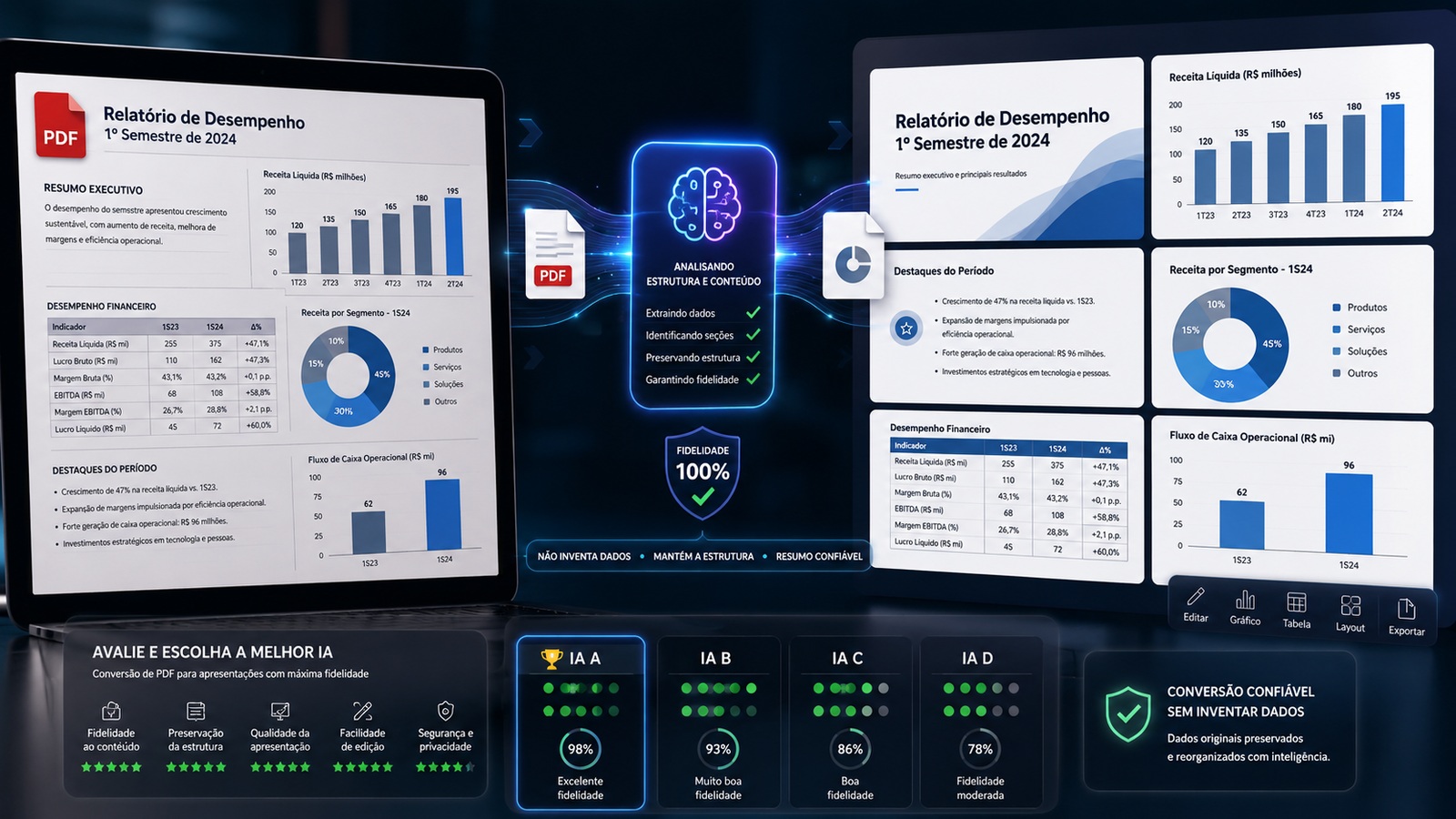
The question sounds simple, but it combines two different tasks. One thing is converting a PDF to PowerPoint while keeping pages, text, and images almost as they are. Another is asking an AI to read a report, select what matters, summarize it, reorganize the narrative, and create new slides. It is in this second task that the risks of omission, distortion, and invented information appear.
The short answer, as of August 2026, is that no serious AI can promise zero invention for every document. If the top priority is staying within the source, Gamma Create with Agent currently offers the clearest set of traceability mechanisms: it accepts PDFs as sources, lets you work on the outline before generation, and can cite the source material. If the priority is receiving a truly native file that remains easy to edit in PowerPoint or Google Slides, Plus AI offers the strongest balance. Adobe Acrobat/Express makes a lot of sense for people who already work with PDFs inside the Adobe ecosystem, while 2Slides has a promising file-to-presentation workflow and good multilingual support, but it requires more validation because its documentation changed quickly throughout 2026.
Converting a PDF is not the same as creating slides with AI
Two types of tools are being sold under the same label. A traditional converter tries to reproduce the PDF in a PPTX file. It may turn text into editable boxes and keep images and positions close to the original. This path tends to invent less because it does not need to interpret the content; in return, a twenty-page report can become, in practice, twenty pages of report inside PowerPoint. The result can be faithful and still be a poor presentation.
An AI generator does something else. It reads the document, decides which points deserve a slide, condenses passages, creates titles, chooses hierarchies, and sometimes generates charts or images. That transformation is exactly what saves work, but it also creates room for error. A number can lose its unit, a caveat can disappear, a correlation can become causation, or a missing data point can be filled with something plausible.
Plus AI itself separates these two cases on its PDF-to-PPT page: to reproduce pages as slides, it points to traditional converters; to interpret a text-heavy PDF and build a presentation, it treats the process as AI generation. Adobe also keeps both paths in parallel: the PDF-to-PowerPoint converter and the Generate presentation feature with Acrobat and Express. This distinction is the first filter for avoiding the wrong tool.
How this benchmark was conducted
This is a benchmark of verifiable features and workflow design, not a laboratory hallucination rate. To avoid pretending that a test was run when it was not, the comparison considers what each product currently documents and provides to reduce drift from the source: direct PDF input, the ability to limit generation to the document, outline review, traceability, control over how much the text is rewritten, Portuguese support, editability, and export format.
That scope matters because a tool can produce better-looking slides while offering fewer mechanisms to prove where a claim came from. For a financial, legal, technical, or academic report, that difference often matters more than the template.
Gamma: best for source traceability
Gamma gained a strong argument in July 2026 with Create with Agent. The product documentation says users can upload PDFs, documents, presentations, web pages, images, and other materials as sources. The decisive point for this comparison is how the workflow is described: sources are treated as a ground truth, and the agent can show citations indicating where the content came from when possible.
In addition, the workflow does not have to jump straight from the file to the final deck. You can discuss the objective, answer the agent's questions, and adjust the outline before clicking generate. For fidelity, this is valuable because an error can be caught while it is still structural, before it becomes a visual sequence that is harder to review.
There are, however, two caveats. The first is that the Agent can also search the web. If the goal is to transform only an internal report, it is best to explicitly instruct it to use only the uploaded files and not supplement them with external research. The second is that Create with Agent is in Labs and, in the documentation consulted on August 26, 2026, appears as available for certain paid plans. Experimental features can change.
For Portuguese, Gamma is a comfortable option: the company states that it supports generation and prompts in more than 60 languages, including Portuguese. For export, there are PDF and PowerPoint options. Gamma's own Help Center warns that an exported PPTX may show visual differences from the Gamma editor, especially with advanced effects and fonts. Therefore, the deck is editable, but it is not as PowerPoint-native as a tool that works inside PowerPoint from the start.
Gamma's verdict is simple: if the question is "which tool gives me more ways to check whether a slide came from the PDF?", it leads this group. Not because it eliminates hallucinations, but because it makes source material, outline review, and citations part of the workflow.
Plus AI: best for editable PowerPoint and Google Slides
Plus AI approaches the problem from another angle. It works inside PowerPoint and Google Slides and accepts PDF, Word, PowerPoint, and text files as input. Its current PDF-to-presentation page highlights an especially relevant control: the user can define how much of the original text will be modified. This helps distinguish a deck that merely condenses the document from one that takes more editorial freedom.
The practical advantage is editability. Plus says it generates native PPTX files through its own Open XML renderer and native presentations in Google Slides. Text, shapes, tables, and charts can continue to be edited in the environment where the team already produces slides. For anyone who needs to deliver a file that someone else will open and edit tomorrow, this reduces friction substantially.
Language support is also a strong point. The current documentation lists more than 80 languages and includes Portuguese. In older text-to-presentation materials, Plus itself recommends the text-oriented mode when the goal is to stay closer to the original structure and reminds users that they should review the accuracy of the first draft. That warning matters: the product can be very good at keeping the file usable without turning that into a guarantee that every sentence was preserved correctly.
The point where Plus trails Gamma in this benchmark is explicit traceability. Product pages talk about understanding the PDF, using the supplied source, and controlling the transformation, but they do not offer the same central proposition of source citations inside the creation workflow. For reports with many numbers, that means the review still needs to be done by comparing the deck with the original PDF.
For that reason, Plus AI is the most balanced choice when "editable and usable" matters as much as "faithful." If the final file needs to remain alive in PowerPoint or Google Slides, it is the most practical recommendation in this comparison.
Adobe Acrobat and Express: strong for PDF-based workflows
Adobe has an obvious advantage: PDF is already Acrobat's core territory. The Generate presentation feature lets users start from existing files or a PDF Space, adjust the number of slides, audience, level of detail, and image use, review the outline before generation, and then edit text, layout, and structure with Adobe Express tools. Documentation from July 2026 states support for up to ten documents totaling 150 pages in the upload workflow.
This path is interesting for teams that already store and review reports in Acrobat because it reduces the number of intermediate exports. The user can analyze the document, generate the outline, review it, and move on to the presentation within the same ecosystem. The result can be exported as PPTX, PDF, PNG, or JPG.
But there is an important caveat for a Brazilian Portuguese benchmark. Adobe Express help updated on June 30, 2026 still says that Generate presentation is available in English and French. At the same time, Acrobat documentation in Portuguese describes the feature and Brazilian pages promote it normally. This difference between official pages means it is not prudent to assume full Portuguese generation support in every account or entry point. Before adopting the workflow for production in Brazilian Portuguese, confirm which language is actually available in your account.
Adobe itself also displays the warning that AI-generated content can be incorrect. That reinforces the central rule of this article: integration with PDF does not automatically turn generation into faithful copying.
When the priority is to preserve the document almost literally, Adobe has another card that AI tools do not: the conventional PDF-to-PowerPoint converter. It does not create an intelligent presentation, but it may be the safest option when the PDF was already designed as slides and the goal is only to restore editability.
2Slides: promising, but requires local testing
2Slides evolved considerably in 2026. In documentation revised in late June and early July, the service describes Create from File as a workflow that analyzes the entire document before building the slides. The company says it accepts PDF, DOCX, TXT, Markdown, spreadsheets, JSON, and PPTX, with a total upload limit of up to 100 MB, and says the file is read before the condensation stage.
For the intent of this article, that architecture is interesting. Reading the entire document before writing slides reduces a common problem in generators that rely too heavily on the first pages or on excerpts extracted out of context. 2Slides also documents Portuguese among its supported languages and offers output paths for PPTX, PDF, and even narrated video.
The problem is the consistency of its own documentation. An older FAQ still describes plain text as the main input, while more recent pages present direct PDF uploads and document integrations. Elsewhere, the documentation distinguishes Workspace, aimed at more visual slides, from Fast PPT, aimed at editable structure. This does not mean the product fails to deliver what it promises; it means it is changing quickly enough to require confirmation of the exact workflow before standardizing a team process.
There is also a traceability difference. In educational material, 2Slides itself recommends manually filling in the source reference in the deck. That is useful as a good practice, but it is not equivalent to an automatic citation system linking each claim to the source passage.
So 2Slides deserves a place in the testing of anyone who wants Brazilian Portuguese, automation, and conversion of long files, but I would not make it the first choice for critical documents without running a control PDF and inspecting the output.
Which AI should you choose?
To avoid new facts
Choose Gamma Create with Agent and treat the PDF as the exclusive source. The combination of explicit sources, an outline before generation, and citations provides more checkpoints. The prompt should forbid supplemental research and any filling-in based on general knowledge.
To edit in PowerPoint or Google Slides
Choose Plus AI. It is stronger for work continuity because it operates inside traditional editors and generates native structures, without forcing the team to rebuild the deck after export. To reduce invention, use the mode with less freedom over the text and review numbers, units, and conclusions against the PDF.
For teams that already use Acrobat
Adobe Acrobat with Express is the most integrated choice. It offers good outline and editing controls and accepts multiple documents. For Brazilian Portuguese, however, confirm language availability at the entry point used by your account, because the official documentation is still not fully uniform.
For Brazilian Portuguese and automation
Test 2Slides with a control document. Recent pages show a more complete product than earlier documentation, with file reading, Portuguese, and different output formats. The speed of change is exactly why it should be validated before being trusted in a recurring process.
The protocol that separates beauty from fidelity
To compare any tool, use the same PDF and do not start with an easy document. A good control file should contain data that makes errors easy to detect: numbers that are close to one another, different units, a negative conclusion, an important caveat, a table, a chart, and at least one piece of information that should not be highlighted.
Ask all tools for the same number of slides and the same audience. The instruction can be direct: "Use only the uploaded PDF. Do not supplement it with external knowledge. Do not invent numbers, examples, references, or conclusions. Preserve dates, units, signs, percentages, and caveats. If information is not in the document, omit it. Before generating, show an outline with the source of each section."
Then evaluate five things separately. Factual fidelity means checking whether numbers, dates, names, and cause-and-effect relationships remain correct. Coverage means noticing whether the AI removed information that would change the interpretation. Traceability means being able to answer where each claim came from. Editability means being able to change text, charts, and layout without breaking the file. Rework means measuring how much time you spent taking the first draft to presentation-ready status.
A tool that wins on design and loses on fidelity does not win this test. For this kind of task, a less attractive slide that preserves the document is a better result than an elegant deck with a conclusion the PDF never contained.
How to reduce hallucinations in practice
The first measure is to limit the source. If the tool offers web search, do not use it when the task is to convert a closed document. The more open sources enter the workflow, the harder it becomes to distinguish what came from the PDF from what the model added.
The second is to review the outline before the design. Fixing a section called "Growth outlook" is simple when the report actually says "risk of slowdown." Once that interpretation becomes four slides with charts and images, the error becomes more expensive to remove.
The third is to preserve numbers as numbers. Percentages, currencies, dates, units, and negative signs should be checked one by one. AI summaries are especially dangerous when they turn "a 3.2% decline" into "a 3.2% change" or when they round values that should not be rounded.
The fourth is to separate content from decoration. Generated images, more creative titles, and new examples can be useful in a pitch, but they are an unnecessary source of risk in a report. The more factual the document, the more conservative the visual prompt should be.
The fifth is to require traceability whenever the tool allows it. Automatic citations do not guarantee correctness, but they reduce the cost of auditing. When citations are not available, keep the PDF open next to the deck and check each slide before accepting the final version.
When the best option uses less AI
There is one case in which this whole debate changes: the PDF is already a presentation. If the file came from a lost PowerPoint, a deck exported to PDF, or scanned slides with good quality, you may not want AI to summarize anything. In that scenario, a PDF-to-PPTX converter is more appropriate because it tries to reconstruct the layout instead of reinterpreting the message.
AI starts to make sense when the document is a report, article, white paper, proposal, or set of notes that still needs to become a presentation narrative. Then the objective stops being copying and becomes curation. There is no automatic curation without some margin of decision, which is why "without making up data" should be understood as a process of reducing and detecting errors, not as an absolute product promise.
Final verdict
If the number-one priority is fidelity to the source document and the ability to check where every piece of information came from, Gamma Create with Agent is currently the most defensible choice among the four tools analyzed. If the priority is to reach a truly editable PowerPoint or Google Slides file without losing the traditional workflow, Plus AI is the most balanced choice.
Adobe Acrobat/Express is very well positioned for people who already work with PDFs and want an integrated transition from analysis to outline to presentation, but language support still deserves confirmation in the workflow used for Brazilian Portuguese. 2Slides is an interesting and fast-evolving alternative, especially for long files, Portuguese, and automation, but it should be tested with a control document before becoming the default.
And the most important rule remains the same: if the content cannot change, do not ask the AI to be creative. Give it a closed document, a restrictive prompt, a reviewable outline, and a mandatory checking step. The best tool is not the one that creates more things; it is the one that lets you notice sooner when it created something that was not in the source.