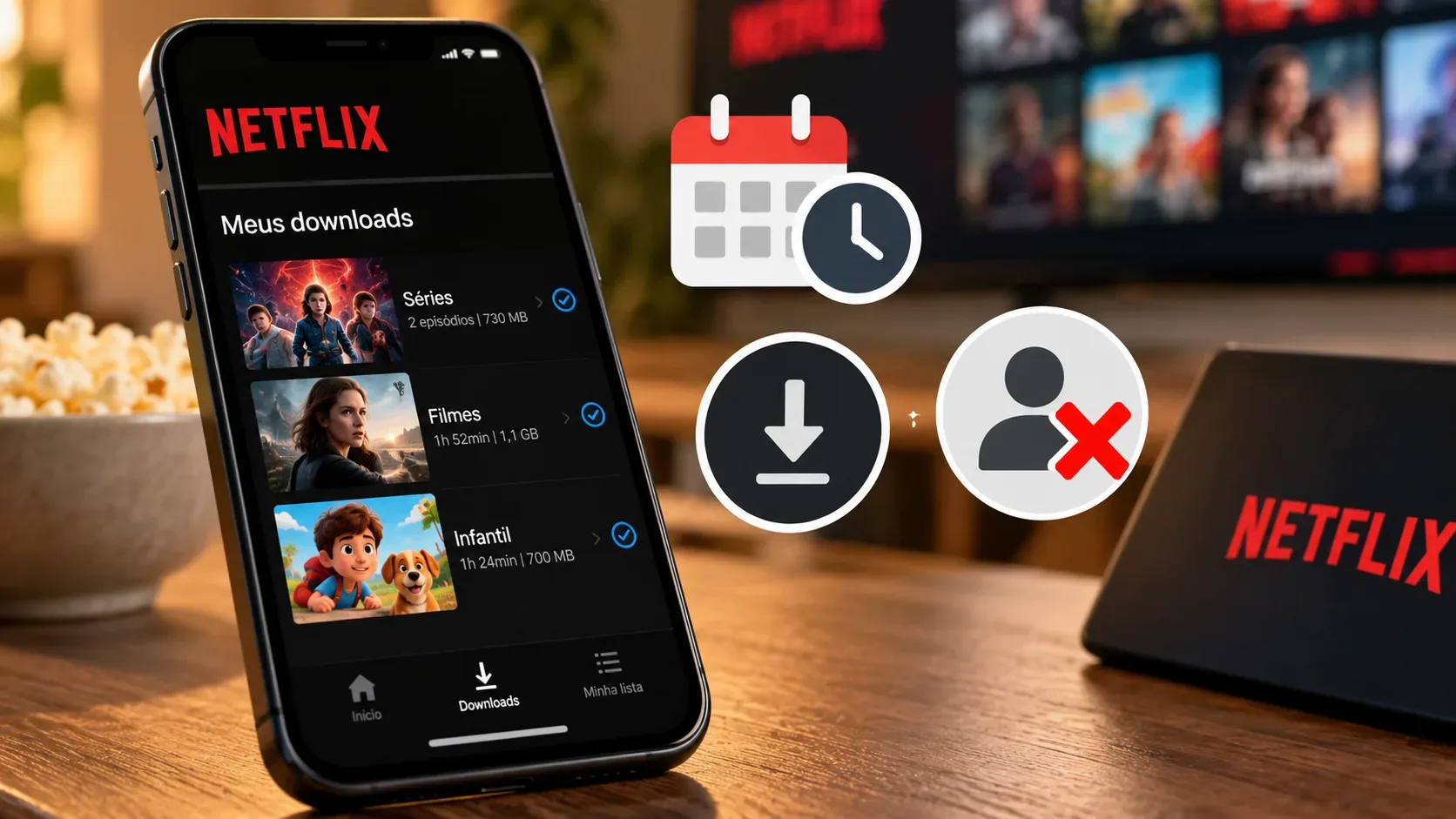
A Netflix download is not a permanent copy of a movie or episode. It remains tied to the account, the device where it was saved, and the licensing rules for that title. That is why a file can expire even if it has not been watched, may not appear on another device, and does not guarantee continued access after the membership ends.
The rules below reflect the Netflix Help Center as consulted in September 2026. Because plan limits, supported devices, and title availability can change, it is worth checking the official documentation before a trip or before relying on a large offline library.
Why do Netflix downloads expire?
Netflix says downloaded series and movies are available only for a certain period. There is no single duration for the entire catalog. The time depends on the title and the applicable agreements. While a download is valid, it can be played offline on the device where it was saved.
When a download is marked Expired, the usual solution is to delete it and download the title again. That requires an internet connection. Renewal is not guaranteed, however. If the movie or series has left Netflix, it cannot be renewed or downloaded again. Some titles also have a limited number of downloads or renewals per year because of licensing agreements or studio conditions.
In other words, expiration does not necessarily mean there is a problem with the phone. It is often the expected behavior of the content license. Netflix explains this in Downloaded title says “Expired”.
Is the download tied to the device where it was made?
Yes. Netflix states that downloaded titles are available on the device where the download was made. They do not work like ordinary video files that can be freely copied from one phone to another.
If you switch phones or tablets, the normal process is to install or update the Netflix app on the new device, sign in, and download the desired titles again. If the account has already reached the number of download devices allowed by the plan, you may need to remove downloads from another device through the device management area.
There is also a volume limit on each device. The Help Center currently says you can have up to 100 active downloads per device. The number of devices that can keep downloads depends on the plan. Ad-supported plans also have a stated limit of 15 downloads per device each month. These rules are listed in How to download titles to watch offline and, for the device limit, in You have downloads on too many devices.
Not every movie or series can be downloaded
A title that is available for streaming may not be cleared for download. Netflix explains that streaming rights and offline rights can be different. In some cases, another company holds exclusive rights; in others, the content provider has not made download rights available. Local availability, cost, popularity, and seasonality may also play a role.
This can apply even to some productions associated with the Netflix brand. A title may have been produced with a partner studio that controls part of the rights, allowing streaming but not necessarily downloads in every region.
If the download icon does not appear for a specific title, there is no hidden setting that forces the app to enable it. Netflix explains the reasons in Why isn't a title available to download?.
What happens to downloads when the membership is canceled?
It is important to separate requesting cancellation from reaching the actual end of the membership. Netflix says that when cancellation is requested during a period that has already been paid for, the service will normally remain available until the end of that billing cycle. The end date can be checked in payment history or in the account area.
That does not turn downloads into permanent files. On its download help page, Netflix says that if the account is canceled, downloaded titles are deleted from the device. If the membership is restarted later, the titles must be downloaded again.
For that reason, you should not plan on watching downloads after the membership has ended. Offline files depend on a valid account, and Netflix also requires you to remain signed in to access downloads. The cancellation rules are explained in How to cancel Netflix.
What if the membership is paused instead of canceled?
When a membership is paused, Netflix says the user cannot watch or download titles while the pause is active, although browsing the catalog and adding titles to My List remain available. This reinforces that offline downloads are not independent from the status of the account.
Quick flow by symptom
| Symptom | What probably happened | What to do |
|---|---|---|
| The title is marked “Expired” | The download period ended or the license requires renewal. | Connect to the internet, delete the download, and try downloading it again. If the title left Netflix or hit a yearly limit, renewal may not be possible. |
| I changed devices and the download disappeared | Downloads stay tied to the device where they were made. | Download the title again on the new supported device. If you hit the plan's device limit, remove an old device from the download list. |
| The download button is missing | The title may not have download rights, or the device may not support downloads. | Try another title. If no title can be downloaded, check the app, operating system, and device compatibility. |
| I canceled the membership | Access depends on the account status and the end of the billing cycle. | Check the effective end date. Do not rely on downloads after the account closes; if you restart the membership, download the titles again. |
| I received a limit warning | You may have reached a title, licensing, or device limit. | Delete downloads you have already watched, remove downloads from another device, or review plan options. |
Which devices currently support downloads?
According to Netflix's official download page, the feature is available with the latest app version on Android phones and tablets, iPhone and iPad, Amazon Fire tablets, and Google Chromebooks with the Google Play Store installed. The Help Center also states that downloads are not available in the Netflix app for Windows.
If no title can be downloaded on a device that should be supported, update the app and operating system. Reinstalling the app or clearing its data can delete existing downloads, so those steps should be used carefully. Netflix's troubleshooting guidance is in Can't download titles.
The key point: offline download is still licensed access
Downloads are useful when you are offline, but they remain subject to time limits, account status, device, plan, catalog availability, and licensing. The best way to avoid surprises is to check the download status before going offline, keep the app updated, and not treat a downloaded file as a permanent purchase.