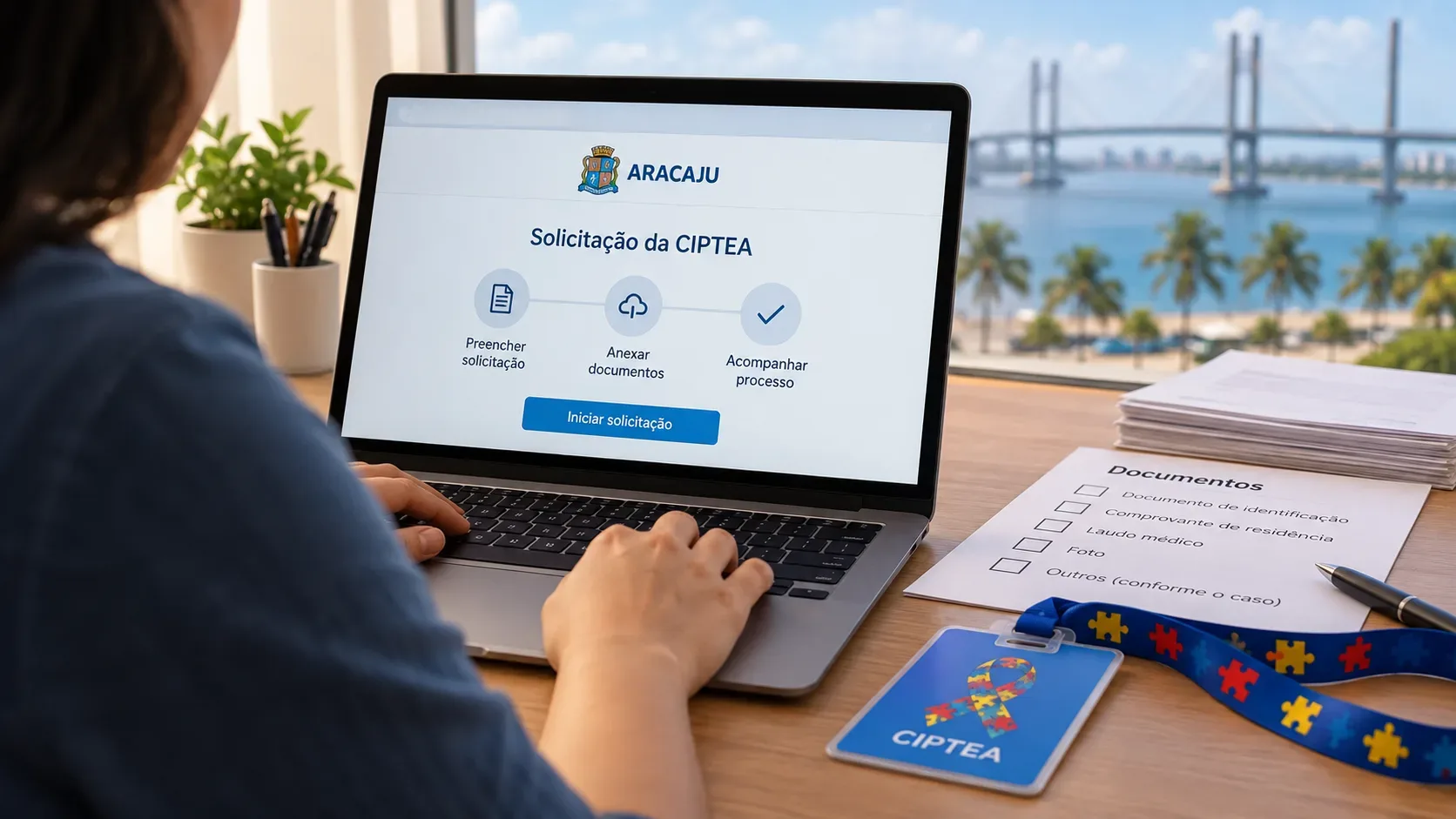
Aracaju’s CIPTEA can be requested through the portal of the Municipal Secretariat for Family and Social Assistance (Semfas). The process starts with an account created by an adult who is legally capable; only after logging in does the New Application (“Nova Solicitação”) stage begin, where the beneficiary’s details are entered. Before submitting, check every attachment carefully: if the review identifies a need to supplement or correct information or documents, the portal states that the up-to-60-day period restarts from the new submission.
How to apply for Aracaju’s CIPTEA online
- Go to the Aracaju CIPTEA Portal.
- If you do not yet have access, choose the option to create an account. The portal says the initial registration must use the details of a person who is 18 or older and legally capable.
- Complete the user registration. The public page asks for information including name, CPF, email, date of birth, phone number and address; the ZIP code field requires an Aracaju CEP.
- Finish registration, log in and click “Nova Solicitação” (New Application).
- Indicate whether the application is for the account holder or for another person and enter the beneficiary details requested by the system.
- Upload the required documents, review the information and complete the filing.
The internal screens may be updated by the city government. Use these steps as a guide to the flow confirmed on the public pages, and follow the fields shown by the portal at the time you submit.
Documents the portal lists as required
The official requirements and documents page lists the following items:
| Document | Rule stated by the portal | What to check before uploading |
|---|---|---|
| RG identity document | It appears on the required-document list. | Use a legible file with no relevant information cut off. |
| CPF | It appears on the required-document list. | Check that the number matches the beneficiary identified in the application. |
| Blood type | Required only if this information is provided. | If you do not state a blood type, do not assume proof must be uploaded. |
| 3x4 ID photo | The face must be 100% visible. | Avoid dark, blurry photos or anything covering the face. |
| Medical report | It must include an ICD-10 or ICD-11 code. | Check that the file is complete and the code is legible. This guide does not provide diagnostic or medical-report advice. |
| Proof of residence | It must be no more than 90 days old and be in the name of the beneficiary or legal representative. | Check the date and name before submitting. |
What if the proof of residence is not in the required name?
The portal itself provides an alternative: when the proof is not in the beneficiary’s or legal representative’s name, it must be accompanied by a Termo de Autodeclaração de Residência (Residence Self-Declaration Form) or by supporting documentation that can be obtained from the local CRAS social assistance center. This is worth checking before filing, because proof that does not meet the stated rule may lead to a request for additional documents.
Why a correction can restart the 60-day period
The official rule appears on the review deadline page: Semfas says the review may take up to 60 days from the application filing date. If the office identifies a need to supplement or correct the information or documents submitted, the period restarts from the new submission.
In practical terms, the clock is not necessarily “paused” and then resumed from where it stopped. If a requirement is issued and you resubmit the documentation, that new submission becomes the reference point. Avoiding attachment problems at the outset therefore reduces the risk of extending the total processing time.
A simple timing example
Suppose an application is filed and, during review, the staff asks for a corrected document. Once the applicant submits the correction, a new period of up to 60 days begins from that resubmission. The portal does not promise that every case will take 60 days; this is the stated maximum review period, subject to the restart rule when supplementation or correction is required.
Checklist before you click submit
- The access account was created by a person who is 18 or older and legally capable.
- The beneficiary details are correct and there are no obvious inconsistencies between the form and the documents.
- RG and CPF files are legible.
- The 3x4 photo shows the entire face clearly.
- The medical report includes an ICD-10 or ICD-11 code and is complete and legible.
- The proof of residence is no more than 90 days old.
- The proof is in the beneficiary’s or legal representative’s name; if not, the required additional residence documentation is included.
- If a blood type was provided, the corresponding requirement has been met.
- All files open correctly and are not cropped, rotated incorrectly or unreadable.
If the application is returned for supplementation or correction
Treat the requirement you receive as a focused list of what needs to be fixed. Correct the data or replace the specified attachment, check legibility again and make the new submission through the system. Because this resubmission restarts the review period, avoid unrelated changes and focus on what was requested.
If you are unsure which document meets a requirement, the public service page lists Semfas assistance at (79) 98102-5822, Monday through Friday from 7 a.m. to 4 p.m., except holidays.
What the municipal CIPTEA is
According to the municipal portal, the Identification Card for People with Autism Spectrum Disorder (CIPTEA) is an official document generated and issued by Semfas to identify people with ASD. The municipality associates the card with priority access and service and with other benefits provided for in Municipal Decree No. 8,124/2025.
For the application itself, it is important to separate the card’s purpose from the documentation requirements: the portal requires a medical report with an ICD-10 or ICD-11 code, but this guide is limited to the administrative process and does not replace advice from a health professional.
Official sources to check before submitting
- Aracaju CIPTEA Portal — access, account creation and application start.
- User registration — public fields used for the initial account.
- Requirements and documents — attachment list and conditions.
- Review deadline — the 60-day rule and restart after correction or supplementation.