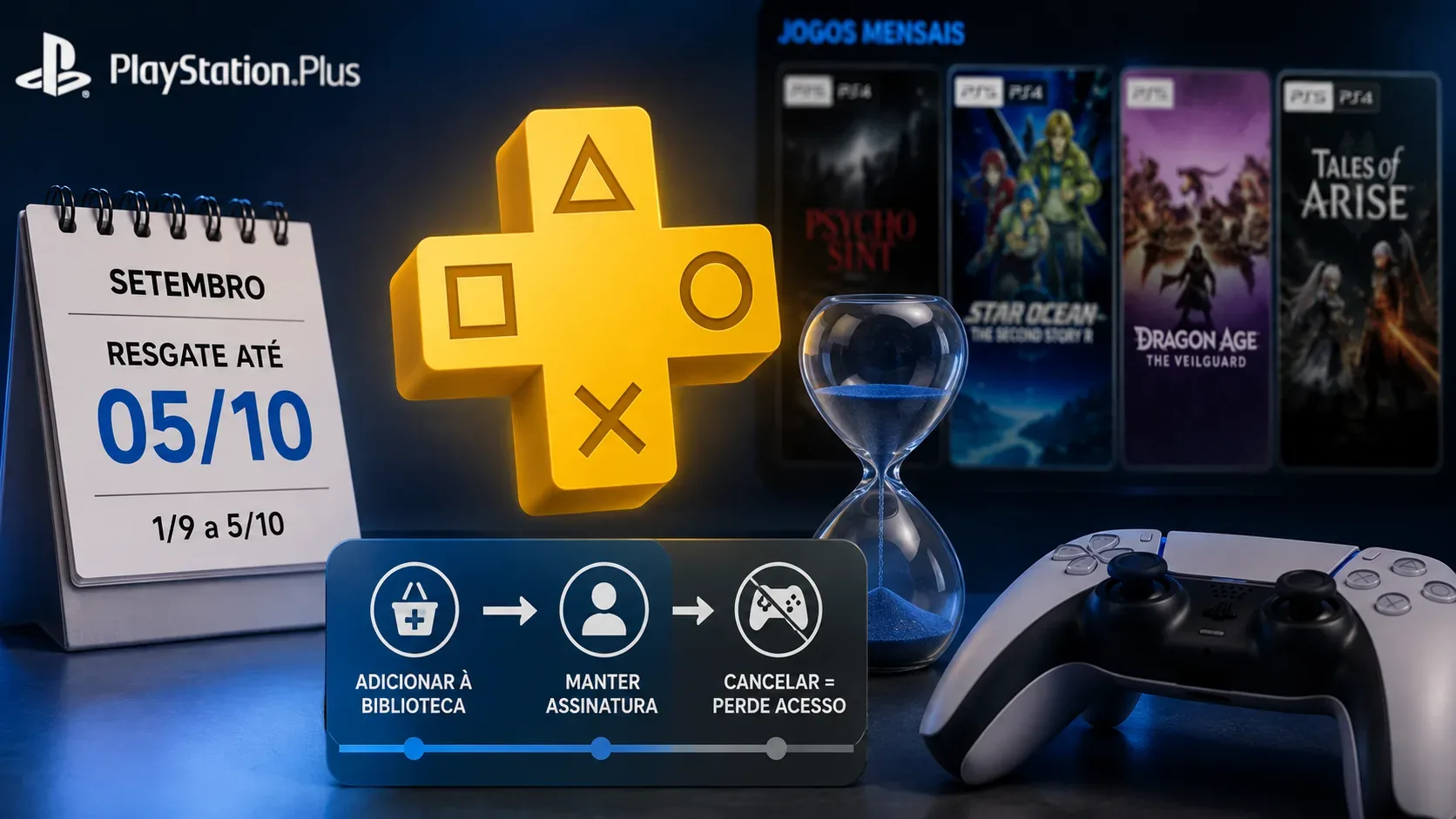

The four PlayStation Plus monthly games for September 2026 can be added to your library from September 1 through October 5, 2026. The deadline applies to Sniper Elite: Resistance, MLB The Show 26, Wobbly Life, and Chained Echoes, according to PlayStation's official announcement. The key is to separate two steps: claiming the game within the availability window and keeping an active PlayStation Plus subscription to play it.
How long you have to claim September's monthly games
PlayStation announced that all four titles are available to members from Tuesday, September 1, through Monday, October 5, 2026. The announcement does not specify an end time, so the safest approach is not to wait until the end of the final day. The same claim window applies to all four games.
| Game | Version included | Window to add it to your library |
|---|---|---|
| Sniper Elite: Resistance | PS5, PS4 | Sep. 1-Oct. 5, 2026 |
| MLB The Show 26 | PS5 | Sep. 1-Oct. 5, 2026 |
| Wobbly Life | PS5, PS4 | Sep. 1-Oct. 5, 2026 |
| Chained Echoes | PS4 | Sep. 1-Oct. 5, 2026 |
The platforms above are the versions included in the monthly offer. PlayStation's PS Plus page also explains that PS4 games can be downloaded on PS4 or PS5 consoles, while PS5 versions can only be downloaded on a PS5.
Adding a game to your library is not the same as downloading it right away
To preserve access to a monthly game after September's selection leaves the storefront, the decisive step is to add it to your library during the claim window. PlayStation's official PS Plus page says monthly games can be added to the game library so they can be downloaded and played later, as long as the user has an active subscription plan.
That means you do not need to keep all four games installed on your console through October 5. If they are already linked to your library as PS Plus monthly games, you can download them later. Deleting the game files from your SSD or PS4 storage also does not undo the claim; what matters is that the license was added to the account while the offer was available.
What happens after October 5
After October 5, September's selection is no longer available for new claims. If you did not add one of the titles to your library before the window closes, you should not expect to claim it later as that month's PlayStation Plus monthly game.
For members who claimed the games in time, the situation is different: each title remains associated with the library for use as a PlayStation Plus benefit. Access, however, is not the same as permanently buying the game separately from the PlayStation Store. Official support states that when a PlayStation Plus subscription ends, access to the service's benefits also ends, including monthly games obtained at no additional cost.
If your subscription ends, do the games disappear from your library?
The practical effect is loss of access, not conversion into a normal purchase. PlayStation's cancellation support page says that after the subscription ends, content downloaded at no additional cost as part of PS Plus, such as monthly games, is no longer available to play. Keeping an eligible subscription active is therefore the essential condition for continuing to use these games.
It is also important to distinguish canceling renewal from reaching the end of the paid subscription period. If you cancel, you keep the benefits until the already-paid period ends. Access is lost when the subscription actually expires.
Monthly games are not the same as the Game Catalog
This distinction avoids a common misunderstanding. Monthly games are titles that must be added to the library during a specific claim window and then remain available to the member while the relevant benefit is active. The Game Catalog included with Extra and Deluxe plans is a rotating library: titles can enter and leave the catalog over time.
For September's four games, then, October 5 is the claim deadline. It is not an automatic expiration date for a game that was correctly added to the library by a member who continues to have active PlayStation Plus access.
How to secure the claim without downloading everything now
- Sign in to the PlayStation Network account that has the PlayStation Plus subscription.
- Open the PlayStation Plus area on PS5, PS4, the web, or the PlayStation App.
- Go to the monthly games section and select each of the four titles.
- Confirm the option to add the game to your library or claim it as a PS Plus benefit.
- Check that the game appears in your Game Library before the availability window closes.
On PS4, official support describes the flow as “Add to Library” followed by “Download.” On PS5, the interface may present the download option directly while the benefit is available. In both cases, the goal is to attach the monthly-game license to the account during the promotional window.
There is one separate MLB The Show 26 date to note
September's announcement also mentions a separate extra benefit: the MLB The Show 26 Jump Start pack. PlayStation says that pack is available to members from September 1 through October 6, 2026. That does not extend the deadline for the four monthly games, which remains October 5; it is a separate bonus tied specifically to MLB The Show 26.
Practical summary
- Claim: add all four games to your library between September 1 and October 5, 2026.
- Download: it does not have to be completed by October 5 if the game is already in your library.
- Access after the claim window: continues while the required PlayStation Plus subscription remains active.
- Expired subscription: monthly games are no longer available to play as a subscription benefit.
- Extra/Deluxe Game Catalog: it is a rotating library and works differently from claimed monthly games.
Official sources: PlayStation.Blog's September monthly-games announcement, PlayStation Plus games and FAQ page, monthly-games access guide, and support page on cancellation and loss of benefits.