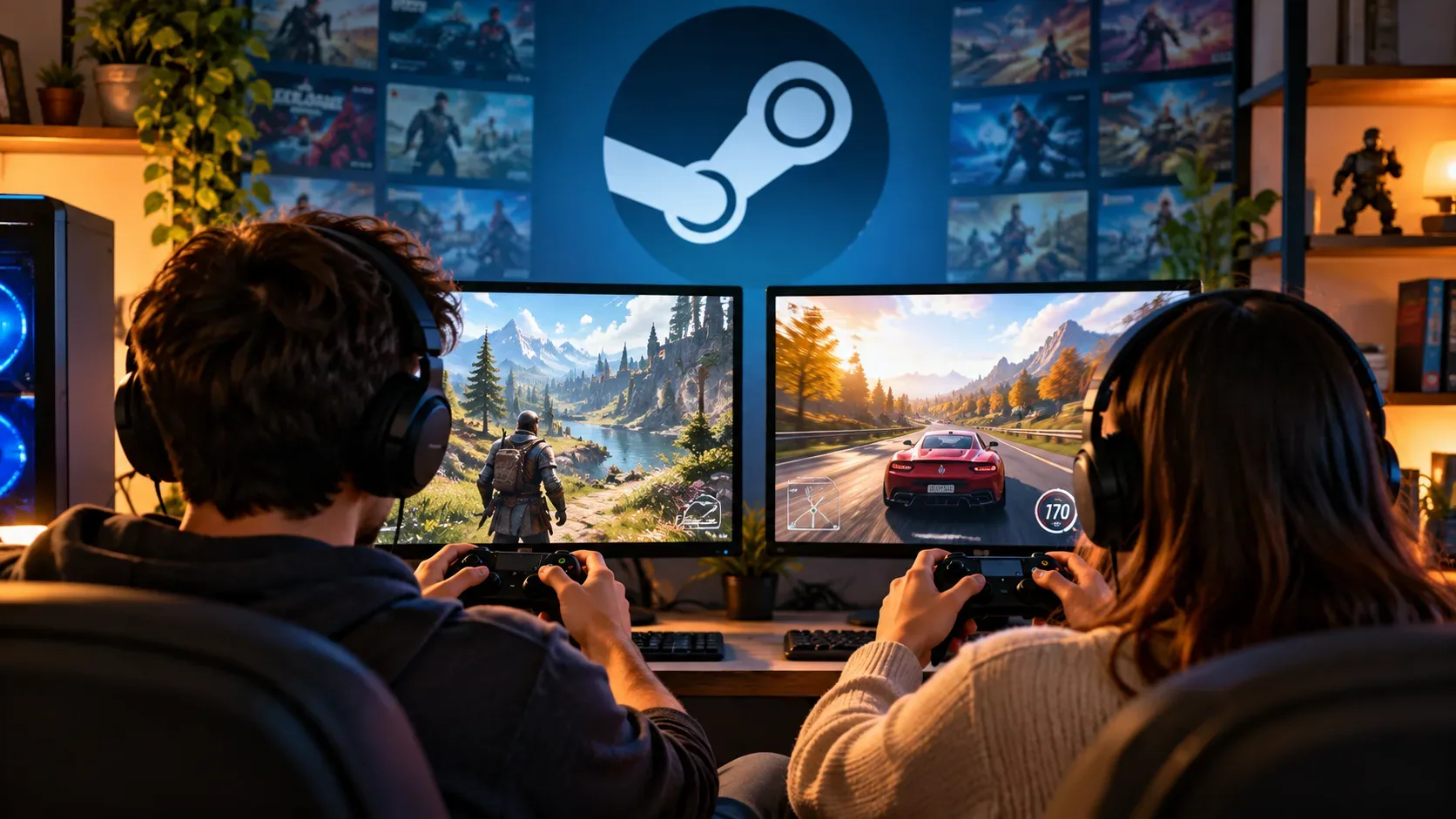
Yes, two people can play the same game at the same time with Steam Families, but only if the family library has at least two shareable copies of that game. The practical rule is simple: one copy allows one concurrent session of that title; two copies allow two; three copies allow three, as long as the game is eligible for Family Sharing.
This differs from the old assumption that an entire library became unavailable when its owner started playing. With Steam Families, members can use different games from the family library at the same time. The relevant limit is the number of copies of each individual game.
One copy means one concurrent player for that game
Valve gives a direct example: if a family owns one copy of Portal 2 and one copy of Half-Life, one person can play Portal 2 while another plays Half-Life. If two people want to play Portal 2 at the same time, the family needs two copies of Portal 2.
| Scenario | What happens |
|---|---|
| 1 copy of the game, 1 person wants to play | They can play if the title is shareable. |
| 1 copy of the game, 2 people want the same title | Only one can play at a time. The other must wait or use another copy purchased by the family. |
| 2 copies of the same game, 2 people want to play | Both can play at the same time. |
| 2 copies of the same game, 3 people want to play | Two can play. The third must wait until a copy becomes available. |
| 1 person plays one title and another wants a different game from the same family library | Both can play at the same time as long as one copy of each title is available and both games are eligible. |
Family copies form a pool, but ownership does not change
When someone buys a game, ownership remains tied to the account that made the purchase. Joining a Steam Family does not transfer that license to the other members. Steamworks documentation describes Family Sharing access as a temporary license for the user borrowing the copy.
In practice, if two people in the same family bought the same game, the family has two copies available for concurrent use. That does not turn the licenses into a collective purchase or create a third copy.
What happens when multiple copies have different DLC
Steam Support explains that when more than one copy of a game exists in the family library, Steam can let the player choose which copy to use and can remember that preference. This matters when the copies include different sets of DLC.
When launching a game from another member's copy, the player can also receive the DLC owned with that copy, as long as the DLC is shareable. If the preferred copy is already in use, Steam can look for another available copy. If the alternative has different DLC, the system may ask for confirmation before launching.
There is an important caveat: a save file created with a particular set of DLC may not work correctly when opened with a version that has fewer add-ons. In families with different editions or DLC sets, it is worth checking which copy is being used before continuing a campaign.
Saves and achievements remain individual
Even when the game comes from someone else's library, each family member plays on their own account. Valve says saved games, Steam achievements, and access to Workshop files are associated with the player using the game, not with the owner of the copy.
This prevents two people from sharing the same progress merely because they use the same license at different times. What is shared is access to the game, not the account identity or the player's progress history.
Not every game can be shared
The number of copies only matters for eligible titles. Valve says developers can opt a game out of Family Sharing for technical or other reasons. There are also limitations for games that require an additional key, external account, or third-party subscription to run.
Steamworks documentation says sharing is enabled by default for games and DLC, but that does not mean every piece of content will necessarily remain eligible. Before treating a purchase as another usable family copy, check that the title is shown as shareable on Steam.
Four examples that answer most copy questions
Two people want the same game and the family has one copy
They cannot play simultaneously. One person uses the copy and the other waits or buys another license.
Two people want the same game and the family has two copies
They can play at the same time. Each session uses one of the available copies of that title.
One person is playing a game and another wants to launch a different title
This is allowed. Steam Families does not lock the entire library because one member is playing. The second title needs an available copy and must be eligible for sharing.
Three people want the same game, but there are two copies
Concurrent play is limited to two people. The third must wait or the family must acquire another copy.
How to understand the rule without confusing a library with a license
The safest way to think about Steam Families is to separate three things:
- Family library: brings together the members' shareable games.
- Copy: represents a license for that game that can serve one player at a time.
- Player account: keeps saves, achievements, and other personal data separate.
So the useful question is not simply "is someone in the family using the library?". The correct question is "how many copies of this game are in the family and how many are already in use?".
Other limits worth knowing
Steam Families is intended for a group of up to six close family members. Valve also warns that if a family member is banned for cheating while using someone else's copy, the owner of that copy can also be banned in that game. Shared games can be played offline when the title itself supports Family Sharing.