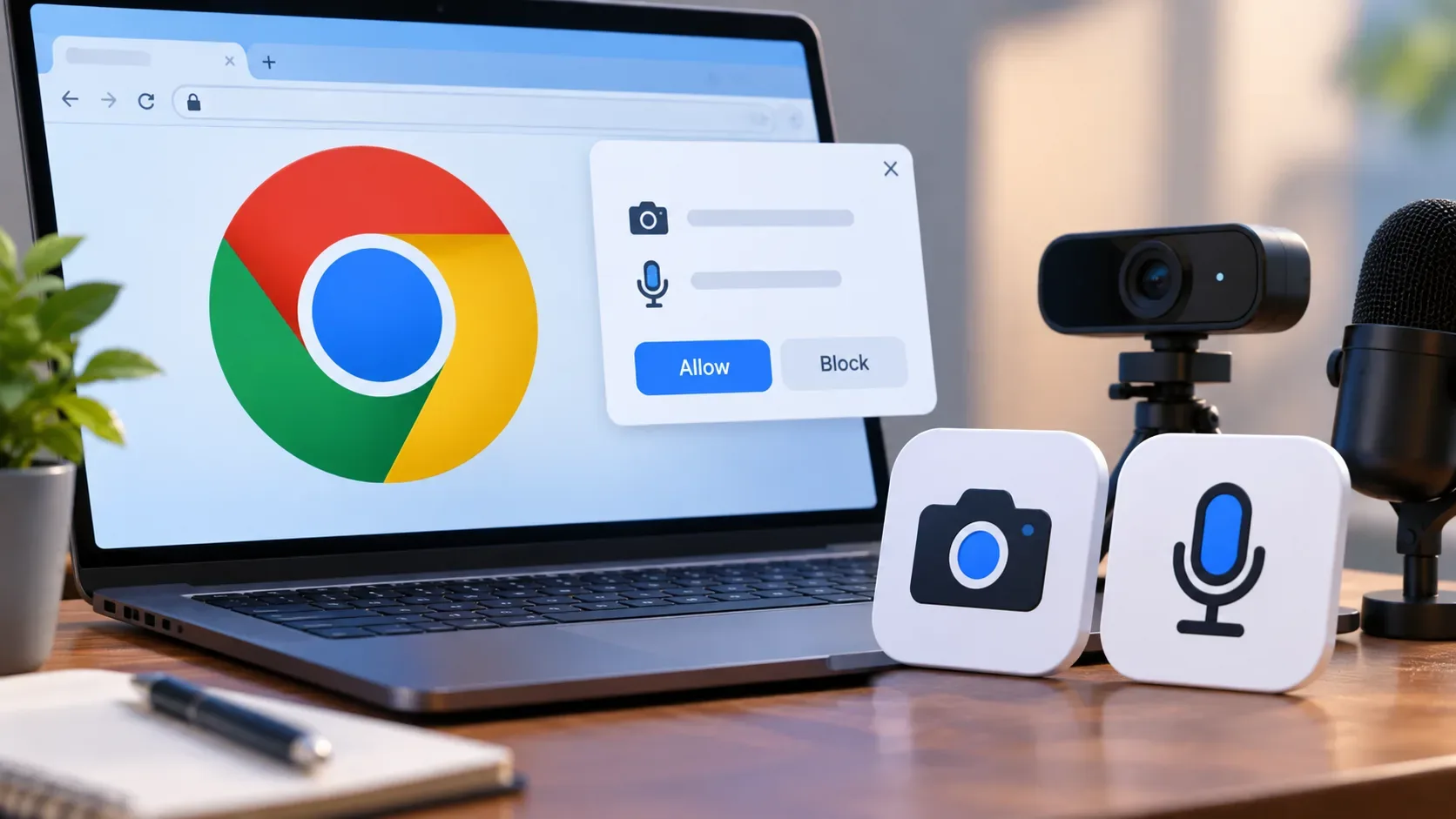
Short answer: in Chrome 153, <camera> and <microphone> make the most sense when a page needs one capability only—video only or audio only—and wants the request to start from a visible control that the user activates directly and the browser mediates. getUserMedia() remains the safer choice when cross-browser interoperability, custom flow orchestration, strict device requirements, or compatibility with existing code matter more.
Chrome lists both elements in the official Chrome 153 release notes, with the Stable release dated September 8, 2026. They follow the Capability Elements model: the in-page control is browser-controlled and tightly constrained, and capture starts only after an explicit signal of user intent. The main change is who controls the timing and surface of the permission request; it does not remove permissions, HTTPS, browser policies, or the need for a fallback.
What exactly changed in Chrome 153
<camera> mediates access to a single video MediaStreamTrack; <microphone> does the same for a single audio track. The Media Capture and Streams Extensions specification defines a read-only track property, an error property, the setConstraints() method, and the track, cancel, and error events for both elements.
In practice, the element encapsulates the media-request step. When a genuine user interaction activates it, the browser starts an underlying flow equivalent to getUserMedia() for the corresponding capability. On success, the track becomes available at element.track and the track event fires. If the user backs out or declines during the interaction, the flow can result in cancel; other failures are exposed through error.
This does not make getUserMedia() obsolete. The new elements are a declarative, specialized layer over the same capture problem, optimized for a narrower use case.
Quick matrix: use when / avoid when
| Situation | Best starting point | Why |
|---|---|---|
| Capture video only, with a clear user action | <camera> | Single-capability semantics, browser-controlled intent UI, and direct delivery of a video track. |
| Capture audio only, such as a voice note or microphone test | <microphone> | Avoids asking for camera access unnecessarily and keeps the request contextual. |
| Need camera and microphone together | <usermedia> or getUserMedia() | The Chrome 153 elements are designed for one capability; <usermedia> is the combined declarative control. |
| The app must work consistently outside Chromium | getUserMedia() with progressive enhancement | The new elements should not yet be treated as universally interoperable browser support. |
| The flow depends on strict camera, resolution, or device requirements | getUserMedia() or additional track validation | The current draft filters required constraints before the element makes its request. |
| The app already has mature device selection, switching, and restart logic | Keep getUserMedia() and test migration incrementally | The element's biggest gain is around intent and permissions; it is not automatically better for every media-orchestration task. |
Minimal <camera> example with fallback
A production implementation should detect support and keep a conventional path. The following check is consistent with the HTMLCameraElement interface exposed by the specification:
<camera id="camera-control"> <button id="camera-fallback" type="button">Enable camera</button> </camera> <video id="preview" autoplay playsinline muted></video> <script> const preview = document.querySelector('#preview'); const fallback = document.querySelector('#camera-fallback'); if ('HTMLCameraElement' in window) { const camera = document.querySelector('#camera-control'); camera.setConstraints({ width: { ideal: 1280 }, height: { ideal: 720 } }); camera.addEventListener('track', () => { preview.srcObject = new MediaStream([camera.track]); }); camera.addEventListener('cancel', () => { console.log('The user did not complete camera access.'); }); camera.addEventListener('error', () => { console.error(camera.error); }); } else { fallback.addEventListener('click', async () => { preview.srcObject = await navigator.mediaDevices.getUserMedia({ video: true }); }); } </script>For a microphone, the logic is equivalent: test 'HTMLMicrophoneElement' in window, listen for track, and use microphone.track. If the application needs to combine audio and video into a single MediaStream, it can also construct that stream from the acquired tracks, but at that point it is worth comparing the complexity with <usermedia> or a single getUserMedia({audio:true, video:true}) call.
What changes about permission—and what does not
With getUserMedia(), the site calls an imperative API and the browser decides, based on state and heuristics, whether and how to show a prompt. With Capability Elements, the capture control is embedded in the page, but its presentation belongs to the browser and activation must come from a real user action. The documentation for <usermedia>, which uses the same security and recovery model that Chrome 153 cites for the new elements, describes this design as a way to give the browser a stronger signal of intent and provide a more direct recovery path when the user had previously denied access.
- No automatic grant: the element does not bypass the user's decision or operating-system policies.
- HTTPS is still required: the specification says <camera> and <microphone>, like getUserMedia(), only work in a secure context; otherwise fallback content can be shown.
- A synthetic click is not a substitute for the user: activation is filtered for genuine action; untrusted events fail instead of silently starting capture.
- The prompt may not appear: if the browser can satisfy the request with existing permission, capture can proceed without a new prompt.
- Cancellation and error are separate: that makes it easier not to treat every user dismissal as a technical failure.
So the change is less “a new permission” and more a new way to express intent and run the permission/capture lifecycle.
Constraints are not identical to raw getUserMedia()
setConstraints() exists on both <camera> and <microphone>, but there is an important caveat: in the current draft, the algorithm removes constraints classified as required before it builds the underlying capture request. This keeps the permission control from becoming a surface that can fail on hard requirements before the user completes a choice.
Practical consequence: if your product depends on a specific camera, a resolution that must be mandatory, or a strict device-selection policy, do not treat setConstraints() on the Capability Element as a mechanical replacement for all existing logic. Validate track.getSettings(), test applyConstraints() on the track where appropriate, and keep the legacy flow where a hard requirement is essential.
Some lifecycle details still require testing
The proposal itself notes that behavior for a new activation when the element already has a track still needs to be determined; the current algorithm ignores activation if a track is already set. That matters for interfaces that expect to use the same control to stop, restart, switch devices, or recover an ended capture.
Applications with sophisticated media logic should therefore explicitly test scenarios such as track.stop(), camera switching, suspension, resumption, and transitions between states. If those behaviors are central, getUserMedia() still provides a familiar and controllable surface while the proposal evolves.
How to plan fallback without duplicating the whole application
The simplest strategy is to separate media acquisition from the rest of the application. Create a function that receives a MediaStreamTrack or MediaStream and connects it to the preview, Web Audio, WebRTC, or processing pipeline. Then choose only the acquisition layer:
- if HTMLCameraElement exists, use <camera> for video;
- if HTMLMicrophoneElement exists, use <microphone> for audio;
- if it does not exist, trigger navigator.mediaDevices.getUserMedia() from the fallback button;
- if camera and microphone are needed together, evaluate <usermedia> where supported and keep the same conventional fallback.
The Chromium Intent to Ship described expected availability as Chromium-only and recorded no Gecko or WebKit signal at that time. That is enough for a conservative recommendation: do not base production on Chrome version detection; use feature detection and keep a functional fallback.
Production checklist
- Confirm the use case is truly single capability.
- Serve the experience over HTTPS and test permission restrictions in managed or enterprise environments.
- Use 'HTMLCameraElement' in window and/or 'HTMLMicrophoneElement' in window, not user-agent sniffing.
- Keep a fallback button that calls getUserMedia() in unsupported browsers.
- Test track, cancel, and error paths separately.
- Do not try to disguise or automate the control: the UI and activation are deliberately browser-protected.
- If strict constraints are a business requirement, validate the acquired track instead of assuming full equivalence with getUserMedia().
- Test media shutdown and reacquisition, because post-track behavior still has open points in the proposal.
Decision rule: adopt <camera> or <microphone> when the UX benefit comes from a contextual, explicit, single-capability request. Stay with getUserMedia() when you need cross-browser reach, fine-grained flow control, or already-stabilized behavior. In Chrome 153, the production-friendly path is progressive enhancement, not an all-or-nothing migration.