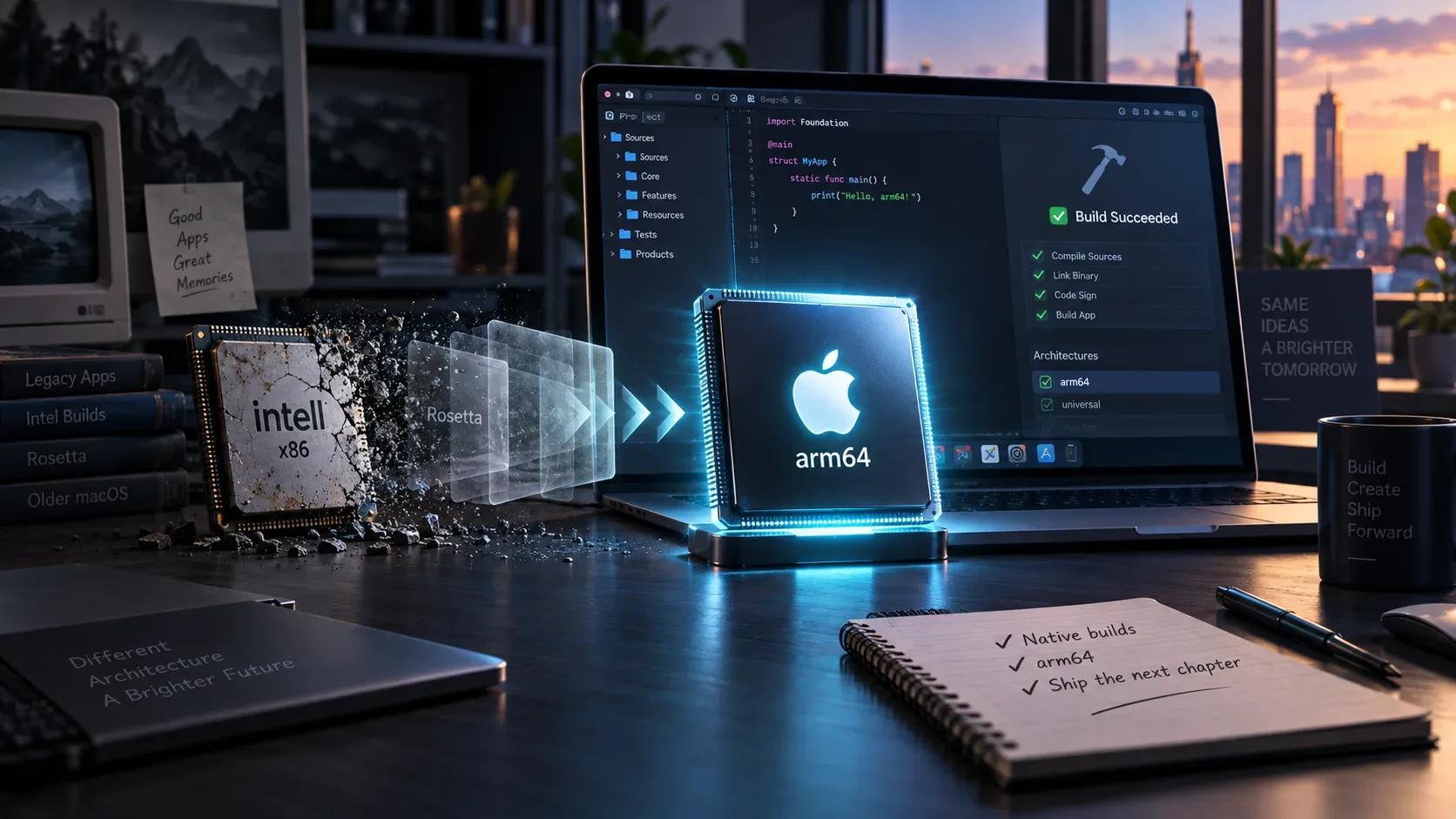
Short answer: macOS 27 will run only on Macs with Apple silicon, and Xcode 27 also requires an Apple silicon Mac to install and run. For a target whose minimum deployment target is macOS 27.0, Xcode 27 no longer includes x86_64 in ARCHS_STANDARD by default. That does not mean every developer should immediately remove the Intel slice: if the app still needs to support Intel Macs on macOS 26 or earlier, a universal binary remains the sensible choice.
The key is to separate three decisions that are often mixed together: which Macs can run the operating system, which architectures your executable contains, and what minimum deployment target the app declares. On September 9, 2026, Apple opened submissions using the latest SDKs and told developers to optimize their apps for macOS 27. The practical rule is simple: macOS 27 as the minimum points to arm64; support for Intel Macs on macOS 26 or earlier points to a universal binary. See Apple’s submissions notice.
What actually changes in macOS 27
The first cutoff is hardware. Apple says macOS 26 is the last major release compatible with Intel Macs and that macOS 27 will be Apple silicon only. In parallel, the Xcode 27 release notes state that Xcode itself only installs and runs on Macs with Apple silicon.
The second cutoff is the build. In Xcode 27, when MACOSX_DEPLOYMENT_TARGET is 27.0 or later, ARCHS_STANDARD no longer includes x86_64 by default. This is a change in the default, not an absolute ban on compiling Intel code: the release notes allow developers to add x86_64 manually to ARCHS when needed. In practice, however, an x86_64 slice does not create hardware compatibility with macOS 27 because no Intel Mac will run that operating system.
The third cutoff is tooling. Using the macOS 27 SDK does not force you to set macOS 27 as the deployment target. A project can be built with Xcode 27 and the newest SDK while still declaring an older minimum system version to preserve compatibility with older machines and operating systems. That distinction between the Base SDK and the deployment target is central to choosing universal versus arm64-only.
Rosetta: why Apple’s wording requires care
Apple’s official pages published in September 2026 are not perfectly aligned in how they phrase the Rosetta transition. The September 1 notice says macOS 27 is the final general-purpose release to support Rosetta and that the transition is ending; the technical documentation also says Rosetta remains available through macOS 27. The September 9 announcement, meanwhile, describes macOS 26 as the final release supporting Intel Macs and Rosetta while also reiterating that macOS 27 will be Apple silicon only.
For product planning, the safe conclusion does not depend on resolving that wording difference: do not treat Rosetta as the compatibility strategy for an Intel-only app in the macOS 27 cycle. Apple’s direction is to add native Apple silicon support now. On macOS 26.4 or later, users launching apps that rely on Rosetta may receive system notifications recommending a native version. Read Apple’s Rosetta transition notice and the translation environment documentation.
Apple also says that after the general-purpose transition period it will retain a subset of Rosetta functionality for older, unmaintained games that depend on Intel-based frameworks. That is a specific exception and should not be read as a guarantee that ordinary Intel applications will continue to run.
Checklist by scenario: Intel-only, universal, or already native
| Current scenario | What to do now | Recommended result |
|---|---|---|
| Intel-only app (x86_64) | Audit libraries, frameworks, plug-ins, helpers, and tools; add arm64; test on Apple silicon; review every Rosetta dependency. | Universal if Intel Macs on macOS 26 or earlier are still supported; arm64-only if the new minimum is macOS 27. |
| Universal binary (arm64 + x86_64) | Confirm every dependency remains universal and that the arm64 slice runs natively without Rosetta. | Keep universal while the product still supports Intel; remove x86_64 when that compatibility is no longer part of the support policy. |
| Already-native arm64 app | Check embedded components and CI; raise the deployment target only when it makes sense for the user base. | Stay on arm64. If the minimum becomes macOS 27, Xcode 27’s default already converges on that architecture. |
When to keep a universal binary
A universal binary remains useful when you distribute the same app to users of Intel Macs on macOS 26 or earlier. A universal executable contains both arm64 and x86_64 slices, and the system selects the proper one for the machine. On Apple silicon, the arm64 slice runs natively; on a compatible Intel Mac, the x86_64 slice runs. Apple maintains dedicated documentation on building and verifying universal macOS binaries.
Keeping universal also makes sense during an enterprise transition window, when customers have slower hardware replacement cycles or when your official support policy still includes Intel. The important point is not to equate “building with the macOS 27 SDK” with “requiring macOS 27.” You can adopt Xcode 27, use its current SDKs, and still choose an earlier deployment target.
When to limit the build to arm64
If your app now requires macOS 27, there is no practical benefit in carrying an x86_64 slice to reach Intel Macs because those Macs cannot run the system. Apple’s September 9 notice explicitly tells developers who want to limit an app to Apple silicon Macs to set the build architecture to arm64, rebuild, and resubmit.
Arm64-only can also be a product decision before you raise the deployment target, as long as you are willing to end Intel Mac support. This reduces test combinations and may simplify dependencies, but it is still a compatibility change: Intel users need to know which release is the last one that will continue to work for them.
What to review in Xcode 27
- Architectures (ARCHS): prefer Xcode defaults unless you have a clear reason to customize them. With a 27.0 or later deployment target, the default already leaves out x86_64.
- Build Active Architecture Only: Debug builds normally focus on the active machine architecture, while Release should produce the architecture set intended for distribution.
- Excluded Architectures: remove old workarounds that existed only because a dependency did not support Apple silicon. They can hide a problem instead of fixing it.
- CI and build machines: because Xcode 27 runs only on Apple silicon, Intel runners must be migrated if the pipeline depends on this Xcode version.
- Deployment target: raise it to 27 only when you are ready to drop older systems; do not raise it merely because you use the 27 SDK.
Apple’s general recommendation is to keep architecture build settings at their defaults whenever possible because those defaults follow the platform’s recommended CPU architectures. TN3117 explains these settings.
Dependencies, plug-ins, and helpers are where migrations often break
Adding arm64 only to the main executable is not enough. Code loaded in the same process needs a compatible architecture. That includes first- and third-party frameworks, static and dynamic libraries, plug-ins, extensions, command-line tools, daemons, launch agents, and other binaries bundled with the app. Apple’s porting documentation notes that a dependency without the required architecture can prevent a correct native build or runtime. See the Apple silicon porting guide.
If the project uses low-level code, also review processor-specific assumptions, assembly, intrinsics, JIT code, memory page sizes, and other architectural details. Many apps built on higher-level frameworks only need recompilation, but software that relies directly on hardware details requires additional testing.
How to verify that the final artifact has the right architectures
After an Archive or distribution build, inspect the actual executable inside the bundle rather than relying only on project settings. Apple recommends tools such as lipo or file. With lipo -archs, a universal binary should list arm64 and x86_64; a build limited to Apple silicon should list only arm64.
Perform the same check on critical embedded components. An app can look universal at the main executable level and still fail when it loads a plug-in or framework that is x86_64-only. If you keep a universal build, test both native arm64 execution and the x86_64 slice under the translation environment available during the transition.
A distribution plan that does not confuse macOS 26 with 27
- Define your support policy first: does the next release still need to support Intel Macs?
- If yes, keep a deployment target compatible with macOS 26 or earlier and distribute a universal binary.
- If no and the minimum becomes macOS 27, let the build converge to arm64-only.
- Update every dependency before removing Rosetta from your test assumptions.
- Migrate CI and development machines that still rely on Xcode on Intel Macs, because Xcode 27 requires Apple silicon.
- Tell Intel-only users about the native version and clearly identify the last release compatible with the older environment.
Three mistakes worth avoiding
Mistake 1: assuming “macOS 27 is Apple silicon only” means every app must become arm64-only today. If you still support macOS 26 on Intel Macs, a universal binary continues to serve both groups.
Mistake 2: treating universal and Intel-only as the same thing. A universal app already contains arm64 and runs natively on Apple silicon; an Intel-only app relies on translation during the transition.
Mistake 3: confusing the SDK with the deployment target. Building in Xcode 27 does not mean the app must require macOS 27. The deployment target is what declares the minimum operating system version supported by the app.
The practical decision for each project
If the project still has Intel Mac users, the cleanest transition is universal now and arm64-only when Intel support ends. If there is no longer a commitment to Intel and the next release requires macOS 27, simplify to arm64 and validate every native dependency. For an app that is still Intel-only, the priority is not to estimate how long Rosetta might remain a fallback: it is to build and test an arm64 version before an operating-system change turns technical debt into user-facing incompatibility.