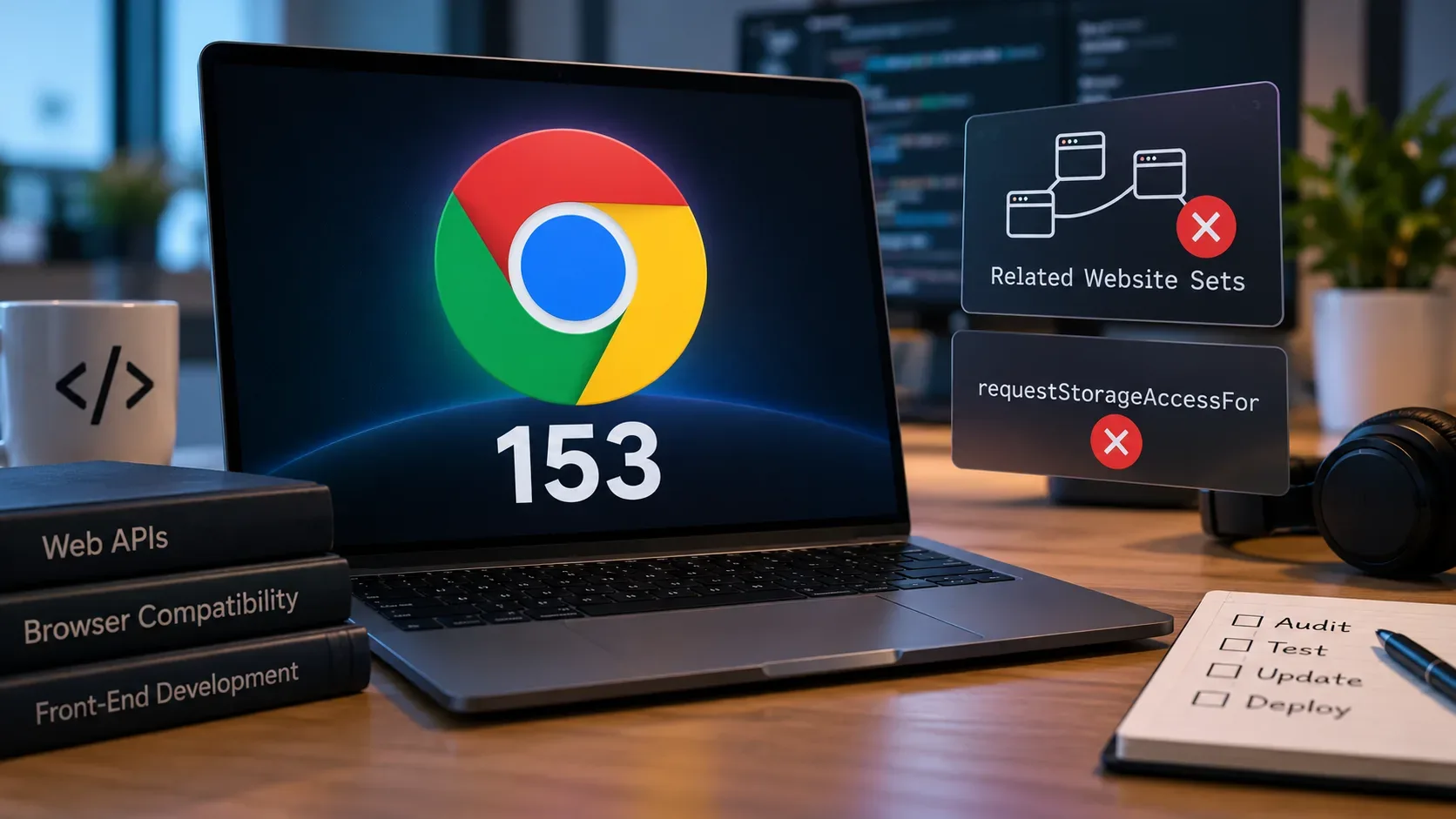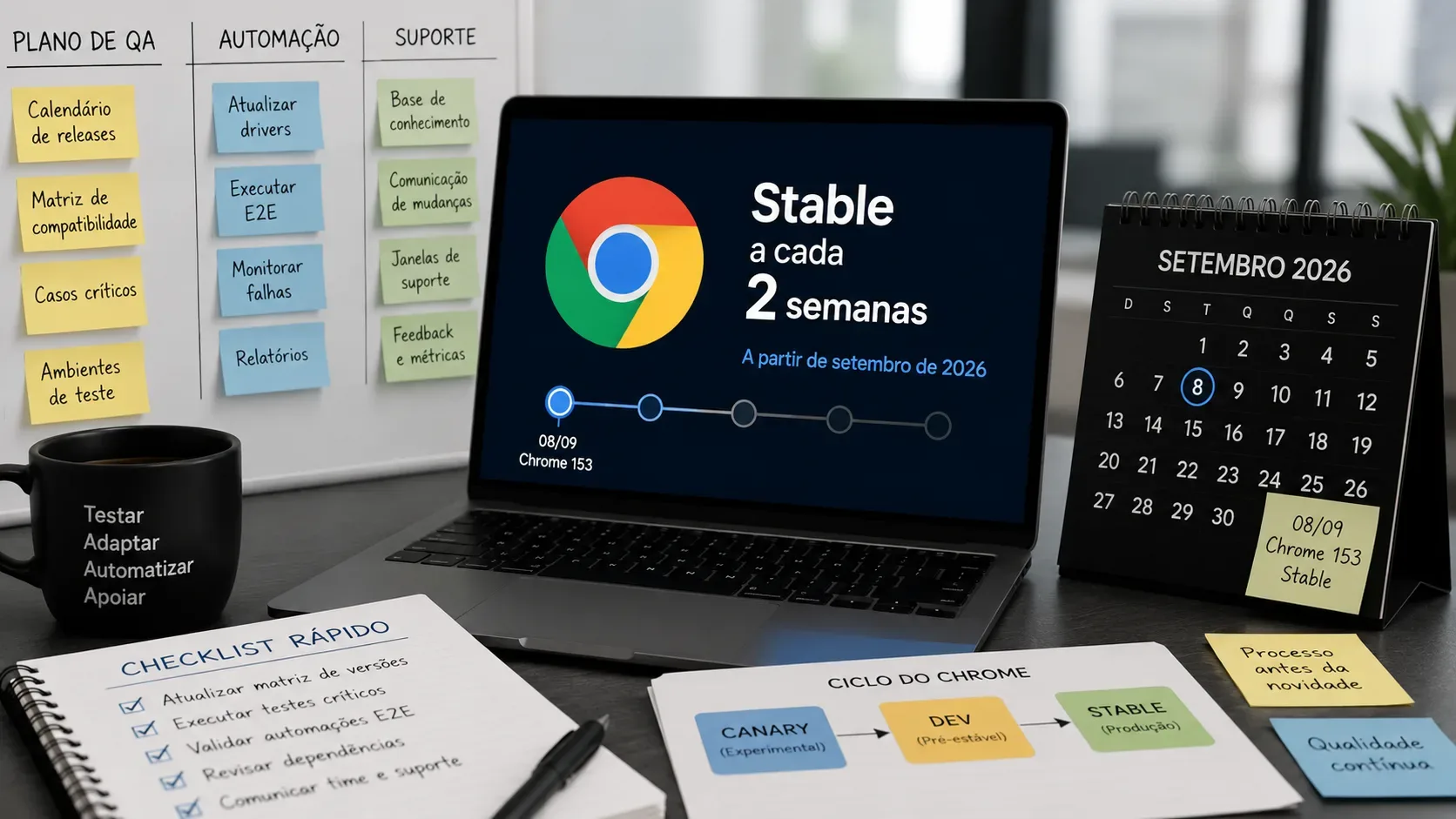
Chrome changes the pace of its major releases in September 2026: starting with Chrome 153, a new Beta and a new Stable version will ship every two weeks. For web teams, the most important effect is not “twice as many versions to track,” but the loss of the old monthly interval as the natural QA unit. Compatibility work needs to become a continuous flow, with Beta as an early-warning lane, Stable as the production reference, and reproducible automation for investigating regressions.
What changes in Chrome's September 2026 calendar
The official Chrome for Developers announcement says the four-week cycle will be replaced by a two-week cycle starting with the Chrome 153 Stable release on September 8, 2026. The change applies to desktop, Android, and iOS. Dev and Canary do not change cadence. Extended Stable also remains on its eight-week cycle. The Chrome team also states that each release's Beta will be available three weeks before it reaches Stable.
| Stage | Chrome 153 | Chrome 154 | How to use it in the process |
|---|---|---|---|
| Beta promotion | 08/19/2026 | 09/02/2026 | Start compatibility checks, smoke tests, and change triage. |
| Stable cut | 08/25/2026 | 09/08/2026 | Treat the version as close to what will reach production. |
| Early Stable | 08/26/2026 | 09/09/2026 | Watch early signals and validate the highest-risk cases. |
| Stable | 09/08/2026 | 09/22/2026 | Run a production smoke test, monitor, and trigger the regression playbook if needed. |
Those dates are the ones published by Chrome for milestones 153 and 154. For later milestones, the operational source of truth should be the Chrome Status roadmap and ChromiumDash rather than a projection made only from the “every 14 days” rule. At the time this article was published, on September 2, 2026, Chrome 154 had already entered Beta.
Why the QA impact is larger than it first appears
Chrome says more frequent releases will have smaller scope, which may simplify post-release debugging. For a product team, however, the practical consequence is that the next Beta arrives while the team is still observing the previous Stable release. Instead of one large “browser week” per month, there are now two overlapping tracks: the version running in production and the next version that needs validation.
This changes three habits. First, compatibility tests cannot depend on a manual monthly round. Second, bugs need to carry the exact browser version so they can be reproduced. Third, support must distinguish an application failure, a browser regression, and a rollout that is still partial, because Chrome distributes updates in stages and a new version does not necessarily reach every user at the same moment.
A 14-day adaptation calendar
The model below is a process recommendation, not an official Chrome calendar. The idea is to use Beta as the early signal and reserve Stable for production confirmation.
- T-21 days, Beta available: run smoke tests, critical flows, and a review of the changes announced for the release. Open tickets only for reproducible impact and classify risk by product area.
- T-14 days: update the compatibility matrix, review automation dependencies, and run high-value E2E tests on Beta. Changes involving web APIs, cookies, security, permissions, CSS, and navigation behavior deserve attention proportional to actual product usage.
- T-7 days: repeat critical scenarios in production-like environments, close any required workarounds, and prepare support, observability, and internal communication.
- T-1 or T-2: check release notes, rollout status, and known issues. Avoid making a major test-infrastructure change in the same window if that would make root-cause attribution harder.
- T0, Stable: run a small smoke suite on the real Stable release, review error and conversion metrics, and confirm that key user journeys still work.
- T+1 to T+3: investigate anomalies with versioned binaries, compare Stable with Beta and with the previously known version, and record enough evidence to separate a Chrome regression from an application regression.
How to reorganize CI and E2E without turning every commit into a huge matrix
A two-week cadence does not require testing every channel on every commit. A more efficient strategy is to separate blocking tests from early-warning tests.
- Pull requests: keep the main suite on a pinned, reproducible Stable version. This reduces false positives caused by an auto-updating browser during test execution.
- Nightly or daily: run a critical suite on Beta as well. The goal is to find incompatibilities before the next Stable, not necessarily to block all development because of an experimental failure.
- After every new Stable: promote the approved version into the main matrix and temporarily keep the previous one for incident reproduction and comparison.
- Dev and Canary: use them for exploratory tests of APIs or areas that are especially sensitive to platform changes. They are useful as radar, but they are not the same as the formal user-support window.
For automation, Chrome recommends Chrome for Testing. This variant was designed specifically for testing and does not auto-update, so teams can pin an exact version and repeat an old run. Starting with Chrome 115, Chrome and ChromeDriver releases were integrated: the Chrome for Testing dashboard provides matching pairs per channel, and the documentation provides JSON endpoints and the @puppeteer/browsers utility for automated downloads.
Pipeline checklist before Chrome 153
- Pin the browser version used by CI jobs that must be deterministic.
- Make sure Chrome and ChromeDriver are compatible; for M115 or later, prefer matching pairs published through Chrome for Testing.
- Create a recurring Beta job for flows that would actually cause a production incident if they broke.
- Record the full Chrome version, operating system, and driver or framework version in test artifacts.
- Separate product failures from infrastructure failures and browser/driver incompatibility.
- Assign an owner to review Beta and Stable release notes every cycle instead of letting the task remain unowned.
- Automate controlled updates of the tested version rather than relying on whatever Chrome happens to be installed on the runner.
- Keep a way to reproduce the previous Stable version when a support ticket arrives after users have updated.
Stable, Beta, Dev, Canary, and Chrome for Testing have different jobs
| Option | Practical role | Recommended team use |
|---|---|---|
| Stable | Production release for most users; a new major release every two weeks starting with M153. | Support baseline, production smoke tests, and the primary compatibility matrix. |
| Beta | Preview of the next Stable; in the new cycle, each Beta arrives three weeks before its corresponding Stable. | Early regression detection and validation of changes that may affect the product. |
| Dev | Frequently updated development channel; the move to two weeks does not change its cadence. | Prototyping and early investigation without treating it as a general support target. |
| Canary | The most experimental channel, with very frequent builds and a higher risk of breakage. | Radar for very new changes and exploratory testing. |
| Chrome for Testing | Not a channel: a versioned Chrome variant built for automation with reproducible binaries. | CI, E2E, bug reproduction, and ChromeDriver pairing. |
Some older Chrome documentation still describes Stable as monthly and Beta as four to six weeks ahead. For the period starting in September 2026, the specific two-week-cycle announcement is the newer reference: Stable and Beta move to the new cadence, while Dev and Canary remain unchanged.
How to adjust the support policy
A support policy does not need to promise compatibility with every Dev or Canary build. For ordinary web applications, it is more useful to define an explicit rule for Stable and, when enterprise customers matter, a separate Extended Stable lane. The key is to write the policy in terms the team can actually test.
One operational rule could be: “we continuously validate the current Stable and preview the next Stable through Beta; we keep the previous Stable available for incident reproduction.” That is more testable than simply saying “we support recent Chrome.” If your product contracts require N and N-1, keep that rule but update the execution cadence because N now changes twice a month.
Extended Stable remains on an eight-week cycle according to Chrome's announcement. If it is part of the real user base, add it as its own matrix row because its purpose differs from the two-week Stable channel.
A short playbook for a regression after a new Stable
- Capture the full Chrome version, platform, URL, time, and reproduction steps.
- Reproduce on the Chrome for Testing build that matches the reported version instead of depending on a browser that may update itself.
- Compare with the previous Stable and the current Beta to determine whether the failure appeared, persisted, or has already been fixed.
- Check release notes, Chrome Status, ChromiumDash, and known issues before assigning the cause to the application.
- If it is a Chrome regression, reduce product impact when a safe workaround exists and assemble a minimal case for the Chromium bug tracker.
- If it is an application regression, fix it and add the scenario to the suite that runs on Beta so the same kind of failure is found earlier in the next cycle.
What to do now
On September 2, 2026, adaptation can already begin: Chrome 154 is in Beta, Chrome 153 reaches Stable on September 8, and Chrome 154 reaches Stable on September 22. Use those two milestones to validate the new process before treating it as routine.
The priority is simple: turn browser QA into a continuous flow. Keep a reproducible Stable version in CI, run Beta ahead of time, use Chrome for Testing to pin binaries, and prepare support to identify quickly which version introduced a problem. The benefit of the new cycle is not testing “more Chrome”; it is finding incompatibilities early enough that a two-week browser change does not become a two-week incident.
Main sources: two-week release cycle announcement; Chrome 153 Beta; Chrome 154 Beta; release channels; Chrome for Testing; downloads and automation endpoints; ChromeDriver version selection.