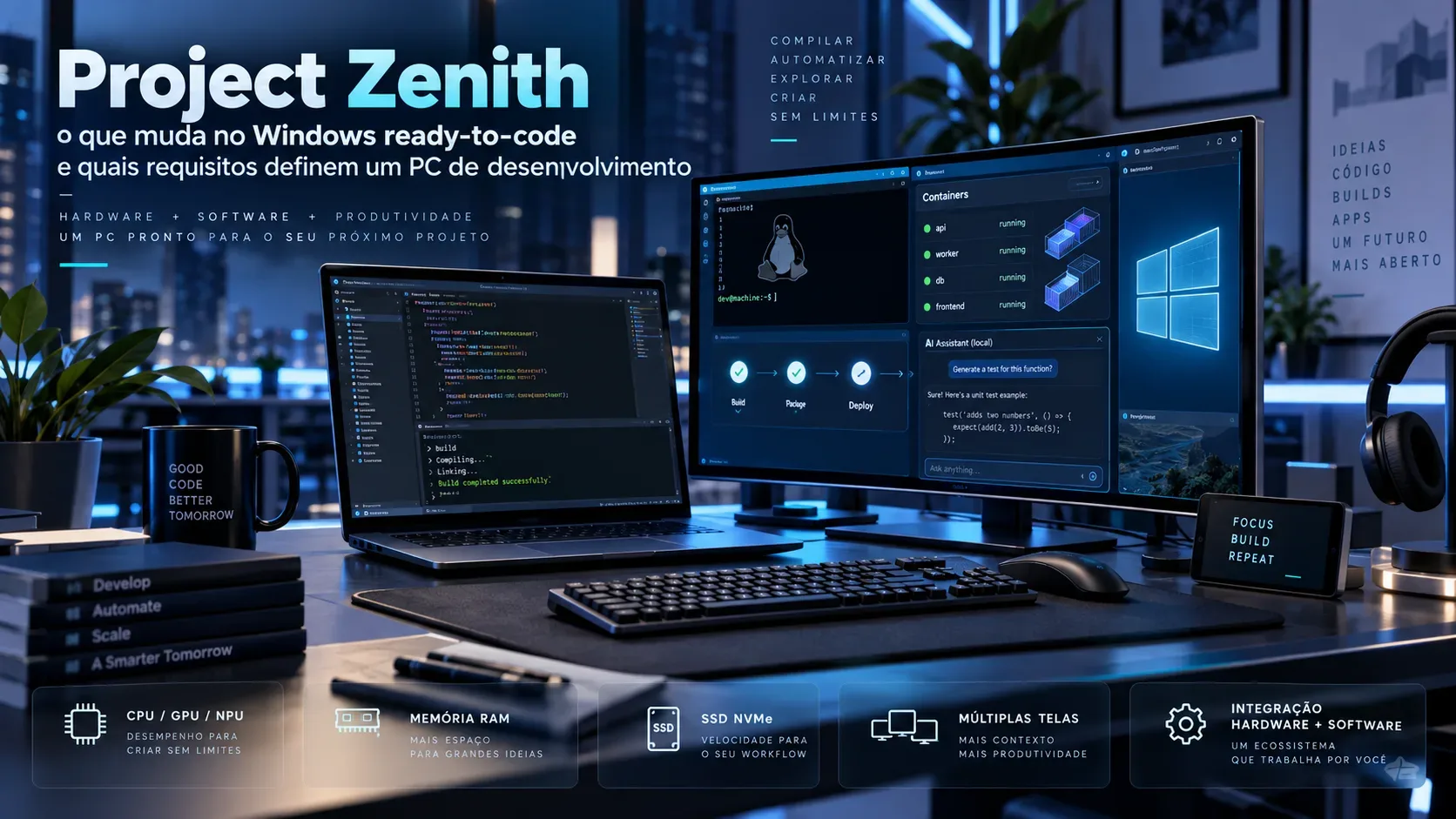
Project Zenith is Microsoft’s attempt to turn the idea of a “developer PC” into a factory-delivered experience: developer-class hardware, a preconfigured Windows 11 setup, and essential tools positioned so the machine starts much closer to a ready-to-code state. The official announcement, published on September 4, 2026, sets two objective hardware requirements for this class: 64 GB or more of unified memory and 250 GB/s or more of memory bandwidth. The first implementation will use AMD Ryzen AI Halo systems, with additional partners expected later. Source: Windows Developer Blog.
The most important point is to separate three things that can sound similar but are not: Windows configuration, raw hardware performance, and the ability to run AI models locally. Project Zenith touches all three, but Microsoft has not published a universal benchmark showing that “Zenith compiles X% faster” or that every development workflow will automatically be faster. What exists today is a minimum specification, a set of tools and settings, and a promise to shorten the path between powering on a new PC and starting work.
Project Zenith is not a new edition of Windows
Microsoft describes Zenith as a “ready-to-code,” distraction-reduced Windows 11 experience delivered on developer-class devices. That is different from launching a new operating-system edition. In practice, the value is a machine that already includes a baseline many developers would otherwise build manually after first boot.
Windows Terminal and Visual Studio Code are pinned to the taskbar by default. Microsoft also says the systems ship with preinstalled tools spanning languages and runtimes, source control and productivity. In an IFA update, the company said Ryzen AI Halo systems supporting Project Zenith out of the box include Visual Studio Code, WSL, GitHub Copilot CLI and PowerShell. Source: Microsoft Devices Blog.
What changes in “ready-to-code” Windows
Many of the changes are less dramatic than the Project Zenith branding suggests — and that is exactly why they can be useful. They are configuration decisions that remove repetitive first-day setup.
- File Explorer: file extensions, hidden files, the full path in the title bar and the details pane are visible; long-path support is enabled.
- Less noise: recent items, sync-provider tips, Start suggestions and account notifications are reduced or turned off.
- Faster access: Command Palette is enabled to make commands and tools easier to reach.
- Tools up front: Windows Terminal and VS Code are immediately accessible.
- Linux in the workflow: WSL is part of the baseline, and Microsoft positions WSL containers as an integrated way to create, run and interact with Linux containers on Windows.
This baseline reduces setup friction without locking developers into one workflow. Microsoft explicitly says Zenith is not meant to prescribe a single stack: users can still change languages, frameworks, IDEs and tools.
The requirements that actually define the device class
So far, Microsoft has published two numerical Project Zenith criteria: memory capacity and memory bandwidth. The Zenith announcement does not state a separate minimum for CPU cores, NPU TOPS, GPU capacity, SSD size or storage speed.
| Criterion | Announced requirement | Why it matters |
|---|---|---|
| Unified memory | 64 GB or more | Helps keep an IDE, containers, WSL and large AI workloads resident without a rigid split between CPU and accelerator memory on shared-memory platforms. |
| Memory bandwidth | 250 GB/s or more | Especially relevant for workloads that move large amounts of data, such as local model inference and some parallel tasks. |
| Initial platform | AMD Ryzen AI Halo | This is the first ecosystem Microsoft has named for the experience, not a permanent exclusivity claim. |
| Local models | 30B+ parameters, according to Microsoft | The company presents this capability as one of the use cases that justify high memory capacity and bandwidth. |
These numbers should be treated as the floor for the Zenith category, not a universal rule for every development PC. A machine used mainly for front-end work, light automation or remote services can be productive below that level. A workflow combining a heavy IDE, multiple containers, WSL, local databases and large AI models can benefit far more from memory capacity and bandwidth.
Builds: Zenith reduces setup, but it does not replace benchmarking
For builds, the most verifiable Zenith advantage today is indirect: the system starts from a development-oriented configuration with tools and settings already applied. Compile time still depends on CPU architecture and clocks, useful core count, SSD performance, cache behavior, toolchain, project size and parallelism.
Microsoft has not published, in the Project Zenith announcement, a benchmark suite comparing the same repository on a Zenith PC and a conventional PC. So “ready-to-code” should be read as less setup before work, not as a universal guarantee of faster builds.
Containers and WSL: deeper integration, but check the feature stage
WSL is central to the strategy because it lets developers run Linux workloads within Windows. At Build 2026, Microsoft introduced WSL containers with a dedicated CLI and API so Windows applications can create and control Linux containers. Source: Windows Developer Blog — Build 2026.
There is an important caveat for anyone trying to reproduce the setup on an existing PC: current Microsoft Learn documentation says the WSL container feature uses wslc.exe and, at this time, requires WSL 2.9.3 or later from the pre-release channel. That means “container integration” does not imply that every current Windows 11 PC is already in the same operational state as future Zenith devices. Source: Microsoft Learn — WSL container.
For teams, the practical lesson is straightforward: before standardizing the workflow, validate the WSL version, toolchain support, drivers and corporate policies. The existence of the feature does not replace compatibility testing with Docker, Kubernetes, GPUs, specialized SDKs or internal images.
Local AI: where 64 GB and 250 GB/s make the most sense
Microsoft says Zenith devices can run models with 30 billion or more parameters locally and without cloud token metering. This is the clearest argument for the unified-memory and bandwidth floor.
“Unmetered” does not mean “free”: there is power consumption, machine time and the cost of the hardware itself. It also does not mean every 30B model will run at the same speed. Performance depends on quantization, model architecture, backend, accelerator, context length and implementation. The announcement establishes the intended capacity class, but it does not provide standardized tokens-per-second measurements.
The verifiable benefit is different: some coding-assistance, experimentation and inference tasks can stay on-device, reducing reliance on metered cloud calls and enabling a different latency and privacy profile from a remote service. Local versus cloud remains a trade-off, not an automatic replacement.
Agent security is part of the platform story
Zenith also inherits Windows 11 investments for agentic applications. At Build 2026, Microsoft presented OS-enforced agent identity, containment and Microsoft Execution Containers (MXC), a policy-driven layer designed to constrain what agents can access. The Zenith announcement says these devices will benefit from those platform investments from day one.
This matters because running a model locally does not remove the risk of an agent with excessive permissions. For professional use, the question is not only “can the model run on this PC?” but also “which files, network resources and commands can the agent access?”.
Can an ordinary Windows PC be made similar?
On the software side, largely yes. Microsoft already provides Windows Developer Configurations, an open collection of configurations that uses WinGet to turn a fresh Windows 11 installation into a ready-to-code workstation with one command. The baseline installs tools, applies operating-system settings and bootstraps WSL. Source: Microsoft Learn — Windows Developer Configurations.
This is an important clue for evaluating Project Zenith: many of its organization and setup benefits do not strictly require buying a Zenith-branded device. The differentiator is the combination of that prepared experience with a much higher hardware floor designed especially for heavy local workloads.
How to evaluate a “developer PC” without buying the marketing
| Scenario | What to verify | What Zenith already clarifies |
|---|---|---|
| Large builds | CPU, useful cores, SSD, cache, toolchain and measured compile time | No Project Zenith-specific benchmark has been published; the announced advantage is the prepared environment. |
| Many containers | Available RAM, virtualization, WSL version, I/O and stack compatibility | WSL and containers are part of the product direction, but the current feature version needs verification. |
| Linux development on Windows | WSL, distro, drivers, GPU access and team scripts | WSL is in the ecosystem baseline and is receiving deeper integration. |
| Local AI | Unified memory, bandwidth, backend, quantization and measured speed | 64 GB+ and 250 GB/s+; Microsoft targets 30B+ models. |
| Enterprise environment | Policies, identity, isolation, management and support | Windows is adding agent-oriented controls, but deployment still depends on organizational policy. |
What is still undefined
As of September 15, 2026, Microsoft says Project Zenith will start with Ryzen AI Halo and that more OEM and silicon-partner devices will follow in the coming months. The announcement does not yet provide a complete model list, global pricing, worldwide sale dates or reference benchmarks for builds, containers or inference.
It is also wise not to turn “64 GB of unified memory” into an automatic synonym for “the best PC for every developer.” For many workflows, CPU performance, SSD speed, battery life, display quality, ports, virtualization support and tool compatibility may matter more. Zenith establishes a new device class; it does not remove the need to choose by workload.
Bottom line: what really changes
Project Zenith combines a Windows 11 setup already tuned for development with high-memory, high-bandwidth hardware. The most concrete first-day benefit is less setup: tools, WSL, Explorer preferences, shortcuts and distraction reduction arrive ready. The more ambitious benefit is making large local AI models a normal part of the developer workflow.
For builds and containers, the announcement is best interpreted as a more convenient and capable baseline, not as proof of superior performance in every project. If a purchase depends on measurable productivity, the best rule remains to test the same repository, the same toolchain and the same workload on candidate machines. Zenith defines the starting point; your own benchmark decides whether it is worth the investment.