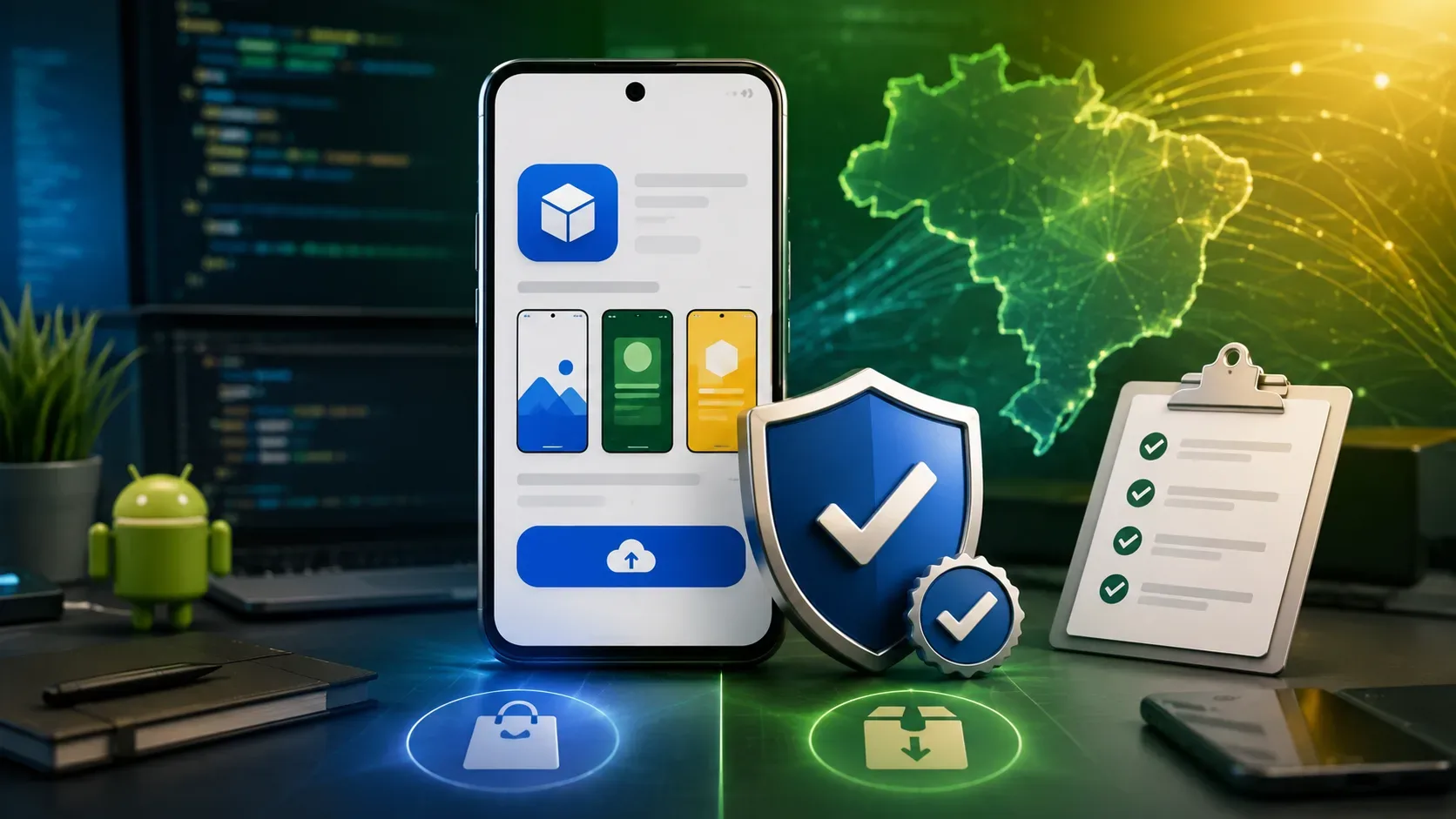
On September 30, 2026, Android developer verification enters a regional enforcement phase that includes Brazil. The key point is not to treat the date as a universal block on every APK distributed outside Google Play: at this stage, the protections apply to installations made through participating stores on certified Android devices running Android 7 or later. For developers publishing on Google Play, the immediate task is to confirm that every app is registered; for developers distributing exclusively outside Play, the path runs through Android Developer Console and package-name registration.
What changes in Brazil on September 30
Android's official documentation lists seven participating stores in the initial phase: Google Play, HONOR App Market, OPPO App Market, Galaxy Store, Palm Store, V-Appstore, and GetApps. In Brazil, as well as Indonesia, Singapore, and Thailand, these stores begin checking whether an app is registered by a verified developer before installation on certified Android devices running Android 7 or later.
The September 30, 2026 milestone is therefore regional and tied to specific stores. A global expansion is planned for 2027, when Android intends to extend the requirement to all apps on certified devices. The documentation also says the verification capability will expand to other third-party Android app stores.
Primary sources: Android developer verification overview and the implementation guide.
Who needs to act now
| Scenario | Main console | Priority before Sept. 30 |
|---|---|---|
| App published only on Google Play | Google Play Console | Check the home page and register any app that still appears as pending. |
| App on Google Play and also distributed elsewhere | Google Play Console | Use the same account to review Play apps and register packages/keys used for external distribution. |
| App distributed only outside Play through a participating store | Android Developer Console | Complete the appropriate account setup, verify identity when required, and register the package name. |
| Direct distribution from a website or a store outside the initial list | Android Developer Console, depending on strategy | The Sept. 30 rule is not yet enforced on that channel, but registration should be planned ahead of the 2027 global rollout. |
| Student, hobbyist, or restricted personal use | Android Developer Console | Consider a limited-distribution account, which supports sharing apps with up to 20 authorized devices. |
Google Play: 99% automatic is not 100%
For most Google Play developers, identity verification already completed in Play Console satisfies the new requirement. Google says 99% of Play apps were registered automatically using information already provided, but it still instructs developers to open the Play Console home page and check for remaining apps.
If anything is pending, registration should be completed by September 30, 2026. Play documentation warns that remaining unregistered apps may be removed globally from Google Play and may also disrupt the user installation experience. For new apps, creating the app in Play Console automatically registers the package name and links it to the developer account.
Developers who use Google Play and also distribute the same app through other channels do not need two separate verification processes: Play Console can serve as the central place to manage verification requirements, including packages and keys used outside Play. See the official Google Play Console guide.
There is also a form-factor distinction. For apps distributed on Google Play, the documentation says apps across all form factors must be registered. Outside Play, initial enforcement in the selected regions focuses on mobile and tablet form factors, although Android recommends registering all form factors to prepare for future expansion.
Outside Google Play: full or limited distribution
Developers who distribute exclusively outside Google Play use Android Developer Console. For broad distribution, a full-distribution account requires identity verification. For individual accounts, accepted documents vary by country; the documentation calls for government-issued identification and proof of address, plus a private email address and phone number that are verified. Organizations have additional requirements, including a D-U-N-S number and an organization website verified through Google Search Console.
A limited-distribution account is designed for students, hobbyists, and other personal or restricted-use cases. It has no financial cost, does not require a government-issued identity document, and allows apps to be shared with up to 20 explicitly authorized devices. To create one, Android requires a Google Account, two-step verification, a Google payments profile, and a contact email address. This model is not a substitute for a full-distribution account when an app needs broad reach.
Details: full distribution and limited distribution.
How package-name registration works
For apps outside Google Play, the core technical step is linking the package name and signing key to the correct developer account. The documented Android Developer Console flow is:
- Enter the package name that will be registered.
- Add the key using the SHA-256 certificate fingerprint for the app-signing key pair.
- Prove ownership for existing package names by signing an APK with the private key and uploading the file with the challenge specified by the console.
- Wait for the “Registered” status before treating the item as complete.
The signing-key inventory deserves special attention. Android's FAQ says that if the signing key is lost, the package cannot be registered through this process. Android Developer Console supports multiple signing keys for a single package. For teams managing many apps, Android also provides APIs to check status and automate package registration and management in CI/CD pipelines.
Step-by-step guide: registration in Android Developer Console.
Sideloading and stores outside the list: the important nuance
The September 30 deadline does not mean that every direct sideload will be blocked on that date. Android's FAQ says that initial enforcement is limited to the participating stores. If an app is distributed through another store that is not listed or downloaded directly for sideloading, the new requirement will not yet be enforced on that channel in September 2026.
That does not remove the need to prepare. Android plans a global rollout in 2027 and recommends completing verification ahead of that expansion. Power users also have an advanced flow for installing apps from unverified developers with additional safeguards. ADB-based installation for development and testing continues to work without registration.
There is another operational exception: enterprise apps distributed through an organization's repository to managed devices do not have to meet this verification requirement in that flow because the installation is already controlled by the IT administrator. Android still recommends registering those apps if they might also be installed from other sources or on unmanaged devices.
Checklist to avoid reaching Sept. 30 with an unregistered app
- Map distribution channels: Google Play, participating stores, other stores, your own website, enterprise distribution, and sideloading.
- Choose the correct console: Play Console for developers publishing on Play; Android Developer Console for developers operating exclusively outside Play.
- Confirm the account type: full distribution for broad reach or limited distribution for restricted use on up to 20 devices.
- Review account identity: personal/organization details, contacts, and, for organizations outside Play, D-U-N-S and a verified website when required.
- Inventory package names: list every application ID/package name that reaches users.
- Inventory signing keys: locate certificates, SHA-256 fingerprints, and the owners of private-key storage.
- Check registration status: do not assume that being on Play means every package is resolved; confirm it in the console.
- Register pending and external apps: complete proof of ownership and follow each package through to final status.
- Test the real installation path: use a certified Android device that matches the audience and validate the channel that will be used in Brazil.
- Document the process: assign an owner, set an internal deadline before Sept. 30, and for larger teams consider APIs that bring the check into CI/CD.
What happens if you do nothing
Within the initial scope, an app that requires verification and remains unregistered may be blocked from installation on certified Android devices in the covered regions. For Google Play apps that remain pending, Play documentation also warns about the risk of global removal from the store.
The safest approach is to turn the deadline into an objective review: identify the distribution channel, open the corresponding console, confirm identity and package status, register anything missing, and keep internal evidence that each critical app reached a completed state. Android's developer verification FAQ is the best reference for edge cases involving sideloading, ADB, enterprise apps, form factors, and signing keys.