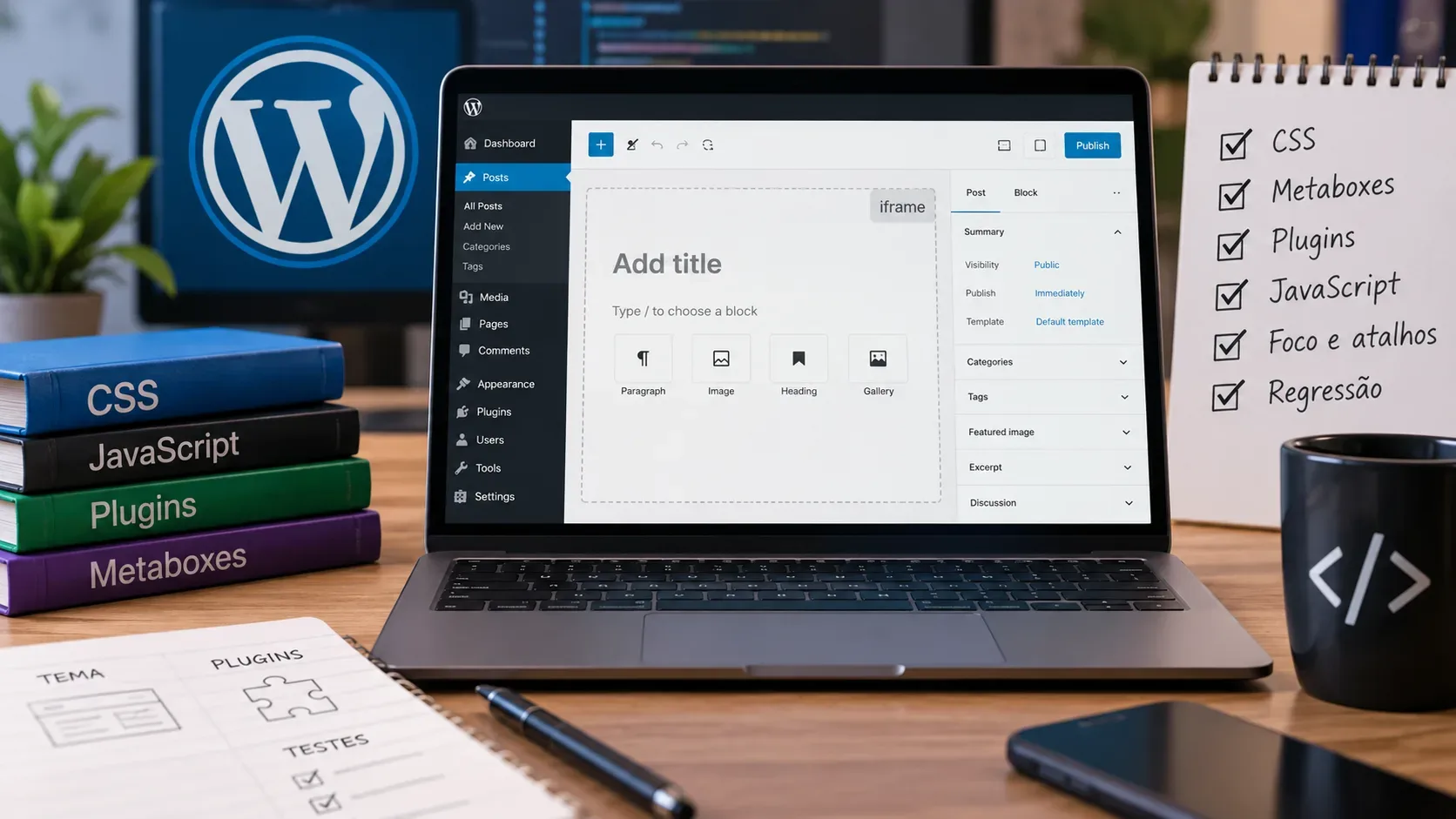
WordPress 7.1, released on August 19, 2026, makes the post editor always iframe-based. This applies regardless of theme type, the Block API version used by blocks, or the presence of legacy meta boxes. For theme and plugin maintainers, the main question is no longer whether the iframe will be enabled, but whether CSS and JavaScript target the correct document and whether supporting interfaces keep working when the editor canvas is isolated.
The highest regression risk is in extensions that reach into editor content through the global document or window, stylesheets that depend on the admin screen DOM tree, and libraries that position popovers or listen for events without accounting for the editable content living in a separate document. The change is intentional: isolation prevents wp-admin styles from leaking into content, makes viewport units and media queries reflect the actual canvas size, and brings editor rendering closer to the front end.
What changes in WordPress 7.1
Up to WordPress 7.0, the post editor could still fall back to a non-iframe mode in some compatibility scenarios. In 7.1, that fallback is no longer the baseline: the post canvas stays in an iframe even when content uses older blocks. Gutenberg 23.6 or later already forces this behavior and can be used as a test environment.
- Legacy blocks no longer prevent the iframe. Blocks using a Block API version older than 3 are no longer a way to keep the editor in the main document.
- Meta boxes no longer prevent the iframe. Meta-box compatibility had already been adapted in previous releases, and 7.1 keeps the canvas isolated even when they are present.
- The editor and editor content are different contexts. Controls, sidebars, and editor plugins live in the admin context; editable content lives in the iframe document.
- CSS and JavaScript must be loaded into the right destination. An asset present on the admin page is not automatically in the same DOM context as canvas content.
Test matrix before updating the site
| Area | What to test | Regression signal | Likely action |
|---|---|---|---|
| Content CSS | Typography, spacing, width, responsive states, block selectors, and theme styles inside the canvas | Unstyled block, rule that works only on the front end, or layout that differs unexpectedly | Review where CSS is enqueued and remove dependencies on wp-admin ancestors |
| Interface CSS | Inspector, toolbar, sidebar, and components added by the plugin | Broken controls or styles leaking into content | Keep interface assets on the editor UI hook and separate them from content CSS |
| DOM and events | Element selection, mouse/keyboard listeners, resize, scroll, drag-and-drop, and position measurements | querySelector cannot find the block, shortcuts do not fire, or listeners attach to the wrong document | Derive ownerDocument and defaultView from a canvas element and clean up listeners when the reference changes |
| Meta boxes | Fields, saving, tabs, dropdowns, calendars, modals, and popovers | Clipped popover, inaccessible field, or interaction that loses focus | Avoid UI that overflows the meta-box container or render popovers outside it |
| Rich text | Custom formats, links, tooltips, and UI anchored to text selection | Popover opens away from the selection or focus returns to the wrong place | Use iframe-compatible anchoring APIs such as useAnchor instead of global calculations |
| Third-party libraries | Carousels, masonry, editors, pickers, and libraries that read window/document | Works on the front end but fails only in the editor | Initialize from an element reference and, if needed, patch the library to accept the relative document |
| Older blocks | Real posts with API v1/v2 blocks, dynamic blocks, and third-party block extensions | An error that did not appear in 7.0 because the editor left the iframe | Fix compatibility and migrate your own blocks to apiVersion 3 after testing |
CSS: separate content styles from interface styles
The first review should answer one simple question: does the rule style the editable content or the editor interface? WordPress documentation recommends enqueue_block_editor_assets for editor-interface scripts and styles, such as inspector controls, toolbar controls, variations, and editor plugins. For assets that must reach blocks in the canvas, enqueue_block_assets is the primary path; since WordPress 6.3, those assets are also loaded in the iframe editor and remain available on the front end.
Pay special attention to selectors that start from the wp-admin body, cross admin wrappers, or assume that the block is a direct descendant of the editor page. With an iframe, the content does not share that ancestor tree. Rules that depend on an “admin body + editor wrapper + block” chain are likely to stop matching. Selectors focused on the block itself, along with styles declared through theme.json or block style APIs, align better with the isolated model.
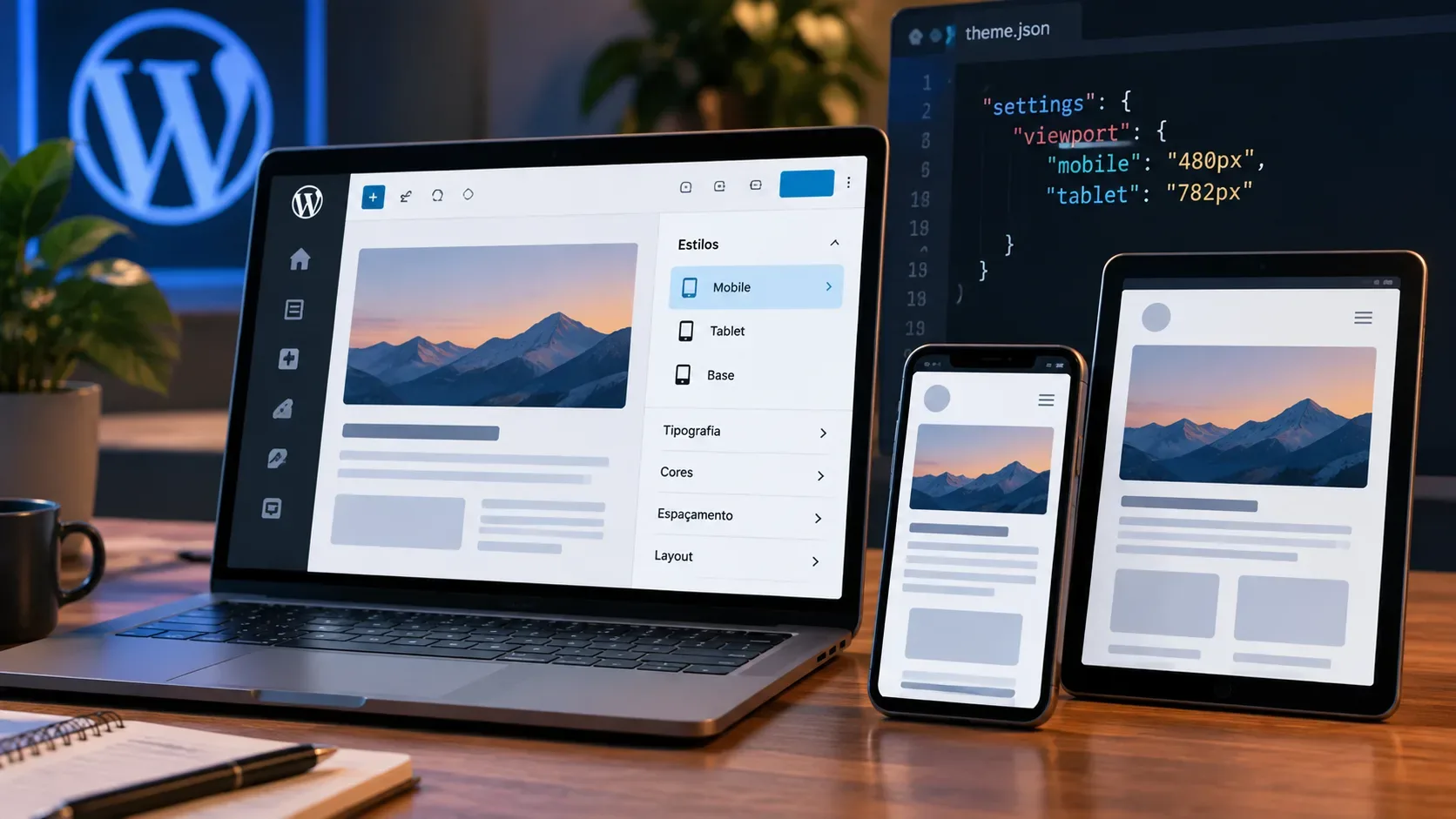
Also compare breakpoints, vw/vh, and fluid layouts. One benefit of the iframe is that media queries and viewport-relative units respond to the canvas dimensions rather than the full admin page width. A visual difference in this area may be corrected behavior rather than a bug; the right comparison is the front end.
JavaScript and the risk of document/window pointing to the wrong place
The main technical issue highlighted by the WordPress team is that the iframe has its own document and window. Editor scripts normally execute on the admin page, so using global objects to find a canvas element, measure the window, or register events can hit the parent document instead of the document where the block lives.
For React block code, the recommendation is to obtain a reference to an element rendered in the canvas and use ownerDocument from that element to reach the correct document and defaultView to reach its window. For listeners, WordPress recommends useRefEffect because it can install and remove the listener when the element reference changes, which matters when the canvas re-renders or remounts.
Testing should cover keyboard, mouse, pointer, scroll, and resize events; selection APIs; layout measurements; drag-and-drop; portals; and any lookup made with global selectors. If a feature disappears only inside the editor, open the console and confirm which document the code is searching before assuming the block itself is broken.
Meta boxes: the iframe does not mean they disappear
Classic meta boxes remain an important compatibility case. The 7.1 change does not require removing them for the editor to work, but it removes the expectation that their presence will disable the iframe. Plugins that were never tested in this combination can therefore expose issues now.
Two areas are already documented by the project. The first is overflow: the meta-box container can clip elements that extend beyond its bounds, especially menus and popovers that open upward. Components from @wordpress/components such as Popover and Dropdown avoid this by rendering the layer in an appropriate region of the interface. If your plugin uses a custom solution, test calendars, autocompletes, advanced selects, and menus at different page heights.
The second is UI anchored to a rich-text selection. Plugins that add text formats, tooltips, or small floating editors should not calculate position under the assumption of a single document. The useAnchor API from @wordpress/rich-text is the recommended reference for this type of anchoring.
Plugins with third-party libraries deserve a separate pass
A library can receive the correct block element and still access global window or document internally. This is common in older drag, zoom, masonry, picker, and widget components. The WordPress migration guide recommends preferring libraries that accept a target element and derive the document from it. When the dependency is outside your control, the sustainable fix is to patch the library or submit an upstream change; using a copy of the library loaded inside the iframe can be a transition technique, but it is not the preferred long-term approach.
With jQuery or jQuery plugins, pass the block element into initialization rather than searching for the node again from the global document. Also verify that the component is destroyed when the block unmounts so listeners, observers, or orphaned instances do not accumulate as editor modes change.
Block API v3 still matters, but it no longer controls the iframe
Migrating your own blocks to apiVersion 3 is still recommended because this version signals iframe-editor compatibility and is the baseline in current documentation. The difference is that, in WordPress 7.1, keeping apiVersion 1 or 2 does not return the editor to the old mode. “It works because it is still API v2” is no longer a compatibility strategy.
In practice, treat API v3 as part of block modernization, not as an iframe switch. First reproduce the behavior on a copy of the site, fix DOM and asset dependencies, and only then update the block declaration, validating editing, saving, reopening, and front-end rendering.
Staging test plan
- Clone a realistic sample. Include old posts, custom blocks, third-party blocks, meta boxes, complex fields, and content with responsive layouts.
- Test WordPress 7.1 with the same plugin stack as production. If you need to reproduce the behavior elsewhere, Gutenberg 23.6 or later forces the post editor into an iframe.
- Open the console and network panel. Look for JavaScript errors, 404 assets, missing styles, and warnings that appear only while editing.
- Inspect the iframe. Confirm that stylesheets intended for content are actually loaded inside the canvas document.
- Exercise interactions. Insert, select, duplicate, move, drag, use shortcuts, open popovers, edit rich text, toggle sidebars, and work with meta boxes.
- Save and reopen. An integration can look correct during a session and still fail during serialization, meta persistence, or block remounting.
- Compare with the front end. Verify typography, spacing, breakpoints, width, and responsive states to identify true divergences.
- Test sensitive plugins in isolation. If something fails, repeat with other plugins disabled to separate a conflict from direct iframe incompatibility.
Release checklist
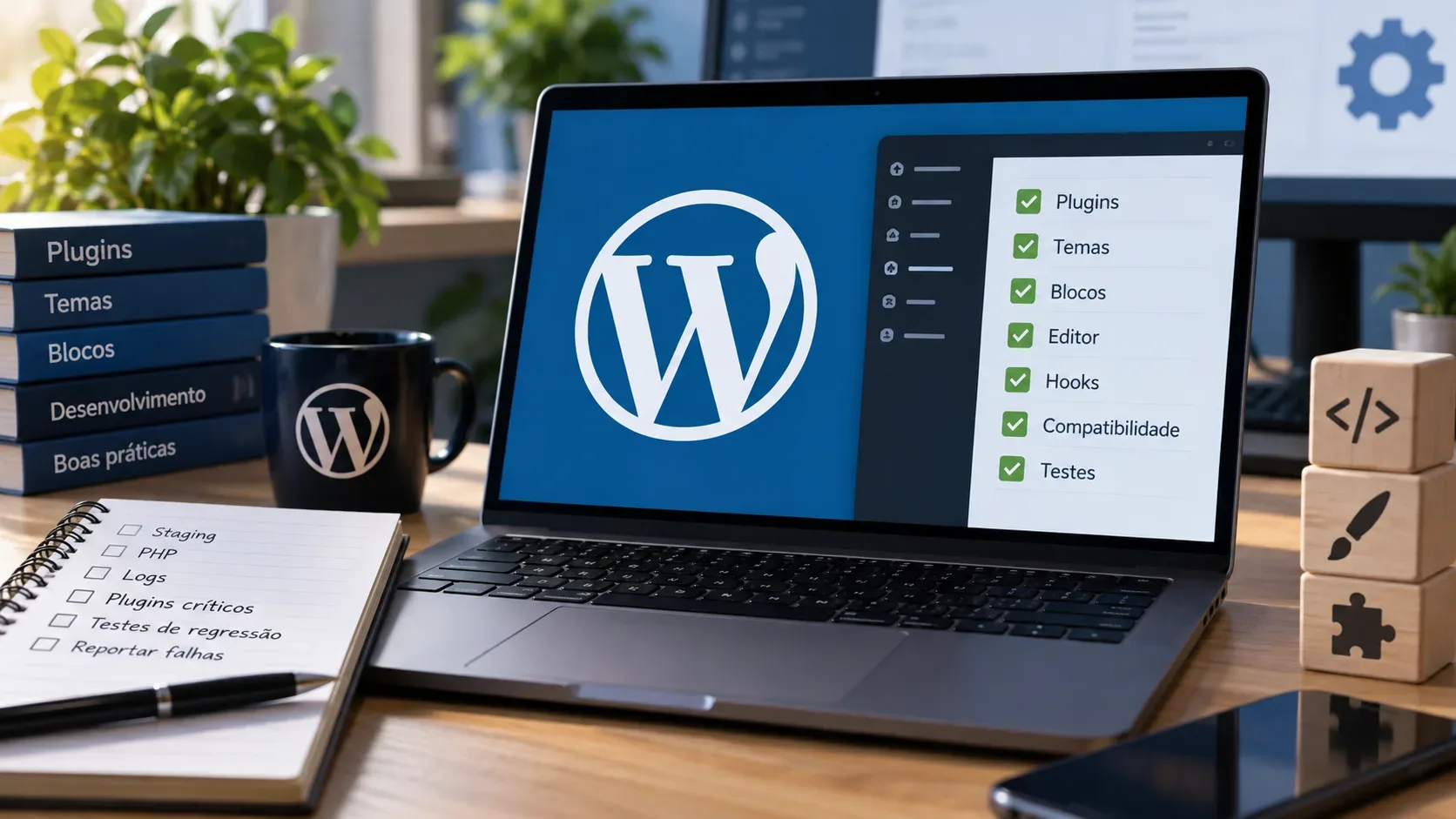
- Content CSS reaches the iframe document and does not depend on wp-admin ancestors.
- Interface CSS and scripts use the appropriate admin context.
- No block feature depends on global document/window to reach the canvas.
- Listeners and observers are removed when elements remount or unmount.
- Meta-box popovers and dropdowns are not clipped.
- Rich-text formats preserve position, focus, and selection inside the iframe.
- External libraries receive a target element and work without assuming one global window/document.
- Posts with older blocks open, edit, save, and reopen without errors.
- The editor remains visually consistent with the front end across widths.
- A backup and rollback path exist before the production update.
Official sources to check during migration
- Make WordPress Core: Iframed Editor Changes in WordPress 7.1
- Block Editor Handbook: Migrating Blocks for iframe Editor Compatibility
- Block Editor Handbook: Enqueueing assets in the Editor
- Make WordPress Core: Post Editor iframing with meta boxes in WordPress 6.7
- Make WordPress Core: WordPress 7.1 release page
The practical rule is straightforward: do not treat a plugin working in the WordPress 7.0 post editor as proof of compatibility. WordPress 7.1 removes a fallback that could still hide some issues. If CSS, DOM access, focus, meta boxes, and libraries are tested in the correct document, the transition becomes much more predictable and iframe isolation can improve editor consistency rather than become a source of regressions.