WordPress 7.2 will be the final major release of 2026. The official schedule places Beta 1 between October 20 and 22 and the final release between December 8 and 10. On September 12, the cycle is still pre-Beta 1, which makes this a good time to build a disposable environment, follow trunk and recent Gutenberg releases, and find incompatibilities while the code is still moving. The key is to separate two things: testing what is already present in development and treating every Gutenberg change as a guaranteed WordPress 7.2 feature. The project itself says new features will be considered only when they are reasonably ready. See the official WordPress 7.2 schedule and the September developer roundup.
What changes when Beta 1 arrives
Before Beta 1, trunk is still receiving development work and can change frequently. Once the beta phase begins, the cycle shifts toward testing and bug fixing while Dev Notes start to be consolidated. That makes the weeks before October 20–22 especially useful for plugin and theme authors: a conflict found now may expose an API in transition, a deprecation, or a regression that can still be investigated with fresh context.
Do not use this phase as a reason to update production. The target should be an environment where it is acceptable to break the editor, lose test content, disable extensions, and switch versions repeatedly.
Build a test environment you can break
The ideal setup is a staging site, local environment, or temporary instance that reproduces the real combination of theme, critical plugins, PHP, and content without sensitive data or customer traffic. To follow the next major release, the official documentation supports using the WordPress Beta Tester plugin on “Bleeding edge nightlies” or updating to trunk with WP-CLI. The beta testing guide also recommends this workflow for testing before formal prereleases.
For editor changes, the September roundup recommends running WordPress trunk with the latest Gutenberg release or opening an instance in Playground. This matters because some work aimed at the 7.2 cycle appears in Gutenberg first. Keep a second installation without the Gutenberg plugin, however, so you can distinguish core behavior in trunk from experimental plugin behavior.
Minimum compatibility matrix
| Layer | What to test | Why it matters |
|---|---|---|
| Core | Stable WordPress 7.1 and WordPress 7.2 trunk | Comparing the last stable behavior with development helps identify regressions. |
| PHP | Your production PHP version and at least one other version your product supports | This avoids blaming core for an issue tied to a PHP combination. The official table shows WordPress 7.1 compatible with PHP 7.4 through 8.5; confirm the matrix again when 7.2-specific documentation is published. |
| Editor | Trunk without Gutenberg and trunk with a recent Gutenberg release | This separates changes already merged into core from work that is still experimental or being integrated. |
| Theme | Your primary theme and a default theme | This helps isolate a theme conflict from a WordPress regression. |
| Plugins | No plugins, critical plugins individually, and the full stack | This shows which extension introduces or exposes the problem. |
| Browser | At least the browsers you claim to support | Editor and keyboard shortcut issues can depend on the browser environment. |
The official PHP reference is PHP Compatibility and WordPress Versions. Do not assume a new minimum requirement for 7.2 without an official note.
Plugins: start with the areas most likely to break
Prioritize plugins that modify the editor, register blocks, add admin screens, alter REST/AJAX behavior, depend on WordPress JavaScript packages, or maintain integrations with content types and metadata. Run the flows that support revenue, publishing, or operations first: create and edit content, save settings, process forms, run jobs, authenticate integrations, and complete database-writing operations.
Among the changes already highlighted in Gutenberg 23.8 and 23.9, several are concrete compatibility targets. Inner block templates are moving from InnerBlocks props to block type settings; the old props still work but are deprecated. DataViews is removing dependencies on private APIs, while components that used to sit behind those APIs are gaining public paths. Block variations and transforms can also declare keyboard shortcuts. If your plugin touches these areas, test more than whether the UI “opens”: verify insertion, selection, transforms, undo/redo, save, and reload behavior.
The same applies to admin extensions. Editors now use the admin color scheme through a ThemeProvider, and a public export can read those colors. Plugins that render their own admin components should check contrast, focus states, and readability under more than one admin color scheme.
Themes: focus on theme.json, Global Styles, and spacing
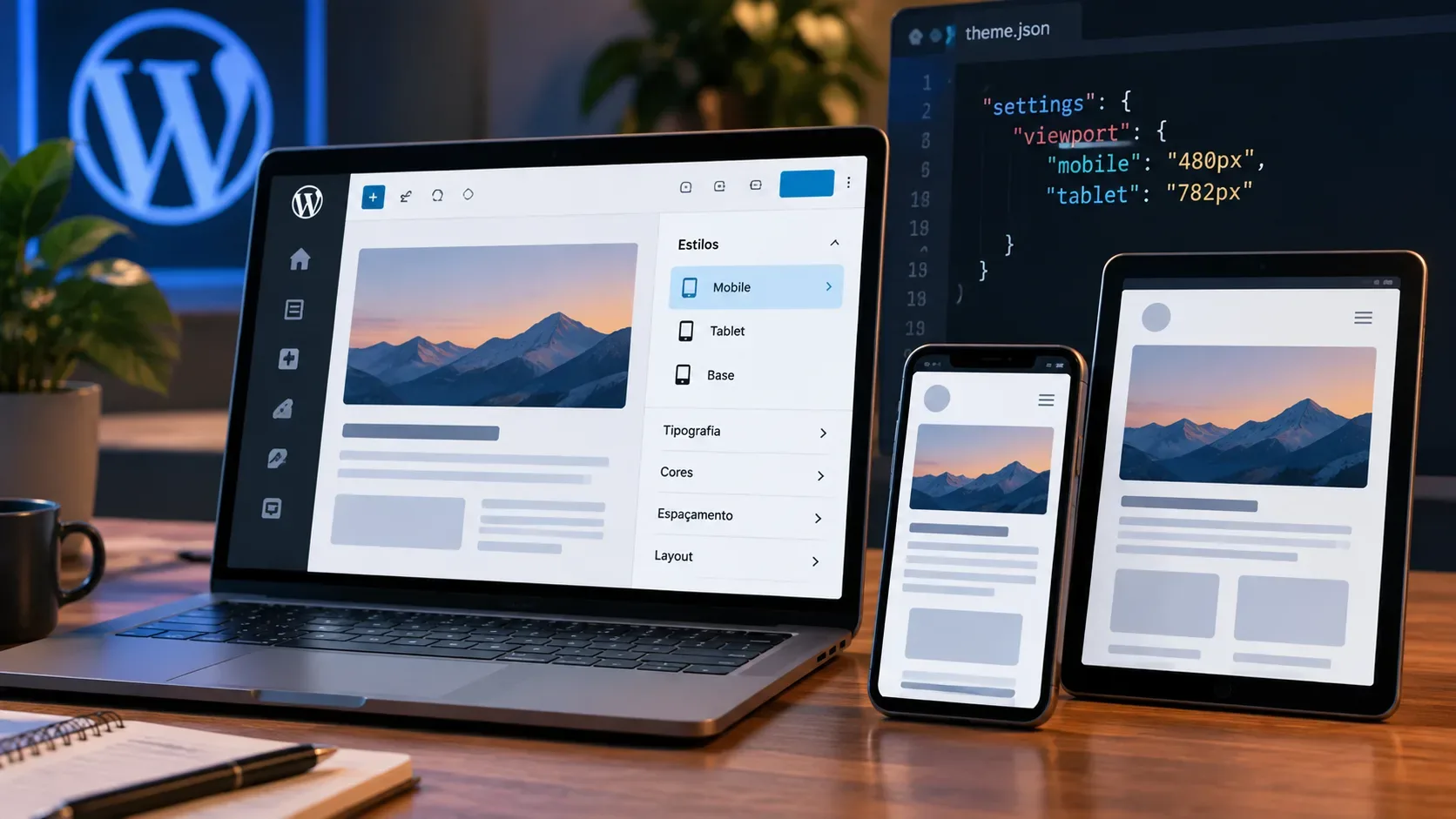
Recent Gutenberg work includes schema fixes for responsive states and pseudo-class states in theme.json. There are also controls for disabling state and responsive editing through editor settings without removing styles that have already been defined. Themes using these features should validate three layers: what theme.json declares, what the Global Styles interface allows users to edit, and the CSS actually rendered on the front end.
Other Gutenberg 23.8/23.9 items worth regression testing include styling for the label element, editing cite, text input, and select elements in Global Styles, separate horizontal and vertical blockGap support for the Group block, new supports for blocks such as List, Query No Results, and Query Loop, plus fixes around duotone, shadows, and spacing normalization. Do not assume every item will ship unchanged in the final 7.2 release; use them as a test map while the cycle matures.
Blocks and editor: test behavior, not only appearance
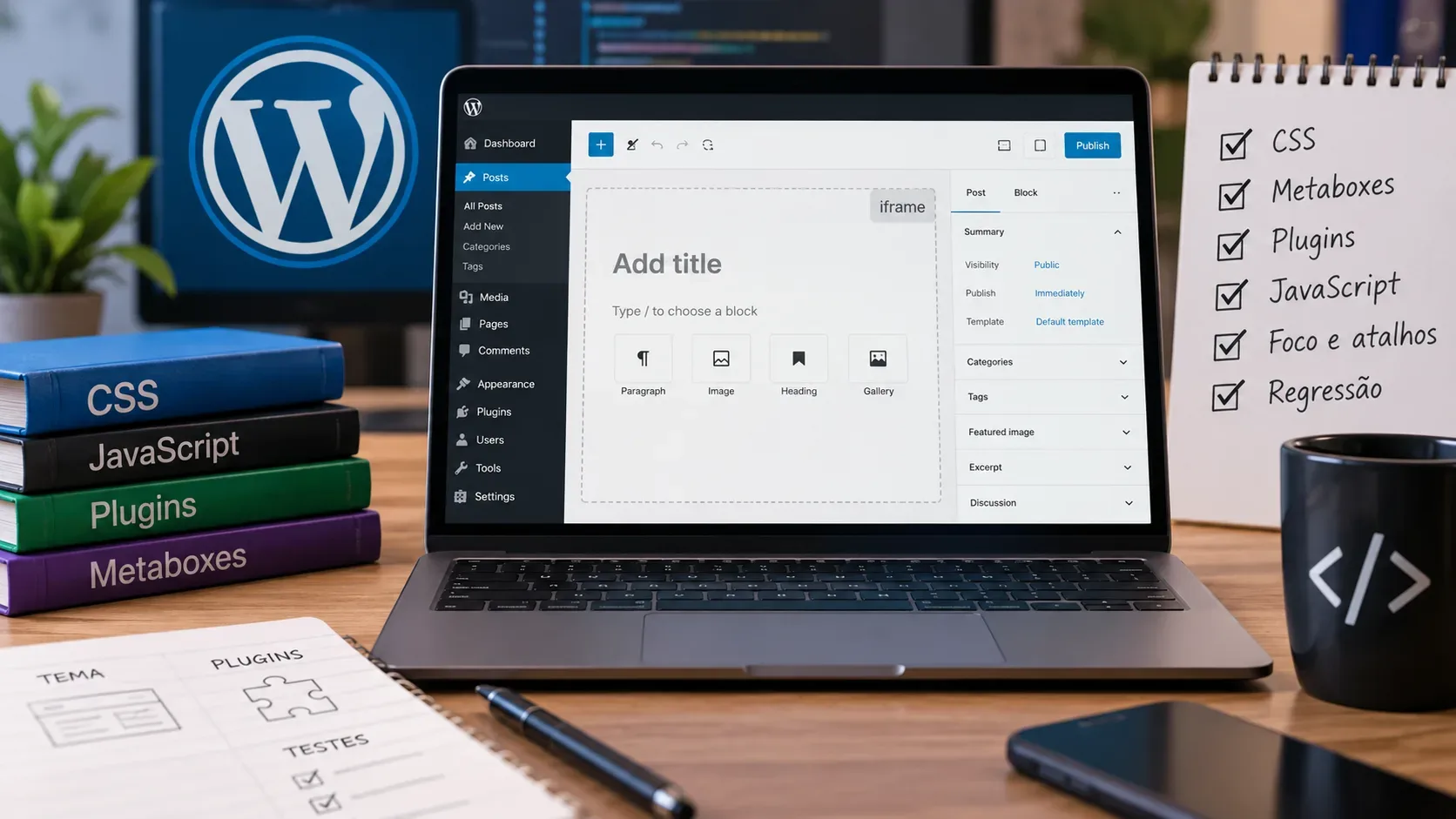
A block can look correct and still fail in serialization, selection, or reopening a post. For every custom or heavily customized block, test insertion, duplication, transforms, drag and drop, shortcuts, copy and paste, undo/redo, save, reload, code view when applicable, and front-end rendering. For blocks that use InnerBlocks, include cases with an initial template, additional insertion, and pre-existing content.
If your plugin extends the Site Editor, follow the extensible Site Editor work as well. The September roundup says this path is still experimental, but contribution guidelines already require Site Editor features to land there too. That is a reason to prepare tests, not a reason to promise production support before it stabilizes.
Hooks, logs, and deprecation signals
Turn on observability in the test environment. Capture PHP errors, monitor the WordPress log, keep the browser console open, and inspect network failures. Deprecated-function notices, unexpected properties, changed REST responses, JavaScript errors, and changes in hook timing can be the first sign of incompatibility.
Run the same flow twice: once on stable and once on trunk. If behavior differs, reduce the site to the smallest possible configuration. A test with a default theme and plugins disabled is the baseline for deciding whether you have found a core problem; then reactivate only the component needed to reproduce it.
How to decide whether a failure is worth reporting
A useful report must be reproducible. The Test team recommends recording the environment, WordPress and PHP versions, browser, theme, plugins, exact steps, expected behavior, and observed result. The issue reproduction guide provides a template and points to the Test Reports plugin for automatically filling part of the environment data.
WordPress Core problems generally belong in Core Trac; Gutenberg issues belong in the Gutenberg GitHub repository. Before opening something new, search for an existing ticket. If you can reproduce it, add your scenario and environment details to the relevant ticket. The Test Reports documentation reinforces that the best place for test results is the corresponding ticket, issue, or pull request.
Practical checklist before Beta 1
- Now: create the staging or local environment, record versions, and copy the most important test cases.
- Weekly: update trunk and, when relevant, Gutenberg; run smoke tests on critical plugins and themes.
- Plugins: look for deprecations, JavaScript failures, changed REST responses, and problems in admin screens and blocks.
- Themes: review theme.json, Global Styles, style variations, spacing, elements, and block supports.
- Editor: test creation, editing, transforms, undo/redo, save, reopen, and front-end rendering.
- Isolation: confirm any regression with a default theme and the smallest possible plugin set.
- Beta 1: when it lands between October 20 and 22, freeze a full regression run against that build and follow the Dev Notes.
What a passing test does not prove
Passing on trunk today does not guarantee compatibility with the final release because the code can still change. It also does not mean that a feature seen in Gutenberg 23.8 or 23.9 will ship unchanged in 7.2. The goal of this phase is to reduce surprise: find early where your plugin, theme, or block depends on behavior that is changing, and keep a test case that can be repeated for every beta and release candidate.
If time is limited, focus on flows with the highest impact and the tightest coupling to the editor or core. A short list of repeatable tests is more valuable than random browsing through the dashboard. By Beta 1, you should know which components are critical, which scenarios already have a WordPress 7.1 baseline, and how to reproduce any difference in WordPress 7.2 quickly.