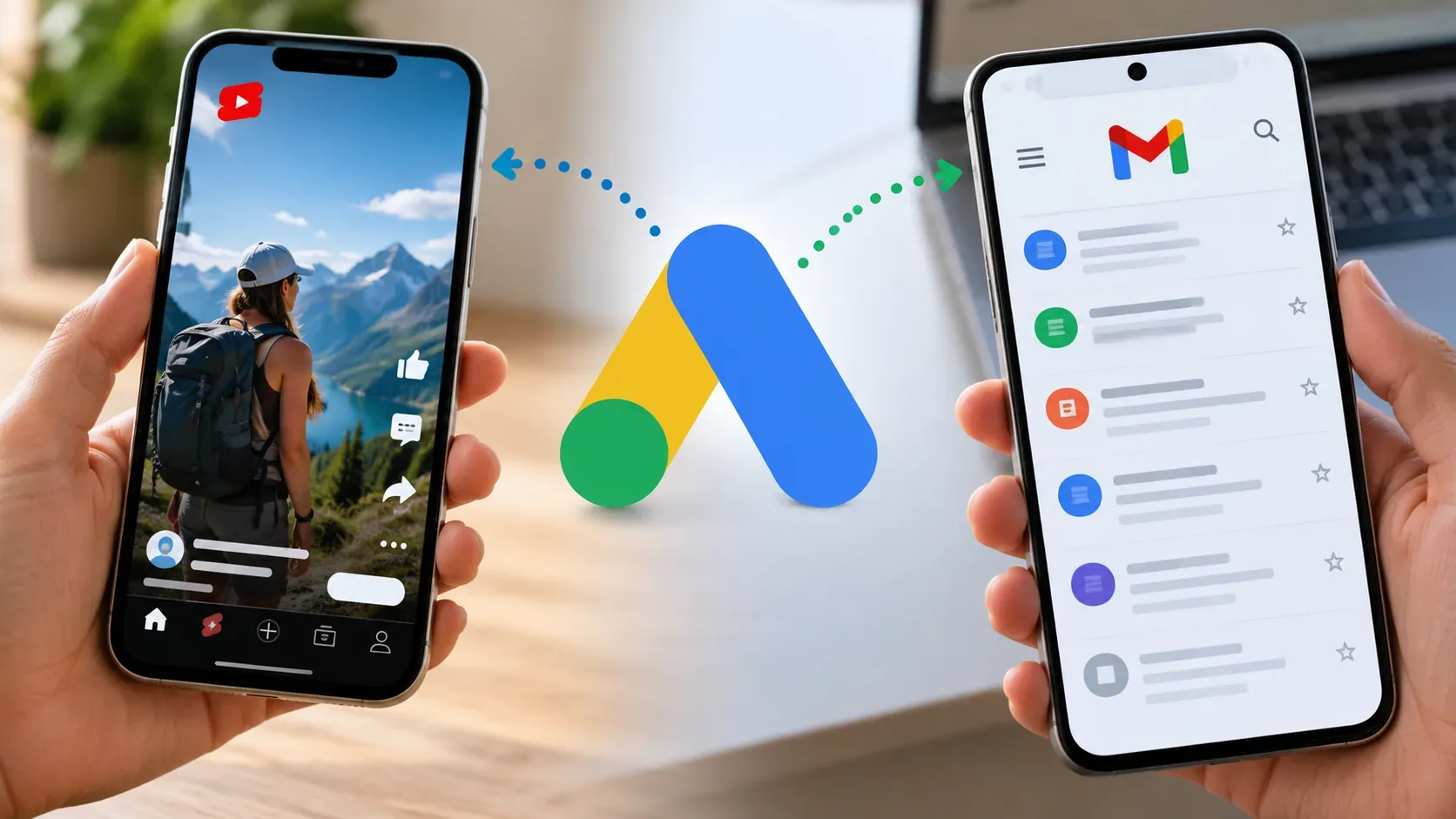
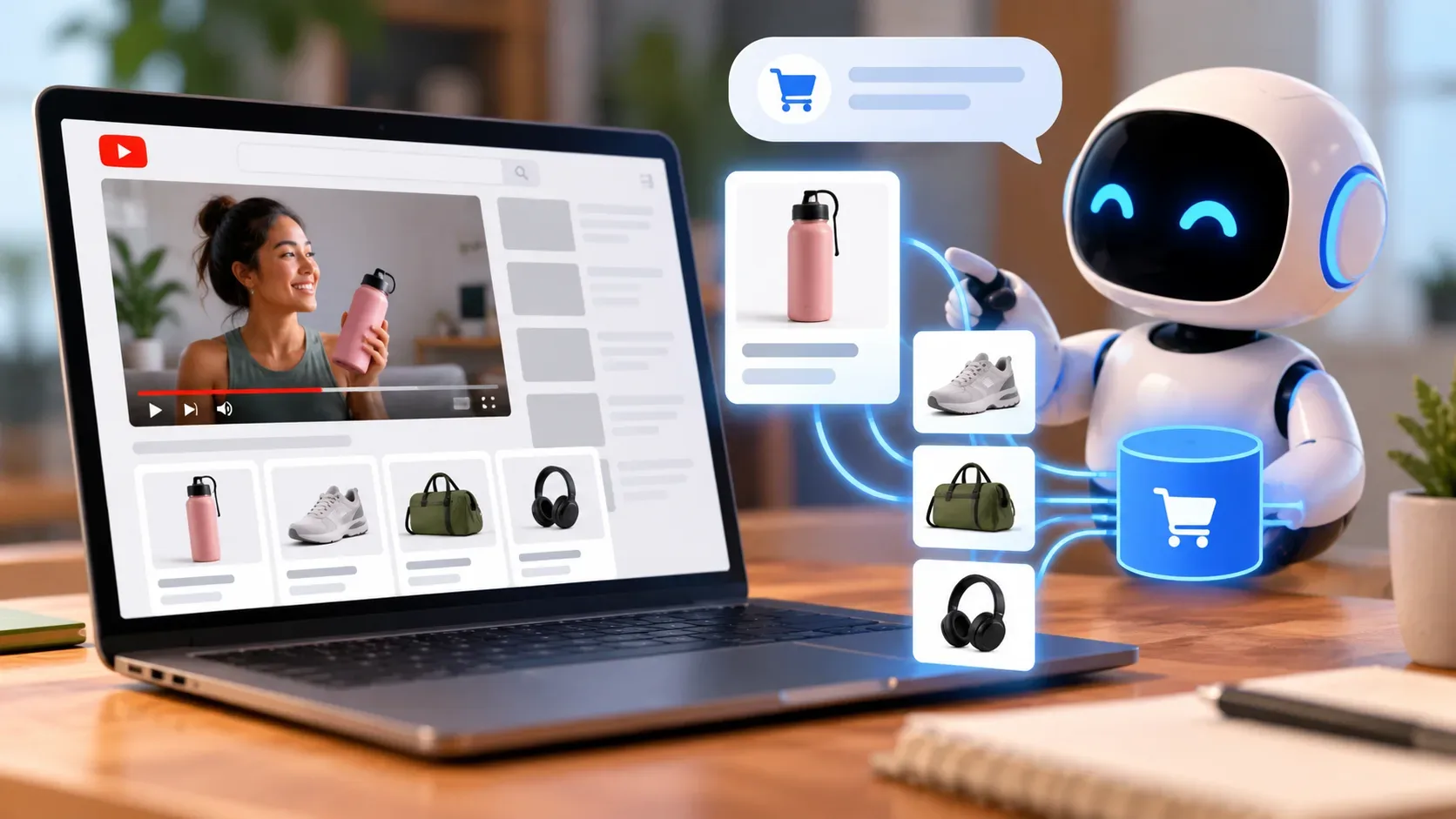
Business Agent for YouTube Ads lets viewers converse with AI alongside video ads that use product feeds. According to Google's September 24, 2026 announcement, the aim is to provide immediate answers about products and brands without leaving the viewing context. The announcement is part of September's Demand Gen Drop. It does not specify every eligibility criterion, country, dedicated metric, or technical detail of this integration.
Where the conversation appears in the ad
The starting point is a video ad accompanied by a product feed. Rather than relying solely on the creative or clicking away to research a product in the store, a viewer can ask a product- or brand-related question through the conversational experience. Google says the answer is delivered within the viewing context. That does not mean the entire purchasing journey, including payment, takes place in chat: the company did not announce that capability for the YouTube format in its September 24 communication.
What role does the product feed play?
A feed is a structured source of information about items offered for sale. In Google's general Ads documentation, product data includes images, prices, and descriptions submitted to Merchant Center. Google uses attributes to understand products and build related advertising experiences. For the specific YouTube announcement, the company confirms that Business Agent is paired with video ads using product feeds, but does not detail which fields are consulted for each question, how frequently answers are refreshed, or the priority order between the feed and other sources.
From a content-quality standpoint, a consistent feed gives clearer information about what the business advertises. A question about a particular item differs from a broad question about the brand: in either case, advertisers should avoid contradictions between title, description, price, availability, and landing page. This is guidance about data quality, not a promise that the agent will check or accurately answer every such field.
What is documented about Business Agent outside YouTube?
Merchant Center documentation describes a Business Agent on Google Search that uses Gemini models to answer questions based on account information, additional business data, and website content. The Search experience allows customization of appearance and voice, subject to its own eligibility requirements. This helps explain the concept of a brand assistant, but does not establish that Business Agent in YouTube ads has the same configuration options, geographic reach, or all the same data sources. These are different surfaces; rules for one should not automatically be applied to the other.
What changes for advertisers and how should results be read?
For advertisers, the new feature adds an opportunity to clarify information while someone watches the video: questions that might previously have prompted a separate search now have a response channel associated with the ad. For consumers, the announced benefit is getting information without interrupting viewing. That describes the proposed experience, not evidence of higher sales or conversion.
When evaluating campaigns, it makes sense to distinguish video exposure, conversational interaction, website visits, and recorded conversions. The announcement does not report a conversion rate specifically attributable to Business Agent. The average 40% increase in image-creative conversions from adding Gmail to Demand Gen, mentioned in the same publication, concerns a separate update and must not be attributed to the agent in YouTube ads.
What to check before considering the feature for a campaign
- Check the quality and freshness of catalog images, descriptions, prices, and other product data, in line with Google Ads product-data documentation.
- Use the official sign-up channel referenced in the announcement to check availability and account conditions; the release does not establish universal access.
- When access is available, test real product and brand questions and compare answers with the landing page and current commercial information.
- Decide in advance how to distinguish conversational interactions from clicks and conversions in the reports actually available, without assuming undocumented metrics.
In short, the feed connects the advertised inventory to the video experience, while the conversational layer seeks to resolve questions at the moment of viewer attention. The precise scope of the integration and its results depend on further documentation and availability.