
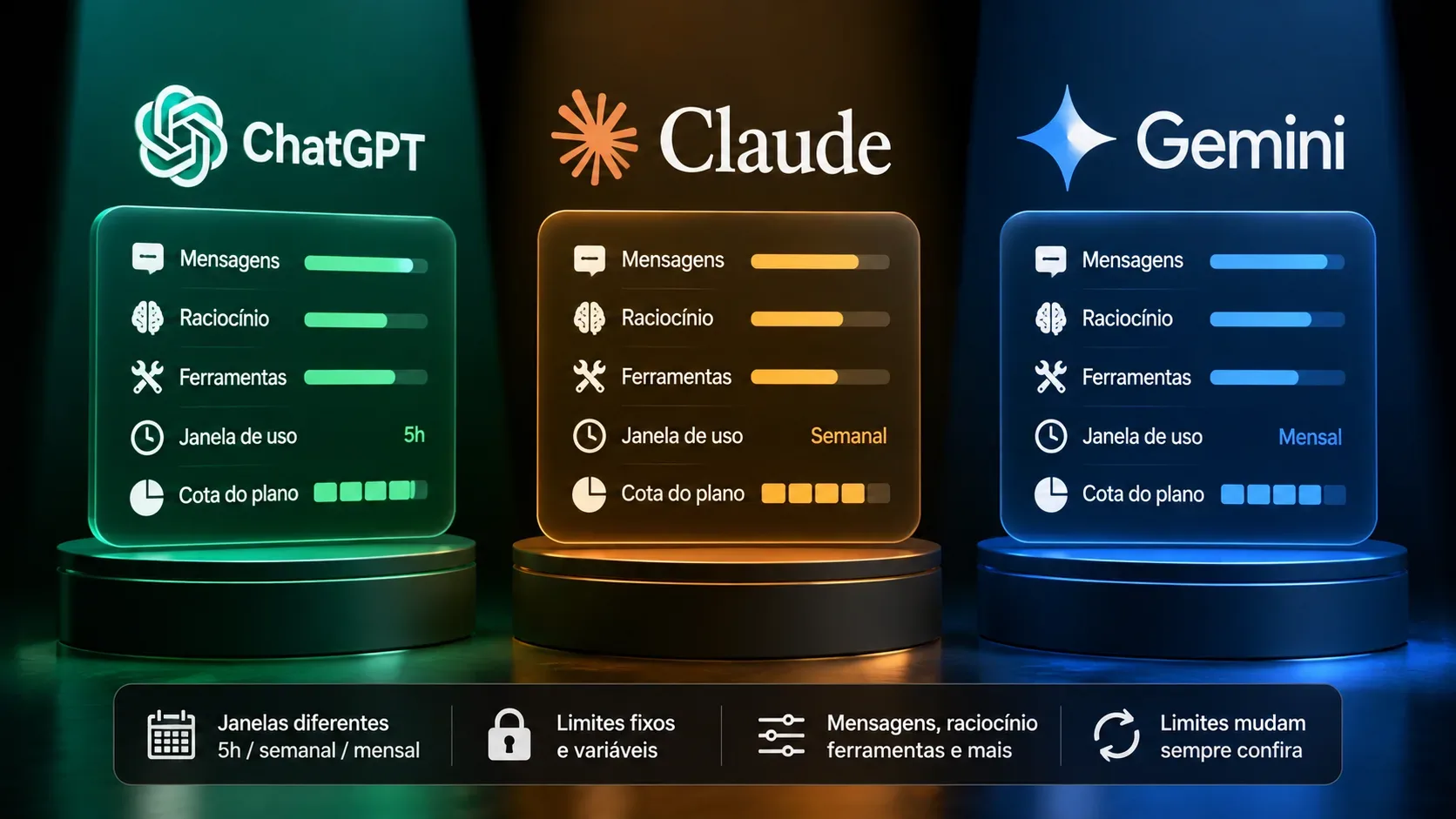
Last checked: September 1, 2026. Comparing “how many messages” you get in ChatGPT, Claude, and Gemini has become harder because none of the three works as one simple universal counter. Today, a limit can depend on the selected model, reasoning level, conversation length, attached files, enabled tools, and even a five-hour window combined with a weekly ceiling.
The practical consequence is straightforward: two people on the same plan can burn through their allowance at different speeds. A short text chat does not cost the same as a long session with research, attachments, extended reasoning, or agentic tasks. That is why the most useful comparison in 2026 is by type of limit, not by a fixed promise of “X messages per day.”
Summary: how ChatGPT, Claude, and Gemini differ
| Service | How usage is measured | Main window | Reasoning | Tools | When you hit a limit |
|---|---|---|---|---|---|
| ChatGPT | Allowances by plan, model, and feature; some quotas are separate | Varies by model/feature; the app shows reset timing when available | Manually selected reasoning may have its own allowance; in GPT-5.6, automatic reasoning does not consume the manual reasoning allowance | Uploads, images, voice, data analysis, and agentic features can have separate limits | It may offer another model, require waiting for reset, or use credits for eligible features |
| Claude | Variable usage driven by tokens and complexity, not a fixed message count | 5-hour session; paid plans also have a weekly ceiling | Model and effort level affect consumption | Research, web, attachments, artifacts, Claude Code, and other surfaces draw on usage | Wait for reset, upgrade, or use usage credits on eligible paid plans |
| Gemini | Compute-based limits affected by prompt, model, feature, and chat length | Refreshes every 5 hours until the weekly ceiling is reached | Higher thinking levels consume more usage; Deep Think is for AI Ultra | Deep Research and media generation use more capacity, and some features have their own counters | Paid users can continue with Flash-Lite; otherwise wait for reset or move to a higher plan |
1. ChatGPT: text, reasoning, and tools do not necessarily share one quota
The biggest ChatGPT change in 2026 is the separation between “normal chat,” reasoning allowances, and tool allowances. According to the GPT-5.6 in ChatGPT documentation, Free and Go users have unlimited everyday text chats, subject to abuse-prevention safeguards. That does not make the entire account unlimited: file uploads, image generation, voice, data analysis, and other tools remain subject to separate limits.
On eligible paid plans, GPT-5.6 Sol powers Medium and High; Extra High and Pro are limited to plans that include them. The same documentation states that automatic reasoning does not count against the allowance for manually selected reasoning. When the reasoning allowance is reached, ChatGPT may continue with another available reasoning model instead of blocking the entire service.
Free and Go
For everyday text, the current official wording is “unlimited,” with safeguards. The confusing part is that you can keep chatting while a specific tool has already been exhausted. The Free plan FAQ confirms access to web search, data analysis, uploads, GPTs, and image creation, while noting that availability and limits may change.
Plus
ChatGPT Plus provides higher limits and broader access to models and tools, but OpenAI does not publish one universal message number for the plan. The official page says message caps may apply and can vary with system conditions. For GPT-5.6, Plus includes Medium and High, but not Extra High or Pro.
Pro
With ChatGPT Pro, some allowances are model-specific. The current page lists two Pro tiers: one with roughly 5 times the usage allowance of Plus and another with roughly 20 times, without turning that into a fixed message count. The same article warns that when a model allowance is exhausted, that model may be temporarily unavailable until reset while other models remain usable.
Tools and credits in ChatGPT
Credits should not be treated as a universal extension of all ChatGPT usage. As of September 1, 2026, Using Credits for Flexible Usage in ChatGPT says credits apply to supported features such as Codex, ChatGPT Work, and ChatGPT for Excel when available. That is different from ordinary chat, image, voice, or manually selected reasoning allowances.
2. Claude: the practical unit is a 5-hour session, but consumption varies
Claude is the clearest example of why “messages per day” can mislead. Anthropic explains in How do usage and length limits work? that usage depends on conversation length and complexity, tools, model choice, and effort level. Claude.ai, Claude Code, and Claude Desktop share the same usage limit.
Claude Free
The free plan has a session-based limit that resets every five hours. The number of messages varies with demand and the weight of the conversation. There is therefore no stable public quota such as “N messages every five hours.”
Claude Pro
Claude Pro provides at least five times the per-session usage of the free service during peak periods. The session limit resets every five hours. It also has a weekly limit across all models that resets at a fixed time assigned to the account. Anthropic may also apply other ceilings, including model-, feature-, weekly-, or monthly-specific caps.
Claude Max 5x and Max 20x
Claude Max has two tiers. Max 5x provides five times the Pro per-session usage; Max 20x provides 20 times. Both still use the five-hour window and weekly limit. So “20x” should not be read as “20 times a fixed number of messages,” because attachments, long context, Research, web search, model choice, and effort change how much each interaction consumes.
What consumes more in Claude
Anthropic's official usage best practices list message length, attachment size, current conversation length, tool usage, model choice, effort level, and artifact creation as consumption factors. In other words, a chat that has grown over many turns can consume more allowance for each new message than a fresh chat.
On eligible paid plans, usage credits let you continue after included usage is exhausted, with consumption-based billing. Without extra credits, once the limit is reached the interface shows when the session will become available again.
3. Gemini: compute-based limits, a 5-hour window, and a weekly ceiling
After the changes announced for May 2026, Gemini explicitly moved to compute-based limits. The official Gemini Apps limits & upgrades page says consumption takes prompt complexity, model, feature, and chat length into account. The allowance refreshes every five hours until the weekly maximum is reached.
No AI plan, AI Plus, AI Pro, and AI Ultra
| Gemini plan | Official usage reference | Context window |
|---|---|---|
| No AI plan | Standard limits | 32K tokens |
| Google AI Plus | 2x standard limits | 128K tokens |
| Google AI Pro | 4x standard limits | 1 million tokens |
| Google AI Ultra | 5x or 20x AI Pro limits, depending on subscription | 1 million tokens |
Those multipliers are more useful than searching for one fixed prompt count, because Google itself warns that more advanced models and higher thinking levels consume more usage. Gemini 3 Pro, for example, is heavier than lighter options, and Deep Think is an AI Ultra-only level.
What happens when Gemini runs out
For Google AI subscribers, when the model limit is reached you can continue the conversation with Flash-Lite. If the five-hour or weekly usage limit has been reached, the other options are to wait for the reset or move to a subscription with higher limits. Gemini also warns when you are nearing a limit and shows when it will refresh.
Deep Research and media
Some features do not fit neatly into the same chat counter. The Deep Research documentation says there are limits on research requests per day and on concurrent research requests. The general limits page also notes that media generation and Deep Research consume more usage. A plan that feels generous for text can therefore be depleted faster by deep research, images, or video.
4. Why two people on the same plan can see different limits
There are four main reasons.
- Context length: long conversations and large files require more processing.
- Model and effort: extended reasoning and higher-end models or modes tend to consume more.
- Tools: web research, Deep Research, media generation, data analysis, agents, and coding may have their own metering or draw from a shared allowance.
- Capacity and experiments: OpenAI, Anthropic, and Google reserve the ability to adjust limits based on availability, safety, and demand.
That is why user reports of “30 messages,” “100 messages,” or any other number can be accurate for a particular account, date, and workflow without being a universal rule.
5. How to find your real quota before a long task
- Open the account's own usage screen. Claude shows the five-hour session and weekly limits in Settings > Usage; Gemini has Usage Limits; ChatGPT displays resets and availability where applicable.
- Identify the feature you will use. Normal chat, reasoning, research, uploads, images, video, Codex, and agents can fall into different buckets.
- Check for a fallback. ChatGPT may offer another model; Gemini may continue with Flash-Lite; Claude may require waiting, upgrading, or extra usage credits.
- Do not estimate by message count alone. This is especially important for Claude and Gemini, where each interaction can have a very different weight.
- Record the check date. Limits change. For editorial comparisons or subscription decisions, save the date and, ideally, a screenshot of the Usage screen.
6. Which limit model is more predictable?
Claude and Gemini are more explicit about the five-hour window and weekly ceiling. That makes reset timing easier to understand, but does not make the number of messages predictable because usage is variable. ChatGPT is more fragmented by model and feature: everyday text can be unlimited on Free/Go, while reasoning, tools, and agentic features have their own allowances and may use different fallbacks or credits.
In practice, none of the three offers one universal metric that can be compared directly. When choosing a plan, ask where your bottleneck is: lots of text, heavy reasoning, research, files, media generation, or agentic work. The best allowance is the one that covers that bottleneck — and the only reliable way to know the current limit is to check the official page and the account's own usage meter on the day you use it.
Official sources checked
- OpenAI — GPT-5.6 in ChatGPT
- OpenAI — What is ChatGPT Plus?
- OpenAI — About ChatGPT Pro tiers
- OpenAI — Using Credits for Flexible Usage in ChatGPT
- Anthropic — How do usage and length limits work?
- Anthropic — What is the Pro plan?
- Anthropic — What is the Max plan?
- Google — Gemini Apps limits & upgrades
- Google — Deep Research limits