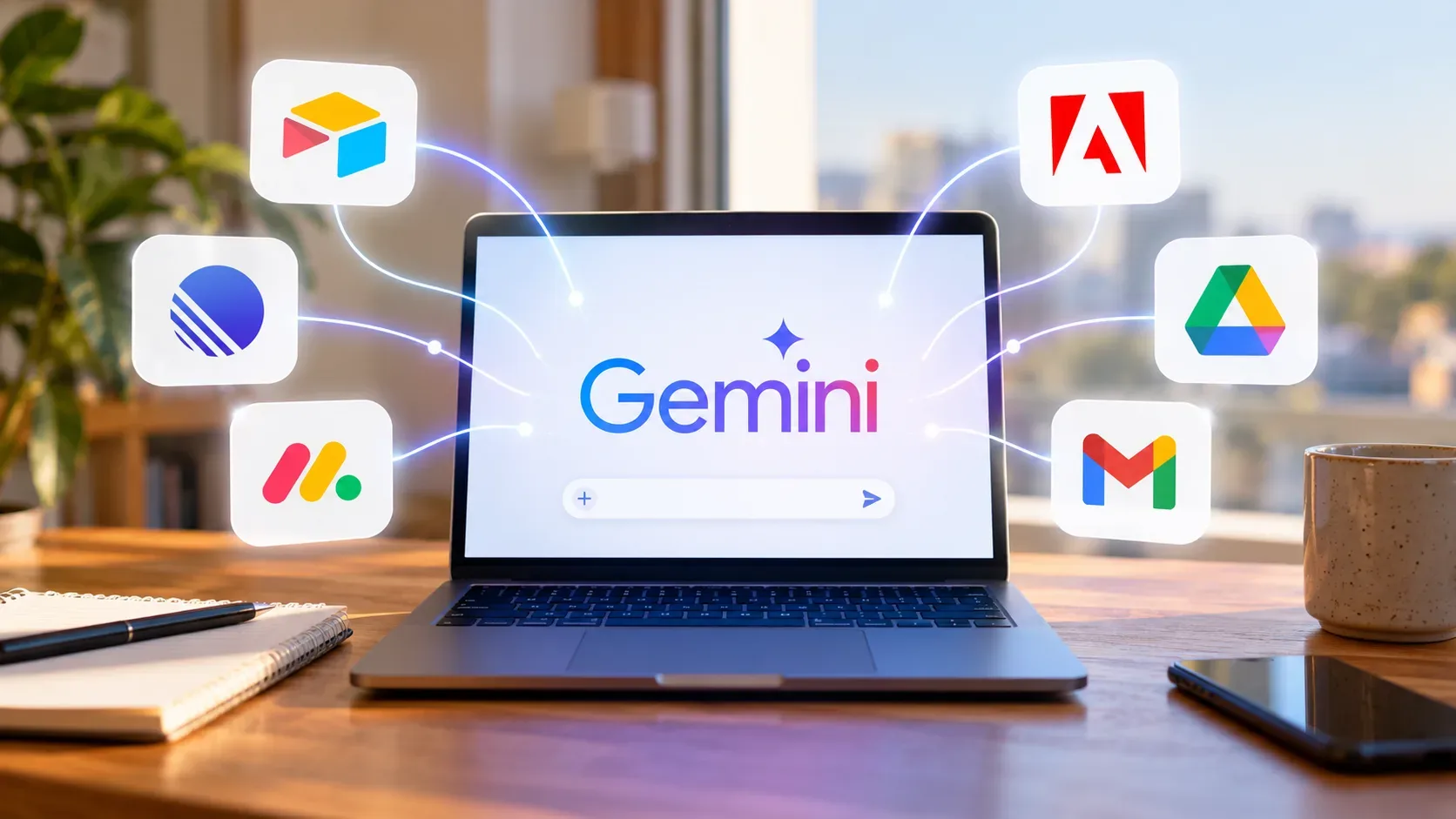
Google began rolling out a new wave of Gemini Connected Apps on September 23, 2026. The announcement covers 14 third-party services across productivity, creativity and personal life, but the key word is “rolling out”: availability is gradual. Two users can therefore open Gemini on the same day and see different integration lists.
Which new apps are coming to Gemini
In the official announcement, Google grouped the new connections by function. The published list is:
| Group | Announced apps | Use described by Google |
|---|---|---|
| Productivity | Airtable, Linear, monday.com, PandaDoc, Wispr AI and Zoho | Manage projects, organize databases, dictate notes and handle other productivity tasks, depending on the actions supported by each integration. |
| Creativity | Adobe, Picsart, Squarespace and Webflow | Turn ideas into output, create visual assets and work with websites, according to the capabilities each app makes available to Gemini. |
| Personal life | Apartments.com, Experian, Peloton and SeatGeek | Search for apartments, monitor credit, plan workouts and find event tickets. |
A category-level announcement does not mean every imaginable command is available. Gemini Help tells users to open each Connected App's details to review supported actions, unsupported actions and example prompts. That is the best reference for what a connection can actually do in your account.
How to connect and call an app in chat
- Sign in to Gemini with the Google Account you intend to use.
- On a computer, open Settings and then Connected Apps. In some experiences, the path may appear under Personalized Intelligence.
- Find the service you want, enable the connection and follow the authorization screens.
- Back in chat, type @ and select the app to direct the request to it.
- Write your request and send it. If the selected app is not connected yet, Gemini may start the connection or ask for permission.
According to the Connected Apps documentation, you can also make a request directly without naming an app. When a suitable integration is available, Gemini may use it automatically. For tasks where you want to make the intended service explicit, the @ mention reduces ambiguity.
A safer prompt pattern
Instead of assuming a specific feature exists, match your prompt to an action shown as supported on the app's detail page. A useful pattern is: “@[app], use the supported action to [goal] with this information: [context]”. If the integration page does not list the action you need, do not rely on it just because the standalone service normally offers that feature.
Why an app may not appear yet
A missing service on your screen does not contradict the announcement. Google says the Connected Apps list can vary by Gemini app, device, country and other factors. The new wave also began rolling out gradually on September 23, 2026.
- Rollout: a service may be announced but not yet enabled for your account.
- Device and Gemini experience: an integration available in the web app may not appear in the same way on another platform.
- Location and language: Connected App availability can vary by region and experience.
- Account type: personal accounts and work or school accounts follow different requirements.
- Keep Activity: this setting affects Connected App availability. On the web, iOS and smartwatches, Google Help says Connected Apps are unavailable when it is turned off. On Android, some communication and on-device assistance integrations are exceptions.
What to check before authorizing actions
The important part is not only connecting an app, but understanding the scope of that connection. Before relying on an integration in a workflow, check four things:
- Supported and unsupported actions: open “Learn more” or the app's detail page in settings.
- Account in use: confirm Gemini is connected to the correct third-party account, especially if you switch between personal and work profiles.
- Permissions: read the authorization screens and grant only the access needed for your intended use.
- Action result: for tasks that change data, publish content, create events or modify projects, review what was done in the destination service.
The Gemini Apps Privacy Hub also notes that when you interact with third-party services, those services handle data under their own policies. Connecting an app expands what Gemini can do, but it also creates a data flow between platforms that is worth understanding before use.
Work and school accounts have separate rules
For Google Workspace accounts, the integration simply existing in the catalog is not enough. Google's help page for work or school accounts says use depends on an eligible Workspace edition, the Keep Activity setting and Connected Apps being enabled by the organization's administrator. An integration can therefore appear in a personal account while remaining unavailable in the work account used on the same device.
This matters especially for tools such as Linear, monday.com, Airtable, PandaDoc and Zoho, which are often part of team workflows. Before designing a Gemini-based process, confirm availability in the account that will actually be used and check your organization's policies.
How to read the announcement without overstating availability
The new wave broadens Gemini's role as an entry point for tasks that previously required switching among several services. The practical benefit, however, depends on three layers: the app must have reached your account, it must be connected with the right permissions, and it must support the specific action you want.
The most reliable sequence is straightforward: check Connected Apps, open the service details, connect it and then write the prompt. Use @ when you want to name the integration explicitly. If it still does not appear in your account, the right interpretation is that rollout may still be pending, not that the feature must already be available.
Practical summary
- The rollout announced on September 23, 2026 includes Airtable, Linear, monday.com, PandaDoc, Wispr AI, Zoho, Adobe, Picsart, Squarespace, Webflow, Apartments.com, Experian, Peloton and SeatGeek.
- The connections span productivity, creativity and personal life.
- You can connect services in Connected Apps settings and direct a prompt with @.
- Availability varies, and exact actions should be checked in each integration's details.
- Work and school accounts can depend on Workspace edition, settings and administrator enablement.
Official sources: Google, new wave of Connected Apps; Gemini Help, use and manage Connected Apps; Gemini Help for work or school accounts; Gemini Apps Privacy Hub.