If the priority is checking where each claim came from, NotebookLM is the safest choice among the four. If the goal is to scan a long video and jump quickly to the relevant sections, Eightify is more practical. Pergunte ao YouTube wins on convenience because it works inside the watch page itself, while Gemini is the most flexible for turning the video into a more open-ended conversation.
The answer changes, however, when the video depends on charts, screens, demonstrations, or text that appears without being narrated. At that point, there is not enough basis to treat any of these tools as an automatic substitute for visual verification. In NotebookLM's case, the limitation is explicit: when a YouTube link is imported, only the text transcript becomes a source.
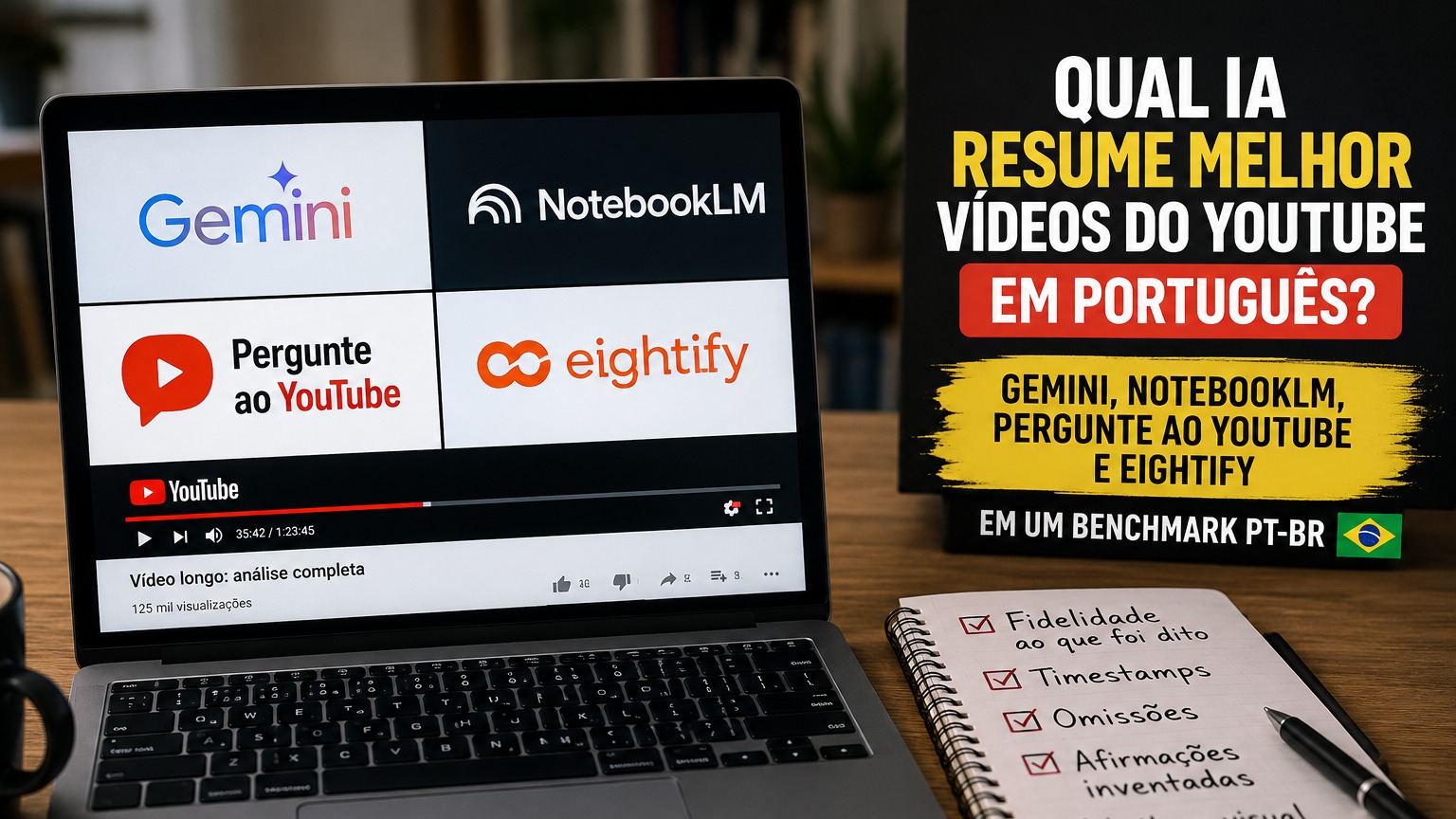
This comparison uses a verifiability benchmark. Instead of inventing quality scores that would depend on four accounts, the same video, and the same rollout state, it separates what each product documents, what it can trace, and where a gap still exists that only a controlled content test can resolve. That matters especially because "summarizing a video" can mean very different things.
What is actually being compared
A good summary is not merely short. For a long video, it needs to preserve the central ideas, avoid attributing to the creator something they did not say, make clear when a conclusion came from another source and, when possible, let the reader return to the original passage.
That is why five questions organize the benchmark. Can the tool work well with what was spoken? Does it offer a reasonable way to go back to the source? Are there timestamps or another navigation mechanism? What happens to information that appears only on screen? And is there a risk that the answer mixes outside knowledge with the video's content without the user noticing?
That last question changes the result considerably. An AI may seem more "intelligent" because it supplements the video with information from the web, but that is an advantage for general research and a disadvantage when the task is simply to answer "what did this video say?".
NotebookLM: best for traceability, not for reading the video screen
NotebookLM's current documentation is the clearest about what is ingested when the source is a YouTube link. Google says that public videos with captions are supported, whether those captions were uploaded by the creator or generated automatically, and that only the video's text transcript is imported as a source. Videos without speech are not supported, and videos published less than 72 hours earlier may fail to import.
This resolves an important question that often appears in superficial comparisons. NotebookLM can work with images in other source types, such as image files, documents, and presentations. That does not mean it starts "watching" the frames of a YouTube video when you paste a URL. For this source type, the official rule is text transcript only.
The advantage lies precisely in that source discipline. NotebookLM's chat answers from the selected sources and uses citations that lead back to the supporting material. For interviews, classes, filmed podcasts, talks, and videos in which nearly everything relevant is narrated, this makes verification easier. You can ask about a claim, open the citation, and compare it with the transcript used as the basis.
The limit appears immediately in tutorials and highly visual analyses. If a presenter says "look at this chart" and the important data is only in the chart, NotebookLM may know the spoken sentence, but it did not receive that frame from the video as a source. The correct workaround is to add the chart or a screenshot separately, or to check the passage manually.
That is why NotebookLM is the winner of this comparison for textual traceability, not for visual understanding of a YouTube link.
Eightify: best for scanning long videos and navigating by timestamps
Eightify is the most specialized product in the comparison. Its public proposition revolves around fast summaries, key insights, full transcripts, multilingual support, and timestamped sections. The Chrome Web Store also shows a base of 200 thousand users for the extension, while the company's site counts users on other platforms.
For someone who opens many videos and wants to decide quickly what is worth watching, the design makes sense. A timestamped summary lowers the cost of returning to the relevant point, and the transcript tab helps check whether a sentence actually appears in the processed text material.
There is, however, a difference between convenience and proof. Eightify's site says its transcription can outperform YouTube captions, but that is a claim from the provider itself, not an independent guarantee of accuracy. The service terms also do not guarantee the accuracy, reliability, or completeness of AI-generated summaries.
The public documentation found for Eightify is centered on transcription, topics, timestamps, and translation. It does not establish an auditable method for reading video frames comparable to dedicated visual analysis. So if the decisive content is in a table shown on screen and is not verbalized, the user still needs to open the passage and check it.
In everyday use, this is Eightify's main strength: it makes that return to the video especially easy. For fast consumption and navigation, it is the most efficient of the four. For research that requires traceability for every claim, NotebookLM still offers clearer source control.
Pergunte ao YouTube: the most convenient, but not always a "pure" video summary
Pergunte ao YouTube is available in Portuguese and includes Brazil among the countries supported by the watch-page experience. The tool appears on selected videos and can be used by signed-in users who meet the applicable minimum age. Official support says it is available on Android, iOS, desktop browsers, and smart TVs, although access still varies by video and account.
The advantage is obvious: there is no need to leave YouTube. You can ask about the content while watching, request explanations, and dig deeper into a point without copying the URL to another service.
But one detail changes the fidelity criterion. YouTube itself says that the feature's answers are based on information from YouTube and the web. That is excellent when the intention is to learn more about the subject. When the question is strictly "what was said in this video?", the architecture allows outside context to take part in the answer.
That does not mean Pergunte ao YouTube always mixes sources or is less accurate by definition. It means that, for a benchmark of fidelity to the video, the answer needs to be checked more carefully. YouTube also warns that quality and accuracy may vary and that the feature may generate incorrect information.
Another practical limit is availability. Because the button appears only on certain videos and distribution can change, it does not work as a universal solution for every YouTube URL.
Pergunte ao YouTube is therefore the best option for exploring a video more deeply without leaving the platform. It is less suitable when the work requires a strict separation between what came from the video and what came from the web.
Gemini: the most flexible for talking about the video
In the Gemini apps, Google lets users find YouTube videos, playlists, and channels and ask questions about the content. The Brazilian documentation even gives the example of asking for a summary of a video found by Gemini itself. The web app is available in Portuguese and in Brazil.
Gemini's strength is its broad context. You can start with a video and then ask for a comparison, an explanation, a synthesis in another format, or a connection with other knowledge. For study and exploratory research, this tends to be more useful than an extension dedicated only to summarization.
The problem for a verifiability benchmark is that the documentation consulted does not specify that a YouTube link is processed frame by frame, nor does it define a video citation mechanism equivalent to NotebookLM's source model. It says that Gemini uses public information from YouTube to help understand the video's content, but it does not turn that into an explicit promise to read every piece of visual information that appears on screen.
For that reason, Gemini sits in the middle. It is an excellent interface for open-ended questions and personalized syntheses, but an answer that cites a number shown only in a chart should be
checked in the video before it is treated as a fact extracted from that frame.
The test that separates transcription from visual understanding
The most useful point in this benchmark is simple: choose a video in Portuguese that contains one spoken piece of information, one piece of information that appears only on screen, and one visual detail that contradicts or supplements the narration.
Speech test
Ask what the central claim was in a passage where the presenter states the data clearly. Then compare the answer with the transcript. NotebookLM and Eightify tend to provide the most direct way to audit this type of answer because they put the source text at the center of the experience.
Screen test
Choose a number, name, or conclusion that appears in a chart, slide, or interface without being read aloud. Ask directly about that element. If the tool answers, do not treat that as proof that it "saw" the screen until the product makes clear where it extracted the information from. With NotebookLM and a YouTube URL, the documentation already lets you predict the limit: that frame was not imported as a source.
Omission test
Ask for three main points and then check whether any decisive argument was left out. Summarization is compression, so omissions are always possible. The practical question is not whether the tool omits something, but whether you can quickly discover what it omitted. Here, transcription and traceability matter more than an elegant answer.
Fabricated-claim test
Include a question whose answer is not in the video. The tool should recognize the absence or make clear when it is using outside context. This test is especially important with Pergunte ao YouTube, because the product itself says it uses YouTube and the web, and with Gemini, whose proposition is broader than a closed-source system.
Timestamp test
Ask where the topic appears. Eightify has the clearest advantage because it offers timestamped summaries as a core feature. In the other products, the experience can vary and should not be assumed just because the AI managed to answer correctly.
So which AI should you choose for videos in Portuguese?
For interviews, talks, classes, and podcasts where the important information is in the spoken content, NotebookLM is the safest choice when traceability is the priority. The limitation of using only the YouTube transcript may look like a disadvantage, but it also makes clearer what the tool actually received as a source.
For very long videos where you want to find quickly which sections deserve attention, Eightify is the best navigation option. The combination of summary, transcript, and timestamps reduces the time spent looking for the relevant passage.
For someone already watching and wanting to ask questions without switching tabs, Pergunte ao YouTube is the most natural flow. Just do not confuse a contextual answer with a faithful transcript: YouTube itself says the tool may use web data in addition to content from the platform.
For a broader conversation, with reformulation, comparison, and further exploration, Gemini is the most versatile. That flexibility comes with a greater need for checking when you need to prove that a claim came from that exact video.
The conclusion of the PT-BR benchmark
There is no single "best summarizer" because the four tools solve different problems. NotebookLM wins on auditability of spoken content. Eightify wins on triage speed and navigation. Pergunte ao YouTube wins on integration with the viewing experience. Gemini wins on conversational flexibility.
The point that prevents the most errors is separating transcript from video. A tool can summarize what was said very well and still lack reliable access to what only appeared on screen. In 2026, that detail matters more than a generic "best AI" score. If the data matters, use the summary to reach the passage and the video to confirm what was actually there.