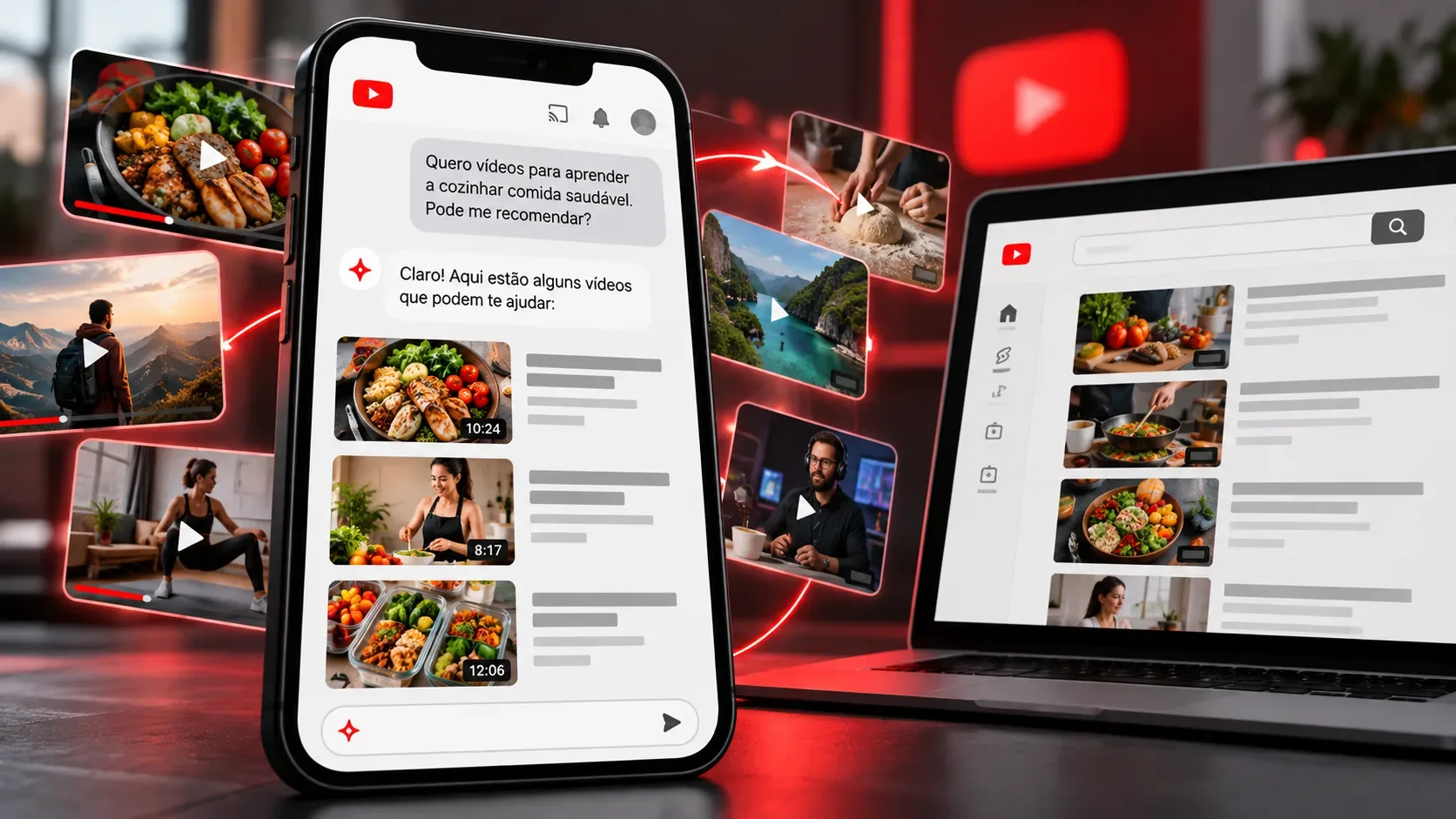
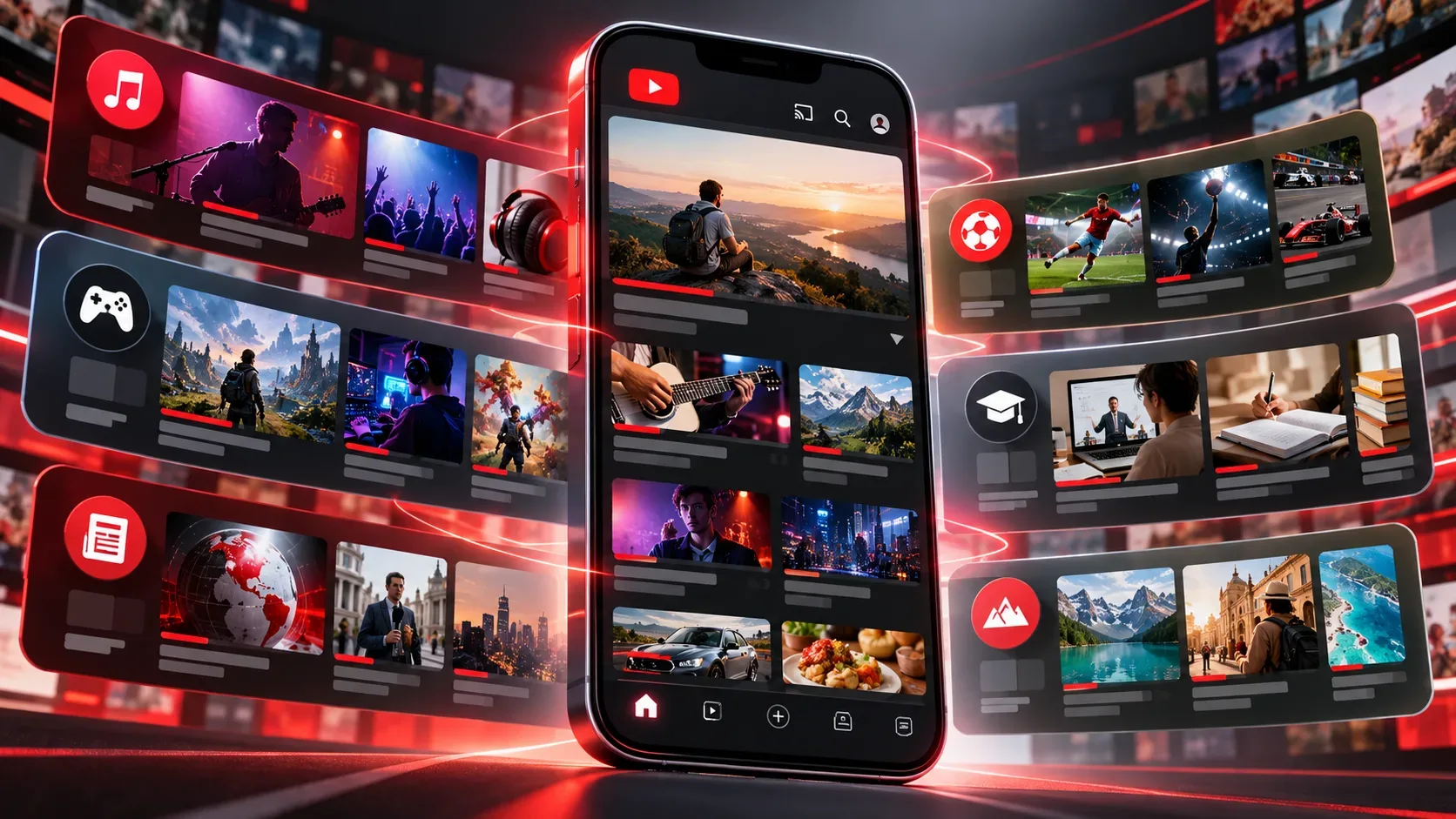
The Custom Feeds announced by YouTube on September 23, 2026 let viewers create and save recommendation tabs for specific interests, moods or routines on their homepage. Rather than relying solely on the usual mix of suggestions, viewers describe the videos they want to find in natural language. YouTube uses that description to assemble a themed feed and automatically refresh it with new recommendations. The initial launch was announced for users in the United States; no official date has been provided for Brazil.
How does Custom Feeds curation work?
It starts with a request in everyday language, also called a prompt. Viewers can describe either a subject or the situation in which they plan to watch. YouTube's examples include witty podcasts for a daily 30-minute commute, long documentaries for unwinding in the evening, and discovering new do-it-yourself creators. Each request becomes a dedicated tab accessible from the homepage.
Viewers will be able to save several feeds instead of settling on a single interest profile. According to the company's announcement, those tabs will automatically receive fresh recommendations. A saved feed is therefore not merely a fixed playlist selected once; its suggestions continue to refresh around the described topic.
How is this different from the traditional homepage?
With the announced experience, viewers explicitly state the purpose of each selection: learning, relaxing or discovering creators in a particular field. Separate tabs let them switch contexts without making every passing interest a separate search. The homepage remains the entry point for saved feeds.
The key change is control over the focus of recommendations, not a promise that viewers will manually select every video or remove all of the platform's recommendation mechanisms. YouTube described prompt-guided curation with refreshed suggestions, but its announcement did not provide full ranking criteria, category-blocking controls, personalization metrics or guarantees that every suggested video will match the request exactly.
How can you create a feed once the feature is available?
- Open YouTube on an account and device covered by the rollout.
- On the homepage, find the option to create a custom feed.
- Describe an interest, mood or routine in natural language, such as the topic, preferred length or type of creator.
- Save the selection to access it later as a homepage tab; create more tabs for different contexts.
These steps summarize the announced capabilities, rather than providing a verified interface tutorial for Brazil. In its Brazilian announcement, YouTube has not yet specified a definitive sequence of buttons or menu labels across devices. A detailed request may guide curation, but the company has not promised exact duration filters or perfect inclusion and exclusion of individual videos.
When and where will Custom Feeds be available?
The September 23 official announcement says Custom Feeds will be available soon to users in the United States on the web, mobile devices and TVs. The official event page places availability in fall 2026 in the Northern Hemisphere. As of September 26, 2026, the announcements consulted had not established a launch date in Brazil or confirmed universal access.
People who do not see the feature in their accounts should therefore not assume promotional examples mean it has already been enabled locally. Access may depend on the platform's rollout schedule.
Are Custom Feeds the same as Ask YouTube?
No. Custom Feeds organize persistent recommendation tabs around interests described by the viewer. Ask YouTube, also discussed at the event, is a conversational experience for asking questions and receiving recommendations while discovering or watching videos; the announcement highlights new responses related to product searches and comparisons. They are separate features, even though both aim to make content discovery easier.
What to watch for in practice
The feature's usefulness will depend on how well recommendations reflect requests over time. It is important to separate confirmed features, such as multiple saved feeds and automatic updates, from details not yet explained, such as exclusion controls, ranking transparency and country-by-country availability. For viewers, the proposed benefit is keeping viewing contexts separate within the same homepage while continuing to discover fresh videos.