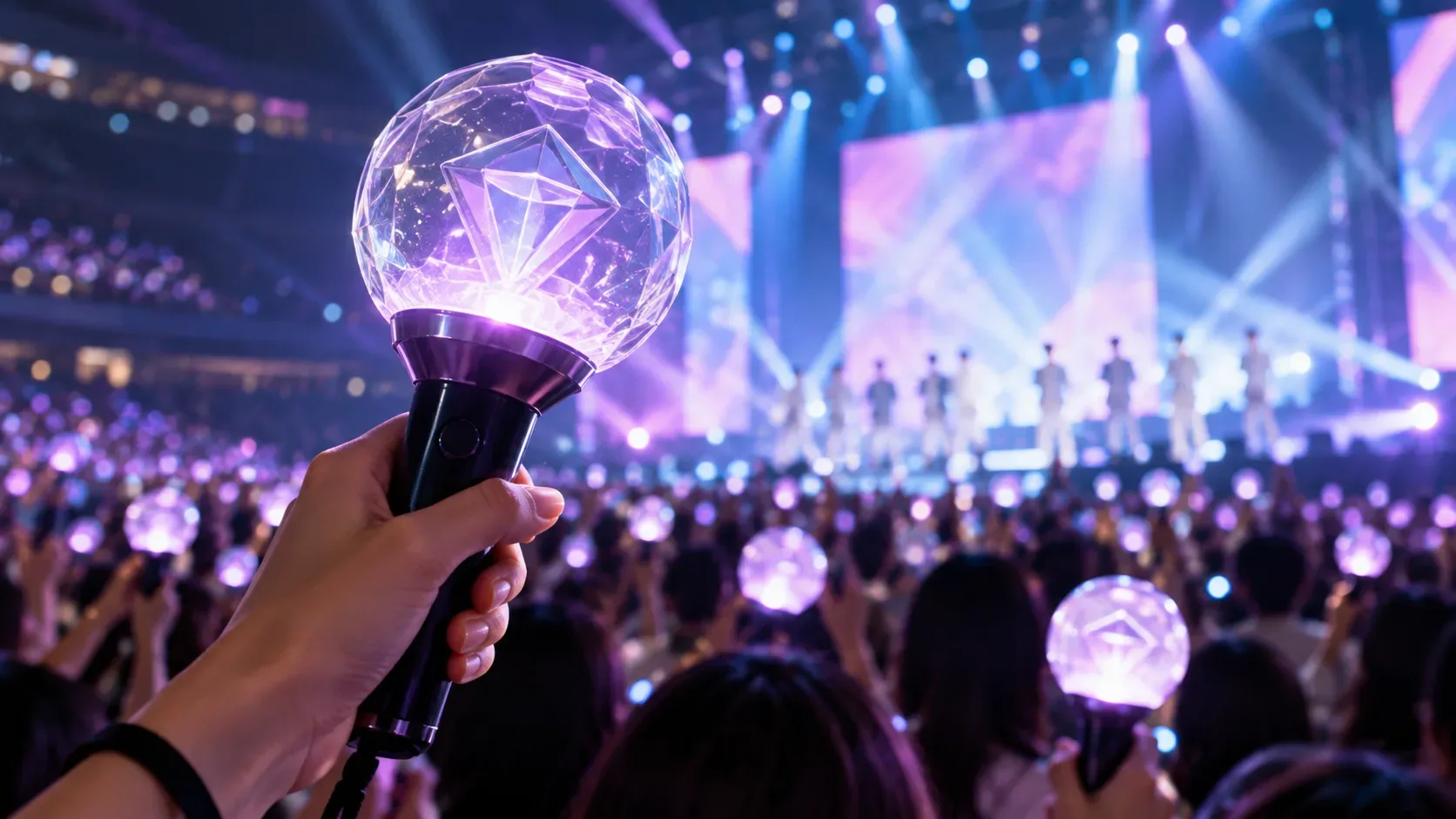
To know whether a K-pop light stick will take part in synchronized concert effects, it is not enough to confirm that it turns on or connects to a phone. You need to match four things: the official notice for that specific event, the exact light stick version, the required app, and the procedure used for that performance. Some shows require pairing with ticket and seat information, while others start central control automatically when a compatible light stick is turned on.
What actually determines concert compatibility
The main reference should be the official notice for the specific performance. The same group may use different procedures across tours, cities, or events. In a SEVENTEEN WORLD TOUR [NEW_] guide, the organizer stated that the app's concert mode was used for pairing and that only SEVENTEEN Light Stick VER.3 and the VER.3 10th Anniv. edition supported the effects, while VER.1 and VER.2 did not. In notices for 2026 events, however, the same organizer said that some shows would use automatic control simply by turning on a compatible light stick.
This means that an old tutorial, a video from another tour, or another fan's experience cannot replace the notice for your date. Before leaving home, check the official announcement from the artist, promoter, or fandom platform and look for sections about the light stick, wireless control, concert mode, or pairing.
Connecting to the app is not the same as being synchronized with the stage
An app may offer Bluetooth connection for personal functions and, separately, a concert mode designed for show control. That distinction matters. The &TEAM Official Light Stick Ver.2 app notice, for example, says that both Ver.1 and Ver.2 can connect to the new app, while support for central stage control depends on separate announcements. Being able to change color or brightness on a phone therefore does not prove that a light stick version will be recognized by the event system.
The BTS Official Light Stick Ver.4 app also separates Bluetooth connection from concert mode and says that the concert menu indicates whether pairing is required. The practical rule is to use the official app for the exact model and follow the workflow published for that performance, rather than adapting instructions from another group or product generation.
Pre-concert checklist
| Check | Why it matters | What to confirm |
|---|---|---|
| Event notice | Defines the system used for that performance | Whether pairing, automatic control, a service booth, or an exception applies |
| Light stick version | Older versions may light normally but still be excluded from show effects | Exact version name and any supported special edition |
| Official app | Each generation may use a different app | App name, developer, and latest available version |
| Firmware | Updates may be required for concert control | Whether an update is available and completed before reaching the venue |
| Ticket, session, and seat | Some systems link the light stick to a specific show and seat | Date, time, section, row, and seat exactly as shown on the ticket |
| Pairing window | Concert mode may open only near the show date | When pairing becomes available in the app |
| Batteries or charge | Low power can cause dim light, abnormal colors, or shutdowns | Fresh recommended batteries or a full charge, depending on the model |
Why pairing can fail even with an official light stick
1. The version is not supported at that event
Official does not mean that every generation will receive central control forever. In recent official communications, both SEVENTEEN and BTS limited certain concert effects to specific versions. An older light stick may work in normal mode and still be ineligible for synchronization.
2. Concert mode has not opened yet
Some apps enable pairing only one or two days before the show or at an announced time. If the event is not listed several days in advance, that does not necessarily indicate a defect. Check the published pairing window for your session.
3. The app or firmware is out of date
Official guides recommend using the latest app version and, when required, updating firmware before arriving at the venue. SEVENTEEN and BTS notices warn that updates and pairing may fail or become slow at the venue because of heavy crowds. Completing those steps at home removes an important source of failure.
4. The phone cannot establish the required connection
Light stick apps use Bluetooth to connect to the device. Depending on the app and phone operating system, other permissions may also be required. The official SEVENTEEN app, for example, lists Bluetooth and NFC for certain functions and mentions location permission on some operating-system versions to enable Bluetooth connectivity. If connection fails, confirm that Bluetooth is on, required permissions are granted, and the light stick has entered the connection mode described by the manufacturer.
Some fixes are specific to a product ecosystem. A BTS Official Light Stick Ver.4 firmware notice says that if Bluetooth fails after a firmware update on iOS, users should restart the phone and try again. Follow this type of instruction only when it appears in the documentation for your model.
5. Ticket or seat information was entered incorrectly
When a show uses seat-based synchronization, incorrect details can prevent registration or map the light stick to the wrong position in the effects system. Review the session, date, and every ticket field before completing pairing. For events with multiple dates, each performance may need to be registered separately.
6. Batteries are weak
Low power can look like a synchronization defect. SEVENTEEN guides warn that old batteries may cause the light stick to dim, flash different colors, and turn off. If the model uses disposable batteries, bring fresh batteries of the recommended type and a spare set. If the manufacturer says pairing is retained during a battery change, follow that event-specific guidance.
7. Pairing is being attempted at the most congested time
On concert day, thousands of phones may be trying to access networks, update apps, and complete registrations. That is why several official notices ask fans to update firmware and pair in advance. When an official pairing or service booth exists, treat it as a fallback rather than the first plan.
When seat pairing is not required
Not every system requires entering a ticket or connecting the light stick to a phone before the performance. In 2026 notices for SEVENTEEN events in Bangkok, Bulacan, and V8 performances, the instruction was simply to turn on supported versions so that control would happen automatically. This contrast is why a universal K-pop light stick tutorial is unreliable.
A safe troubleshooting sequence
- Open the official notice for your date and confirm the supported versions.
- Confirm whether the event requires pairing, automatic control, or another process.
- Install or update the exact official app for your model.
- Update firmware only through the official workflow.
- Check whether the pairing window is already open.
- If seat pairing is required, verify ticket, session, and seat character by character.
- Use fresh batteries or sufficient charge before testing again.
- Review Bluetooth and any permissions required by the app.
- If official assistance is available, take the light stick and ticket to the designated service point.
It is also worth being cautious with unofficial products. In a SEVENTEEN tour sales notice for the United States, the organizer warned that counterfeits and imitations could not synchronize with that concert's central control system. The safest way to reduce that risk is to buy through official channels or retailers recognized by the artist.
Official sources to check before the show
- SEVENTEEN WORLD TOUR [NEW_] Official Light Stick User Guide
- 2026 SEVENTEEN in CARAT LAND pairing and support information
- 2026 VERNON THE 8 [V8] LIVE guide with automatic control
- &TEAM Official Light Stick Ver.2 Mobile App Release Information
- BTS Official Light Stick Ver.4 Mobile App Release Information
- BTS OFFICIAL LIGHT STICK VER.4 Firmware Update Notice
In short, the right question is not only “does my light stick work?”, but “is this version, at this event, with this app and this procedure, included in the official control system?”. That check prevents confusion between Bluetooth connectivity, normal light stick operation, and actual synchronization with the stage.