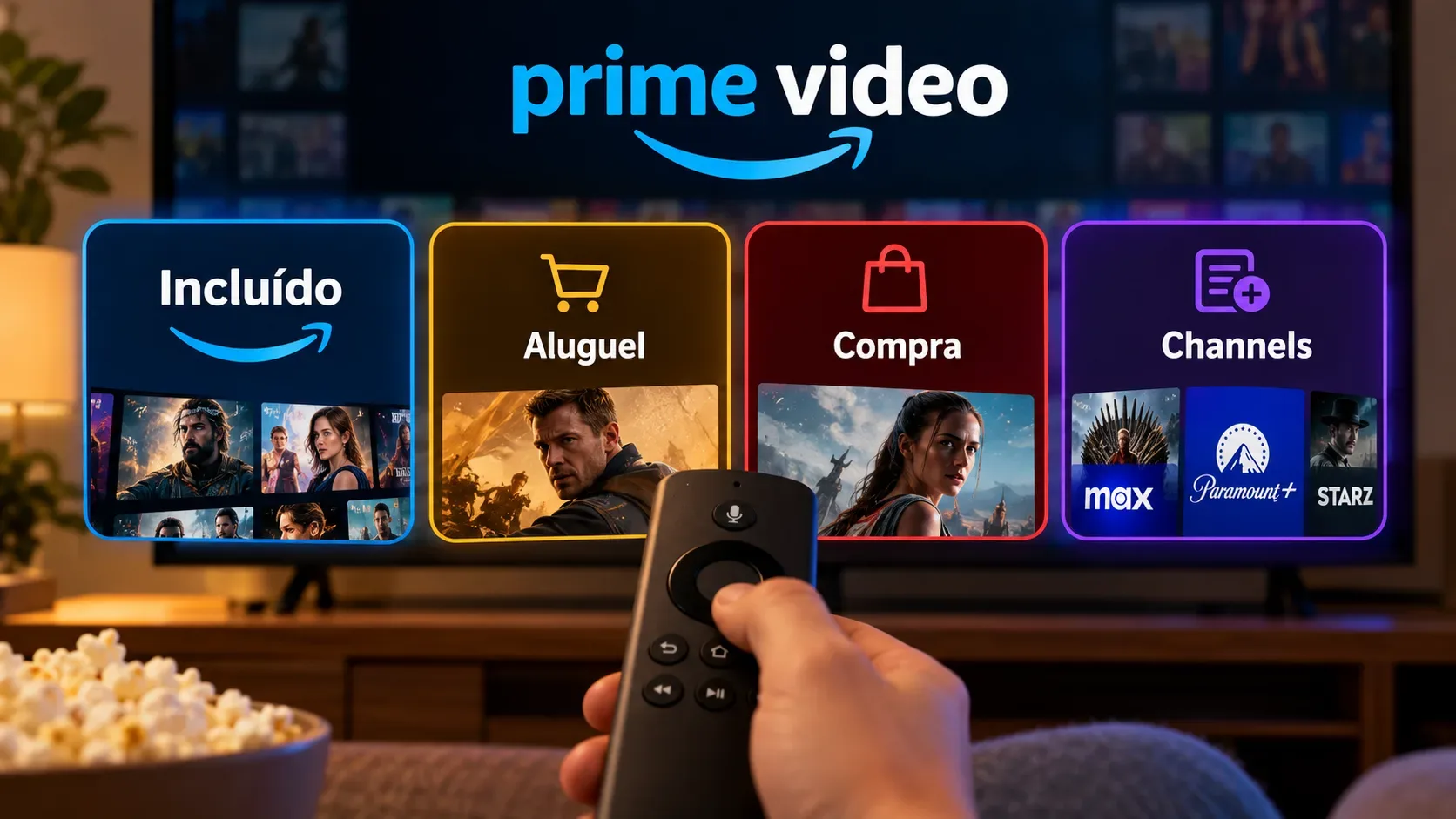
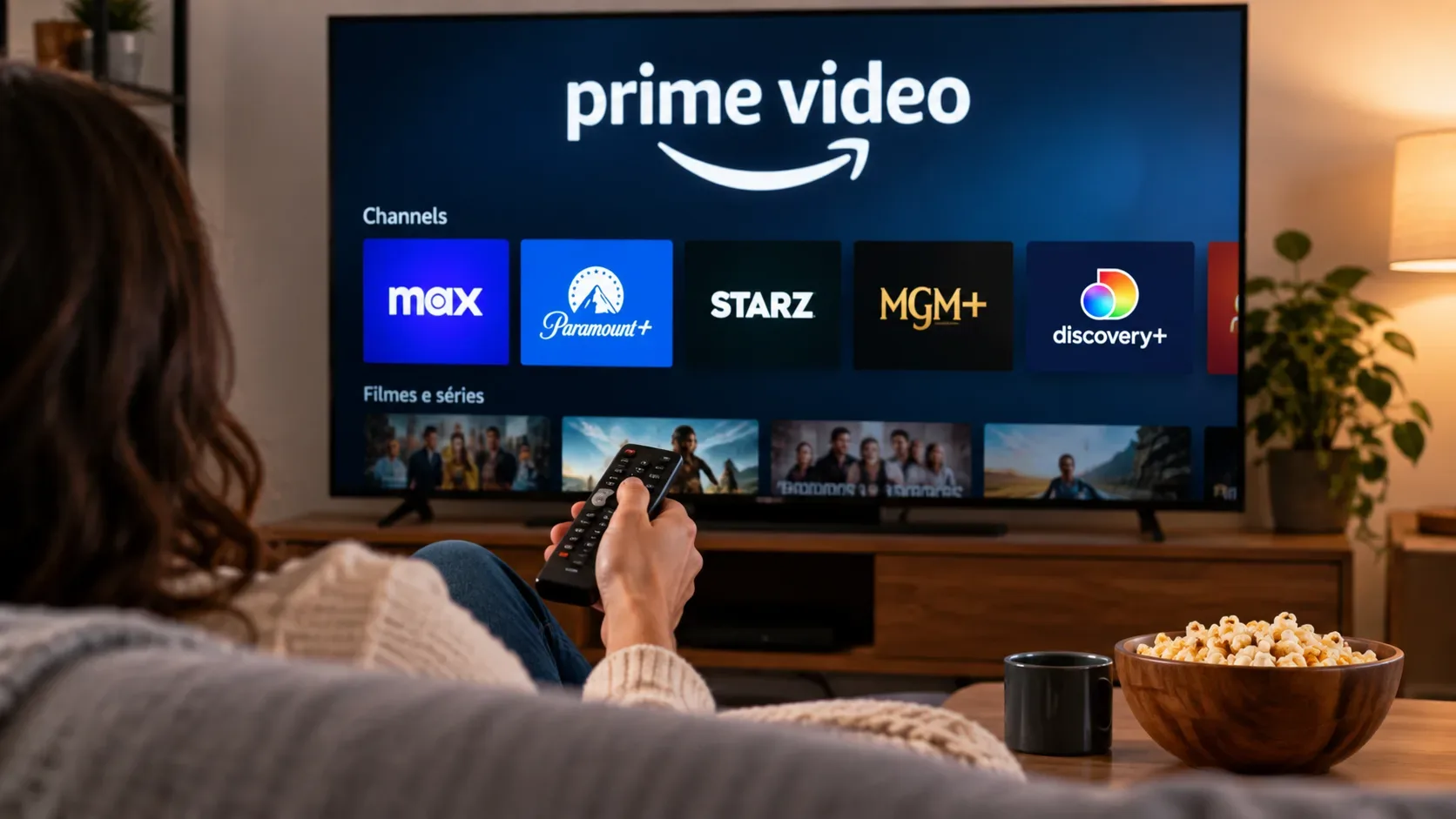
No. Subscribing to a service through Prime Video Channels and subscribing directly through that service's app may give you access to a similar streaming brand, but they are different subscription relationships. The purchase route determines which account recognizes the subscription, where billing is managed, how cancellation works, and whether access can be carried over to the provider's standalone app.
Amazon itself says that premium channel subscriptions purchased through another provider cannot be directly accessed through Prime Video. In the other direction, a subscription purchased as a Prime Video add-on normally starts inside Amazon's ecosystem. Whether you can also use the provider's standalone app depends on a specific integration offered by that provider.
Prime Video Channels and direct subscriptions: the difference in one table
| Aspect | Subscription through Prime Video Channels | Direct subscription to the service |
|---|---|---|
| Login | Primary access uses the Amazon account associated with the subscription. | Access uses the account created with the service itself, or the app store account that handled the purchase. |
| App | Content is watched inside Prime Video. Some providers also allow activation in their own app. | Content is watched on the service's app or website. The subscription is not automatically recognized by Prime Video. |
| Catalog | The channel provider controls which titles are included in the subscription offered inside Prime Video. | The catalog follows the plan and rules of the service's direct version. |
| Billing | It is an additional paid subscription, separate from content included with Prime. Billing is usually managed through Amazon, except for specific payment routes. | Billing is managed by the service itself or by the store used to subscribe, such as Apple or Google, depending on the case. |
| Cancellation | It is handled in Amazon's subscriptions area. If the add-on was paid through Apple, Amazon says the cancellation rules for that billing route must be observed. | It is handled with the service or the store that actually bills the subscription. |
| Subscription portability | It is not universal. Some services support linking to their standalone app; others limit access to the Prime Video environment. | There is no automatic portability to Prime Video either. Buying direct does not create an equivalent Channel on Amazon. |
1. Login and app: where the subscription actually lives
The most important point is to separate the service brand from the source of the subscription. If you subscribe through Prime Video Channels, Amazon records that add-on on your account and Prime Video becomes the main access point. That lets you watch the channel inside the same app where you already watch Prime titles, rent movies, or use other add-ons.
If you subscribe directly on the service's website or app, the relationship is different. Amazon explains that subscriptions acquired through an external provider do not automatically appear in Prime Video. In other words, having an active subscription to a service does not mean that the service's button inside Prime Video will recognize your account.
This difference is the source of a common confusion: the service name may be identical on both routes, but the access right, often called an entitlement in streaming systems, was created by different platforms.
2. Catalog: do not assume both routes are identical
Amazon says on its page about what is included with add-on subscriptions that subscription providers manage the availability of titles included with their service. Some add-on subscriptions also offer live programming on supported devices.
That means there is no universal rule saying that a Channel catalog will always be larger, smaller, or exactly the same as the standalone app catalog. The answer can vary by service, country, subscription tier, distribution rights, live content, and commercial integrations.
Before subscribing, check the title or feature that motivated the purchase. If your priority is a live event, downloads, a specific resolution, profiles, linear channels, or an ad-free tier, confirm that the feature is included in the exact version you intend to buy.
3. Billing: Channels is an add-on, not a transfer of your subscription
Amazon describes Prime Video add-ons as additional paid subscriptions for content from premium networks and other streaming entertainment services. So subscribing directly to a service and then opening Prime Video does not move that billing relationship to Amazon, nor does it automatically turn the direct subscription into a Channel.
In practice, the receipt is a useful way to identify who controls the subscription. If the charge is tied to Amazon and appears in the Prime Video subscriptions area, management generally happens there. If the receipt comes from the service itself, the App Store, or Google Play, that billing route usually controls plan changes and cancellation.
This distinction also helps prevent duplicate subscriptions. Before adding a Channel for a brand you already use, check whether you have an active direct subscription and whether the provider offers account linking. Otherwise, you may end up keeping two independent charges for the same service.
4. Cancellation: cancel with the party that manages billing
For Prime Video add-ons, Amazon directs users to the subscription management area, where they can find the add-on and choose the cancellation option. The page also says that when there is no immediate refund, access normally continues until the end date shown in the confirmation.
If the subscription was purchased directly from the service, cancellation should follow that service's rules or the rules of the store that processed the payment. This is an important operational distinction: canceling a direct subscription does not cancel a separate Channel, and canceling the Channel does not end a direct subscription maintained on another platform.
5. Can you subscribe through Amazon and use the service's own app?
Sometimes, but do not treat it as a rule. Portability depends on the provider, country, and available integration. Amazon's general guidance is that external subscriptions are not directly accessible through Prime Video. For the opposite direction, each service must state whether it recognizes Prime Video Channels as an authentication provider.
Max provides a concrete example. Max's help center says that in Brazil and other supported markets, customers who add Max through Prime Video Channels can watch inside Prime Video and, where the service indicates support, connect the provider to use the Max app as well. That integration is why it would be wrong to say that no Channel works outside Prime Video. It is also why users should not assume that every Channel does.
If using the standalone app is essential to you, check the service's support pages before subscribing. Search for terms such as "provider", "activate subscription", "connect provider", or "Prime Video Channels".
6. When each model tends to be more convenient
- Prime Video Channels: tends to be simpler for people who want to centralize discovery, playback, and several subscriptions inside Prime Video, using the Amazon account as a hub.
- Direct subscription: tends to be more predictable for people who want to use the service's native app, rely on features offered directly by it, and keep the billing relationship with the provider itself.
- If portability matters: do not choose based only on the service name. Confirm whether the Channel can be activated in the standalone app in your country.
- If a specific title matters: confirm the catalog and tier before buying, because availability is controlled by the provider and can change.
7. Checklist before subscribing
- Identify who will bill you and which account will hold the subscription.
- Decide whether you mainly want to watch in Prime Video or in the service's own app.
- Confirm that the catalog and features you want are included in that subscription route.
- Check whether the provider lets you link a Prime Video Channels subscription to its standalone app.
- Verify whether you already have an active subscription to the same brand through another route to avoid duplicates.
- Before canceling, identify who is actually billing the subscription.
In summary
Prime Video Channels is not simply a different screen for the same direct subscription. It is its own subscription route. Primary access, billing, and cancellation are tied to the ecosystem where the subscription was purchased. The catalog is controlled by the provider, and the ability to use the same subscription outside Prime Video depends on a specific integration. To avoid surprises, compare not only price, but also login, app, catalog, billing, cancellation, and portability before choosing.