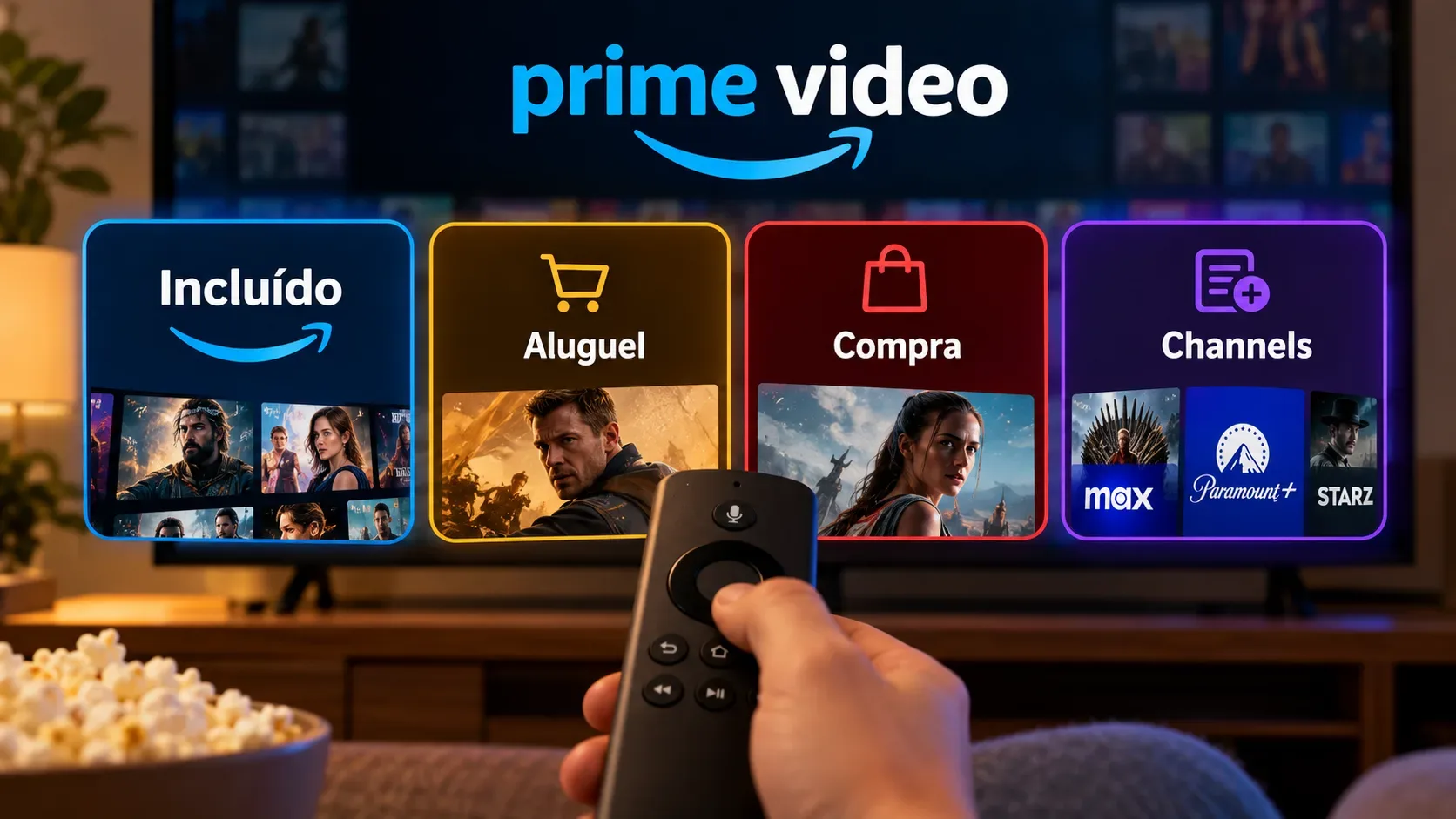
On Prime Video, the same title may appear as included with a subscription, available to rent or buy, or accessible through a Channel add-on subscription. These labels represent different ways to obtain access and may involve different charges and time limits. The practical rule is to check the title detail page before confirming any payment.
What each Prime Video option means
| Option | How it works | Extra charge | How long access lasts |
|---|---|---|---|
| Included with Prime or Prime Video | The title is part of the catalog covered by the subscription while it is labeled as included. | There is no individual charge for the title, although the applicable subscription is still required. | While the subscription is active and the title remains available under that option. |
| Rental | You pay once to watch the title during a limited viewing window. | Yes, it is a separate transaction from the subscription. | Typically, a rental is available for 30 days to start, and once streaming or downloading begins, you normally have 48 hours to finish. The specific period shown on the title page takes precedence. |
| Purchase | You pay once and the title is added to the purchases and rentals area of the account. | Yes, it is a separate transaction from the subscription. | Access is normally indefinite and allows rewatching, subject to the service terms, licensing restrictions and availability. |
| Channel or add-on subscription | You separately subscribe to a channel or service offered within Prime Video and access titles covered by that subscription. | Yes, there is an additional, usually recurring subscription fee. | While the add-on subscription remains active and the title is part of that Channel's catalog. |
How to choose an option on a title page
First, look at the label associated with the play button. If the title is marked as included with Prime or Prime Video, it can be watched through the corresponding subscription without an individual purchase. If a rental or purchase price appears, it is a one-time transaction. If the screen asks you to subscribe to a Channel, access depends on that add-on subscription.
Amazon states that content requiring an additional purchase can be identified in the catalog and that each video's detail page shows the available purchase options. Because availability can vary by title, country, video quality and time, the detail page is the reference for the options offered in that case. See the official rent and buy help section.
Rental: when does the clock start?
A rental does not mean keeping the movie in your account indefinitely. Under Prime Video usage rules, the window is typically 30 days from payment to start the title. After streaming or downloading begins, you normally have 48 hours to finish. Some titles may have different periods, so check the time shown on the detail page before paying.
Purchase: do you keep the title forever?
A purchase provides an indefinite viewing period under Prime Video's usage rules, but it should not be confused with owning a physical copy or rights to the work. Amazon's documentation notes that purchased content may become unavailable in limited circumstances, including licensing restrictions. Purchases and rentals are available in the corresponding area of the account. See the help page about previous purchases and rentals.
Channels: why is there another charge?
Channels, which Amazon describes as Prime Video add-on subscriptions, provide access to content from premium networks and other entertainment services through a separate subscription. The fee is additional to the applicable main subscription. Amazon says these subscriptions can be canceled and access ends on the displayed end date; after that, Channel content is no longer available unless the same title has been rented, purchased or is accessible through another option.
What happens when a subscription ends?
If a title was available only through Prime, Prime Video or a Channel, ending the corresponding subscription removes access through that option when the paid period ends. A subscription does not become a purchase. A separately purchased title, however, remains associated with the purchases area, subject to the applicable terms. A rental continues to follow its own expiration window.
Quick decision tree
- It says “included”: use the applicable subscription and confirm that the title is still in the catalog.
- A rental price appears: pay only if the temporary window meets your needs and check the specific deadline.
- A purchase price appears: this is a digital purchase separate from the subscription, with normally indefinite access subject to the terms.
- It asks you to subscribe to a Channel: check the recurring price, any trial period, and the renewal or end date.
Before confirming payment
Check which button is selected, the price, the offered quality, the stated rental period, and whether the option is a one-time purchase or a recurring subscription. Amazon also offers purchase restrictions and PIN settings to reduce accidental transactions. Because catalog availability, prices and conditions can vary, the information shown on the title's confirmation screen should guide the final decision.