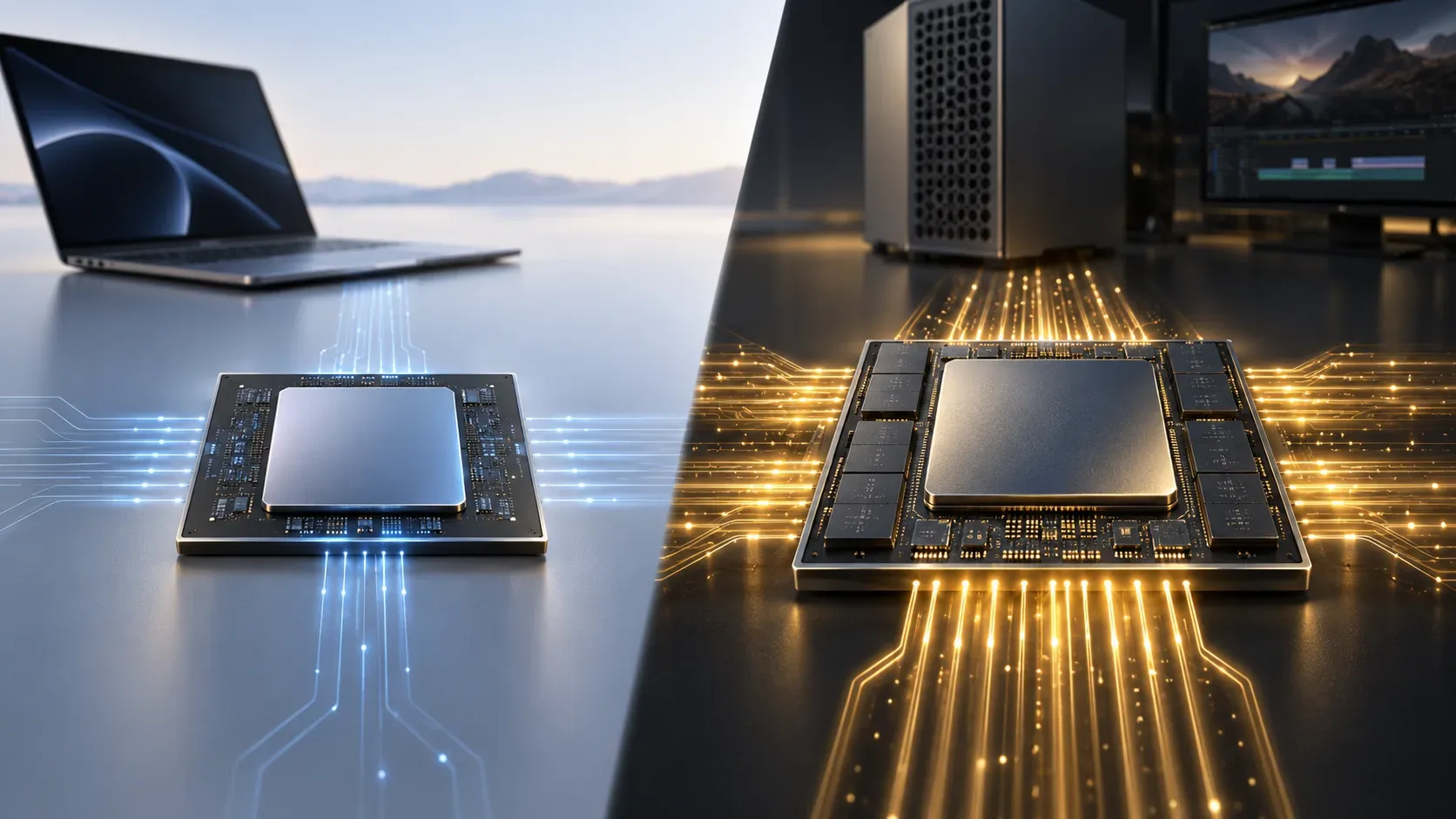
The M6 is newer, but that does not automatically place it above the M5 Ultra. Apple introduced both chips on August 25, 2026, yet they belong to very different classes: the M6 is designed to balance performance, efficiency, and on-device AI in the Mac mini, while the M5 Ultra is the largest-scale chip in the lineup, aimed at professional workloads that can use extensive parallelism, large memory pools, and massive bandwidth. That is why the M5 Ultra can still be faster in 3D rendering, heavy video work, large local AI models, simulation, and other highly parallel workloads even though it belongs to the previous generation.
The right comparison, then, is not “6 is greater than 5.” You have to separate generation from chip class. Apple describes the M6 as its first 2 nm chip, with a 12-core CPU, 12-core GPU, and up to 170 GB/s of memory bandwidth. The M5 Ultra scales to a 36-core CPU, 80-core GPU, up to 512 GB of unified memory, and 1.2 TB/s of memory bandwidth. Those figures are not direct performance multipliers, but they explain why the flagship of an older generation can retain a huge advantage in workloads that scale with more compute units and more data in motion.
M6 and M5 Ultra: what changes from one class to another
| Feature | M6 | M5 Ultra | What it suggests |
|---|---|---|---|
| CPU | 12 cores | 30 cores; configurable to 36 | The Ultra has far more resources for sustained multithreaded work. |
| GPU | 12 cores | 64 cores; configurable to 80 | The Ultra has much greater scale for rendering, graphics, and parallel compute. |
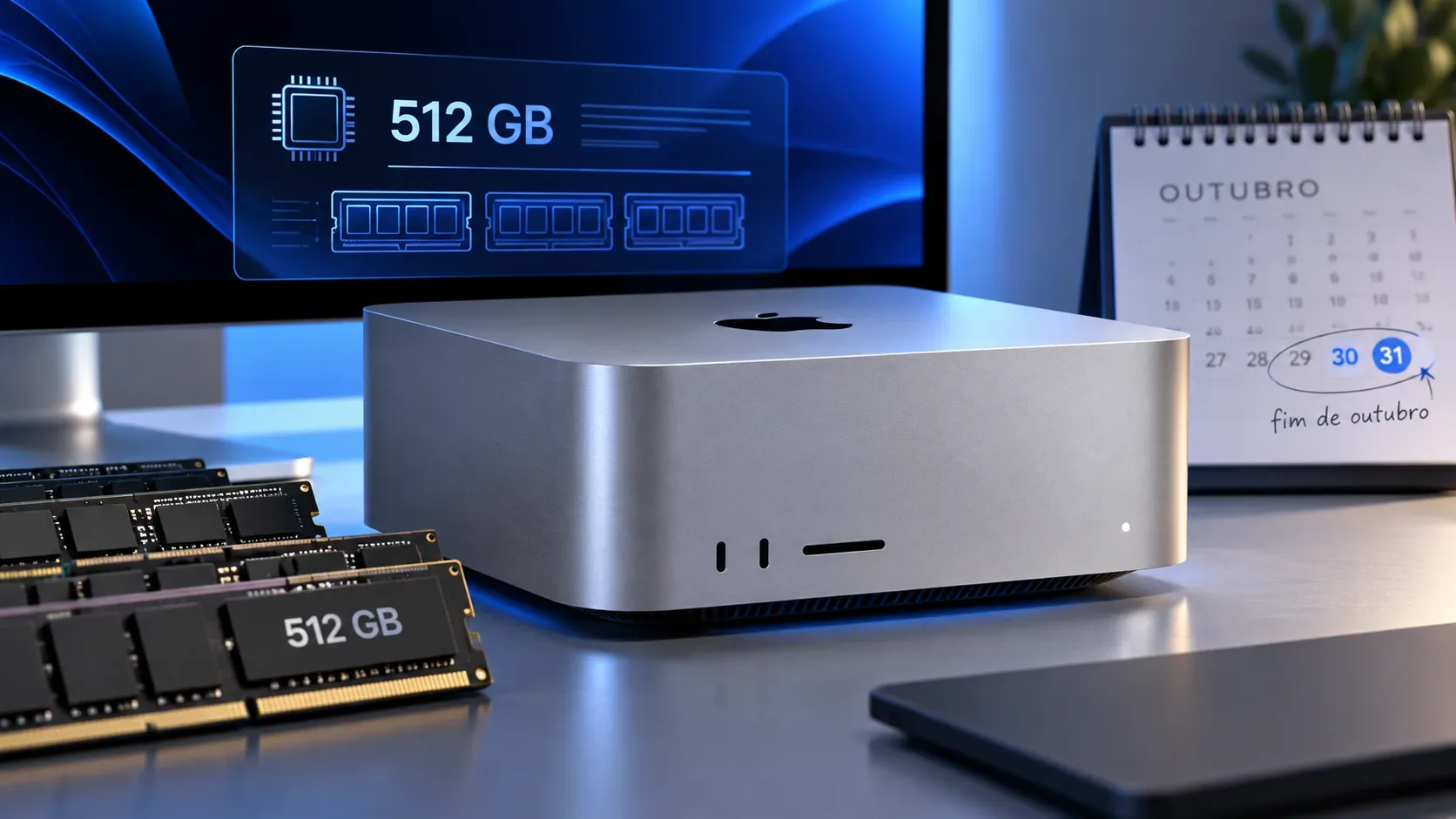
| Unified memory | Up to 32 GB | Up to 512 GB | Projects and models that do not fit on the M6 can remain entirely in the Ultra's memory. |
| Memory bandwidth | Up to 170 GB/s | 1.2 TB/s | The Ultra can feed more compute units with large amounts of data at the same time. |
| Media engines | 1 decode, 1 encode, and 1 ProRes engine | 2 decode, 4 encode, and 4 ProRes engines | The Ultra is sized for more simultaneous video streams and exports. |
The specifications above come from Apple's official pages for the Mac mini with M6 and the Mac Studio with M5 Ultra. Apple also details both architectures in its joint announcement dated August 25, 2026.
Why “newer” does not mean “faster at everything”
A new generation usually brings architectural, efficiency, and per-core improvements. The M6, for example, uses a 2 nm process, two super cores, four performance cores, and six efficiency cores, plus a Dual 16-core Neural Engine. That favors a responsive, efficient computer that is very strong in everyday tasks and workloads that cannot occupy dozens of cores at once.
The M5 Ultra solves a different problem. It uses UltraFusion to connect dies into a much larger processor, with far more CPU, GPU, memory, and dedicated media resources. In software that can distribute work across many cores and keep those units supplied with data, the scale advantage can outweigh the architectural advantage of a newer generation.
This matters because core count is not a benchmark. Three times as many CPU cores does not mean three times the speed, and 80 GPU cores do not automatically make every task 6.7 times faster than a 12-core GPU. Results depend on the application, optimization, operation type, memory requirements, and thermal limits. Even so, the resource gap explains why it makes no sense to assume the M6 beats the M5 Ultra simply because its generation number is higher.
Workloads where the M5 Ultra is likely to keep the advantage
3D rendering, effects, and GPU compute
Rendering, ray tracing, visual effects, and many compute workloads use the GPU in massively parallel ways. The M5 Ultra can be configured with up to 80 GPU cores, versus 12 on the M6. Its 1.2 TB/s memory bandwidth also helps move textures, buffers, geometry, and other data quickly. If the software can keep much of that GPU busy, the Ultra starts from a much larger scale.
Video editing with many streams and exports
The media engines are another clear class difference. The M6 has one decode engine, one encode engine, and one ProRes encode/decode engine. The M5 Ultra doubles decode and provides four encode engines and four ProRes engines. In complex timelines, multiple high-resolution streams, and batch transcoding or exporting, that specialization can matter more than the age of the architecture.
Local AI with large models
The M6 has Neural Accelerators in the GPU, a Dual Neural Engine, and up to 32 GB of unified memory, making it capable of running many local AI workloads. The M5 Ultra, however, scales to 512 GB of unified memory and 1.2 TB/s of bandwidth. For models that require tens or hundreds of gigabytes, the first limit can simply be whether the model fits in memory. If it does not fit on the M6, the question of which core is newer is no longer the main issue.
Simulation, data science, and long multithreaded jobs
Compilation, numerical simulation, scientific analysis, and other CPU workloads vary widely in how well they parallelize. When a workload can use many threads efficiently, the M5 Ultra's up to 36 CPU cores provide a much larger throughput base. In workloads with serialized or lightly parallel sections, the gap can shrink and the M6's per-core strength matters more.
When the M6 can be the better choice
The fact that the M5 Ultra has more resources does not make it the universal best choice. For browsing, productivity, everyday programming, photo editing, moderate development projects, and many creative tasks that do not saturate dozens of cores, the M6 can deliver excellent responsiveness with far less hardware scale. Apple itself positions the chip around a balance of performance and efficiency.
It is also plausible that the M6 can lead in parts of lightly parallel workloads because of its newer CPU architecture and new super cores. However, the official sources used here do not publish a direct suite of M6-versus-M5-Ultra benchmarks across identical applications. Any claim of an absolute winner for a specific app therefore needs confirmation from current independent testing.
Memory bandwidth: the number that changes the comparison
Memory bandwidth describes how much data can move between memory and the compute units per second. The M6 reaches 170 GB/s in its higher-memory configurations; the M5 Ultra reaches 1.2 TB/s, roughly seven times that peak in nominal transfer capacity. That does not create seven times the performance by itself, but it reduces the chance that CPU and GPU units will sit waiting for data in workloads that move large matrices, textures, frames, or model weights.
Capacity matters too. The M6 tops out at 32 GB, while the M5 Ultra can reach 512 GB. In professional projects, that difference can make it possible to keep entire scenes, datasets, and models in memory instead of relying as heavily on SSD access or problem-splitting strategies.
Parallelism: when software can use the bigger chip
The M5 Ultra only turns its scale into a real advantage when software distributes work effectively. An application that uses a few threads or has sequential bottlenecks may leave much of the chip idle. A renderer, encoder, simulation engine, or AI framework designed for parallel execution can keep dozens of cores busy for long periods.
That is why the best signal is not just the chip name, but how the application you actually use behaves. Benchmarks from the same software, with the same type of project and similar versions, are more valuable than comparing generation numbers in isolation.
How to compare M6 and M5 Ultra before choosing
- Define your main workload. List the applications and tasks that consume the most time: rendering, compiling, exporting, AI training or inference, video editing, simulation, or general use.
- Check whether the workload scales with CPU or GPU. If the application uses many cores, the Ultra class matters more; if much of the work is serial, per-core performance matters more.
- Estimate the memory requirement. Projects above 32 GB already rule out the M6 for certain workflows, regardless of generation.
- Look at bandwidth and dedicated engines. Video, 3D, and AI can depend as much on data movement as on CPU speed.
- Find benchmarks for your application. Prefer tests using the same software and version with representative projects. Avoid extrapolating from a single synthetic benchmark.
- Consider efficiency and total cost. Buying capacity your workflow never uses can be as inefficient as choosing a smaller chip for a workload that will saturate it every day.
What this comparison really teaches
The M6 represents a newer architecture; the M5 Ultra represents a much larger class. In light, lightly parallel, or per-core-sensitive tasks, the M6's architectural advances may matter more. In heavy rendering, multi-stream video, very large local AI, simulation, and other work that scales with CPU, GPU, memory, and bandwidth, the M5 Ultra can retain a clear advantage.
The practical rule is simple: compare class, memory, bandwidth, and parallelism before comparing the generation number. And when the decision depends on a specific application, use specifications as context and direct benchmarks as confirmation.