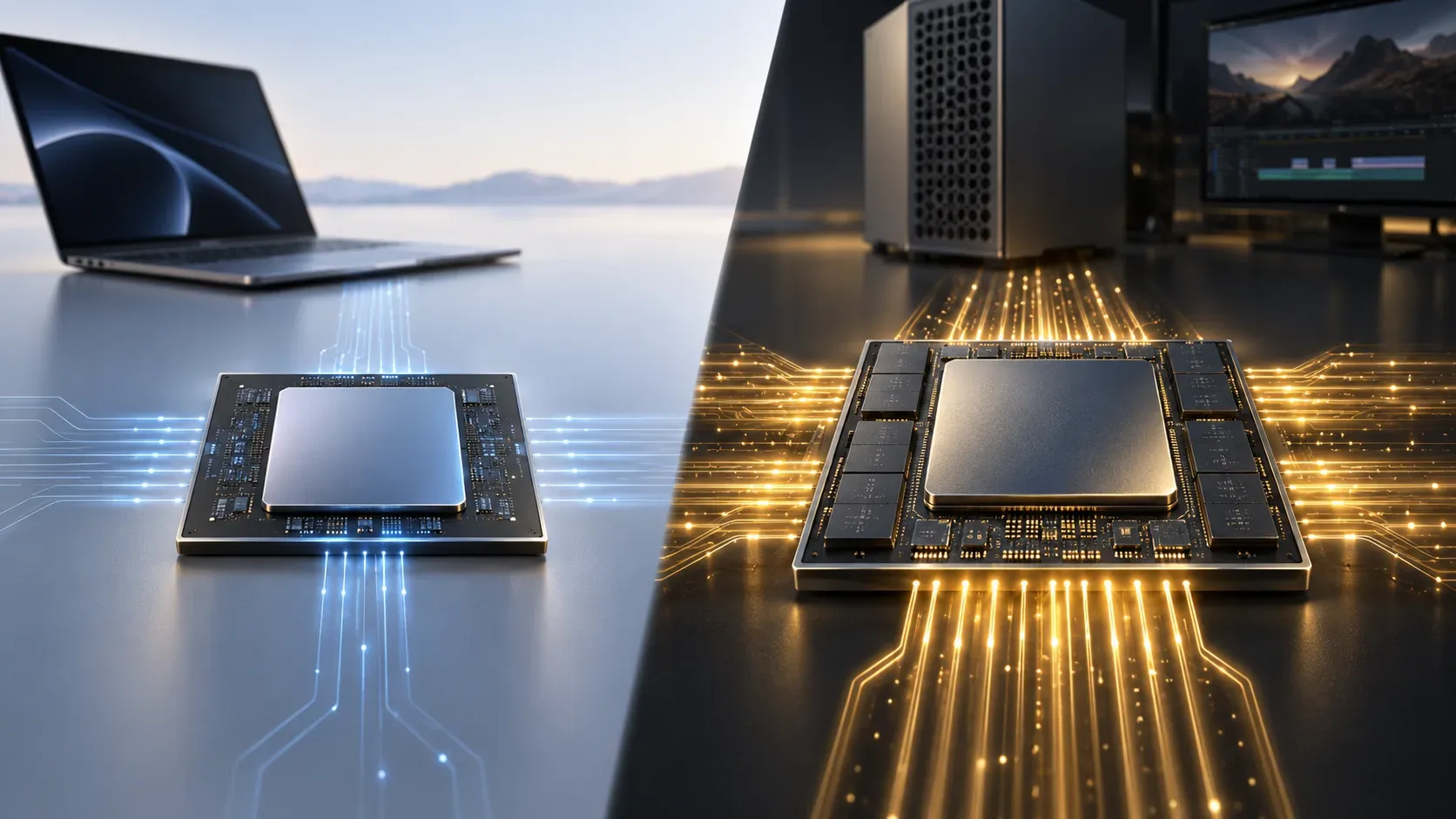
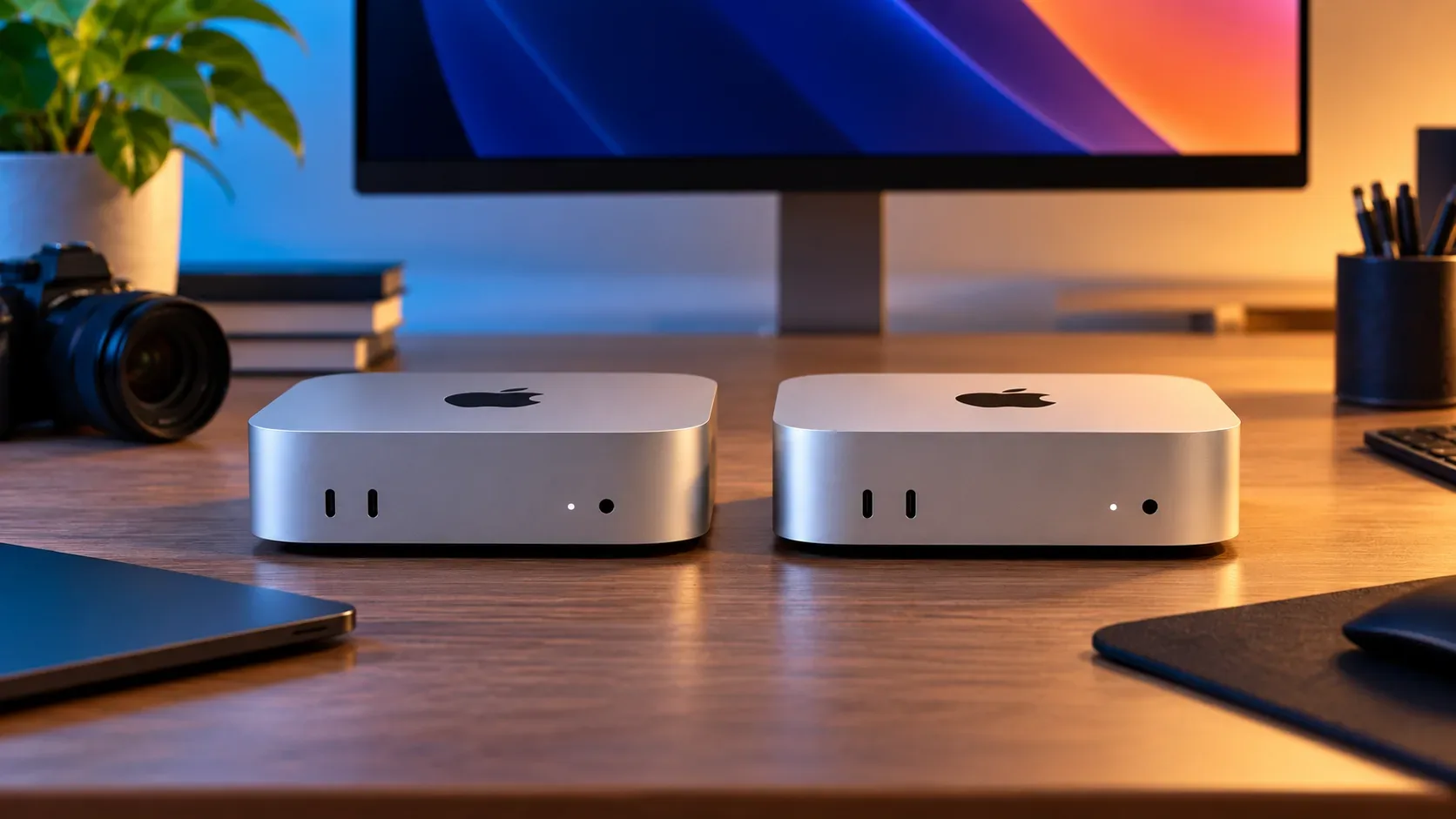
The 2026 Mac mini puts two names side by side that can be confusing at first glance: M6 and M5 Pro. M6 belongs to the newer generation of Apple's base chip family, while M5 Pro is a professional-tier chip from the previous generation. That is not a contradiction: Apple is offering two capability tiers in the same desktop, and the generation number alone does not tell you which one is better suited to a specific workload.
Why M6 and M5 Pro coexist in the same lineup
Apple announced both Mac mini models on August 25, 2026. In its introduction, the company positioned M6 for productivity, creative work, and new on-device AI workflows, while describing M5 Pro as the option for more demanding professional tasks such as app development, video rendering, scientific simulations, 3D design, visual effects, and game development.
The practical way to read the lineup is that “M6” identifies a generation, while “Pro” identifies a higher chip class within Apple silicon. As a result, an M5 Pro can provide more CPU, GPU, memory, and connectivity resources than an M6 even though its generation number is lower. Apple does not publish a rule saying that every chip in a newer generation beats every Pro variant from the prior generation, and the specifications of this lineup show why that assumption would be misleading.
M6 vs. M5 Pro: what the confirmed specifications show
| Criterion | Mac mini with M6 | Mac mini with M5 Pro | What it means in practice |
|---|---|---|---|
| CPU | 12 cores | 15 cores, configurable to 18 | M5 Pro provides more resources for highly parallel workloads, although core counts are not a substitute for testing the app you use. |
| GPU | 12 cores | 16 cores, configurable to 20 | M5 Pro has a larger graphics configuration for 3D, effects, rendering, and game development. |
| On-chip AI | Neural Accelerators in the GPU and a Dual 16-core Neural Engine | Neural Accelerators in the GPU and a 16-core Neural Engine | Both target on-device AI, but the right choice also depends on memory, bandwidth, and the model being run. |
| Unified memory | 16GB, configurable up to 32GB | 24GB, configurable up to 64GB | Projects that need more than 32GB point directly to M5 Pro. |
| Memory bandwidth | Up to 170GB/s | 307GB/s | M5 Pro has a structural advantage when moving large amounts of data among CPU, GPU, and memory. |
| SSD | Configurations up to 2TB | Configurations up to 8TB | M5 Pro allows more internal storage for large libraries and projects. |
| Rear ports | 3 Thunderbolt 4, HDMI, and Ethernet | 3 Thunderbolt 5, HDMI, and Ethernet | Thunderbolt 5 benefits workflows built around high-bandwidth external storage and peripherals. |
| Networking | Wi-Fi 7, Bluetooth 6, 2.5Gb Ethernet; 10Gb optional | Wi-Fi 7, Bluetooth 6, 2.5Gb Ethernet; 10Gb optional | The basic networking platform is similar. |
| Displays | Up to three external displays | Up to three external displays | Both support three displays, but M5 Pro adds Thunderbolt 5 and broader resolution combinations in some setups. |
The specifications above come from Apple's official Mac mini technical specifications. They are more useful for this decision than comparing the numbers “5” and “6” alone.
When the Mac mini with M6 makes more sense
M6 is the more coherent choice when your work fits comfortably within 32GB of memory and does not depend on Thunderbolt 5 or a larger GPU. That covers many office, research, heavy web, spreadsheet, general programming, content creation, photo, audio, and moderate video workflows, as well as local AI models that fit within the available memory.
Apple highlights M6 gains in productivity, graphics, and AI compared with the Mac mini with M4. Those figures compare the new base model with the previous base generation; they are not a direct contest against M5 Pro. They help explain how M6 has advanced, but they do not prove that M6 is faster than M5 Pro in every task.
- Office work and study: M6 is generally the more rational option if 16GB or 24GB is enough.
- Programming and general development: M6 fits well when builds, virtual machines, and containers do not require more than 32GB of memory.
- Moderate photo, audio, and video work: M6 includes media engines for H.264, HEVC, ProRes, and ProRes RAW and can handle creative workflows without requiring a Pro configuration.
- Light to medium local AI: M6 includes Neural Accelerators and can be configured with up to 32GB; model size is a more useful limit than the generation name.
When the Mac mini with M5 Pro earns its premium
M5 Pro is easier to justify when the bottleneck is parallel processing, GPU resources, memory, memory bandwidth, or I/O. It starts with a larger CPU and GPU configuration, scales to 64GB of unified memory, provides 307GB/s of memory bandwidth, and replaces the rear Thunderbolt 4 ports with Thunderbolt 5.
Those resources matter most in projects that handle large data sets or keep CPU and GPU busy for long stretches. Apple lists app development, rendering, scientific simulations, 3D, visual effects, game development, and larger AI models as examples of workloads for M5 Pro.
- Professional video, 3D, and effects: more GPU resources, memory, and bandwidth give M5 Pro greater headroom for complex projects.
- Heavy development: large builds, many containers, virtual machines, and parallel environments can benefit from the larger CPU and up to 64GB of memory.
- Local AI with larger models: memory capacity above 32GB can be decisive before benchmark differences even matter.
- Fast external storage and peripherals: Thunderbolt 5, rated by Apple at up to 120Gb/s, is a meaningful advantage for high-bandwidth external workflows.
Quick matrix by workload
| Workload | Most likely choice | Main reason |
|---|---|---|
| Office, browser, study, management, and spreadsheets | M6 | The 32GB ceiling and M6 connectivity usually cover this profile without paying for Pro resources. |
| General programming and web development | M6 | It makes sense while memory and parallelism are not the bottlenecks. |
| Large builds, VMs, and many containers | M5 Pro | More CPU resources and up to 64GB of memory provide additional headroom. |
| Moderate photo, audio, and video editing | M6 | It has media acceleration and enough GPU capability for many creative workflows. |
| 3D, VFX, rendering, and game development | M5 Pro | The larger GPU, higher memory ceiling, and greater bandwidth directly matter here. |
| Local AI with small or medium models | M6 | Neural Accelerators and up to 32GB may be sufficient, depending on the model. |
| Local AI requiring more than 32GB | M5 Pro | It is the only option in this pair configurable up to 64GB. |
| Workflow that depends on Thunderbolt 5 | M5 Pro | M6 uses Thunderbolt 4; M5 Pro provides Thunderbolt 5. |
What the spec sheet cannot tell you by itself
Core counts and memory bandwidth help describe capacity, but they do not by themselves predict exact performance in every application. Real results depend on software optimization, workload duration, CPU or GPU usage, memory requirements, media format, and connected peripherals.
It is also important not to turn Apple's promotional benchmarks into a direct comparison the company did not publish. In the announcement, M6 is compared mainly with M4 and earlier base models, while M5 Pro is compared with M4 Pro and M2 Pro. Those tests show progress within each class, but they do not establish a universal winner between M6 and M5 Pro.
How to choose without falling for the generation number
- Define how much memory you need. If your workload requires more than 32GB, the decision already favors M5 Pro.
- Decide whether the GPU is central to your workflow. 3D, VFX, rendering, and game development make the 16-to-20-core M5 Pro GPU more valuable.
- Check your peripherals. If Thunderbolt 5 is a requirement for storage, capture, or high-speed infrastructure, choose M5 Pro.
- Consider internal storage. M6 goes up to 2TB; M5 Pro goes up to 8TB.
- Compare your real application, not the chip name. Benchmarks for your software and project are more informative than assuming a higher generation number always wins.
Bottom line
The Mac mini with M6 is not automatically “better” simply because it belongs to a newer generation, and M5 Pro is not automatically obsolete because its name starts with 5. M6 is the newer general-purpose option, with up to 32GB of memory and Thunderbolt 4; M5 Pro occupies the professional tier, with larger CPU and GPU configurations, up to 64GB, 307GB/s of memory bandwidth, and Thunderbolt 5. The best choice is the one that matches your bottleneck: if it is memory, GPU, parallelism, or I/O, M5 Pro becomes more relevant; if it is not, M6 is likely to be the more balanced choice.