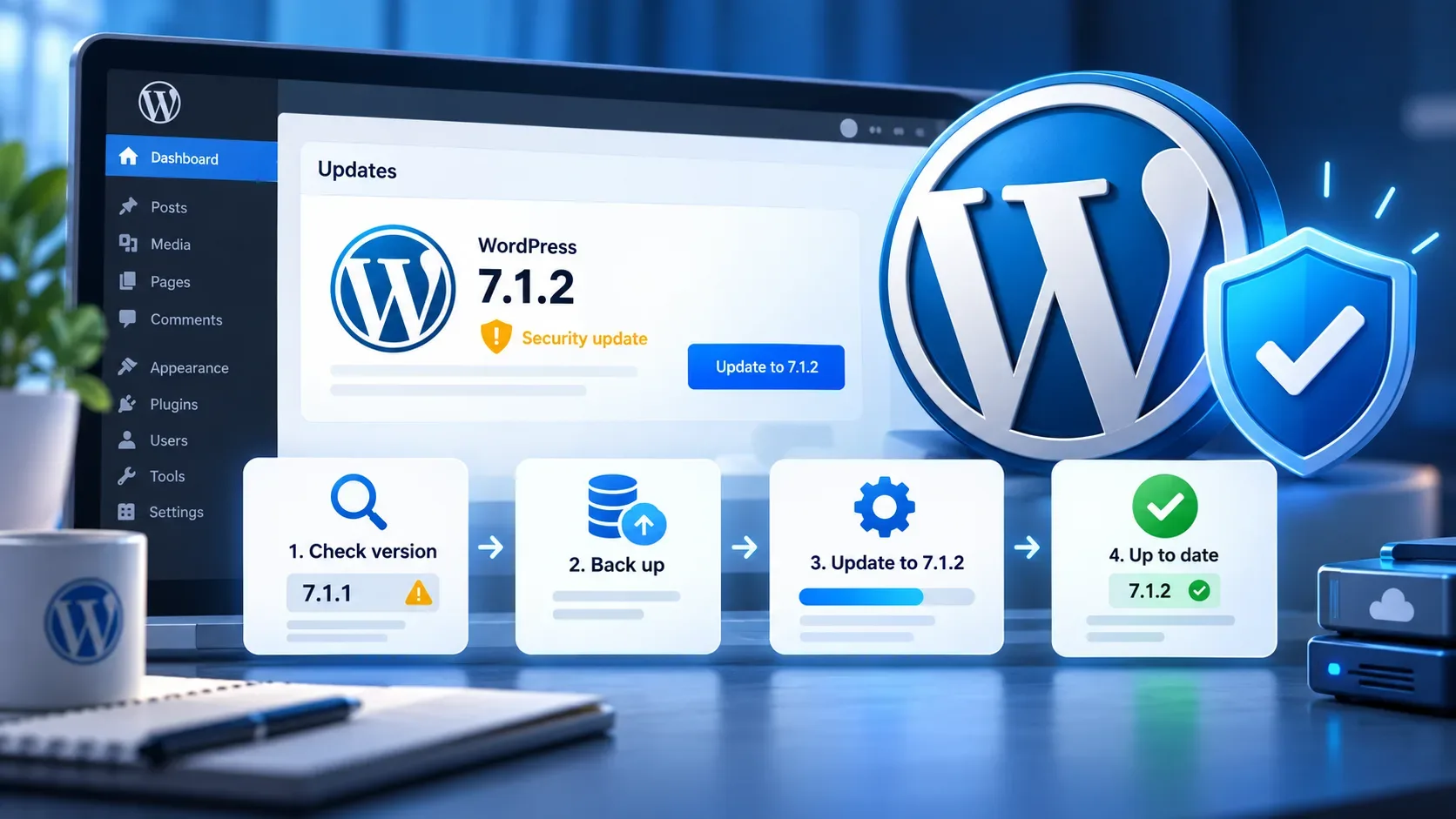
WordPress 7.1.1 now has a public schedule, but it does not yet have a finalized list of fixes. The maintenance release was planned after WordPress 7.1 launched on August 19, 2026, and the plan published by the Core team on September 2 puts the first Release Candidate (RC1) on September 10 and the general release on September 17.
For production-site administrators, the most useful interpretation is simple: September 10 is a testing milestone; September 17 is the planned milestone for the stable update. Until then, the ticket set may still change and the schedule itself says the exact times are estimates, according to the official WordPress 7.1.1 schedule post.
Official WordPress 7.1.1 schedule through September 17
The Make WordPress Core calendar includes bug scrubs before and after RC1. The table below converts the times to Brasília time (UTC-3) while also preserving the official UTC times.
| Date | Event | UTC | Brasília time |
|---|---|---|---|
| Sep. 3 | Bug scrub | 14:00 | 11:00 |
| Sep. 4 | Bug scrub | 14:00 | 11:00 |
| Sep. 8 | Bug scrub; 7.1.2 milestone opens and some tickets may be punted | 20:00 | 17:00 |
| Sep. 9 | Bug scrub | 10:00 | 07:00 |
| Sep. 10 | WordPress 7.1.1 RC1 | 17:30 | 14:30 |
| Sep. 15 | Bug scrub | 14:00 | 11:00 |
| Sep. 17 | WordPress 7.1.1 general release | 15:00 | 12:00 |
Two caveats matter. First, the official post says the times are estimates and depend on the availability of the people helping with the release. Second, on September 8 the WordPress 7.1.2 milestone is expected to open and some tickets may be moved to it. That means a fix being discussed now should not be treated as confirmed for 7.1.1 until the final release contents are settled.
What is already confirmed about 7.1.1
The stated scope is a bug-fix-only maintenance release. The Core team says tickets are eligible for 7.1.1 when they address issues introduced during the WordPress 7.1 cycle or items intentionally deferred at the end of that cycle.
That also defines what should not be promised before the official notes: there is no basis yet for announcing a final fix list, specific performance gains, feature changes, or a security fix simply because a ticket is under discussion. The final set should be checked when RC1 and, later, the stable release are published.
What the September 10 RC1 means in practice
RC stands for Release Candidate: a build that may become the public release if no significant problems are found. The WordPress release-cycle handbook describes this stage as one focused on regressions and stabilization. The same handbook allows for more than one RC when reported bugs need to be fixed before launch.
For a site administrator, that does not make RC1 a production update. In RC announcements, WordPress itself recommends testing pre-release software on a test server or test site rather than on production or mission-critical installations. The goal of RC1 is to validate the build in realistic environments without putting the live site at unnecessary risk.
Who should test RC1 and who can wait
| Site profile | More prudent approach | What to validate |
|---|---|---|
| Plugin, theme, or integration developer | Test RC1 as soon as the official package and instructions are available | Compatibility, PHP notices, editor behavior, APIs, product-specific flows |
| Agency managing many WordPress 7.1 sites | Use a representative staging site before September 17 | Common stacks, shared plugins, caching, forms, authentication, deployment |
| WooCommerce, membership, LMS, or other critical-flow site | Test on a staging clone; keep RC off production | Checkout, login, webhooks, scheduled tasks, emails, payments, integrations |
| Simple, stable institutional site | It can wait for the September 17 stable release | Backup, editor, forms, cache, and key pages after updating |
| Site without staging or technical staff | Wait for the stable release and review the backup strategy | Ability to restore before updating |
This split is a risk-management recommendation, not a WordPress project rule. The more revenue, authentication, automation, or external integration depends on the site, the more useful it is to reproduce the live environment in staging before allowing the update into production.
Staging checklist before updating production
- Create a restorable backup of files and the database before any meaningful update. WordPress's official upgrade documentation recommends backup as an initial step.
- Use a representative clone with a theme, plugins, PHP version, and settings close to production.
- Record the starting state: WordPress, plugins, theme, PHP, cache, and integrations. This makes changes easier to isolate.
- Test wp-admin and the editor: creating and editing pages and posts, media, patterns, navigation, and team permissions.
- Test business-critical flows: forms, login, checkout, subscriptions, member areas, LMS features, internal search, or API integrations.
- Watch logs and errors: PHP errors, JavaScript failures, scheduled tasks, and caching behavior can expose incompatibilities that superficial browsing misses.
- Define rollback: knowing how to restore a backup matters as much as having the backup file.
For pre-release testing, the WordPress Beta Testing guide documents the WordPress Beta Tester plugin and Beta/RC streams. When 7.1.1 RC1 is published, follow the instructions specific to that build, because the announcement may provide a particular test method or focus.
Should you wait until September 17 to update?
For most sites that only need stable software, yes: waiting for the general release scheduled for September 17 avoids putting an RC on production. More complex sites can use the September 10–17 window to validate the candidate in staging and prepare an update plan.
It is also worth checking how the site receives automatic updates. The WordPress upgrade documentation explains that minor Core updates, including maintenance and security releases, are automatically enabled by default in many scenarios, although constants, filters, administrator choices, version-control detection, and hosting policies can change that behavior. On managed environments, also confirm whether the provider applies updates on its own schedule.
What can still change before release
Three elements remain open until final publication: the ticket set, because items may move to 7.1.2; the need for an additional RC, if testing finds problems that require another candidate; and the exact timing of the milestones, which the schedule describes as estimates.
The September 10 RC1 and September 17 general-release dates, however, are the official plan in effect on September 4, 2026. If the schedule changes, the primary reference remains Make WordPress Core.
How to follow the release without confusing proposals with confirmed fixes
Use the schedule post as the starting point and follow the ticket and editor-task links referenced by the Core team. Before RC1, treat tickets as candidates. After RC1, check that build's package and notes. For production, the final decision should combine the stable release notes, your staging results, and a realistic rollback path.
In short: mark September 10 as the date to test and September 17 as the planned date to update the stable version. Plugin and theme maintainers, stores, authenticated portals, and sites with critical integrations have more to gain from testing RC1 in staging; administrators of simple, stable sites can wait for the general release, prepare a backup, and then validate essential flows before completing the update.