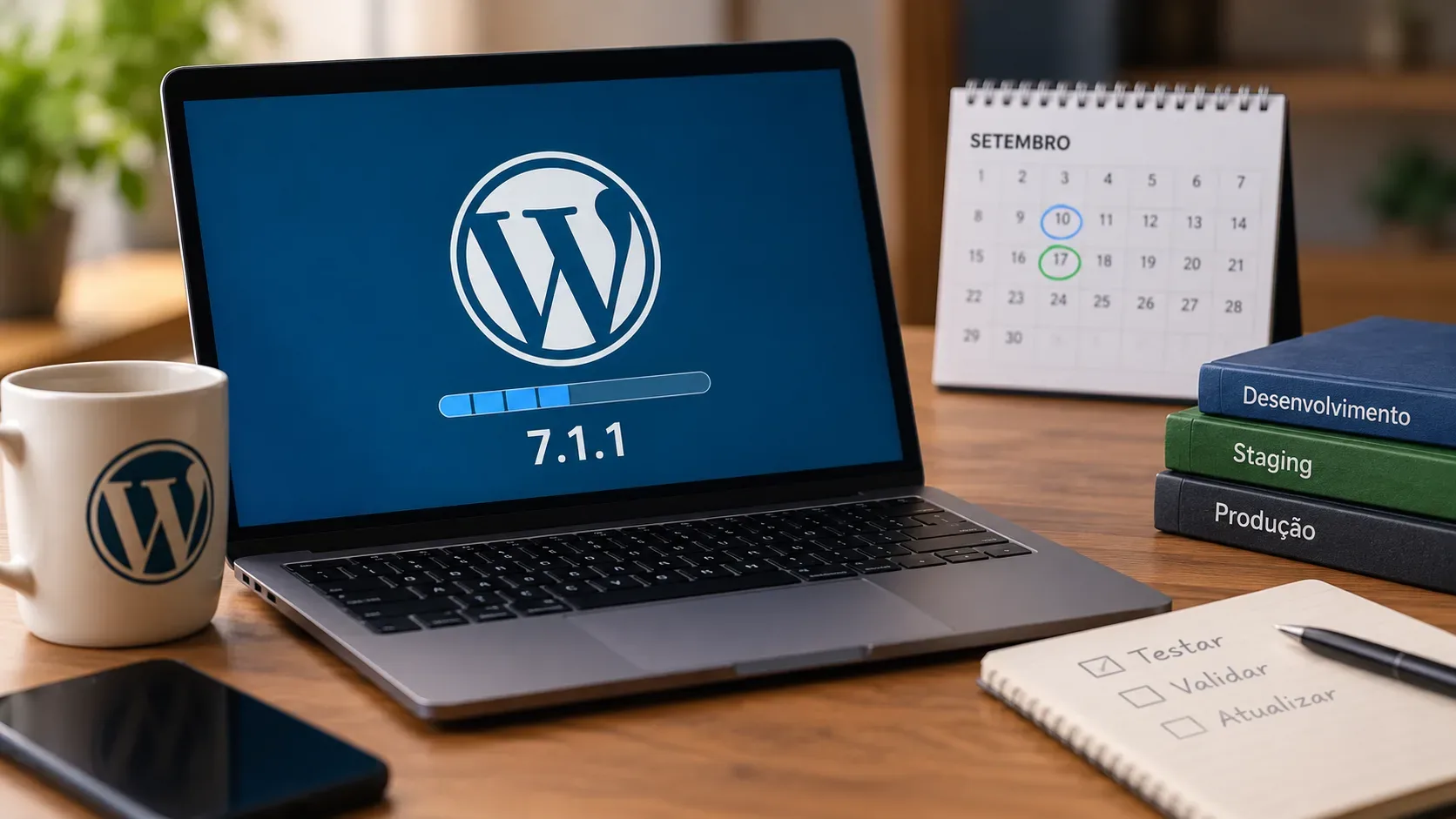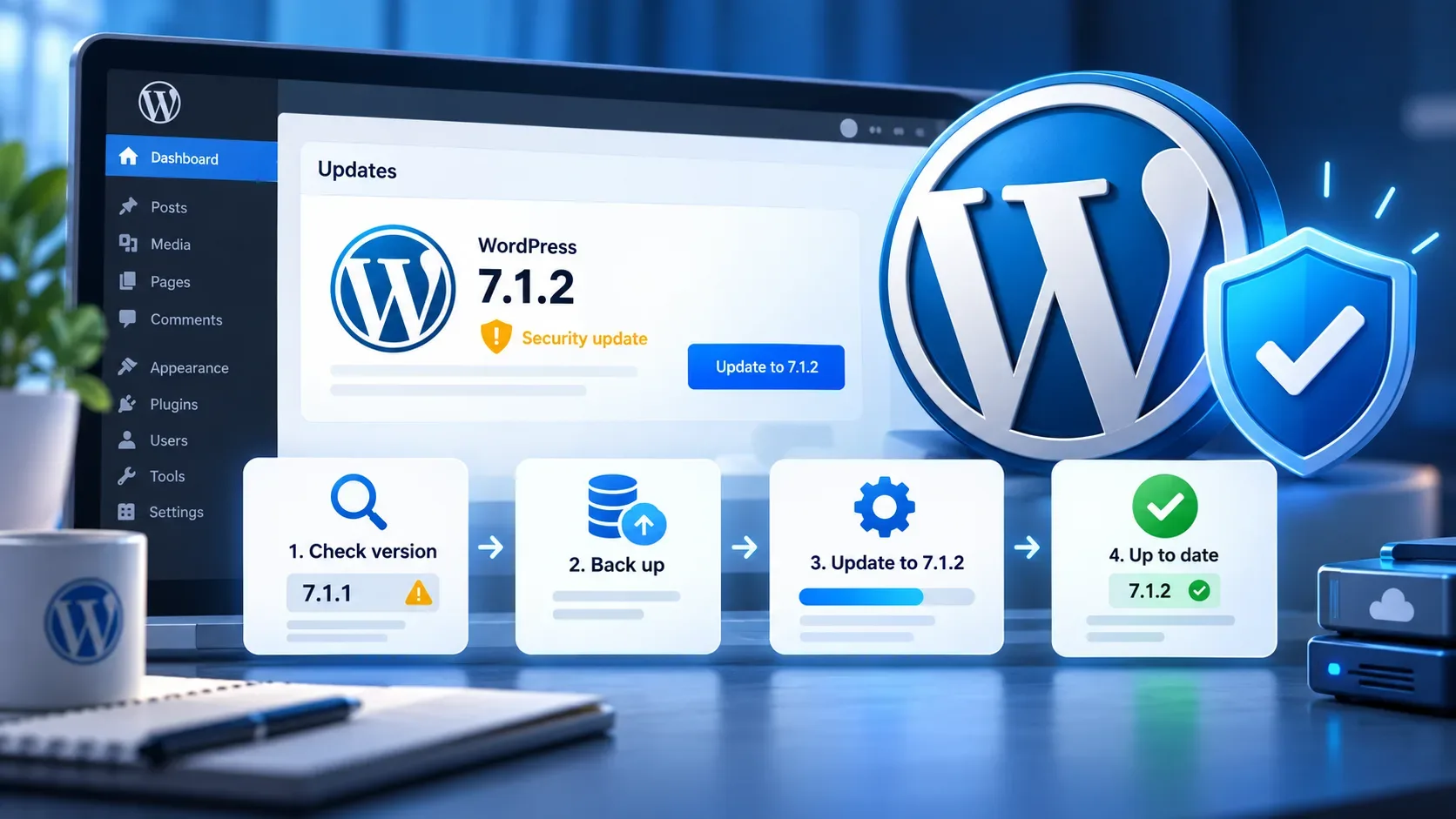
WordPress 7.1.2, released on September 22, 2026, is a security update that fixes a vulnerability rated critical. The project itself recommends updating sites immediately. For sites running WordPress 7.1 or 7.1.1, the direct action is to install version 7.1.2. Sites on older branches also received branch-specific security fixes, but WordPress notes that only the latest version is actively supported.
Who needs to update now
The official advisory lists WordPress 7.1.0 and 7.1.1 among the affected versions and identifies 7.1.2 as the patched release for that branch. The same issue also affected several older branches, with fixed versions released on September 22. The practical action depends on the version currently installed.
| Current situation | Recommended action |
|---|---|
| WordPress 7.1 or 7.1.1 | Update to 7.1.2 immediately. |
| WordPress 7.1.2 | The fix for this issue is already installed. Confirm the version and test the site after the update. |
| WordPress 7.0 or older | Security backports exist for eligible branches, but the latest version, 7.1.2, is the only actively supported release. If a technical policy prevents an immediate move, install at least the patched release for your branch and plan the upgrade to the current line. |
| Unknown version | Check the installed version before deciding what to do and do not assume that an automatic update has already completed. |
The security advisory lists, for example, 7.0.6 as the patched release for the 7.0 branch, 6.9.9 for 6.9, and 6.8.10 for 6.8. The fix was backported through the 4.7 branch. That is useful for environments that must temporarily remain on an older line, but it does not change the project's general guidance to keep WordPress on the latest version.
What the fixed vulnerability means
The vulnerability is tracked as CVE-2026-87902 and GHSA-7hp8-65ch-5whp. At a high level, an unauthenticated attacker could, under specific server and theme conditions, interfere with page-template resolution and potentially reach remote code execution. This article does not provide exploitation details because they are not needed to make the update decision.
The operational point is straightforward: this is a WordPress core fix, and the official recommendation is to install the update immediately. An apparent absence of a particular environmental condition should not be used as a reason to postpone patching. Changing themes, blocking an isolated route, or applying another improvised mitigation is not a replacement for updating core.
How to check the installed version
There are three safe, official ways to confirm the version without relying on third-party tools.
- WordPress Dashboard: open Dashboard > Updates. This screen shows whether a core update is available and is the standard place to start a one-click update.
- Site Health: go to Tools > Site Health > Info, expand the WordPress section, and check the version field. WordPress documentation states that this field shows the version currently in use.
- WP-CLI: in terminal-managed environments, the command wp core version displays the installed version.
If the site uses automatic background updates, it is still worth checking the result. WordPress says minor and security releases can be applied automatically on compatible installations, but post-update verification prevents you from assuming the process completed successfully.
Safe checklist before updating
Version 7.1.2 is small in scope, but it changes WordPress core files. The process should be simple and reversible.
- Create a restorable backup. WordPress documentation recommends backing up before upgrades. A complete restore of a typical site requires both the database and the files, preferably kept as a backup set created around the same time.
- Confirm the current version. Record whether the site is running 7.1, 7.1.1, 7.1.2, or another branch. This prevents confusion about the appropriate patch and documents the change.
- Review direct core modifications. WordPress warns that the upgrade process replaces core files. Changes made directly to those files can be lost and should be addressed before updating.
- Update through an official channel. For most sites, use Dashboard > Updates > Update Now. In managed workflows, follow the hosting provider's or WP-CLI process as long as the package source is trusted.
- Do not interrupt the process. Allow installation and any database update to finish before repeatedly refreshing the page or starting other maintenance work.
How to confirm the fix was applied
After the update, validation should prove two things: the correct version is active and the site still works as expected.
- Return to Dashboard > Updates and confirm that core is on the current version.
- Check Tools > Site Health > Info again or run wp core version. For the current branch covered here, the expected result is 7.1.2.
- Test the home page, important pages, login, editor, forms, and, if applicable, cart or checkout.
- If you manage the server from a terminal, you can run wp core verify-checksums. The command compares WordPress core files with the official checksums for the installed version and can help identify altered or corrupted core files.
- If something fails, do not hide the error with random changes. Record the message, review available logs, and restore from the backup if necessary.
What changes for sites that were already on 7.1.1
WordPress 7.1.2 is not a feature release. Its main purpose is to fix the security issue. The editorial and administrative behavior of the site should therefore remain essentially the same. Even so, any core update deserves a quick compatibility test, especially on sites with plugins, custom themes, integrations, or purchase flows.
As of September 28, 2026, the official WordPress release archive lists 7.1.2 as the latest release. If the dashboard still shows 7.1 or 7.1.1, the priority is to update, confirm that the new version is active, and only then close the maintenance window.
Sources and references
- WordPress.org: WordPress 7.1.2 Release
- WordPress on GitHub: GHSA-7hp8-65ch-5whp and CVE-2026-87902 advisory
- WordPress.org: official release archive
- WordPress.org: Updating WordPress
- WordPress Developer Resources: Backups
- WordPress.org: Site Health screen
- WordPress Developer Resources: wp core version
- WordPress Developer Resources: wp core verify-checksums