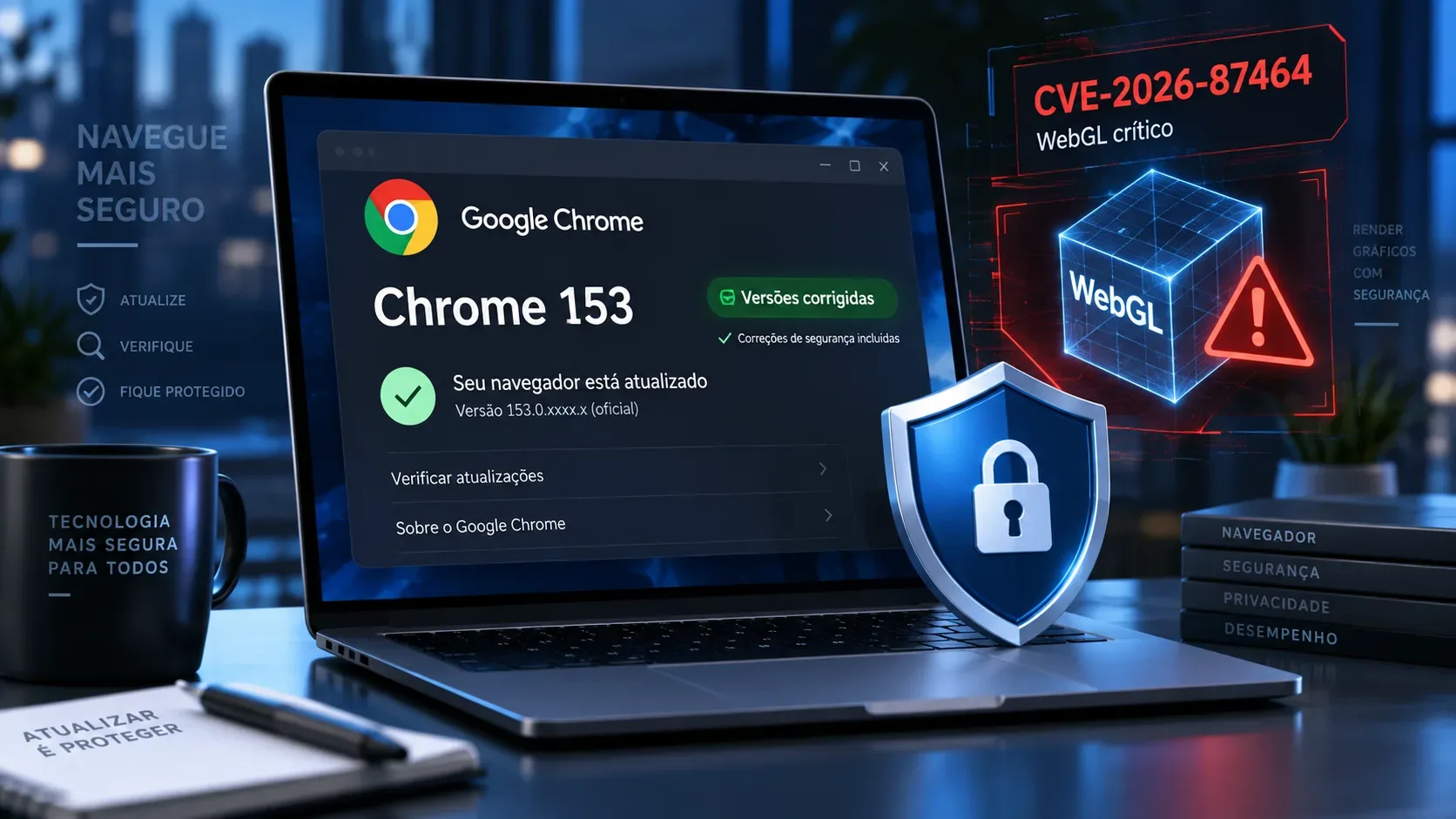
Short answer: for CVE-2026-87464, seeing “Chrome 153” is not enough. The published fix threshold is 153.0.8010.36. In the September 8, 2026 stable release, Google shipped 153.0.8010.36 for Linux and 153.0.8010.36/.37 for Windows and macOS; on Android, the published version was 153.0.8010.36, and Google says it contains the same security fixes as the corresponding desktop releases unless otherwise noted.
Which Chrome versions fix CVE-2026-87464?
The flaw is listed in the Chrome 153 bulletin as a critical WebGL use-after-free. The vulnerability record defines versions before 153.0.8010.36 as affected. In practical terms, for the channels covered by the security announcement, use the table below as the minimum reference.
| Platform | Published fixed version | How to read it |
|---|---|---|
| Windows | 153.0.8010.36 or 153.0.8010.37 | 153.0.8010.36 or later is at or above the published fix threshold. |
| macOS | 153.0.8010.36 or 153.0.8010.37 | 153.0.8010.36 or later is at or above the published fix threshold. |
| Linux | 153.0.8010.36 | 153.0.8010.36 or later is the published minimum reference. |
| Android | 153.0.8010.36 | Google says this release carries the same security fixes as the corresponding desktop releases unless exceptions are noted. |
The important detail is the fourth part of the version number. Chrome 153 had Early Stable builds before the general release, including 153.0.8010.27/.28 for Windows on September 3. Therefore, having major version 153 does not prove the fix is installed; you need the full version number.
How to check the installed version on a computer
- Open Chrome.
- Open the three-dot menu and go to Help > About Google Chrome.
- Read the complete version number shown under “Google Chrome.” The page also checks for updates.
- If an update is pending, install it and select Relaunch. An available update is not fully applied until the browser restarts.
- Compare the number with the 153.0.8010.36 threshold. If it is 153.0.8010.36, 153.0.8010.37, or a later version, the fix is included in the branch published by Google.
On Linux, Google instructs users to update Chrome through the package manager. On computers managed by a company or school, deployment policies can delay a build, so the version actually shown on the device is more useful than assuming automatic updates have already completed.
How to check on Android
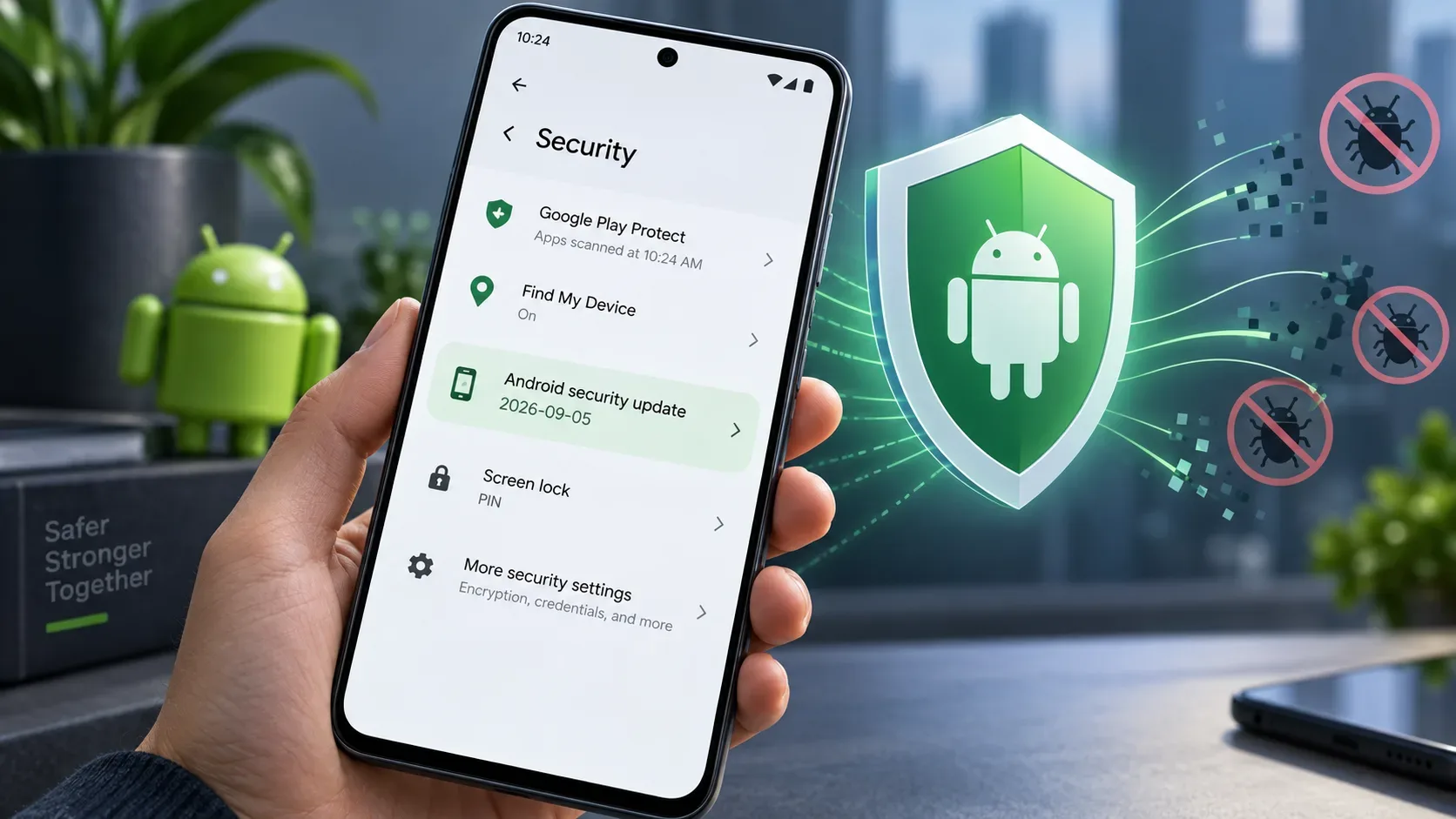
On Android, open Chrome and go to More > Settings > About Chrome to see the installed version. To update, use the Play Store under Manage apps & device and look for Chrome among available updates. Version 153.0.8010.36 was announced on September 8 and was set to roll out through Google Play over the following days.
If the Play Store still shows an earlier build, the rollout may not have reached the device yet. Again, do not use “Chrome 153” alone as the test: confirm all four parts of the version number before treating the CVE as fixed.
Does WebGL have a separate update?
For ordinary users, there is no separate “WebGL patch” to install outside Chrome. WebGL is a browser capability, and CVE-2026-87464 was fixed as part of a Chrome build. The practical verification is therefore to confirm the browser version number and restart Chrome after the update, not to look for an independent WebGL version.
Disabling WebGL is also not a permanent substitute for installing the update. The priority is to receive the fixed build. Configuration changes can break 3D graphics and web applications and do not replace the official patch.
What “critical” means — and what it does not mean
In Chromium's severity guidelines, Critical/S0 is reserved for issues capable of breaking high-impact security boundaries, such as allowing arbitrary reading or writing of resources with the user's privileges in scenarios compatible with the flaw. For CVE-2026-87464, the public release note confirms a WebGL use-after-free and rates the vulnerability critical.
This does not automatically mean CVE-2026-87464 is being actively exploited on the internet. In the same bulletin, Google explicitly said an exploit for CVE-2026-87491 exists “in the wild,” but it did not make that statement for CVE-2026-87464. The distinction matters: severity describes potential impact and security conditions; active exploitation is separate information.
The word “critical” also does not prove that any WebGL page can exploit the flaw, that every device has exactly the same exploitation path, or that full technical details are already public. Google says it may keep bug links and details restricted until a majority of users have updated.
What about iPhone, iPad, and Chromebook?
The version numbers above are those Google published for the desktop and Android channels associated with this security package. Chrome for iOS and ChromeOS have separate release tracks and build numbers. Therefore, do not mechanically compare an iPhone/iPad or Chromebook version with the 153.0.8010.36 threshold in the table. On Chromebook, Google support instructs users to update the operating system; on iOS, use the App Store update and the release notes for that channel.
Quick checklist
- Check the full version number, not just “Chrome 153.”
- On Windows, macOS, and Linux, look for 153.0.8010.36 or later.
- On Android, confirm 153.0.8010.36 or later.
- Restart Chrome after updating so the new build is applied.
- Do not look for a separate WebGL updater.
- Do not treat “critical” as a synonym for “actively exploited.”