WhatsApp has begun strengthening two-step verification by replacing the old six-digit PIN with a fuller password. Meta announced the change on August 25, 2026: the new credential can be longer, alphanumeric, and include special characters. At the same time, passkeys remain a separate security mechanism tied to the device's own lock system.
In practice, PINs, passwords, and passkeys do not become the same thing. The PIN is the legacy format for two-step verification; the password takes over that role with a secret that is harder to guess; and a passkey uses a cryptographic credential protected by the device. The WhatsApp Help Center describes the change as an upgrade from PIN to password and says people who still use a PIN can migrate when the option is available on their account.
What changed in WhatsApp two-step verification
Two-step verification is an optional layer designed to make account takeover harder even if someone gets hold of the one-time registration code. Before this update, the additional secret was a six-digit numeric PIN. WhatsApp now supports a longer password with letters, numbers, and special characters, greatly expanding the number of possible combinations.
- The six-digit PIN is in transition: accounts that still use it may continue to see that format until they update.
- The password becomes the two-step verification credential: it is not the same six-digit code sent by SMS, phone call, or, in some cases, email.
- Email and trusted devices still matter: in two-step verification settings, WhatsApp lets you manage the password, update your email address, and review trusted devices.
- A passkey is separate: it uses biometrics or the device screen lock and can make signing back in easier without relying on codes or PINs.
PIN vs password vs passkey: what each one does
| Mechanism | Purpose | When it is requested or used | Recovery or management | Risk it helps reduce |
|---|---|---|---|---|
| 6-digit PIN | Legacy format of two-step verification. | After the phone number is confirmed, in flows that trigger two-step verification; accounts still using the legacy format may also receive periodic prompts to enter the PIN. | A verified email can help with resets. In specific situations, such as a previously owned number or a missing credential, there can be a wait of up to seven days before the method can be reset. | Makes it harder for the one-time registration code alone to be enough to take over the account. |
| Password | New stronger two-step verification credential replacing the PIN. | In flows where WhatsApp requests additional authentication after number confirmation or during a new registration, depending on the account setup. | The Help Center provides a forgotten-password flow and lets you manage the password, email address, and trusted devices in two-step verification settings. | Reduces the risk of guessing a short secret and strengthens protection even if the registration code is exposed. |
| Passkey | Cryptographic credential linked to the device's security system. | When signing back in to WhatsApp or registering the account on a compatible device, if a passkey has been configured and is offered. | The passkey is managed by the device and credential manager; to change it, WhatsApp says to delete the current one and create another. Meta now also allows more than one passkey on an account. | Reduces reliance on typed secrets and codes that can be shared or captured in scams. |
The new password is not the six-digit SMS code
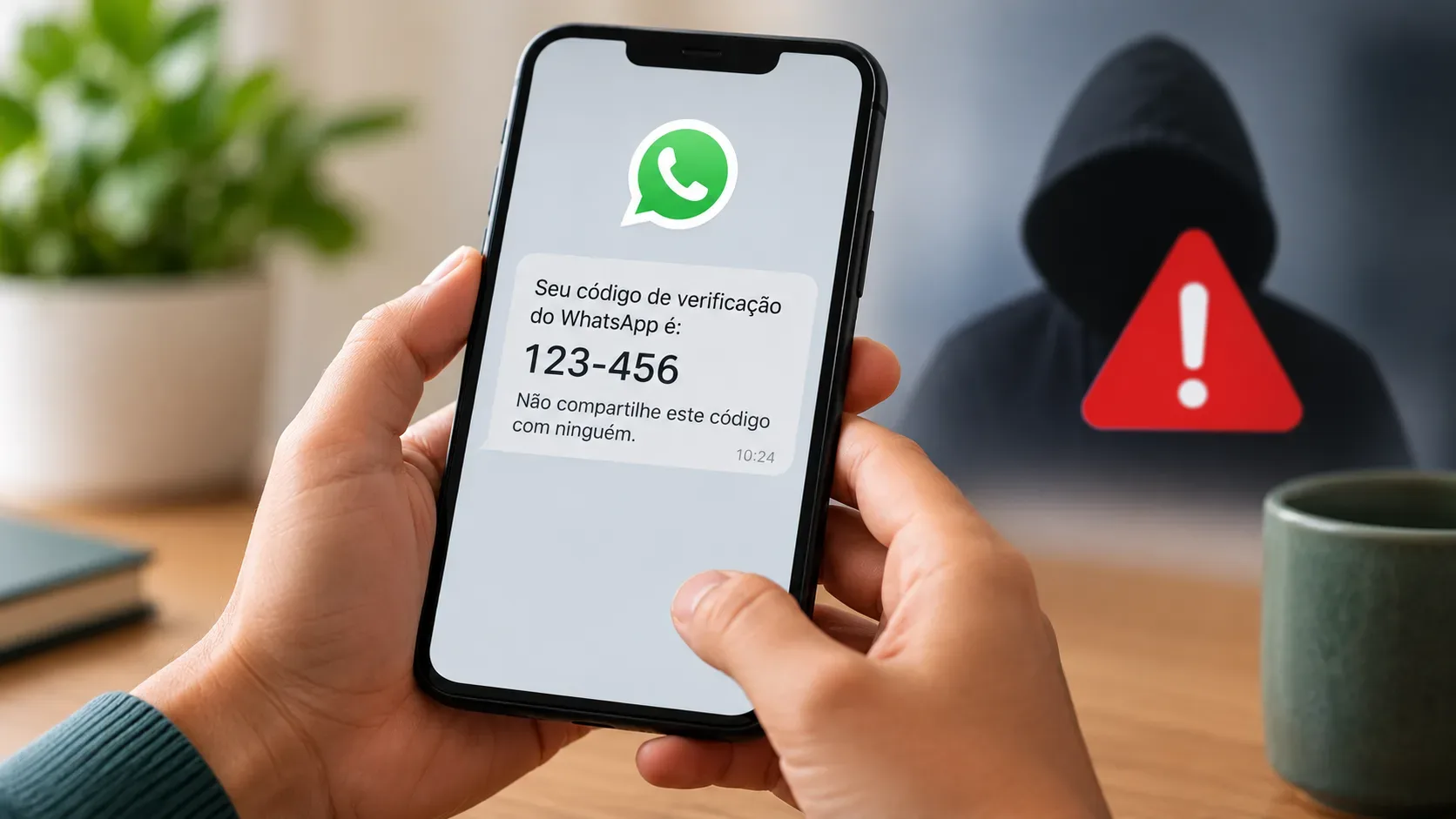
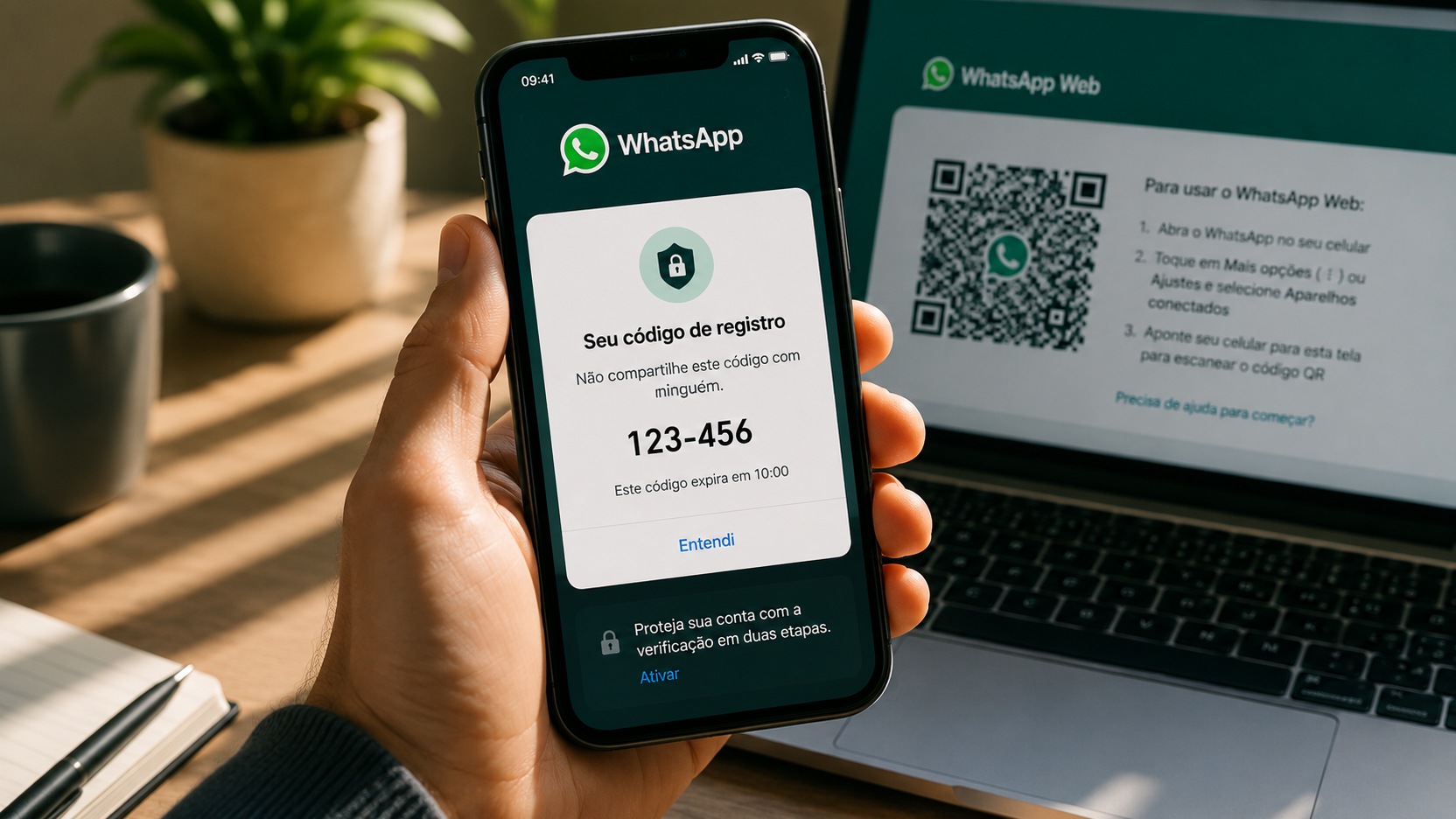
This distinction avoids one of the most common sources of confusion. The registration code confirms that you control the phone number and changes with each new registration attempt. The two-step verification password is an additional protection configured for the account. The Help Center explicitly distinguishes the two-step verification PIN from the code received by SMS or phone call.
For existing accounts, an email verification code may be offered if the email address was previously added and verified, but the device still needs an active SIM for the associated phone number. On first-time registration, verification is done by SMS or phone call. In every case, do not share registration codes you did not request; WhatsApp recommends keeping them private.
How to upgrade protection without disabling security features
- Update WhatsApp: use the latest version available in your device's app store so you can receive the newest security controls.
- Open account settings and review two-step verification: if you see an option to upgrade the PIN to a password, choose a long, unique password that you do not reuse on other services.
- Keep a verified email address: under Settings > Account > Email address, confirm an address you can actually access. It can help in verification and recovery flows supported by WhatsApp.
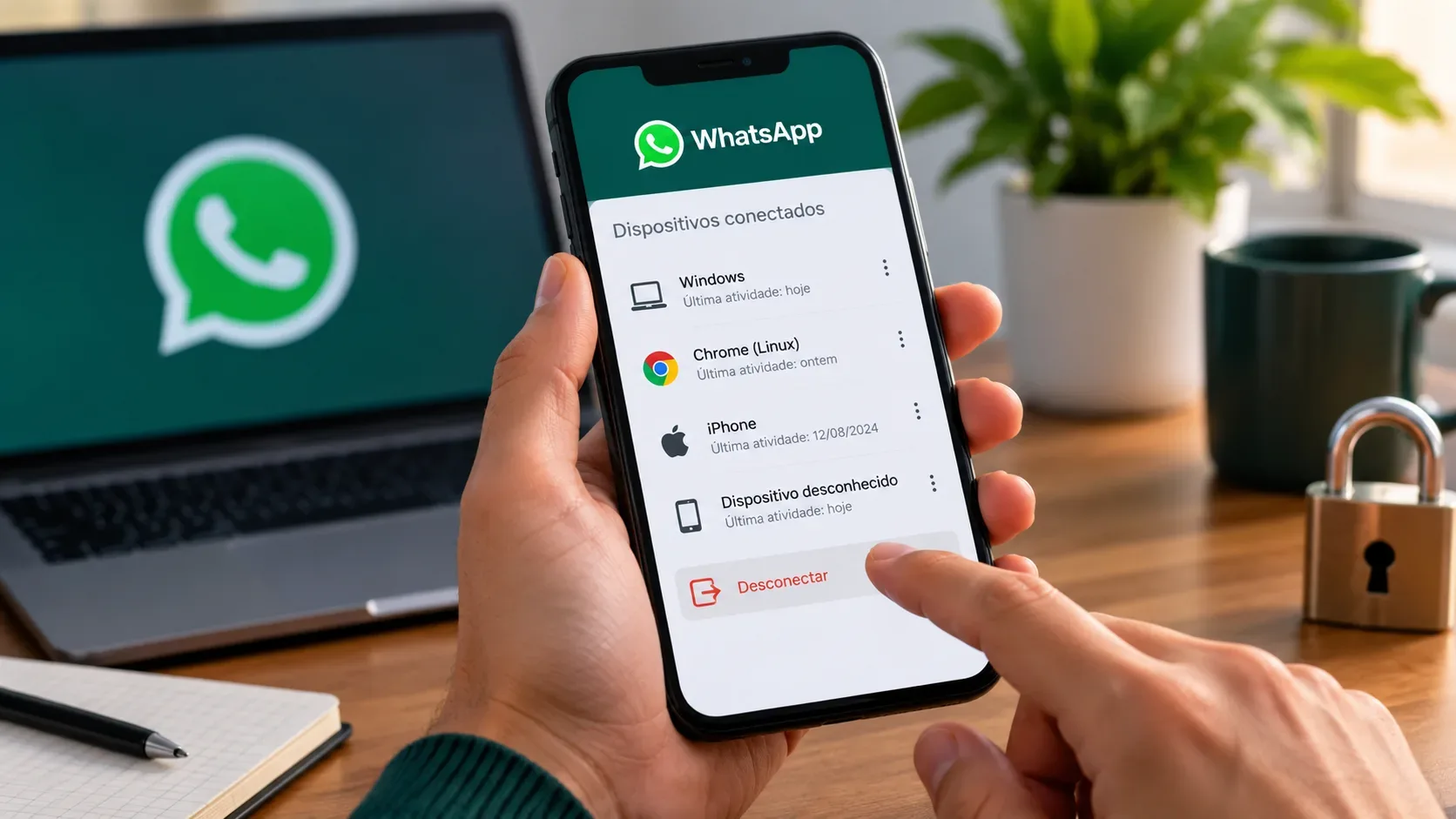
- Review trusted devices: two-step verification settings let you review that list. If you suspect compromise, also review devices linked to the account.
- Set up a passkey when available: under Settings > Account > Passkeys, follow your device's flow. WhatsApp's documentation explains that a passkey uses a fingerprint, face recognition, or screen lock and is cryptographically secured.
- Do not treat a passkey as a reason to turn off two-step verification: the features protect different parts of access and work better as complementary layers.
What changes for people who already had a PIN
If you already used a PIN, you should not assume that protection disappears overnight. The Help Center says WhatsApp is upgrading the six-digit PIN to a password and that users with a PIN can migrate. Because the documentation still uses transitional language, not every account should be expected to show exactly the same screen at the same time.
Until the option appears, keep the PIN enabled, keep your email address current, and keep the app updated. When the upgrade becomes available, choose a strong password instead of recreating the old numeric pattern inside the new password field.
Passkeys are still different from passwords
A passkey is not a password stored inside WhatsApp. It is a cryptographic credential connected to the device's security system and is normally unlocked with biometrics, face recognition, or the screen-lock code. According to Meta, more than one billion people have already set up a passkey on WhatsApp, and users with Android and iOS devices can now add more than one passkey to the same account.
This also helps explain why passkeys tend to resist phishing better: there is no password-like secret to copy and send to a scammer. They still depend on the security of the device, the credential-manager account, and the screen lock, so those elements also need protection.
If you forgot the password or think the account was taken over
If the problem is only a forgotten password, use WhatsApp's official recovery flow and confirm that the email address and trusted devices on the account are still under your control. Avoid repeatedly guessing combinations.
If you suspect an account takeover, the procedure is different. WhatsApp instructs users to re-register the phone number with the six-digit code received by SMS or phone call. Completing that registration logs out other devices using the account. WhatsApp's own documentation also notes that simply changing the password does not remove someone who has already taken over the account.
In some cases, if two-step verification requires a credential you do not know, you may need to wait seven days before trying again. Even then, after the registration code is entered correctly, the person who was using the account is logged out. And if you receive a verification code you did not request, do not share it.
Practical checklist
- If your account still uses a PIN, upgrade to a password when WhatsApp offers the option.
- Choose a long, unique password that is different from passwords used on other services.
- Confirm a recovery email address that you control.
- Add one or more passkeys on compatible devices if that fits your routine.
- Never share registration codes received by SMS, phone call, or email.
- If you suspect an account takeover, re-register the number and review linked devices.
The main 2026 change is straightforward: two-step verification no longer has to rely only on a short numeric secret and can use a stronger password. Passkeys do not automatically replace that protection; they provide a separate, device-based way to prove it is you. For most people, the safer setup is to keep two-step verification enabled, use a strong password, keep the email address current, and add passkeys on trusted devices.