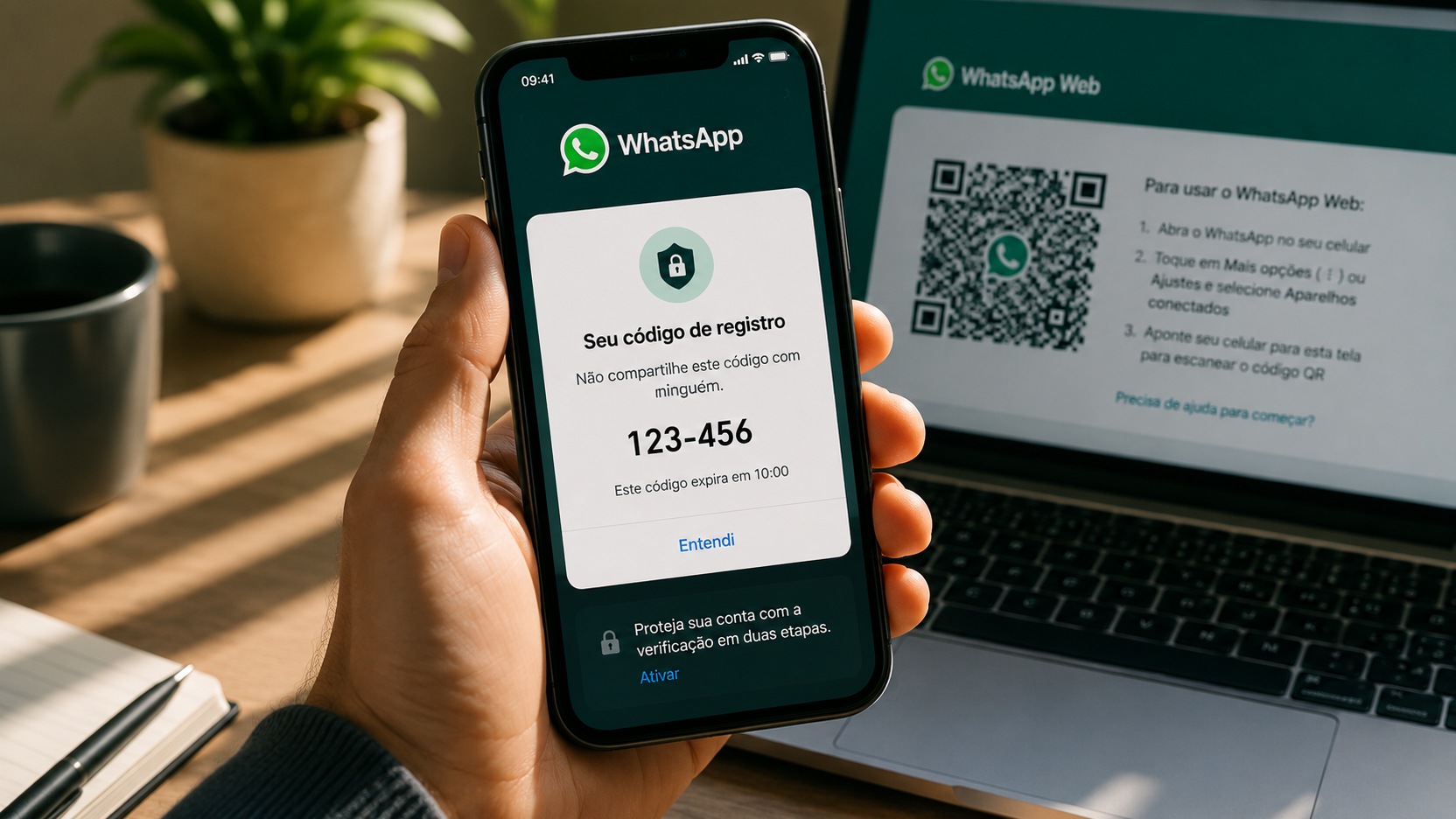
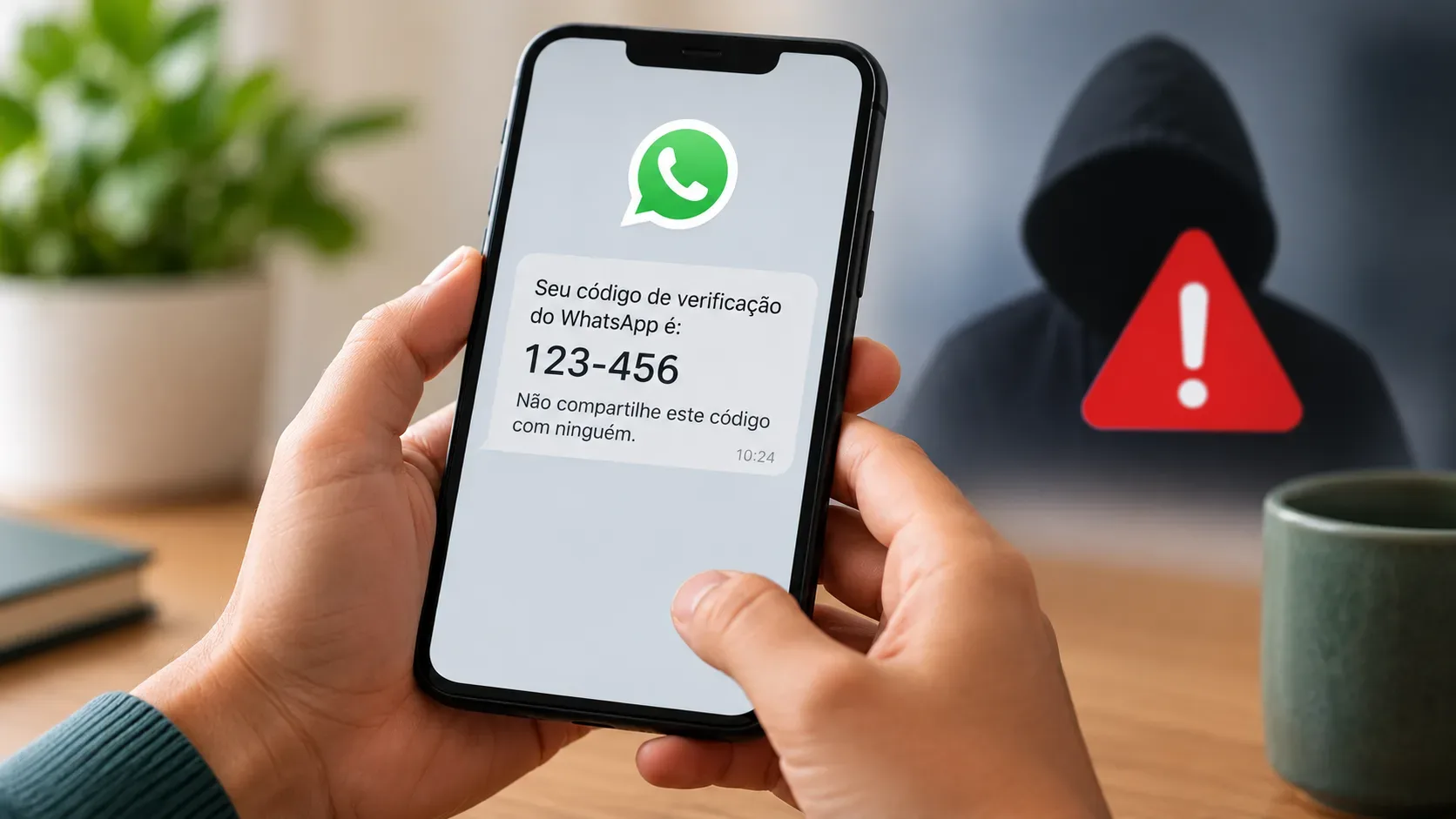
Quick answer: receiving a WhatsApp verification code you did not request means someone started an attempt to register an account using your phone number. According to WhatsApp, this often happens because another person entered the wrong number, but it can also be an account takeover attempt. The code by itself does not prove that your account was hacked: without the registration code, the other person cannot complete verification of your number.
What to do immediately
- Do not share the code with anyone. Do not send it by message, phone call, form, social network, or to anyone claiming to be support, an acquaintance, or an employee of a company. WhatsApp says registration codes should never be shared.
- Do not enter the code on links or pages sent by third parties. If you did not start the registration, there is no reason to confirm the code outside the official app flow. Messages asking for the code to “cancel an attempt,” “verify your account,” or “prevent a block” should be treated as suspicious.
- Open WhatsApp normally and confirm that your account is still active. If you can still use the account and were not logged out, receiving the code alone does not require you to register again.
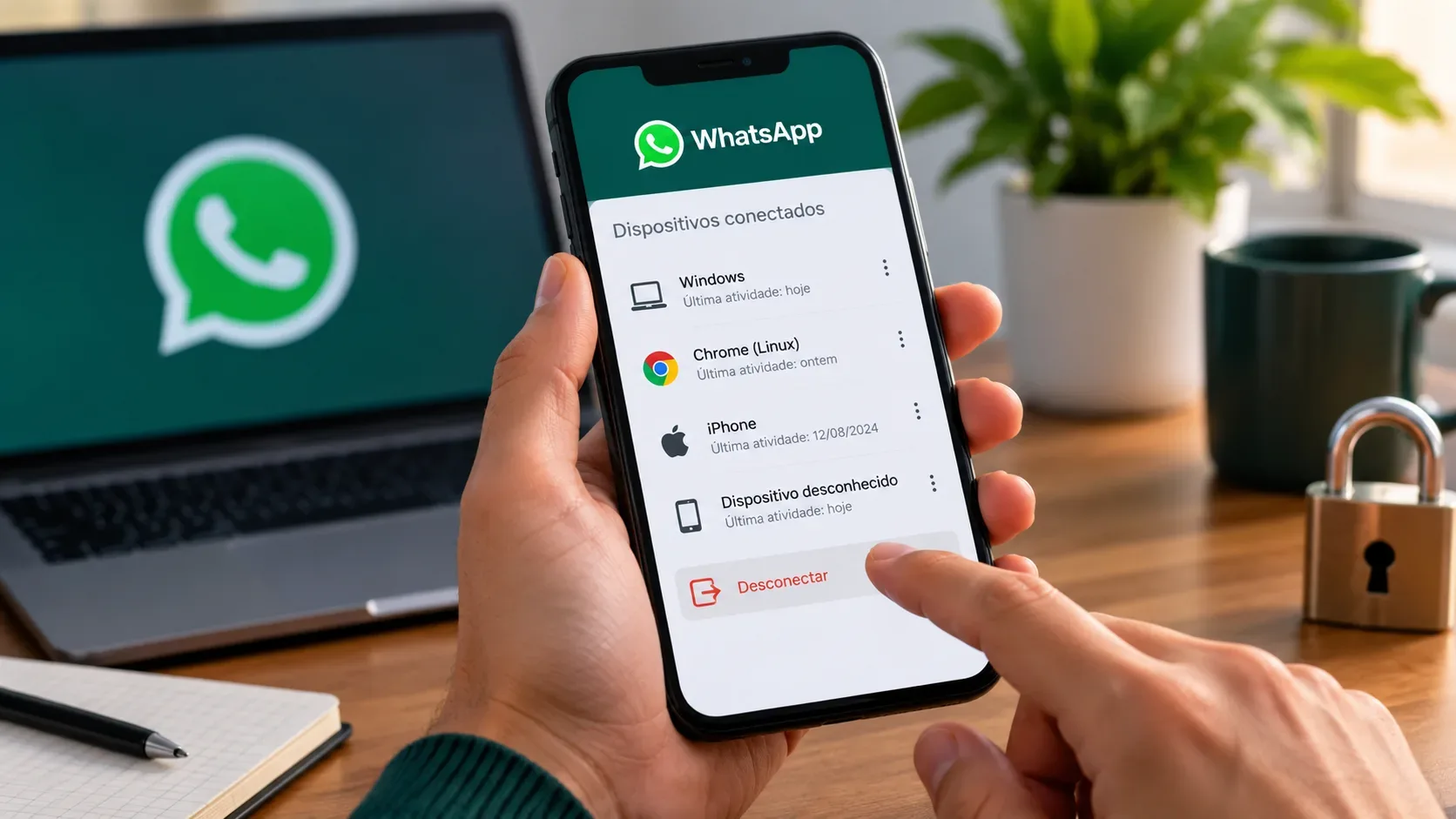
- Check linked devices. Under Linked devices, log out any session you do not recognize. WhatsApp recommends reviewing linked devices regularly.
- Review extra security options while you still have access. Two-step verification adds another barrier to account registration. Depending on the account and app version, this protection may appear as a PIN or a password; WhatsApp is migrating the former six-digit PIN to a password. It is also worth keeping a recovery email up to date when that option is available.
Does an unsolicited code mean my account was hacked?
Not necessarily. The confirmed fact is that a code was requested for your phone number. WhatsApp itself says this can happen because someone typed the number incorrectly or because someone is trying to steal the account. Because the service does not have enough information to identify who initiated the attempt, the code alone cannot tell you which explanation applies.
If you did not share the code and you still have normal access to WhatsApp, the immediate risk is lower because the code is the proof needed to register the number on another installation. Even so, the event is a good reason to review your account protections.
When the warning becomes more serious
Some signs justify treating the situation as a possible compromise, especially when they appear together with the unsolicited code:
- WhatsApp says you were logged out or asks you to register your number again even though you did not change phones;
- a linked device appears that you do not recognize;
- contacts say they received messages from you that you did not send;
- someone calls or messages you asking for the code that just arrived;
- you lose access to the account shortly after receiving the code.
Receiving several codes in a row also calls for caution, although repetition alone does not prove that someone got in. The key distinction is between an attempt to register the number and an actual loss of access.
Registration code and two-step verification are not the same thing
| Item | What it does | What you should do |
|---|---|---|
| Registration code | Confirms that you control the phone number when registering or re-registering the account. It is normally a six-digit code sent by WhatsApp. | Use it only when you are registering the account yourself. Never share it. |
| Two-step verification | Adds an extra authentication step after the phone number is confirmed. It may appear as a PIN or password depending on the account/app version. | Enable it and keep the recovery method current while you still have access to the account. |
This distinction helps avoid a common scam: someone may try to convince you that the code you received “is the PIN” or that they need it to fix a problem. The registration code belongs to the phone-number confirmation process and must not be given to anyone else.
If I shared the code but still have access
Treat the situation as a real risk. Immediately review linked devices, remove unknown sessions, and strengthen the available security settings. Do not rely only on changing a password: WhatsApp’s account recovery guidance states that changing a password does not remove someone who has already taken over the account. If there are signs another person is using the account, the recovery action is to register your phone number again with the code sent to your phone.
Also warn people close to you if there are signs of misuse, because someone controlling the account may try to impersonate you in individual or group chats.
If I lost access, how do I recover the account?
The official process is to register the phone number again in WhatsApp and enter the six-digit code received by SMS or phone call. According to WhatsApp, once the number is re-registered with that code, devices logged into the account are automatically logged out.
In some cases, the app may also ask for two-step verification. If you do not know the PIN because someone else enabled it, WhatsApp says you may need to wait seven days and try again. Even so, after you enter the six-digit code sent to your number, the person who was using the account is logged out.
If you also lost the SIM card or access to the phone number, recovery depends on regaining control of that number through your mobile carrier. Without access to the number associated with the account, the normal WhatsApp recovery flow cannot be completed.
How to make the account harder to take over
- enable two-step verification and keep recovery details up to date;
- review linked devices regularly and log out unknown sessions;
- protect the phone with a screen lock and biometrics when available;
- use a strong voicemail password if voicemail is active, reducing the risk of intercepted verification calls;
- do not use unofficial sites or apps to link your account;
- be suspicious of anyone creating urgency so that you reveal a verification code.
WhatsApp lists these and other account security options, while noting that preventive features are designed to protect an account you still have access to; they do not replace the recovery process if the account has already been taken over.
Quick checklist
- Got a code you did not request? Do not share it and do not enter it on third-party links.
- The account still works? Review linked devices and enable or check two-step verification.
- Someone asked for the code? Do not give it to them, even if they appear to be a known person or claim to be support.
- You were logged out? Register your phone number again using the code received by SMS or phone call.
- The app asks for a two-step PIN you do not know? Follow the official recovery flow; WhatsApp may require a seven-day wait.
- There are signs someone sent messages as you? Warn your contacts and recover the account before trying other measures.
In short, an unsolicited code is a warning that someone tried to start registration with your number, not automatic proof of a successful hack. The best immediate response is straightforward: do not share the code, review account security, and use the official recovery flow if you have lost access.