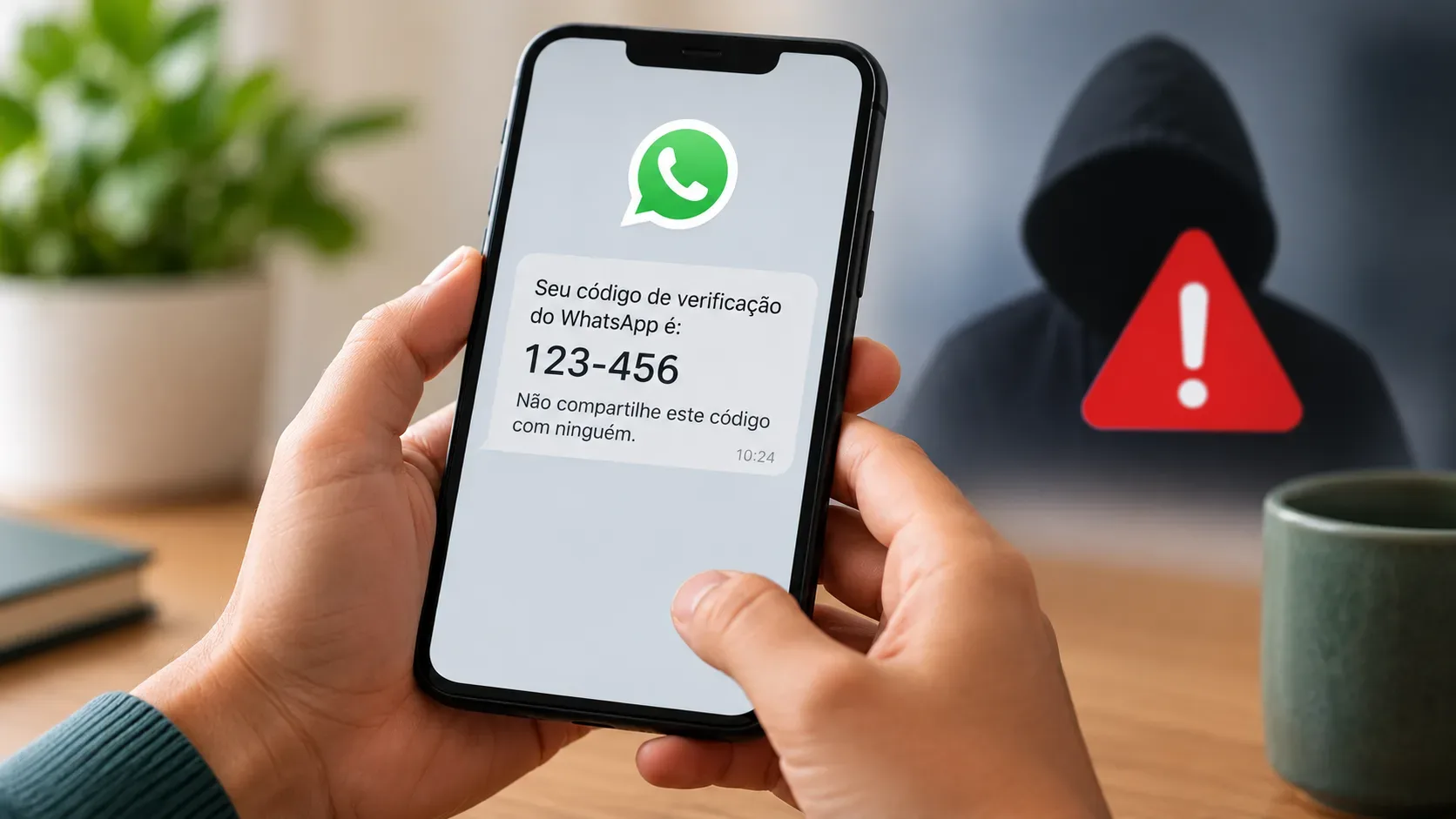
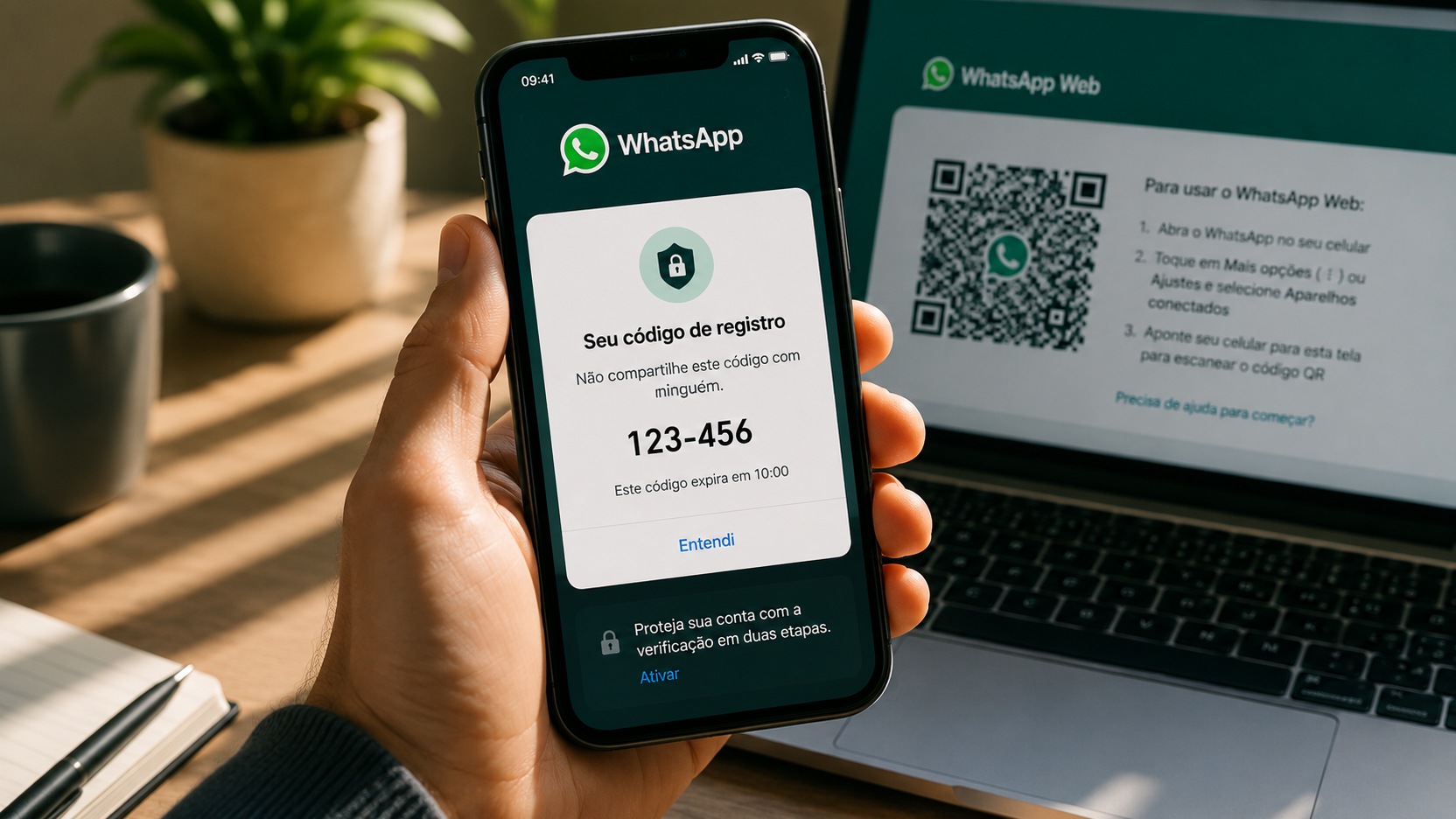
Receiving a WhatsApp registration code without having tried to enter it on another device does not prove it, however
just like that, your account has been hacked. The WhatsApp Help Center explains that this warning appears when someone enters their number and requests a code. This can happen due to someone else's typing error or in an attempt to take over the account. Without the registration code sent to your number, the other person cannot complete that verification process.
Diagnosis becomes simpler when you first look at the account status. If WhatsApp continues to work normally on your phone, the situation is different from when the application informs you that you have logged out of your account or asks for a new registration. This distinction avoids both unnecessary panic and delay when there is a real compromise.
You received the code and are still connected
If conversations are still accessible on your phone and the app hasn't informed you that your account has been registered elsewhere, treat the unexpected code as an attempted alert, not proof of a completed hack.
The first rule is not to share the code. This applies even if someone writes to say they sent the wrong number, poses as support, or claims they need the code to confirm something. The registration code serves precisely to prove that whoever is trying to register the number can receive the confirmation sent to the phone.
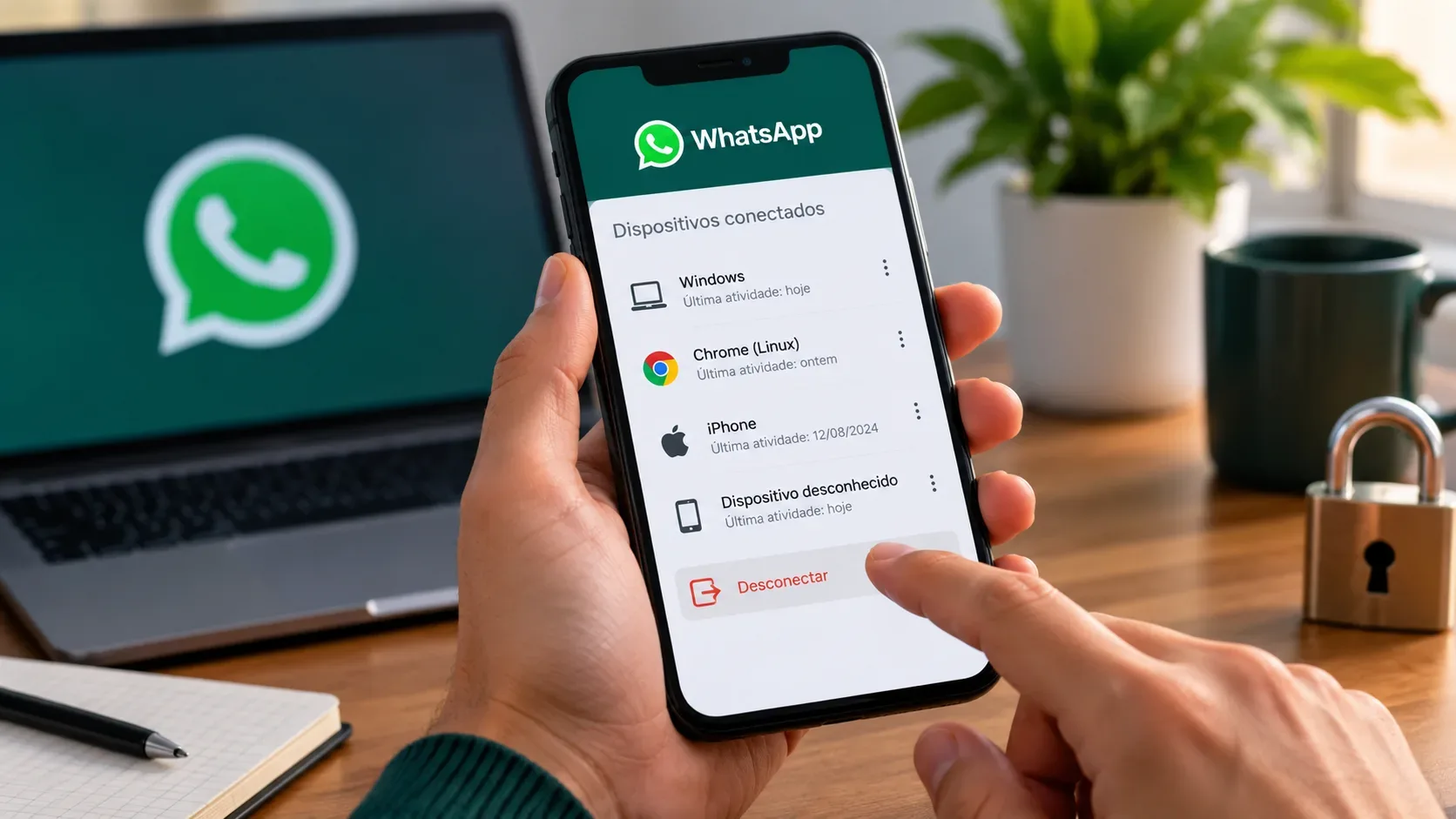
Next, check the devices connected within WhatsApp itself. The Help Center advises you to review this screen regularly and allows you to log out of any device you don't recognize. An unknown device there is a more concrete sign of improper access than simply receiving a code.
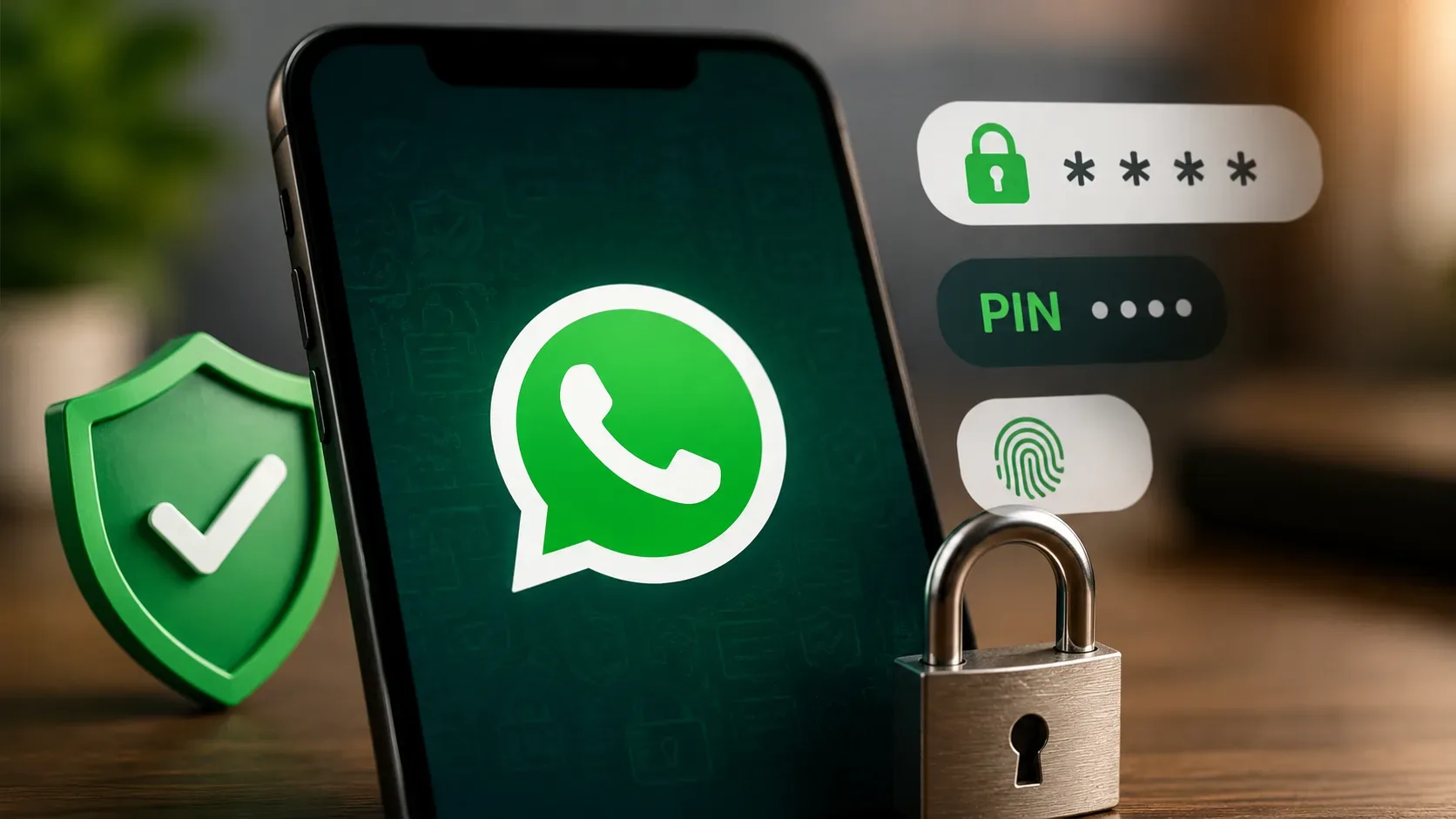
It's also a good time to turn on two-step verification and keep a recovery method up to date when this option is available in your account. This feature adds a self-created credential to the account protection process.
What unexpected code means in this scenario
It means there has been a registration request for your number. It doesn't automatically mean that someone read your messages, linked a computer, or took control of the account. If you did not submit the code and remain logged in, receiving the code alone does not demonstrate that the attempt was completed.
That's why it's worth separating three things that are often confused: the registration code, two-step verification and connected devices. They participate in the security of the same account, but they are not the same mechanism.
Registration code and PIN are not the same thing
The registration code is a one-time confirmation sent when the number needs to be verified to activate or reactivate the account. WhatsApp documentation describes this code as part of the number registration and informs that it can arrive via SMS or call, depending on the available flow.
The two-step verification PIN is an additional credential defined by the user. It is separate from the registration code received on the phone. In 2026, the Help Center also reports that WhatsApp is updating this mechanism in some flows, replacing the six-digit PIN with a password. Therefore, the name and screen may vary between accounts and versions, but the practical distinction remains: the credential you created for two-step protection is not the temporary code sent to register the number.
This difference matters in strikes. An attacker could try to obtain the registration code first and then
then face the added protection of two-step verification. Sharing any of these secrets reduces account protection.
Connected devices are a different check
WhatsApp Web and other linked devices do not, by themselves, explain why a registration code reached your phone. The connected devices screen is used to check sessions that are already associated with the account.
If you find a device you don't recognize, log out from that same screen. WhatsApp's official guidance is to tap the listed device and use the sign out option. If all devices are known, this reduces the suspicion that an unknown linked session exists, although it does not replace other security checks.
You have lost your session or been disconnected
The scenario changes when WhatsApp stops working on your phone, informs you that you have logged out of your account or requires a new registration without you having initiated this process. Then there is already a sign compatible with loss of control of the session and the focus becomes recovery.
The Help Center advises you to re-register the number on WhatsApp itself and enter the six-digit code received via SMS or call. According to the official documentation, when you re-register the account with this code, the devices that were connected to the account are automatically disconnected.
If the app asks for a two-step verification credential that you don't recognize, follow the recovery flow offered by WhatsApp itself. Official guidance for compromised accounts states that when the user does not have the PIN, they may need to wait seven days in certain cases. If there is a previously configured recovery email and the application offers this alternative, only use the flow presented by WhatsApp itself.
Avoid testing random PINs repeatedly. In addition to not resolving the situation, incorrect attempts can trigger waiting periods in the verification process.
You shared the code with someone
If you sent the registration code to someone else, treat the situation as urgent even if WhatsApp is still open. That code can be used to try to complete the registration of your number on another device while it is valid.
Do not send new codes, do not confirm requests received by message and monitor the session status. Check connected devices and turn on two-step verification if you still have control of the account. If WhatsApp disconnects you, immediately start the official number re-registration flow on the app.
A short decision tree so you don't panic
The code arrived, but you continue using WhatsApp normally
Do not share the code. Check connected devices, end unknown sessions, and enforce two-step verification. The unexpected code alone does not prove that the account was taken over.
The code has arrived and there is an unknown device connected
Sign out of that device and strengthen your account protection. Here is a concrete indication of a session that you do not recognize, regardless of the origin of the code received.
The code arrived and you were disconnected
Move from prevention mode to recovery mode. Re-register your number via WhatsApp and use the code received on your own phone. If two-step protection appears that you don't recognize, follow the recovery flow and deadlines shown by the app.
Someone asked you to forward the code
Do not forward. The fact that the person knows your name, your photo, your contacts or some convincing story does not change the function of the code: it is a registration credential and should not be given to third parties.
The most important signal is the account status
The most common mistake is to treat all unexpected code as synonymous with an invasion. WhatsApp's own documentation shows that the event can start with something as simple as someone else typing your number by mistake. What determines urgency is what happens next: are you still connected, did a device appear that you don't recognize, was the session terminated, or did someone manage to trick you into sharing a credential?
If you still have access and haven't shared the code, use the alert to review security. If you missed the session, recover your account through the official flow. And, in any scenario, keep the temporary registration code, the two-step verification credential and the list of connected devices separate in your head. This separation helps you act on the real problem, rather than just reacting to the message that appears on the screen.