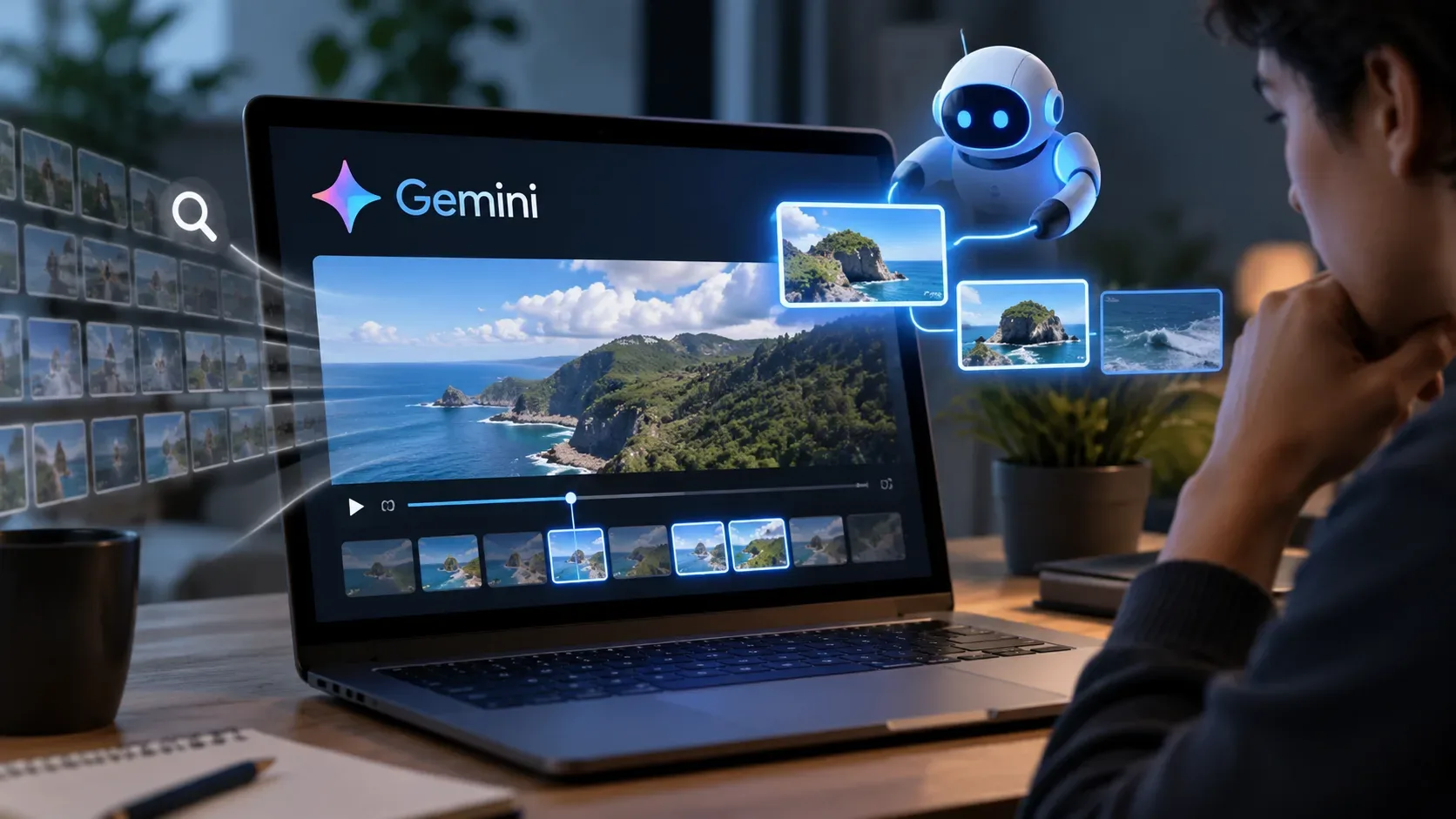
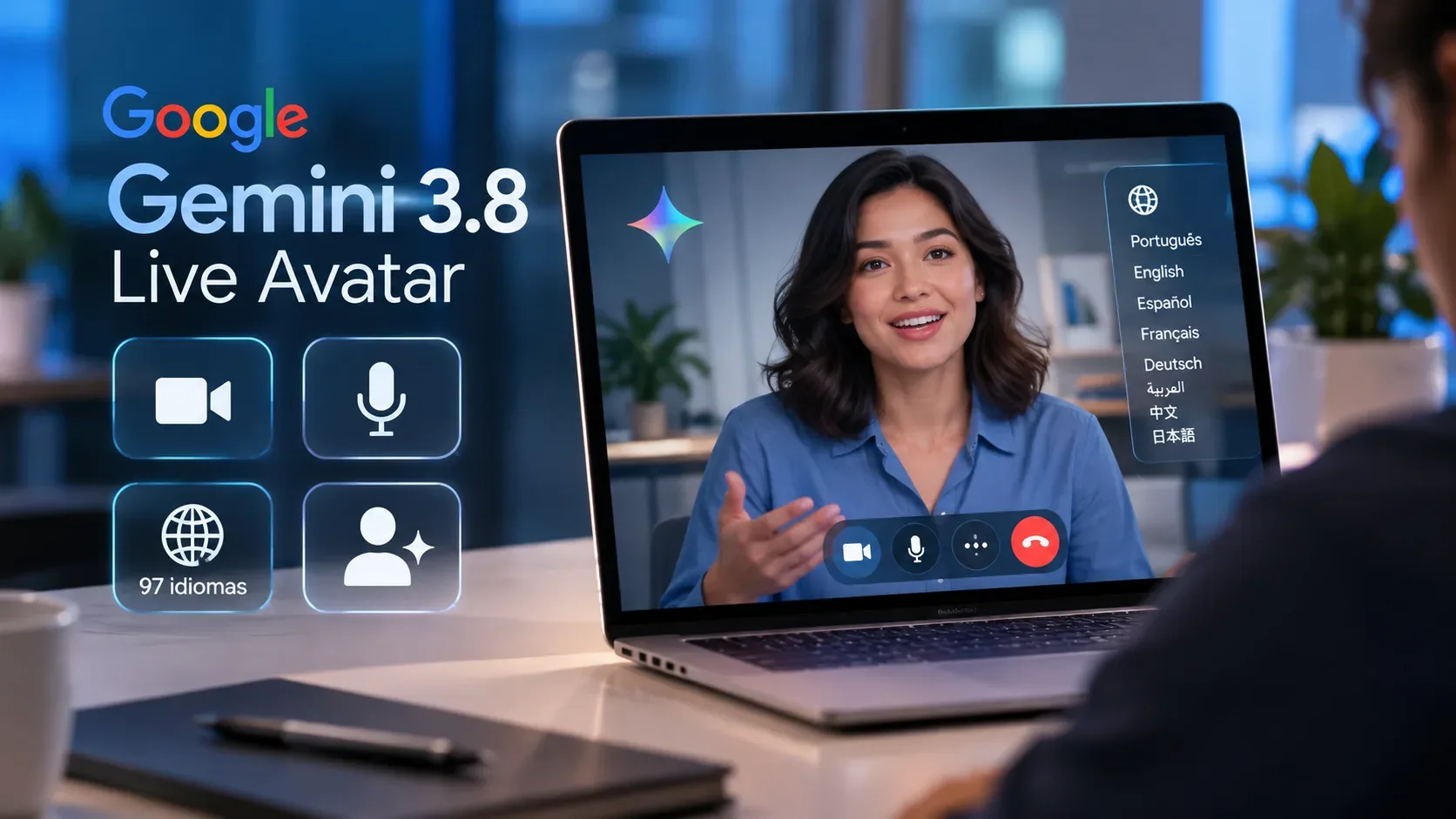
On September 24, 2026, Google announced Gemini 3.8 Live with Live Avatar, an extension of Gemini 3.8 Live designed for enterprise conversational experiences with visual presence. The feature combines near real-time video generation with speech, allowing an agent to listen, see and respond through a dynamic visual persona. According to the official announcement, the feature is available in Gemini Enterprise.
Who can access Gemini 3.8 Live Avatar?
The announced offering is enterprise-focused. Google says Gemini 3.8 Live with Live Avatar is available in Gemini Enterprise and directs developers to the API documentation to get started. This distinguishes Live Avatar from the broader availability announced for Gemini 3.8 Live without an avatar in other environments.
There is an additional restriction for customization. The product includes a library of preset avatars, but creating a custom avatar from a high-quality reference image is, at launch, available only through enterprise allowlisting. Therefore, access to Gemini Enterprise does not automatically mean access to custom avatar creation.
What does Live Avatar do?
The feature connects live dialogue, visual input and audiovisual generation. It processes audio and video inputs simultaneously and responds with expressive audio and video, including lip-syncing, expressions and fluid turn-taking. Google cites customer service and interactive walkthroughs as example use cases.
| Aspect | What Google announced | Relevant limit or condition |
|---|---|---|
| Video and voice | Near real-time audiovisual responses with lip-syncing and expressions. | The announcement describes the experience as near real-time, not zero latency. |
| Multimodal input | Processes visual and audio inputs simultaneously. | Practical capability depends on the enterprise implementation and agent integration. |
| Tools | Asynchronous calls can fetch data or trigger tools while dialogue continues. | Available tools depend on integrations configured by the developer. |
| Languages | Switching across 97 languages with adapted lip-syncing and expressions. | The announcement does not provide a per-language performance table on that page. |
| Avatars | A library of preset characters plus the ability to preserve reference likeness, brand styling or character identity. | Custom avatar creation requires enterprise allowlisting. |
| Transparency | Audio and video outputs receive an imperceptible SynthID watermark. | The watermark is a transparency safeguard and should not be confused with a visible on-screen badge. |
How does avatar customization work?
According to Google, authorized developers can provide a high-quality reference image to generate a fully animated, responsive avatar. The goal is to preserve reference likeness, brand styling or character identity. For teams evaluating the feature, the practical point is that this customization is not part of unrestricted enterprise access: it depends on allowlist authorization.
What do the 97 languages mean?
Live Avatar uses native multilingual speech-to-speech synchronization. Google says the feature can switch across 97 languages during a conversation and adapt lip-syncing and expressions without degrading video fidelity or introducing visual drift. The number describes the announced language coverage, but it is not a claim of identical quality across every language or scenario.
Tool calls can continue while the avatar talks
An important capability for enterprise agents is asynchronous tool execution. Live Avatar can initiate a tool call and fetch data in the background while keeping the dialogue active. In practice, this makes it possible to design experiences in which the persona continues interacting while an external operation, such as looking up guest data, is processed.
SynthID and identity safeguards
Google says output generated by its AI products is watermarked with SynthID and specifies for Live Avatar that an imperceptible watermark is woven into audio and video output. The company presents this as part of safeguards for transparency, attribution and respect for identity.
For production evaluation, it is useful to separate three levels of access: Live Avatar availability in Gemini Enterprise, tool integrations configured by the organization, and specific authorization to create custom avatars. This distinction prevents teams from assuming that every demonstrated capability is automatically enabled for every enterprise account.
Where to check availability
The launch details are available in Google's official Gemini 3.8 Live with Live Avatar announcement. Because access, documentation and allowlisting can change after launch, teams planning a deployment should check the API documentation and Gemini Enterprise conditions before implementation.