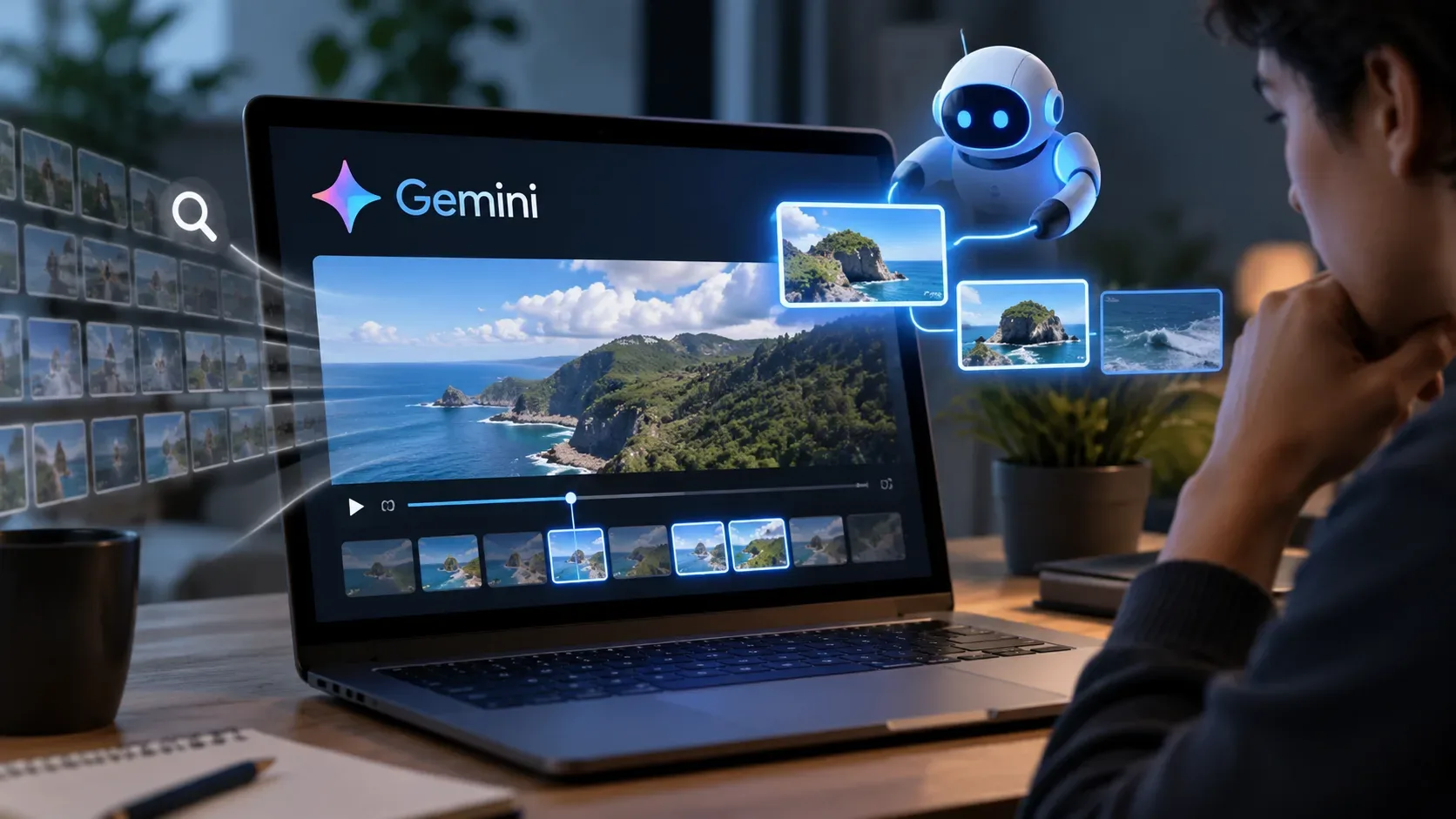
Gemini's agentic video mode changes the logic of video analysis: instead of turning the entire recording into a fixed stream of frames before answering, the model can navigate the timeline and retrieve only the segments that appear relevant to the question. In practice, it is a “search before watching everything” approach: Gemini decides when to inspect the transcript, audio or visual frames, can return to a specific window, and can adapt its inspection strategy to the task.
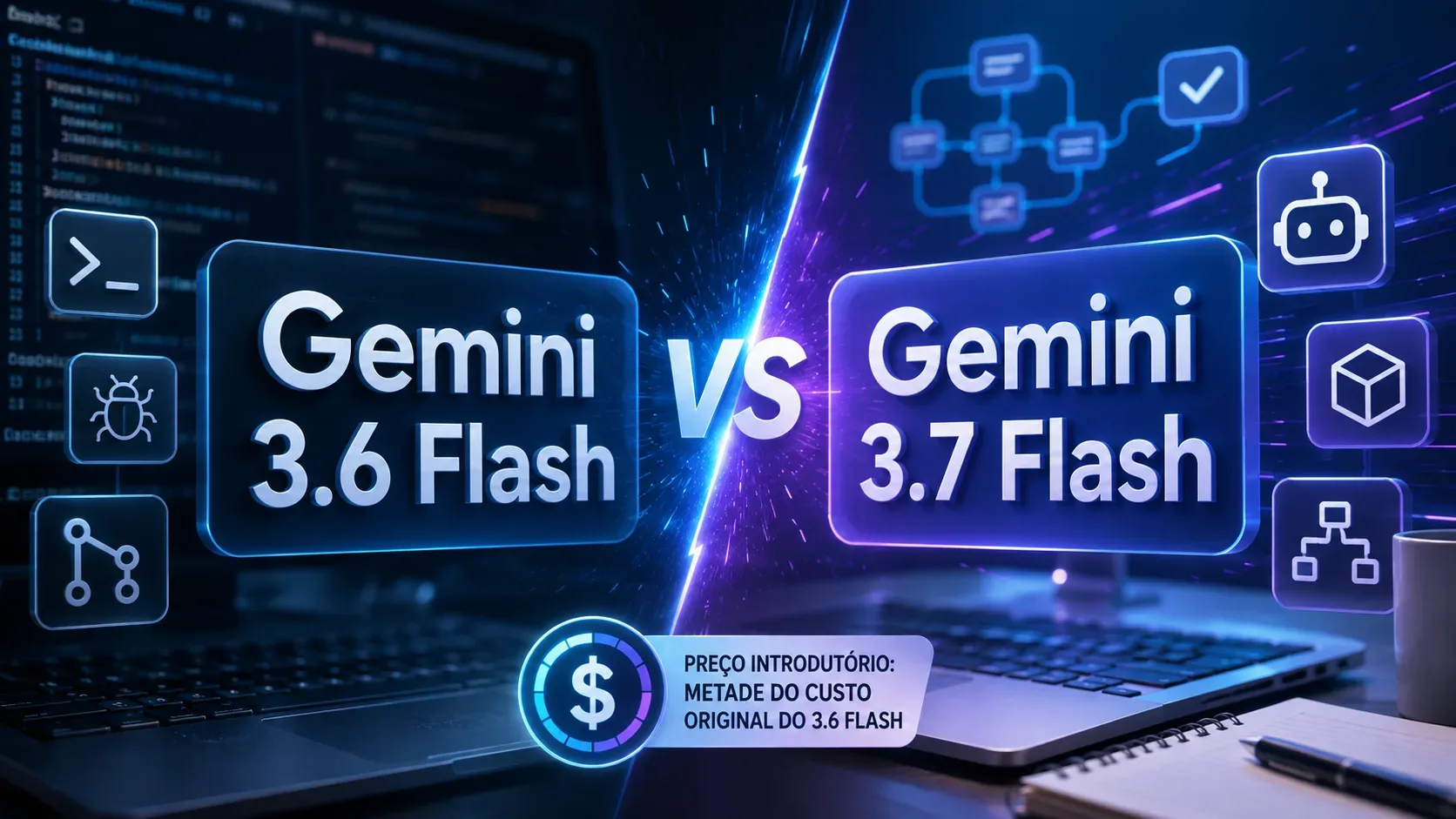
Google announced the feature on September 1, 2026 for Gemini 3.7 Flash, 3.6 Flash and 3.5 Flash-Lite. There is an important update: after Gemini 3.8 Flash launched on September 2, the API documentation updated on September 3 began listing 3.8 Flash as supporting agentic video processing as well.
What changes compared with static processing
In static mode, which remains the default, Gemini extracts frames at a fixed rate of 1 FPS and places that material into context in a single pass. This is simple and predictable, but it can consume many tokens on long videos, including portions that do not help answer the question.
In agentic mode, the model combines reasoning with native video tools. It can move through the timeline, inspect the transcript, load audio or frames on demand, and focus more closely on a short window after finding something relevant. The documentation describes processing_call and processing_result steps, which indicate that the model requested and received a segment while navigating.
| Mode | How it reads video | When it tends to make more sense |
|---|---|---|
| Static | Samples video at a fixed rate and sends the material into context in one pass. | Short clips, low initial latency, and tasks that require uniform inspection of the entire video. |
| Agentic | Navigates the timeline and loads transcript, audio and frames according to the question. | Long videos, searches for specific moments, event detection, and tasks where only part of the video is relevant. |
Which models support agentic video now
The original announcement named Gemini 3.7 Flash, Gemini 3.6 Flash and Gemini 3.5 Flash-Lite. Google's video documentation, updated on September 3, 2026, already adds Gemini 3.8 Flash. For a new implementation, the currently documented list is therefore 3.8 Flash, 3.7 Flash, 3.6 Flash and 3.5 Flash-Lite.
This does not mean those are the only models that can receive video. The documentation says Gemini models can process video, while agentic mode is a specific processing feature available on the supported models listed above.
How to enable agentic mode
In the Gemini API, the mode is selected on the video item itself by setting processing to agentic. Google launched the feature for video uploads and YouTube videos through the Gemini API in Google AI Studio and the Gemini Enterprise Agent Platform. The launch announcement also says the capability uses standard Gemini API token pricing, with no extra feature fee simply for turning on agentic processing.
To verify that agentic navigation actually occurred, the documentation recommends inspecting response steps: the presence of processing_call and processing_result shows that parts of the video were loaded dynamically.
When selective scanning can reduce tokens and cost
The advantage appears when a question needs only a fraction of the content. In a 90-minute lecture, for example, the task may be to identify the three main arguments; in a multi-hour recording, to locate an incident; in a sports or industrial video, to count a fast action or inspect an anomaly. In those cases, loading the entire video at a fixed rate can be wasteful.
Static processing has a relatively predictable token calculation. In the current documentation, every second includes frames, audio and metadata: about 100 tokens per second at the default low media resolution, or roughly 300 tokens per second at high resolution. In agentic mode, the total varies with content complexity and the model's navigation strategy. Reasoning generated during exploration is counted as thought tokens, while frames, audio and transcript loaded on demand are counted as tool use tokens.
Because it does not have to load everything, agentic mode can save substantially. In benchmarks published by Google, token consumption fell by up to 88%, analysis cost by up to 66%, and quality improved by up to 7%. These are Google-reported test results, not guarantees for every workload. Actual savings depend on video length, content, query, model, resolution and how much of the video must be inspected.
Where agentic video tends to be most useful
- Needle-in-a-haystack search: find a moment or fact inside long-form video without placing every second into context.
- Very fast events: revisit a window at a higher frame rate to catch changes that 1 FPS could miss.
- Anomaly detection: concentrate inspection on suspicious intervals rather than treating the whole recording with equal intensity.
- Counting actions or objects: re-examine segments and adapt sampling when motion is fast.
- Questions grounded in speech and visuals: switch among transcript, audio and frames to retrieve only the evidence required.
When static mode may still be better
Agentic mode does not replace static processing in every case. The documentation itself suggests static mode for short clips, especially under five minutes, when minimizing time to first token is the priority. Agentic navigation can add a small amount of initial latency because of internal reasoning and tool round-trips.
Static processing is also appropriate when the task needs uniform inspection of the entire video or when the developer wants direct control over the interval and frame rate. Custom clipping with start_offset/end_offset and custom FPS are documented for static mode.
How to test whether it is worth using
- Run the same video, model and question once in static mode and once in agentic mode.
- Compare total tokens, estimated cost, time to first response and answer quality.
- Include both short and long videos: the advantage tends to grow when much of the content is irrelevant to the question.
- Test broad questions as well as queries targeting specific moments.
- Repeat across a representative sample; do not size a production budget from the benchmark's “up to 88%” figure alone.
For teams processing long recordings, the core benefit of agentic video is not simply “seeing fewer frames.” It is letting Gemini decide where to search, what to load and when to inspect more deeply. When the task is selective, that navigation can shrink the required context and therefore the cost. When the video is short or must be examined end to end, static mode may remain the simpler choice.