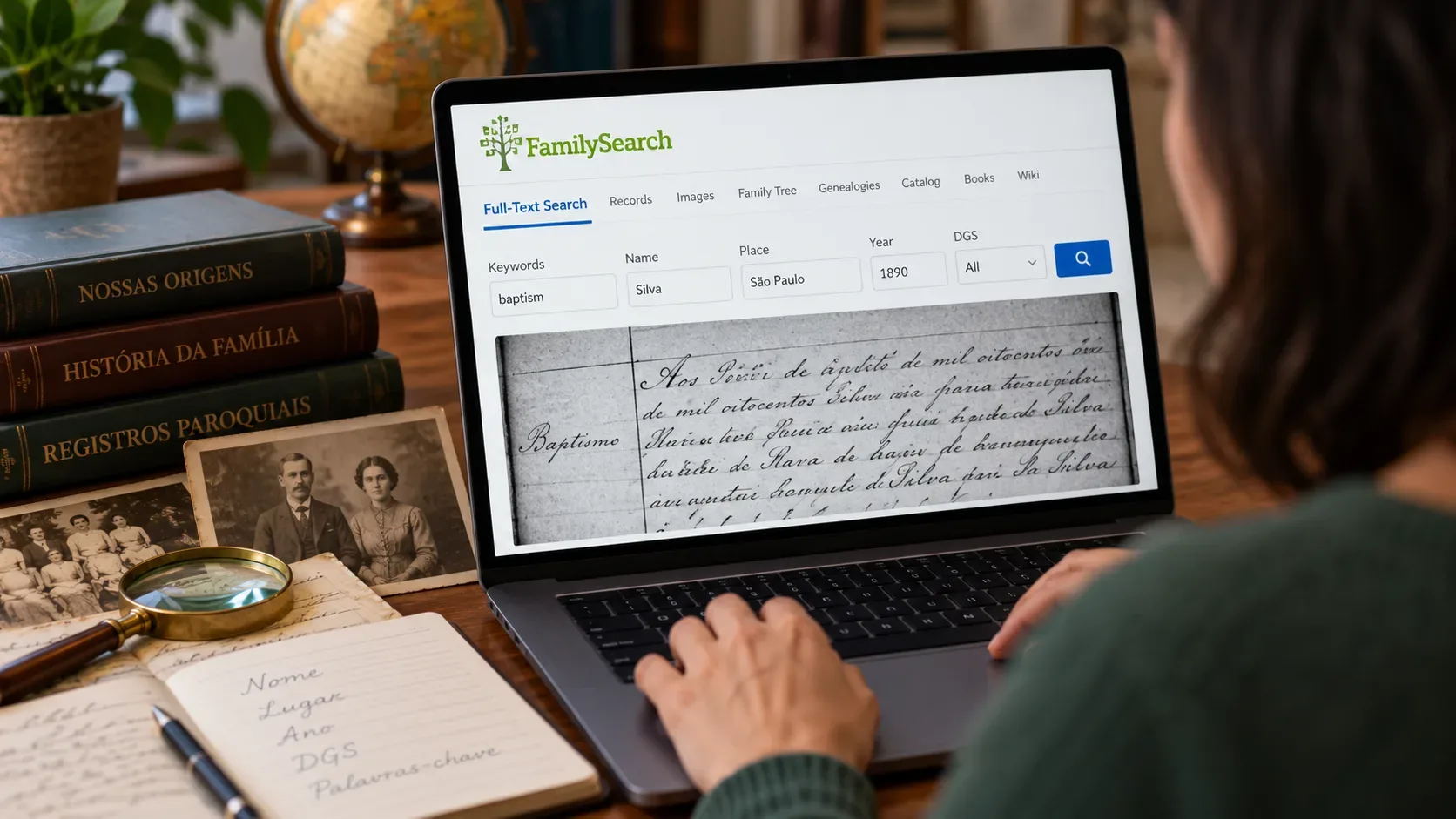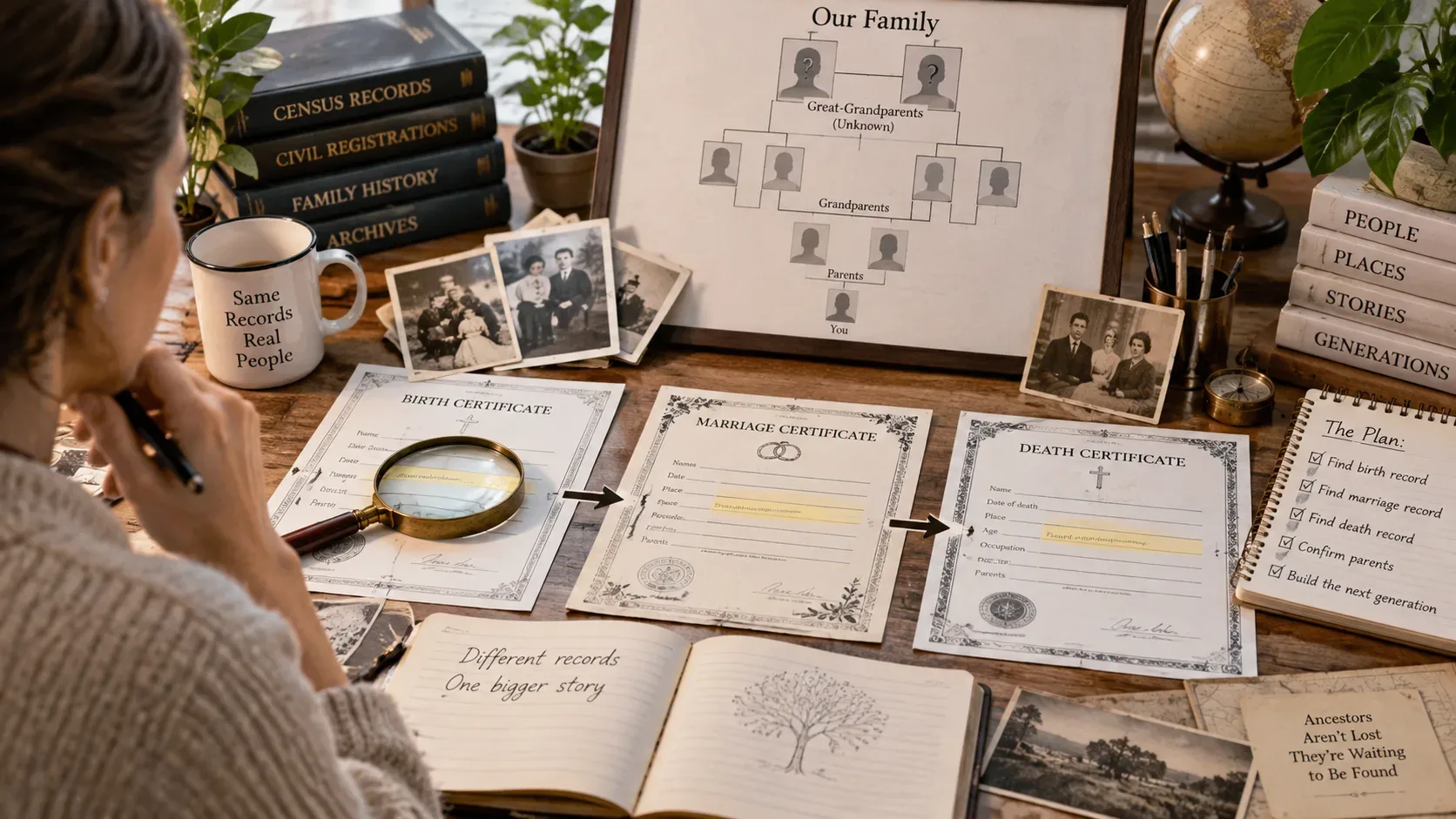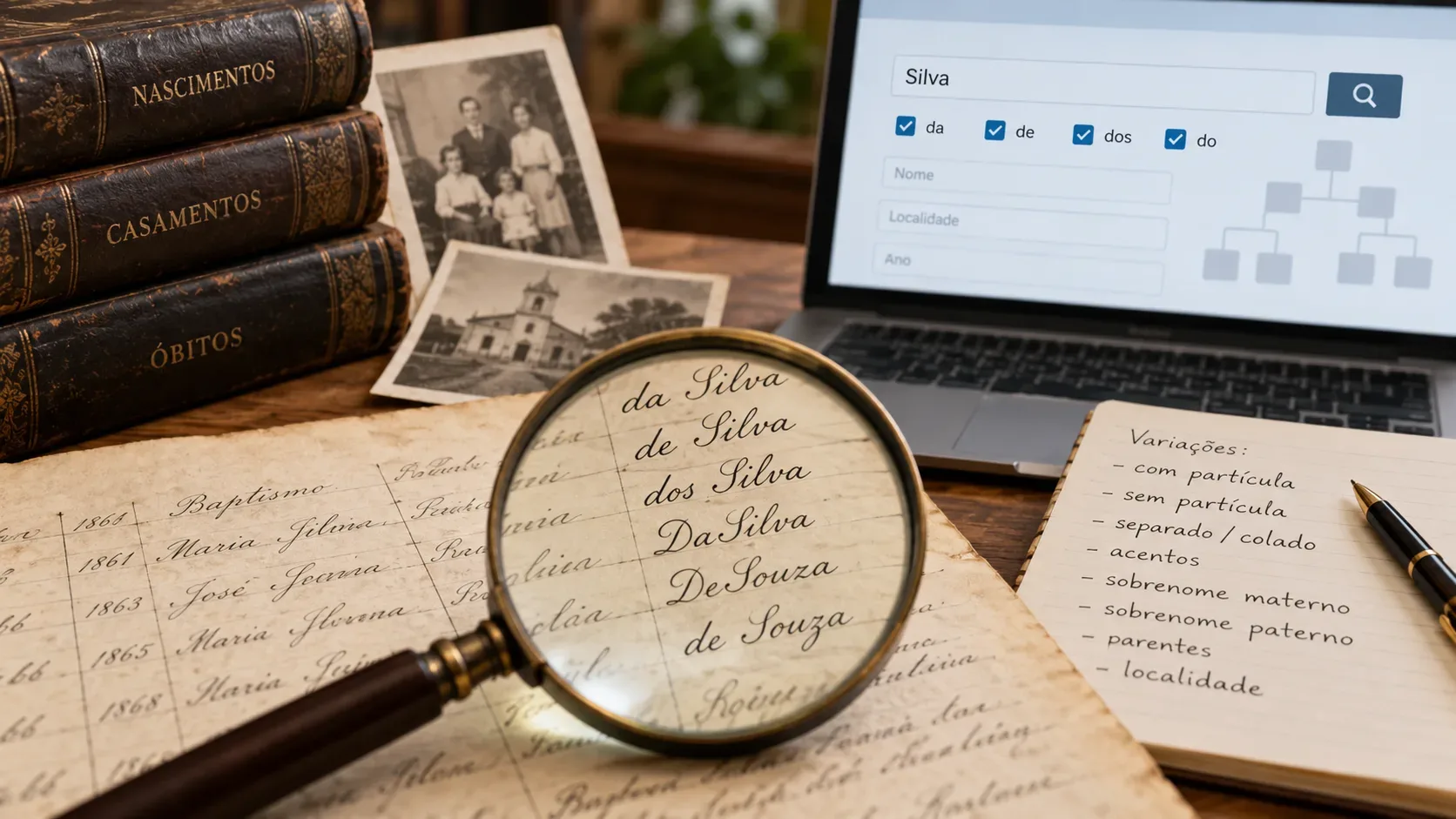
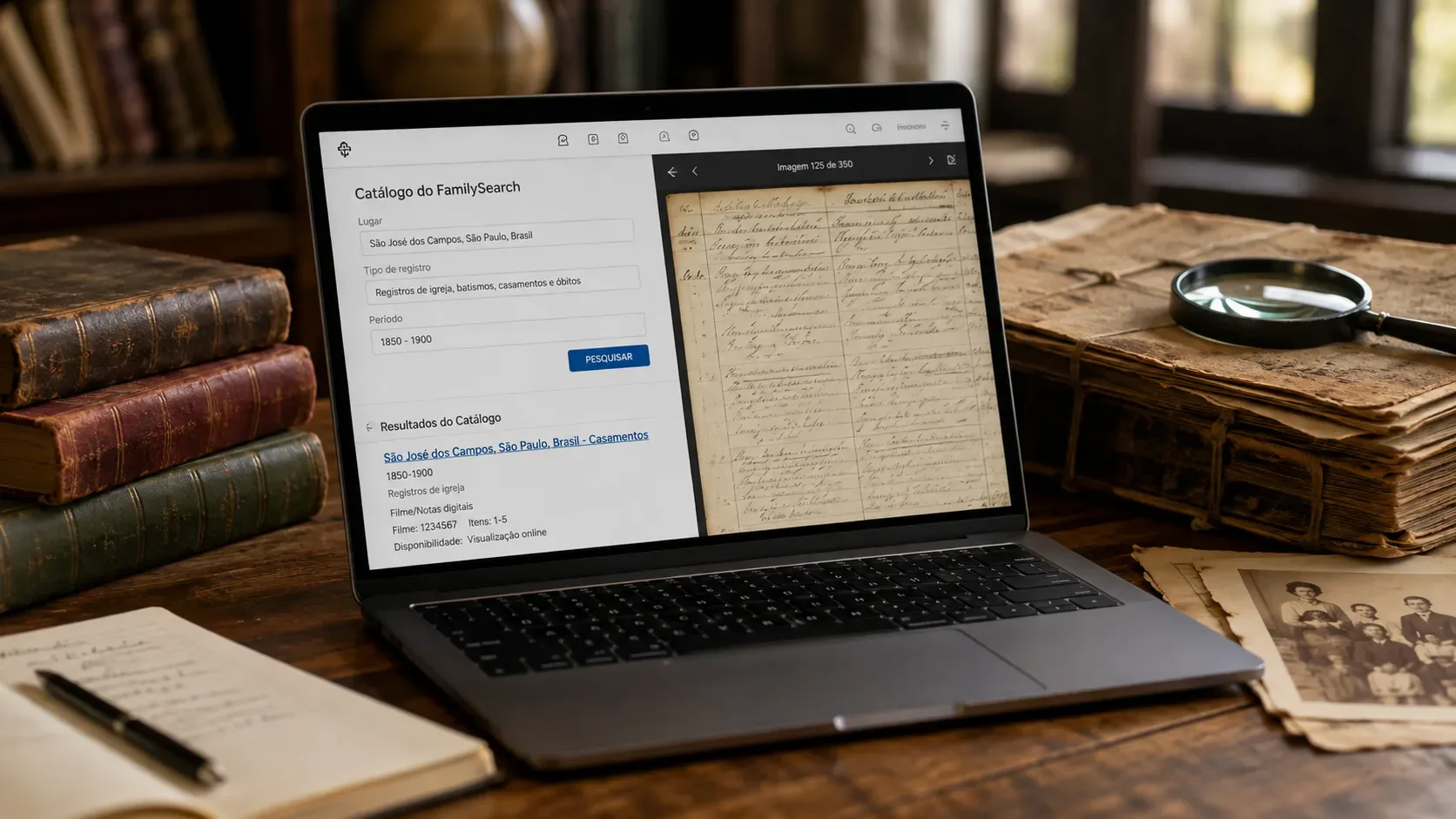
Searching for an ancestor by name on FamilySearch and receiving few — or no — results does not mean that that person's records are not available on the site.
Nominal search depends mainly on information that could be transformed into searchable data. There are, however, digitized books and sets of images that have not yet been indexed. In these cases, the name written inside the image will not necessarily appear when you do a common search in Search > Records. FamilySearch itself advises that some images need to be manually scrolled through for the document to be located.
That's where the FamilySearch Catalog changes the game: instead of starting with the person, you start with the place where the record was most likely created.
Why searching for name may not find the record
Indexing a document means transforming parts of its content names, dates, locations and other fields into searchable information.
A digitized image may exist before receiving this treatment. According to FamilySearch, digitization of its microfilms has advanced faster than indexing; Therefore, there are digitized records that remain unindexed. The institution also informs that the majority of these non-indexed records can be viewed, although there are access limitations in certain sets.
In practice, imagine a marriage book from a certain municipality between 1880 and 1900. The pages can be digitized and available for consultation. If the names written on these pages have not yet been indexed, searching for “João Ferreira” in the general search may not reveal the marriage, even if it is in the book.
In this scenario, the question is no longer “where is João Ferreira?” and becomes:
what marriage records exist for the place where João Ferreira was probably married?
This change is the central point of searching through the Catalog.
How to Search the FamilySearch Catalog by Location
The Catalog brings together references to civil records, censuses, religious records, books, periodicals, family histories, images and other genealogical materials. The search can be done by place, keywords, title, author, subject, surname and film numbers or group of images.
To search for a record that did not appear by name:
- Sign in to your FamilySearch account and open Search > Catalog.
- Choose the search by Place.
- Enter the location related to the event you are looking for. It can be the city, municipality, county, province, state or country, depending on the administrative organization of the place.
- Select the correct location from the options presented by FamilySearch.
- Examine the subjects and record types associated with that place.
- Open the entry that corresponds to the event and period of interest, such as civil registration, church records, marriages, baptisms, deaths, or censuses.
- Read the entry information and especially the Film/Digital Notes section to find out which volumes, years, and image groups are available.
- When you have access to the images, open the set and look for the volume or period corresponding to the event you are investigating.
Current FamilySearch documentation recommends providing enough geographic information to differentiate between locations with similar names. Including a larger administrative division, such as state or province, can improve accuracy.
Search where the document was produced
A common mistake is to limit the search to the city without thinking about which institution or jurisdiction produced the document.
A birth may have been registered at the municipal registry office. A baptism may be in a parish book. A census may have been organized at a different territorial level. Other documents may belong to state, provincial or national agencies.
So if the first location doesn't bring you what you expect, deliberately expand and reduce the search area. Consult the municipality, the higher administrative division and, when it makes sense, subordinate or nearby localities.
FamilySearch's own guidance for non-indexed records recommends searching at the jurisdictional level responsible for the record and experimenting with different geographic levels.
This procedure also helps when boundaries have changed. The place where your ancestor lived may today belong to another municipality, state or country, while the historical record was cataloged according to another territorial organization.
The name of the location may also have changed in the Catalog
This detail has gained importance with recent changes to FamilySearch itself.
In June 2026, official documentation reported that the Catalog began working with the same standardized place names used in other FamilySearch resources. As names and jurisdictions change over time, a place may appear in a modern form, in the local language, or related to a territorial division different from that known to the researcher.
If the expected place doesn't appear, try the modern spelling. It may also be helpful to consult FamilySearch Places, which shows standard shapes and geographic relationships, or repeat the Catalog search by Keywords. FamilySearch recommends these alternatives when a historic name is not found directly by place search.
For immigration genealogy, border changes and locations with names in several languages, this care can be decisive.
How to know if the book is indexed or needs to be leafed through
Once you open a Catalog entry, don't stop at the title. The most useful part is usually the information about the films or digital groups.
Current FamilySearch documentation distinguishes materials that can be searched by index from those that must be image browsed. There may also be content with viewing restrictions and records that have full-text search capability.
When the set is available only as images, treat it as you would a physical book: find out first which volume contains the year and type of event you are looking for.
Then open the images.
It is not necessarily necessary to start with the first page and move forward one by one. Many books have elements that greatly speed up research. Look for handwritten or typed indexes at the beginning or end of the volume, tables of contents, divisions by year, page numbers, opening and closing terms, or visible changes between books.
FamilySearch itself recommends using the thumbnail view to identify where a new book begins and observe whether the records follow chronological or alphabetical order. When the set is chronological, an estimate of the position of the year sought can greatly reduce the number of images that need to be verified.
Use period to zoom out hundreds of images
Suppose you are looking for a wedding that took place approximately 1892 and you find a book in the Catalog that covers 1880 to 1900.
Instead of immediately searching for the last name, first use what the book offers: period, volume, order of records and any internal indexes.
If the images are in chronological order, advance until you get close to 1892. From there, scroll through the pages more carefully. If there is an alphabetical index, consult it first and write down the sheet number, term or page indicated.
This method is especially useful when you already know an approximate date from another source, such as a child's birth, birth certificate, religious record, inventory, or family information.
The more precisely you can combine place + record type + time range, the less you depend on the nominal search.
“Online” does not necessarily mean access from home
Another point that can cause confusion is the Catalog's availability filter.
You can restrict results to materials classified as online. This, however, does not mean that all images can be opened on any computer. FamilySearch explains that agreements with archives and institutions responsible for documents may limit where certain content can be consulted. Some sets are only available at a FamilySearch Center or affiliated institutions.
Therefore, finding the book in the Catalog is already a step forward even when the image does not open immediately.
Read the access information presented in the entry. If there is a restriction, check to see if the material can be viewed at a FamilySearch Center. Centers can offer access to historical images that are not available for home viewing.
Catalog and nominal search fulfill different functions
It is not necessary to abandon the search by name. It remains a quick way to locate already searchable records and can provide dates, film numbers, pages and other clues leading to the original document.
The gain is in not treating the absence of nominal results as the end of the search.
Nominal search asks the index whether a given name has been recorded in the searchable data. The Catalog answers another question: what genealogical sources exist for a given place, period or subject?
This second question opens up space to find books that still need to be examined page by page.
There are also complementary paths within FamilySearch itself. In Search > Records, some collections appear as sets to browse images; in Search > Images, you can search for sets of historical images directly by location and apply filters.
When you can't find the person, look for the source first
A “zero results” for the name does not prove that the document does not exist.
Before changing the spelling of your surname dozens of times, try to reconstruct the path of the record: where the event occurred, which body or institution probably recorded it, in what period and which collection contains the corresponding books.
Then open the Catalog, search for the location and examine the fonts available for that location.
In genealogy, sometimes the name is not yet searchable. The book, however, is already there.