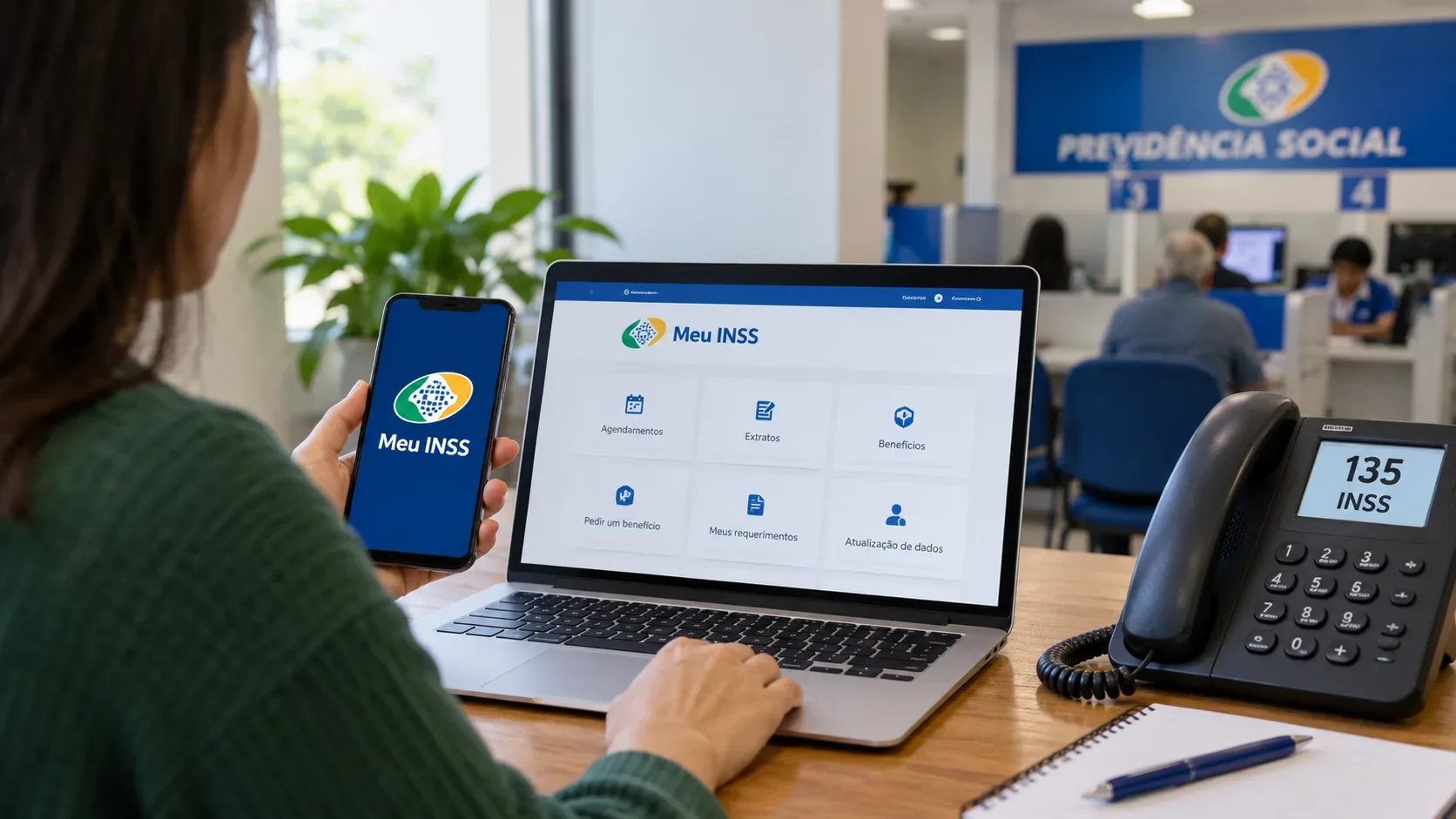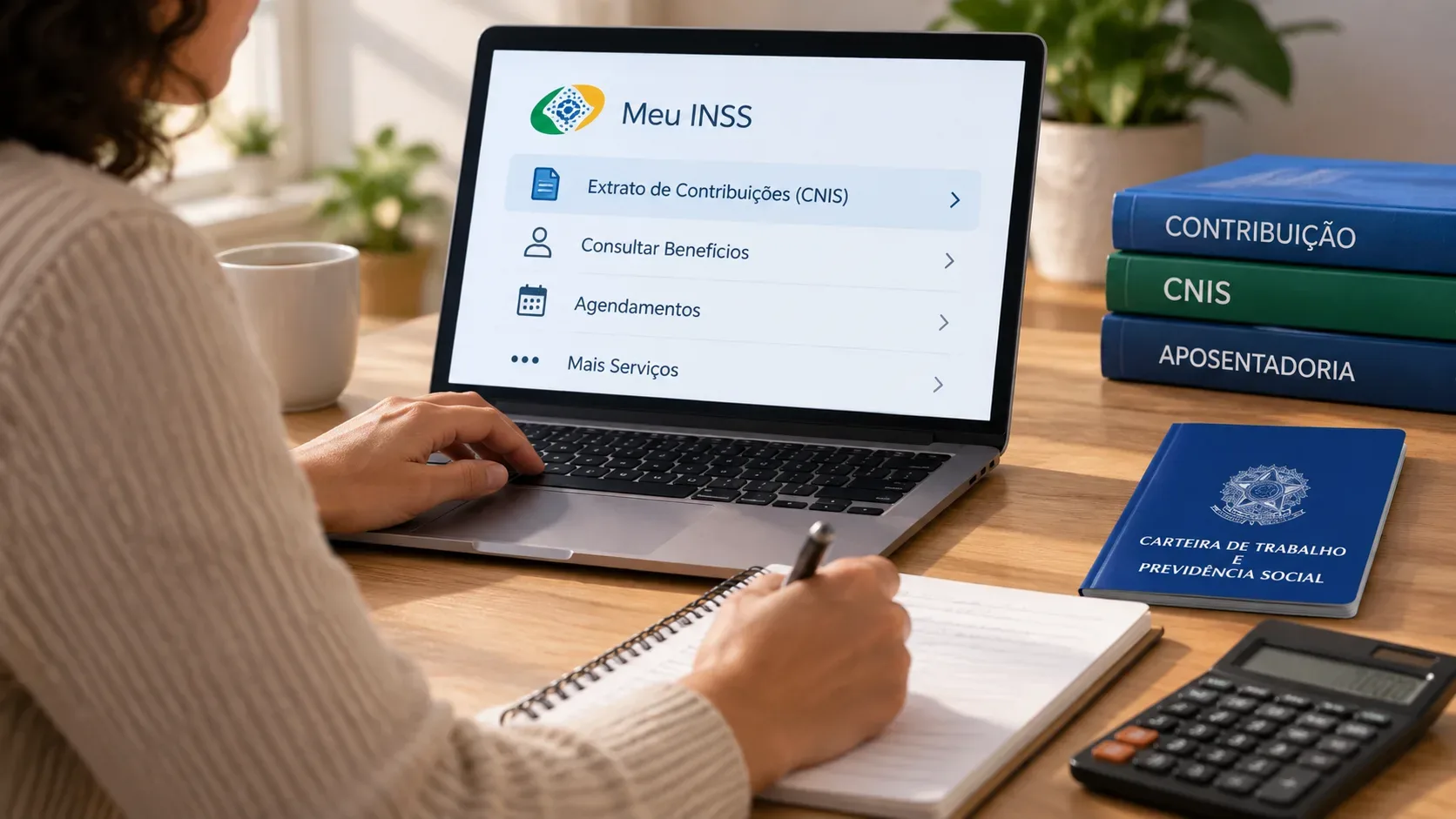
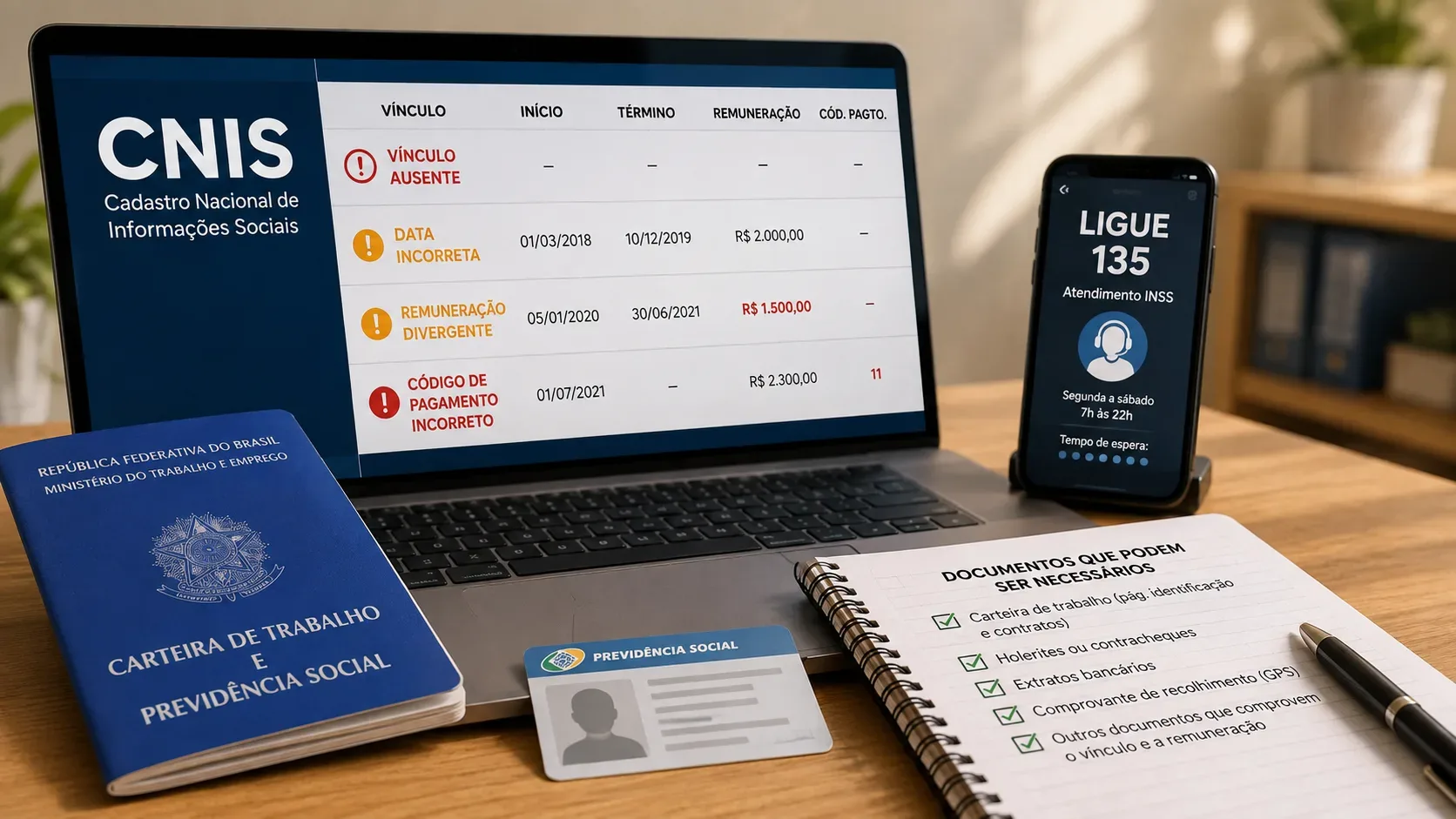
If your Brazilian CNIS record is missing an employment link, shows incorrect hiring or termination dates, contains missing or divergent earnings, or lists a contribution paid under the wrong payment code, separate two tasks first: checking the statement and requesting the correction. The CNIS statement can be issued through Meu INSS, but the INSS channel matrix updated on June 3, 2026 marks the service “Atualizar Vínculos e Remunerações e Código de Pagamento” (Update Employment Links, Earnings and Payment Code) as unavailable in Meu INSS and available through the 135 Call Center and an INSS Social Security Agency (APS). For in-person APS service, INSS states that an appointment must be scheduled in advance through Meu INSS or 135.
Short answer: when to use 135
If you found an error in CNIS and need to open a specific request to correct an employment link, earnings or payment code, the 135 Call Center is an official channel for this service. It is especially useful for starting the guidance process and checking whether the case will be handled through a request or will require an APS appointment. The fact that Meu INSS lets you view CNIS and schedule certain appointments does not mean that the correction itself is available as a digital self-service request.
You can verify the channel matrix on the official INSS page Serviços por canal de atendimento.
Before requesting a correction, download the right statement
In Meu INSS, search for CNIS or Extrato de Contribuição (Contribution Statement). The official service lists three statement types: Social Security Relationships; Social Security Relationships and Earnings; and Calendar Year, the latter showing contributions year by year from November 2019 onward. To check wages and monthly periods, choose the version that includes relationships and earnings.
Compare the statement with your employment and contribution records. Write down the exact period, employer, month or payment code that is wrong. This makes the request more specific and helps organize the evidence. See the official service Emitir Extrato de Contribuição (CNIS).
What type of error did you find?
| CNIS error | What to check | Evidence that may help | Main channel |
|---|---|---|---|
| Missing employment link | Employer, worked period and employer identification | CTPS work booklet, contract, employee register, termination document, FGTS records, receipts and other contemporaneous documents | 135 or scheduled APS |
| Wrong start or end date | Actual employment dates | CTPS, contract, termination document, company records and period documents | 135 or scheduled APS |
| Missing or incorrect earnings | Month and amount that should appear | Payroll statement, pay slips/receipts and salary records accepted for the period; in eSocial-related situations, elements of the electronic event may be required | 135 or scheduled APS |
| Wrong payment code | Insured category, month, code used and code that should have been used | GPS payment forms, contribution booklets and payment receipts | 135 or scheduled APS |
Missing employment link or wrong dates: collect proof of the worked period
The official page on updating contribution time says the service can correct payments made through contribution booklets or forms and adjust employment links or earnings that diverge from the records. For employees, the INSS document list includes, depending on the case, the Brazilian Work and Social Security Booklet (CTPS), individual employment contract, Employee Registration Form or Book, time records accompanied by a company declaration, termination document, FGTS receipt or analytical statement, contemporaneous payment receipts and other documents capable of demonstrating the activity.
This does not mean every document is mandatory in every request. The evidence depends on the insured person's category, the period involved and the fact that must be proven. The complete official reference is Documentos originais para comprovação de tempo de contribuição.
Wrong earnings in CNIS: pay attention to the period and eSocial
When the issue is earnings, proving that the employment link existed is not enough: you must show how much was paid or reported for the relevant month. INSS may consider documents such as payroll statements, contemporaneous pay slips or payment receipts, as well as company records allowed under the applicable rules.
There is an important caveat for periods covered by the replacement of GFIP reporting with eSocial. INSS rules state that, in those cases, salary annotations in a physical CTPS or in the Digital Work Card are not, by themselves, sufficient evidence of missing or divergent earnings in CNIS. Depending on the situation, evidence related to the electronic event submission or additional employer documentation may be required. The rule change is available in the official material on IN 128/2022 and its amendments.
Wrong payment code: keep GPS forms, contribution booklets and receipts
INSS itself describes the update service as covering corrections to payments made by contribution booklet or form and, in institutional guidance, mentions changing the payment code when an individual insured person paid under the wrong code. For this type of error, keep the GPS form or booklet, payment receipt, contribution month and code used. If you are unsure about the correct social security category, avoid simply paying again before receiving guidance, because the solution may depend on the nature of the original contribution.
What Meu INSS does — and does not do in this situation
- It does: allow you to issue the CNIS statement and view employment links, earnings and contributions.
- It does: allow scheduling of an APS appointment when that step is indicated.
- It is not listed as the channel for the specific correction service: in the matrix updated on June 3, 2026, “Atualizar Vínculos e Remunerações e Código de Pagamento” is marked unavailable in the Meu INSS column.
- Official correction channels: the 135 Call Center and APS are marked as available.
This distinction causes much of the confusion: checking CNIS is digital; correcting certain CNIS data is not listed as direct self-service in Meu INSS.
Checklist before calling 135 or going to APS
- CPF and official photo ID;
- updated CNIS statement, preferably including earnings;
- a list of the months, dates or employment links that need correction;
- CTPS and employment documents if the error involves a job link or dates;
- pay slips, receipts, payroll statement or equivalent evidence if the error involves earnings;
- GPS forms, contribution booklets and receipts if the error involves a contribution or payment code;
- employer or eSocial documents when needed to demonstrate more recent earnings.
The official page Atualização de tempo de contribuição also instructs users to present a photo ID, CPF, an update request and documents proving worked periods or contributions.
Do you have to correct CNIS before applying for a benefit?
Not always. INSS guidance on updating contribution time states that the adjustment can be carried out during the analysis of a benefit application, without a separate prior appointment, and that the lack of a prior update does not remove the right to apply for the benefit. Even so, identifying and organizing discrepancies before filing usually makes the analysis easier and can reduce later document requests.
When specialized social security analysis may be useful
Consider qualified assistance when there are several conflicting employment links, a closed employer, significant earnings without clear documentation, discrepancies between eSocial and CNIS, contributions possibly paid under the wrong insured category, or a retirement/benefit application already in progress. In these cases, the issue is not simply “correcting one line” in the database, but determining which evidence is valid for each period and how the correction may affect benefit recognition.
In short: use Meu INSS to review and download CNIS; for the specific service to correct employment links, earnings or payment codes, the 2026 official matrix points to the 135 Call Center and APS. Organize evidence according to the type of error and, for earnings tied to eSocial periods, do not rely only on salary entries in the work card.