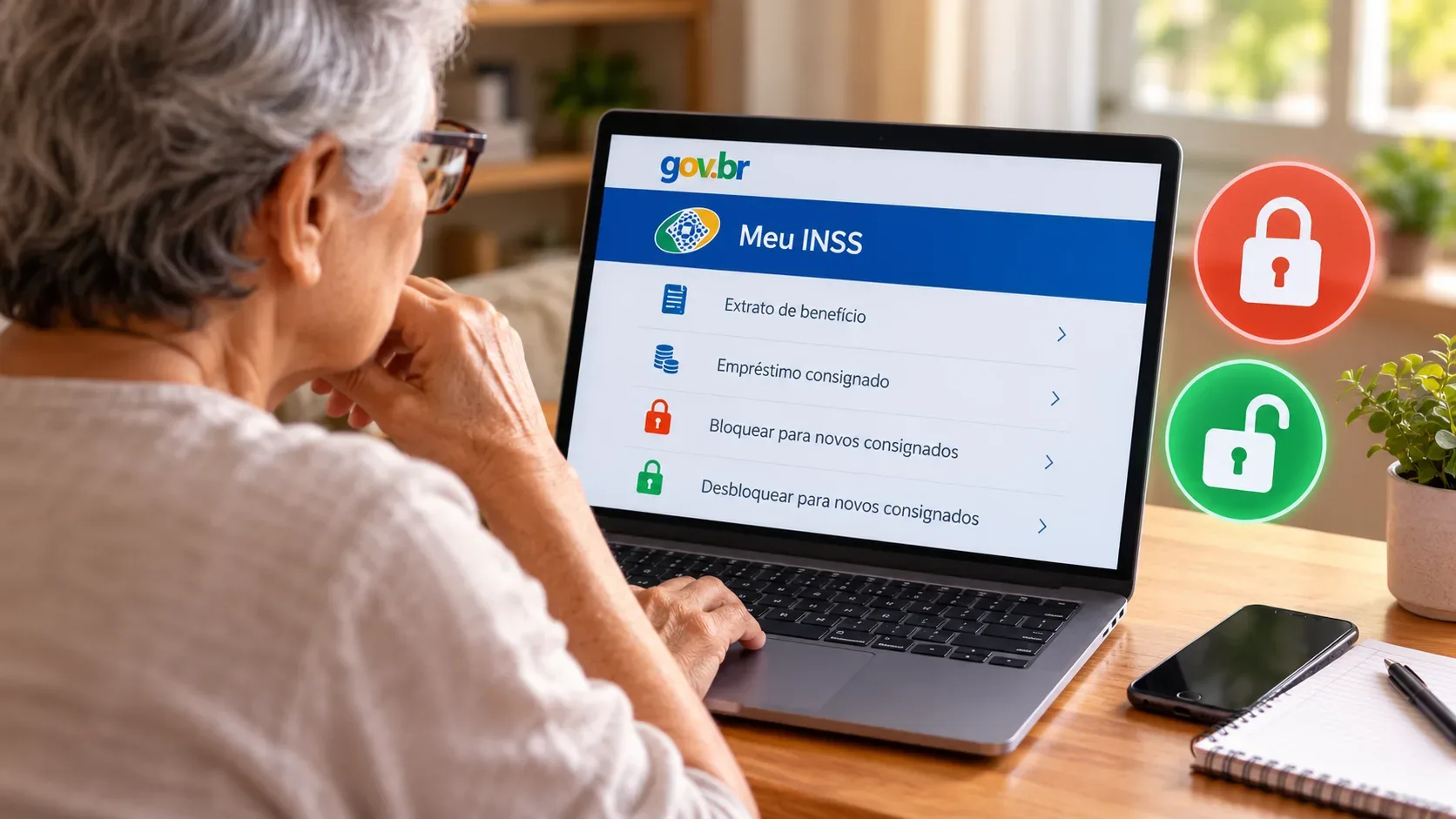
When an INSS benefit is shown as blocked for payroll-deducted credit, the block applies to new credit transactions whose installments would be deducted from the benefit. To check the status and request a block or unblock, the official route is the Block or Unblock Benefit for a Loan service in Meu INSS. Unblocking is not a loan approval: it only removes this operational restriction so that a possible transaction can proceed under the other applicable rules.
How to check the block in Meu INSS
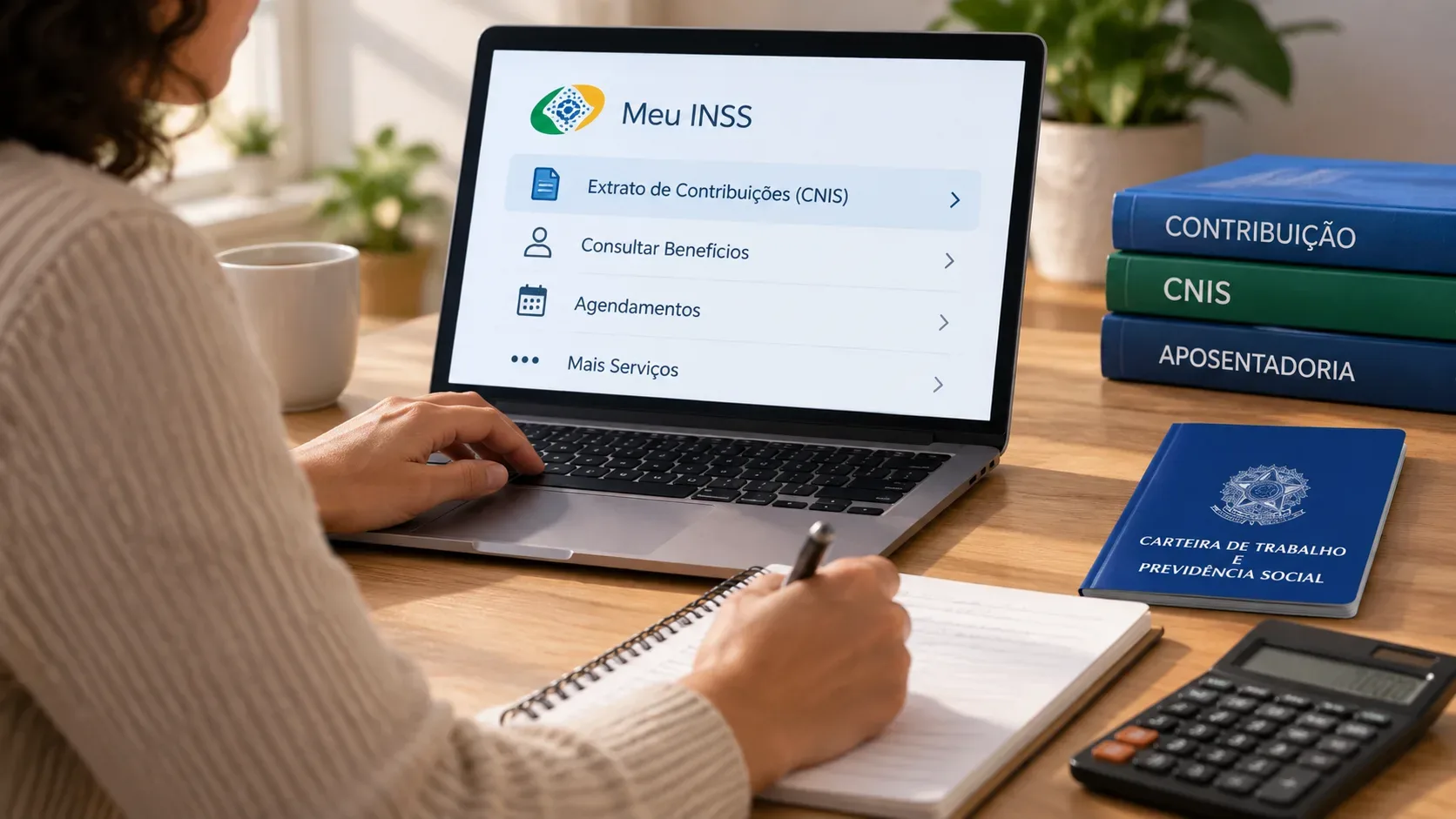
- Access Meu INSS through the official app or website and sign in with your CPF and gov.br account password.
- In the What do you need? field, search for Bloquear / Desbloquear.
- Open the Bloquear ou Desbloquear Benefício para Empréstimo service.
- Select the benefit, if you have more than one, and follow the instructions shown on screen.
- If a request is pending, check the result under Consultar Pedidos.
The official service page states that the request is completed entirely online. To follow the response, Meu INSS instructs users to open Consultar Pedidos, locate the request and view its details. The service is free. The page lists up to 45 calendar days for a response and an estimated average of 30 calendar days.
How to request an unblock for payroll-deducted credit
The unblock request is made through the same service used to block the benefit. After signing in to Meu INSS, search for Bloquear / Desbloquear, choose the service and follow the steps on screen. The benefit holder or legal representative may use the service. The official page states that an attorney-in-fact cannot make this request and that a payroll-deducted loan cannot be taken against a benefit that has an attorney-in-fact registered.
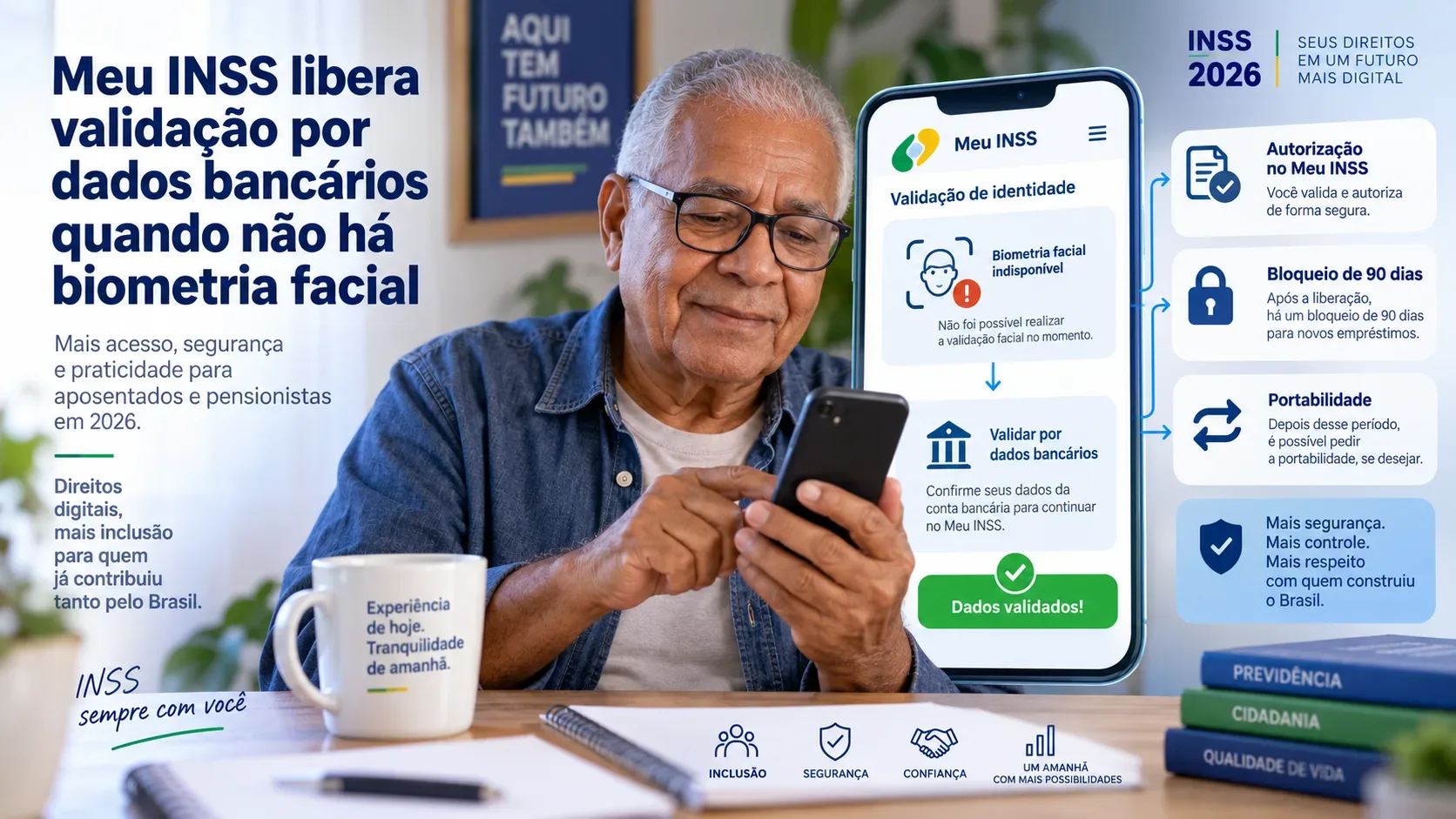
As a rule, a newly granted benefit remains blocked for payroll-deducted credit for the first 90 days. After that period, the holder may request an unblock. In August 2026, INSS also stated that the same 90-day rule must be observed when the benefit's payment locality is transferred.
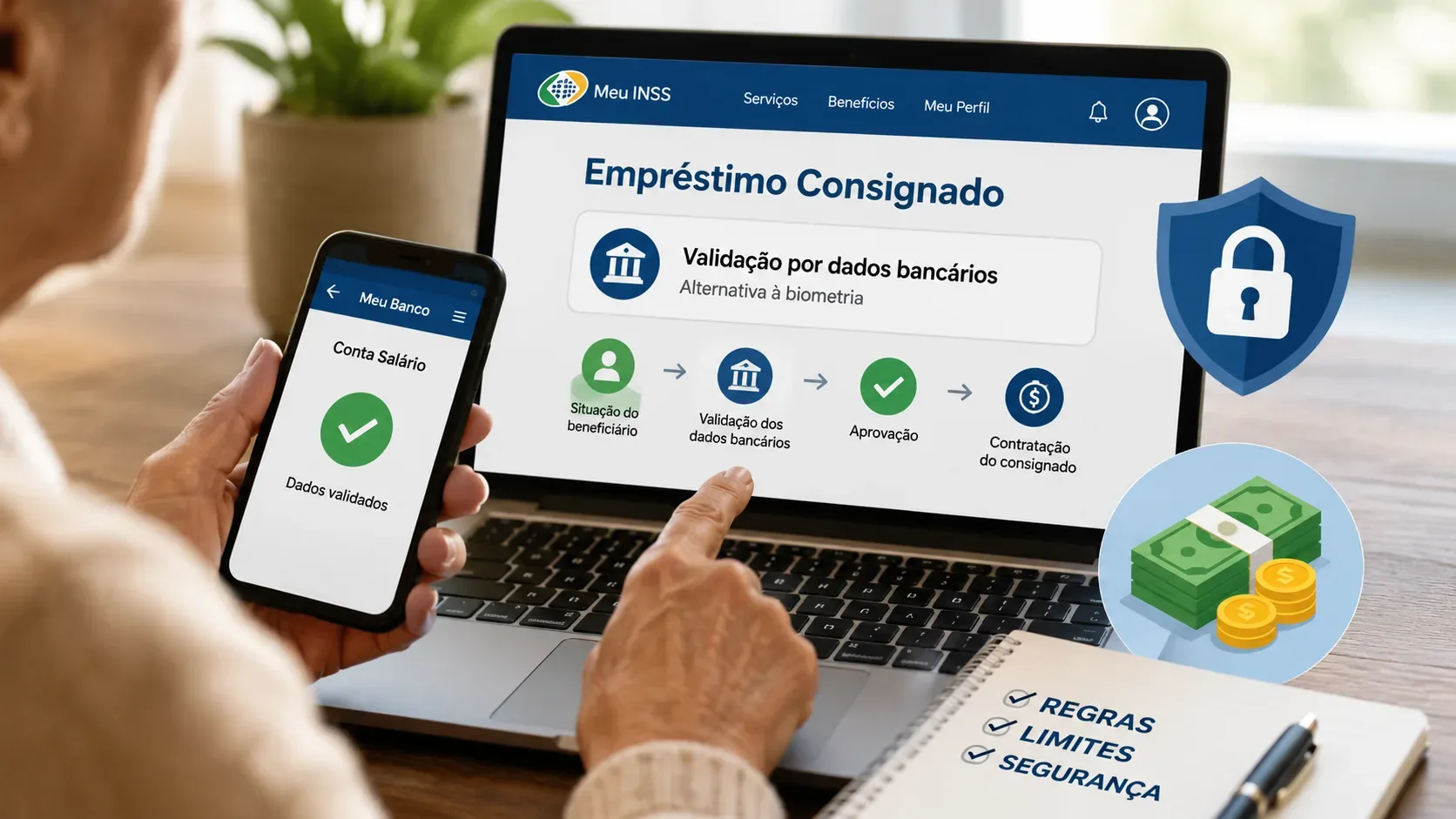
For authorization of payroll-deducted credit transactions, biometric validation remains the first option. Under the rule announced by INSS in August 2026, when no facial biometric record is available in government databases, the system may allow gov.br authentication with bank-data validation. In every case, the benefit holder's express authorization remains necessary.
Blocking, eligibility and a credit offer are not the same thing
| Situation | What it means in practice |
|---|---|
| Benefit blocked for payroll-deducted credit | New payroll-deducted credit transactions cannot proceed while the block remains in place. |
| Benefit unblocked | The restriction on new transactions has been removed, but this does not require a bank or lender to offer or approve credit. |
| Available margin | This is the room for payroll deductions shown in the Payroll-Deducted Loan Statement. Having margin does not by itself mean that a proposal has been approved. |
| Offer from a financial institution | This is a commercial proposal from the financial institution, and its terms should be reviewed before contracting. |
The Meu INSS Payroll-Deducted Loan Statement is the official document for checking loans that generate deductions from the benefit, installment amounts, terms and available margin for new transactions. According to the official service, it is also possible to obtain the contract for payroll-deducted loans made with partner banks from October 2021 onward.
Blocking the benefit does not cancel an existing loan
The block is intended to prevent new transactions. If there is already a contract that you recognize, its installments remain tied to that transaction. If the statement shows a loan that you say you did not contract, a different procedure applies: the official Request Exclusion of a Payroll-Deducted Loan service states that complaints, reports and exclusion requests must be filed directly through the Consumer Portal.
How to reduce scam risk when unblocking
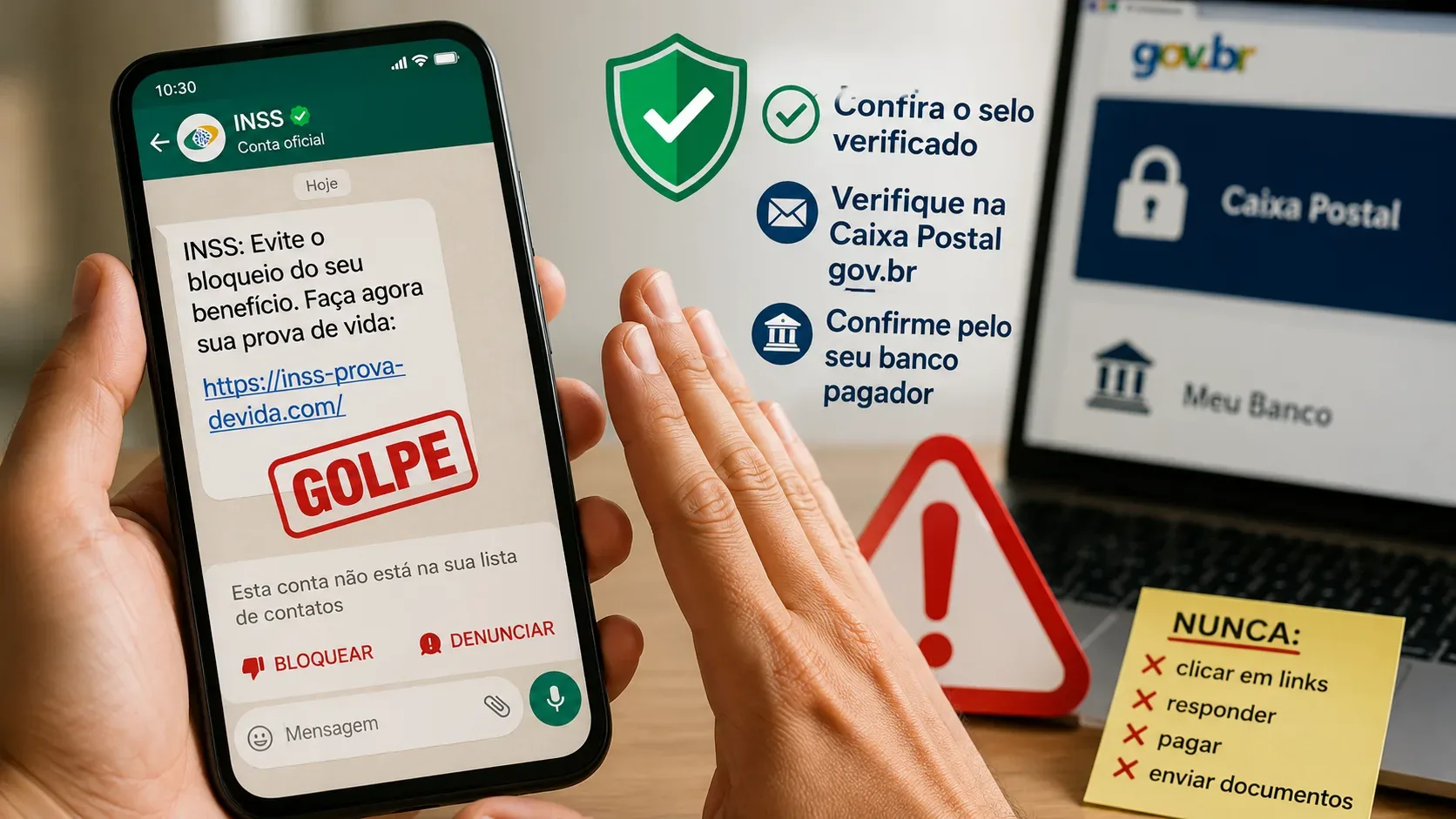
- Access Meu INSS by typing the official address yourself or opening the app you installed. Do not use links received by SMS, WhatsApp, email or social media.
- Never provide your gov.br password, authentication codes or bank details through unsolicited messages or calls.
- Be suspicious of anyone claiming to represent INSS while offering a loan. Credit is contracted with financial institutions, not with an INSS agent offering money.
- If you only need to release the benefit for one specific transaction, consider blocking it again when you no longer need new offers. INSS recommends keeping the benefit blocked and unblocking it only for the period needed.
- If you are unsure about a message or call, check the situation directly in Meu INSS or call Central 135.
In an alert published on August 31, 2026, INSS reiterated that it does not request banking transactions, sensitive information or passwords through messages or phone calls and advised beneficiaries not to click suspicious links.
Quick checklist
- Open Meu INSS through an official channel.
- Search for Bloquear / Desbloquear to check or change the restriction on the benefit.
- If the benefit is new, verify whether the 90-day period that normally applies has elapsed.
- Use the Payroll-Deducted Loan Statement to review contracts, installments and available margin.
- Do not confuse unblocking with credit approval.
- If you find an unknown loan, use the official exclusion and complaint channel indicated by gov.br.
- Never give your password or authentication codes to third parties so they can unblock the benefit for you.
Sources and references
- Gov.br: Block or Unblock Benefit for a Loan
- Gov.br: Payroll-Deducted Loan Statement service
- INSS: payroll-deducted credit rules and alternative for beneficiaries without biometrics
- Gov.br: Request Exclusion of a Payroll-Deducted Loan
- INSS: payroll deduction rights and security measures
- INSS: scam alert and suspicious links