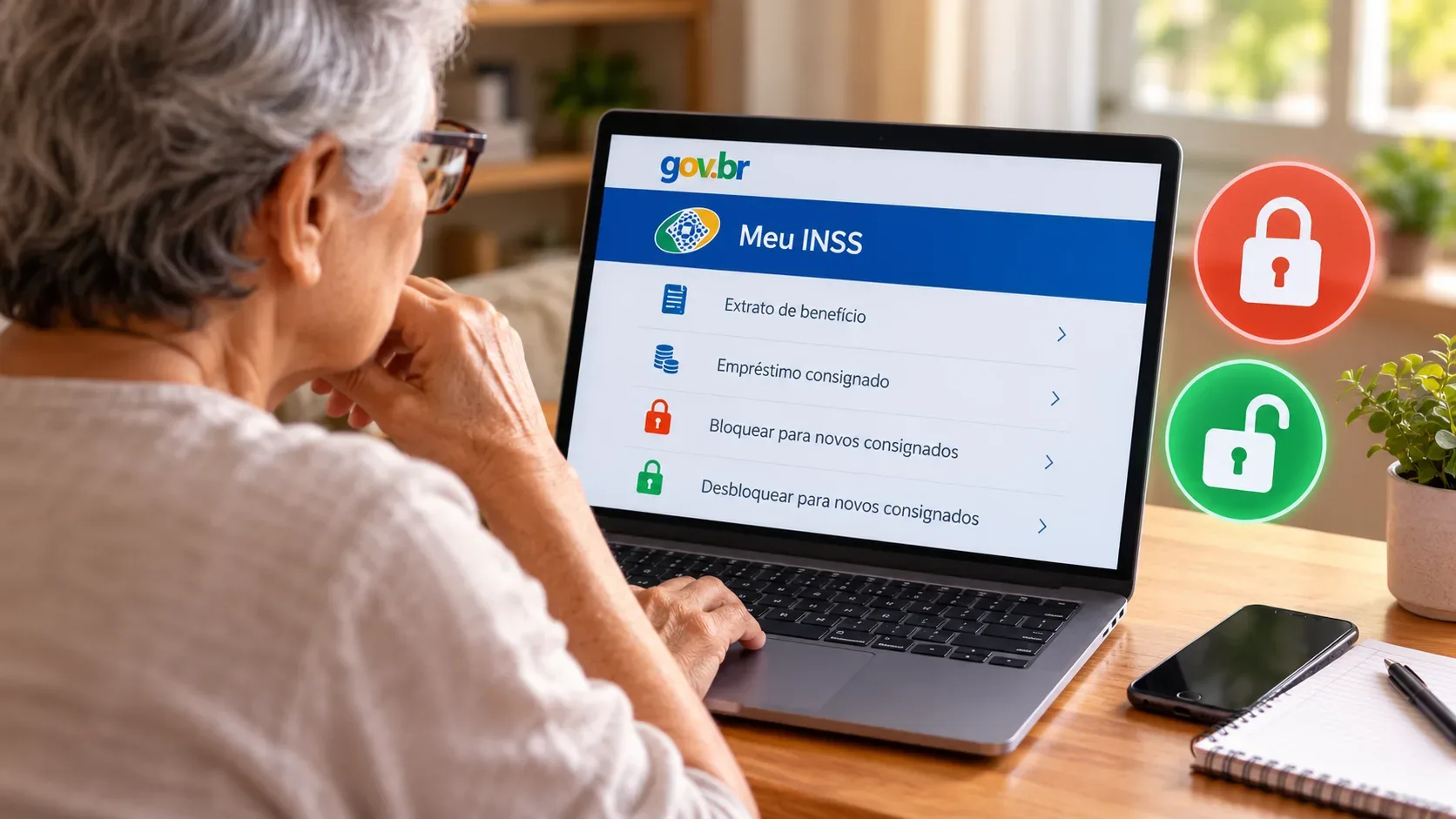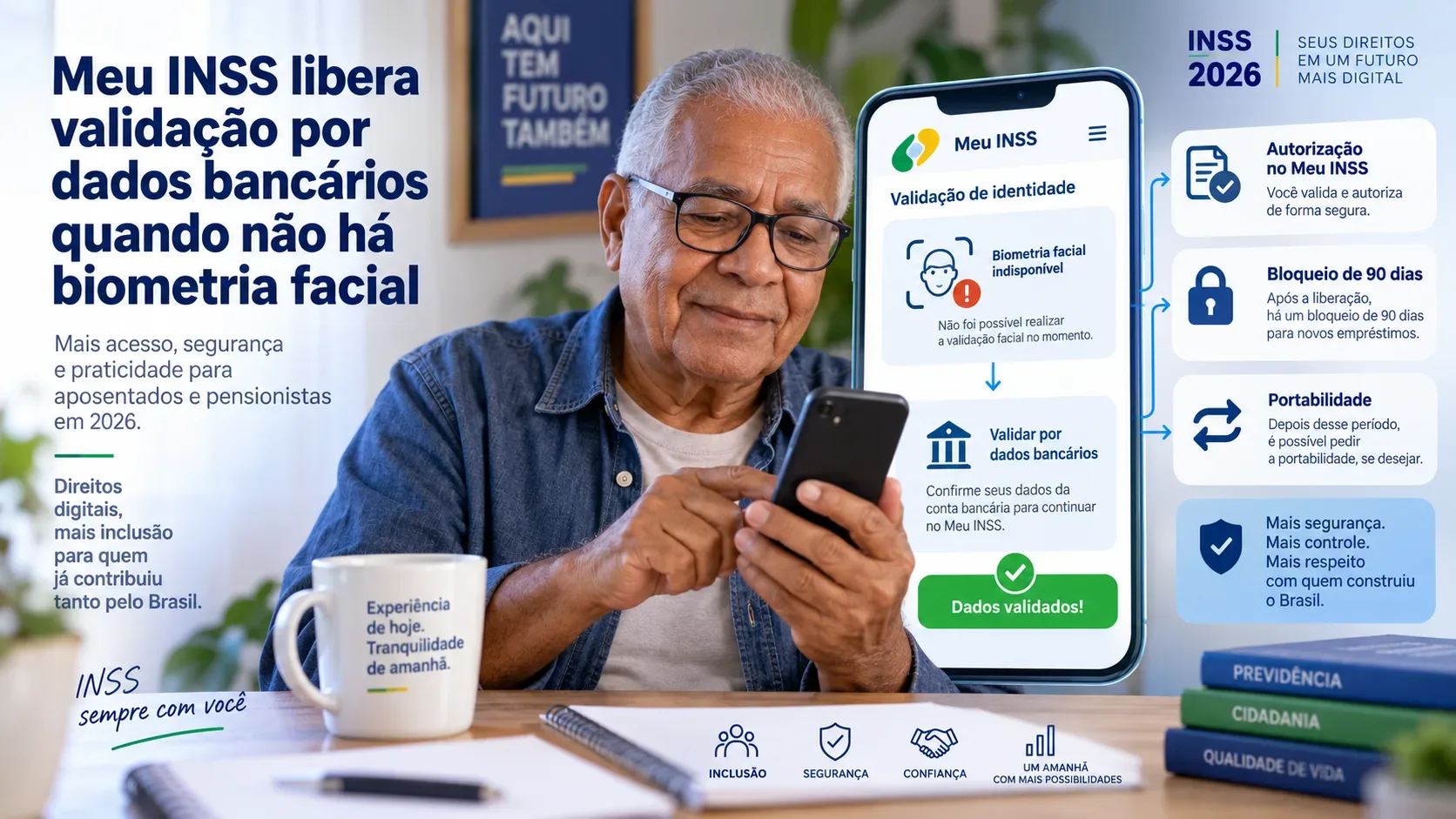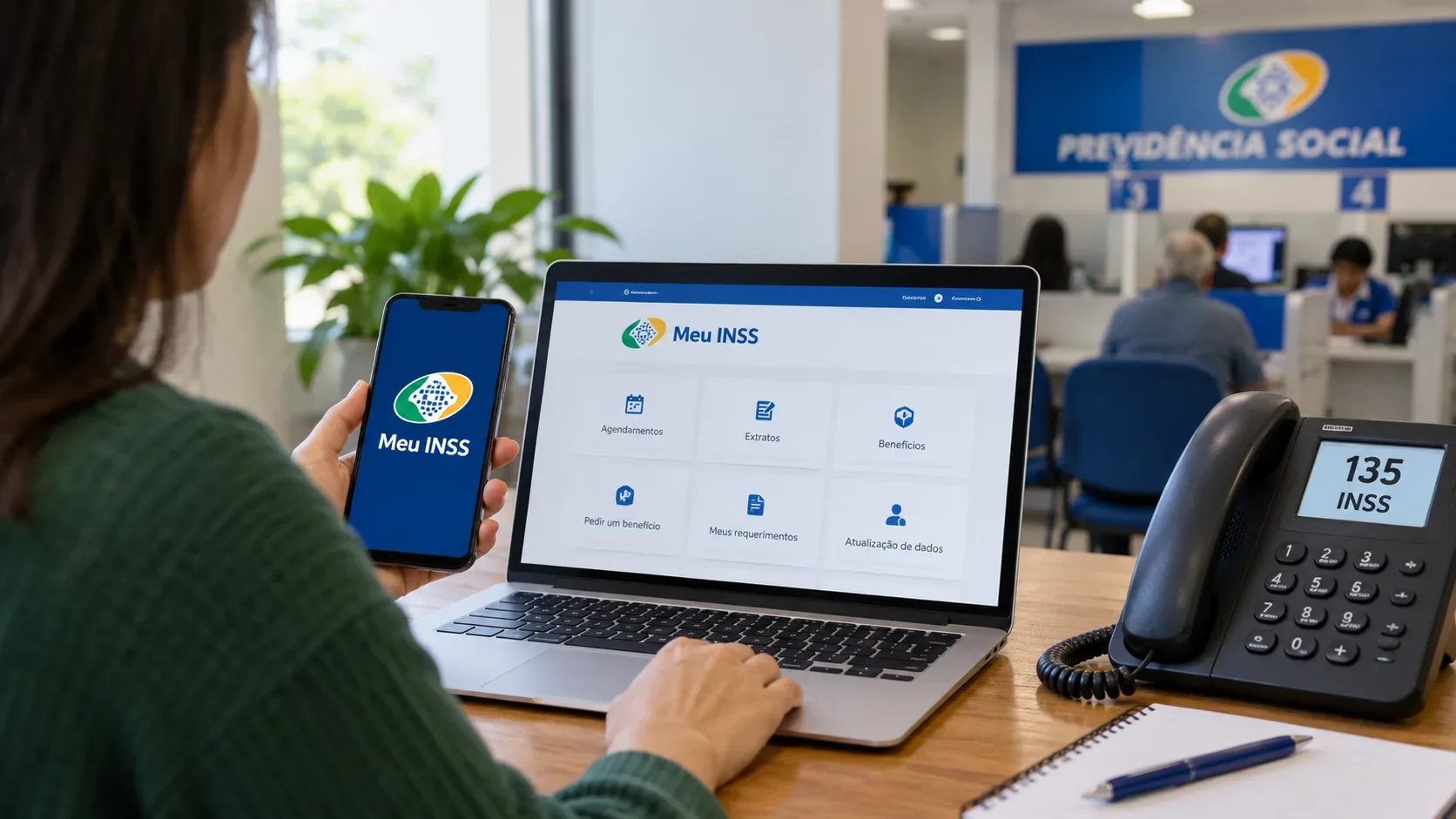
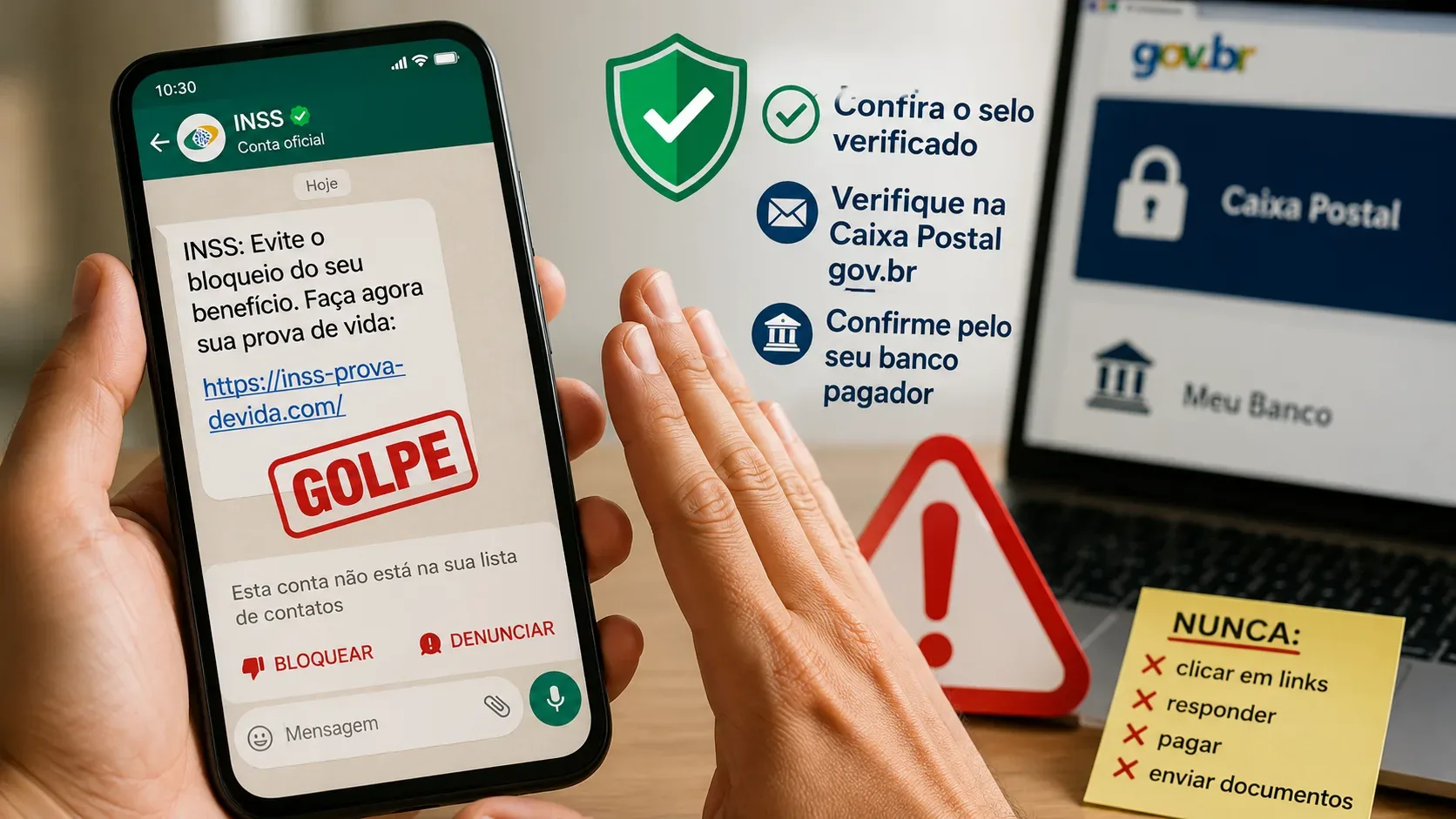
If you receive a WhatsApp message about INSS proof of life, the safest rule is not to judge it by how the chat looks. In 2026, there is a legitimate communication flow: beneficiaries whose proof of life was not identified automatically may receive a message from the Government of Brazil account on WhatsApp. At the same time, INSS warns about scams that impersonate the agency and use threats of benefit suspension, fake links, requests for personal data, or payments.
For that reason, do not click a link in the message to “check whether it is real.” Verify it through an independent route: check the verified Government of Brazil account, look for the same notice in the gov.br app inbox, check for a notice from the bank that pays the benefit, and review the “Proof of Life” service in Meu INSS. If you are still unsure, use the 135 call center.
What to do as soon as the message arrives
- Do not click links, send documents, or make payments. INSS states that an official notice about the need for proof of life does not send a link for supposed “regularization” and does not ask for CPF, address, passwords, or payment.
- Check who sent it. Official guidance says to look for the blue verified-account badge on the Government of Brazil WhatsApp account.
- Open the gov.br app yourself. Do not use a shortcut from the message. Check whether the same notice appears in the app inbox.
- Check the paying bank. The bank that pays the benefit may also notify you through its app or the bank statement.
- Check Meu INSS. In the “Proof of Life” service, a regularized status shows the date of the latest proof of life. The 135 call center can also confirm the situation.
Official WhatsApp messages exist, but their scope is limited
INSS proof of life is generally completed automatically by cross-checking government databases. When that process does not identify the beneficiary, the Government of Brazil may send a WhatsApp notice and the paying bank may issue a notification. This is why receiving a message does not, by itself, prove that it is a scam.
The decisive point is the content and an independent confirmation. According to the INSS Proof of Life Q&A, the legitimate message only informs the beneficiary that proof of life is needed. It does not request personal data and does not include a link to “regularize” proof of life. The same information should appear in the gov.br inbox.
How to tell an official notice from a scam attempt
| Signal | Communication that follows official guidance | Risk signal |
|---|---|---|
| Sender | Government of Brazil account with a blue verification badge | A profile that merely uses the INSS/gov.br name, photo, or symbols |
| Confirmation | The same message appears in the gov.br app inbox | The conversation asks you to trust WhatsApp alone |
| Link | No link is sent to regularize proof of life | Shortened link, unusual domain, or a page requesting login/data |
| Data and money | No request for CPF, address, password, transfer, or payment | Requests a document, password, code, Pix transfer, fee, or banking action |
| Tone | Simply informs you that proof of life is needed | Threatens immediate suspension, blocking, or loss of benefit to pressure you |
There is an important difference between “the Government of Brazil may notify you through WhatsApp” and “INSS sends a message threatening to cut your benefit.” In August 2026, INSS published a specific warning saying that it does not send SMS, WhatsApp, or email notices announcing benefit interruption for lack of proof of life and does not send links through those channels for regularization. Treat that kind of threat as a scam.
How to verify the situation without clicking the message
1. gov.br inbox
Open the gov.br app directly on your phone and check the inbox. INSS guidance says that a legitimate WhatsApp notice should also appear there. This keeps you from relying on a link supplied by the sender itself.
2. Meu INSS
Open the official Meu INSS app or type the official address yourself. Find the “Proof of Life” service. If the process is regularized, the date of the latest proof of life will appear. This check is also useful if you received no message and simply want to know whether the automatic process already satisfied the requirement.
3. Bank that pays the benefit
Check the bank’s official app or your bank statement. INSS says the paying institution may also notify beneficiaries who need to complete proof of life. If you choose in-person service, contact the branch where you receive the benefit through the bank’s official channels.
4. 135 call center
If you are still unsure, call 135. INSS states that human service is available Monday through Saturday, from 7 a.m. to 10 p.m. Do not call a number supplied by a suspicious message; dial 135 yourself.
If proof of life is actually pending
According to INSS, a beneficiary who receives a legitimate notice can complete proof of life at the paying bank with an official photo ID, or through the Meu INSS website/app when facial biometrics is available for that case. There is no need to go to an INSS branch solely for this procedure.
For most beneficiaries, proof of life happens automatically. Examples of records cited by INSS that may allow this identification include access to Meu INSS with a Gold-level gov.br account, payroll-deducted loans completed with biometric recognition, CadÚnico updates made by the family representative, voting in elections, and receiving the benefit with biometric recognition.
If you did not receive a notice, do not act because of a third-party message
Not receiving a WhatsApp or bank notification does not mean that proof of life is pending. The process is automatic in many cases. Check the “Proof of Life” service in Meu INSS or call 135. That is safer than accepting “regularization” offers sent by strangers.
If you already clicked, sent data, or paid
Stop the contact and do not click any more links. If passwords, banking data, or financial transactions may have been exposed, contact your bank immediately through official channels, change relevant passwords from a safe device, and monitor your accounts. The Brazilian Ministry of Justice and Public Security also advises filing a police report when appropriate, keeping screenshots and protocol numbers, and checking the device.
In a phishing alert published on August 31, 2026, INSS reinforced that it does not request banking transactions, sensitive information, or passwords by messages or phone calls. Recovery should start through official services, not through the conversation that triggered the suspicion.
Final checklist before treating the message as legitimate
- Is the sender the verified Government of Brazil account, rather than merely a profile using a similar name or logo?
- Does the same notice appear in the gov.br app inbox?
- Is there no regularization link and no request for a password, document, code, payment, or Pix transfer?
- Does the paying bank confirm the need through its official app, statement, or service channel?
- Does Meu INSS show the status of your proof of life?
If any of these checks fails, do not continue through the message. Use Meu INSS, the gov.br app, the paying bank, the official INSS website, or 135. Combining independent channels is what reduces the risk of turning a notification—real or fake—into an entry point for fraud.