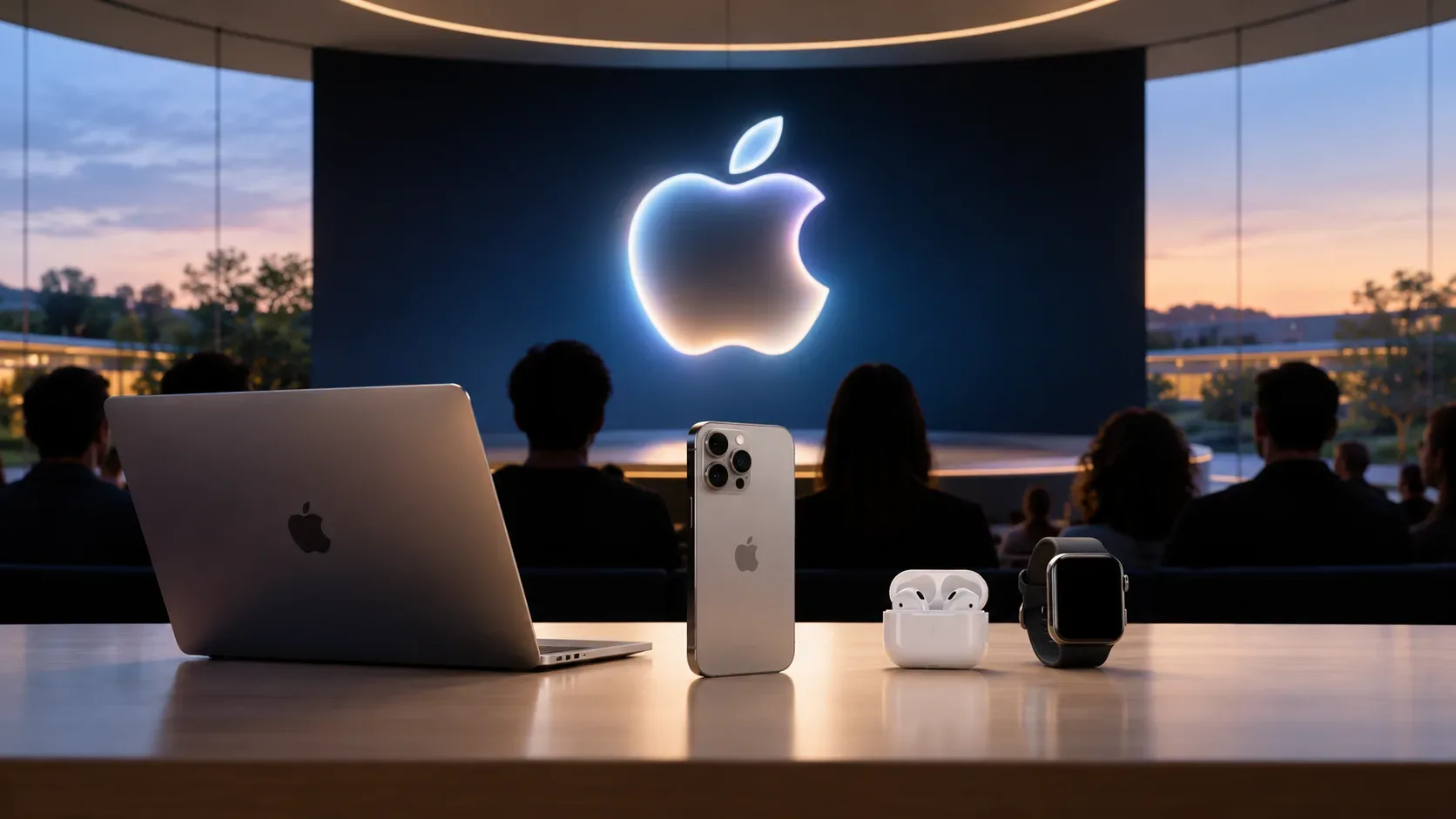
The September 2026 Apple Event already has the information that matters most for anyone in Brazil who wants to watch live: Apple scheduled the presentation for Wednesday, September 9, 2026, at 2:00 p.m. Brasília time (BRT). The company lists Apple’s website, the Apple TV app, and YouTube Live as official viewing channels. As of September 4, however, the official event page does not list product models, prices, colors, or specifications. That creates a simple dividing line: the date, time, and viewing channels are confirmed; hardware predictions remain rumors until they appear in a primary Apple source.
Quick answer
| Item | Status as of September 4, 2026 |
|---|---|
| Date | September 9, 2026 |
| Time in Brazil | 2:00 p.m. Brasília time (BRT) |
| Official channels | Apple’s website, the Apple TV app, and YouTube Live |
| Products announced before the event | No specific product is listed on the official event page |
| Replay | The Apple Events page keeps recent events with watch links; after the presentation, it is the safest place to look for the official recording |
What time does the September 9 Apple Event start in Brazil?
Apple’s Brazilian events page states 2:00 p.m. BRT on September 9. The international developer page lists the same event at 10:00 a.m. PT, which corresponds to 2:00 p.m. in Brasília on that date. If you are in a Brazilian region that uses a different time zone, check the local conversion instead of assuming Brasília time.
To avoid missing the opening, it is practical to have the stream ready a few minutes early. The official page also offers an option to add the event to your calendar, reducing the chance of mixing up the date or time zone.
Where to watch officially
Apple’s website
The most direct browser option for readers in Brazil is the Apple Events Brazil page. It is also the best reference for confirming the time shown to Brazilian viewers and, later, finding the replay among recent events.
Apple TV app
Apple also directs viewers to the Apple TV app. This is useful on TVs, Apple devices, and compatible platforms that offer the app. The important point is to look for the event inside the Apple TV app; the mention of the app should not be interpreted as confirmation of any announcement related to the Apple TV+ service.
YouTube Live
On its official developer page, Apple includes YouTube Live among the streaming options. If you choose YouTube, make sure the video belongs to Apple’s official channel before sharing the link. Copies, restreams, and commentary broadcasts may appear in search results, but they are not substitutes for the primary source.
How to watch the event again afterward
The Apple Events page itself keeps a section of recent events with links to watch previous presentations. For that reason, after the September 9 stream ends, the first place to check should be that page. Apple’s official YouTube channel is also a likely place for the recording, but there is no need to assume the exact moment when the replay will become available before the event happens.
If the recording does not appear immediately, avoid replacing it with an edited third-party video when your goal is to verify exactly what Apple announced. For product verification, an official recording, product page, or Apple Newsroom post carries more evidentiary weight than summaries based on memory or older leaks.
What is confirmed before the event
- Date: September 9, 2026.
- Time: 10:00 a.m. PT, shown by Apple in Brazil as 2:00 p.m. BRT.
- Format: a special Apple presentation streamed online.
- Channels: apple.com, the Apple TV app, and YouTube Live.
- Invitation identity: the Brazilian page uses “Surpreendente e brilhante,” while the international page uses “Surprise and shine.”
These points appear on official Apple properties and can be treated as confirmed facts before the presentation.
What should still be treated as rumor
As of September 4, the official event page does not provide a list of products that will be unveiled. Therefore, names of future iPhones, Apple Watches, AirPods, or other devices, as well as prices, capacities, colors, specifications, preorder dates, and availability, should not be labeled as confirmed announcements merely because they appear in leaks, news reports, or social posts.
It is also important not to turn visual elements from the invitation into specifications. Colors, lighting effects, and Apple’s event phrase may inspire interpretations, but they remain visual clues until Apple explicitly connects them to a product or feature.
How to separate confirmed announcements from speculation during coverage
- Look for a primary source. The highest level of confirmation is the event stream itself, followed by product pages, Apple Newsroom, Apple Developer, and official support pages.
- Check whether Apple actually named the product or feature. Words such as “expected,” “predicted,” “may,” “could,” and “according to sources” signal information that Apple has not yet confirmed.
- Separate existence from details. Even after a product appears on stage, pricing, storage options, country availability, or preorder dates are confirmed only when Apple states them.
- Check the source date. A leak published before the event does not become an official source after part of its prediction turns out to be correct.
- Use secondary sources for context, not to promote rumor into fact. Journalists and analysts can explain background and gather expectations, but the word “confirmed” requires matching evidence.
Checklist for following the event without mixing rumors with announcements
- Open the Apple Events page or another official channel a few minutes before 2:00 p.m. BRT.
- If you use YouTube, verify that you are on Apple’s official channel.
- Keep separate notes for “Apple announced” and “rumored beforehand.”
- Before recording a price, sale date, or specification, confirm it in the official video or on a page published by Apple.
- After the event, return to the Apple Events page to look for the replay and review any uncertain point.
Official sources
- Apple Events — Brazil: confirms September 9 at 2:00 p.m. BRT and directs viewers to the official broadcast.
- Apple Developer — September 2026: confirms September 9 at 10:00 a.m. PT and lists apple.com, Apple TV, and YouTube Live.
Editorial status: information verified on September 4, 2026. Products and details not officially published by that date remain classified as rumors or expectations.