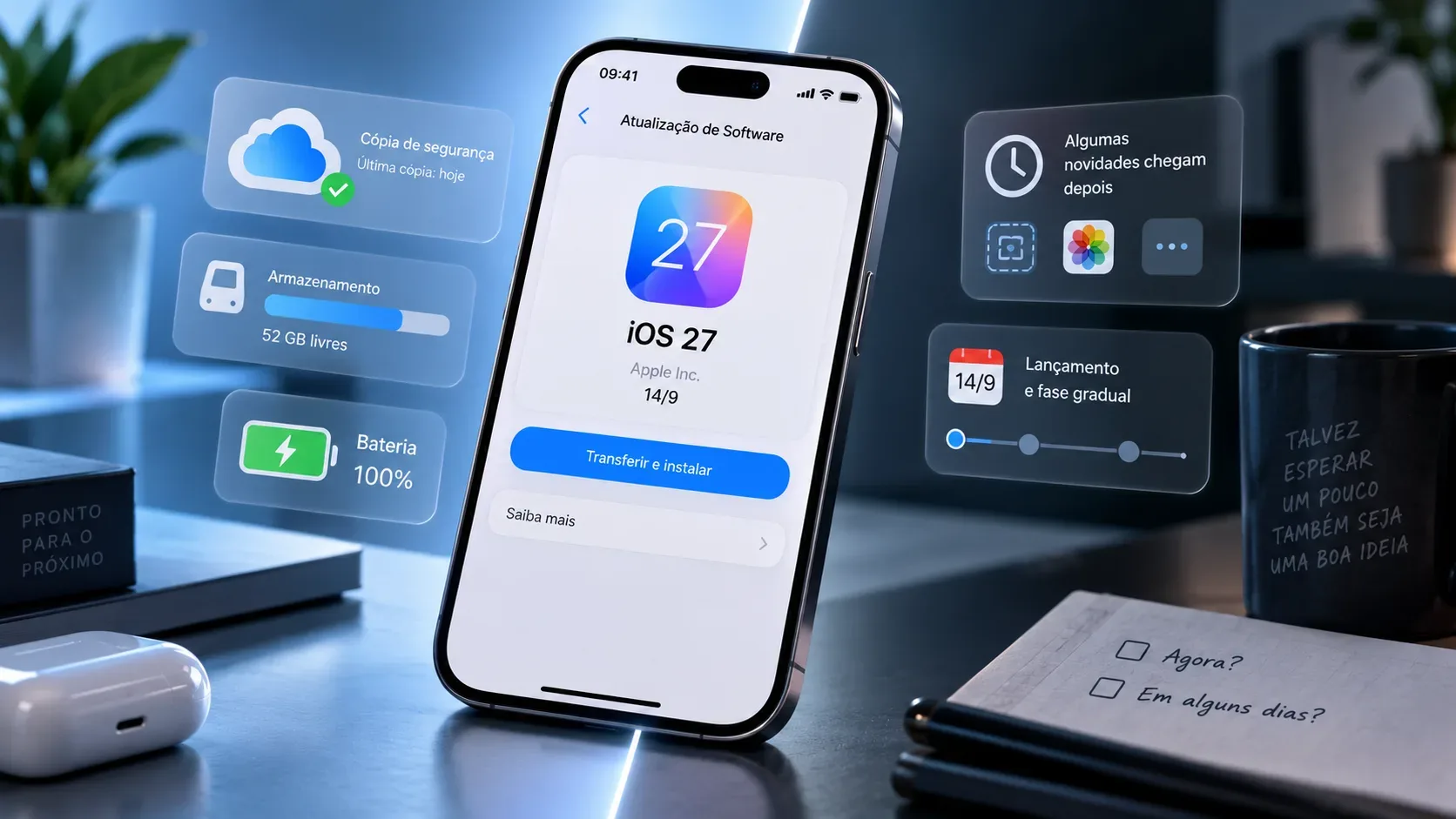
iOS 27 starts rolling out on September 14, 2026, but “installing on day one” and “getting everything Apple announced” are not the same thing. The safest decision depends less on chasing the new release and more on four points: device compatibility, a recent backup, available storage, and how much you rely on your iPhone for critical tasks.
For most people, two approaches are equally reasonable. If your iPhone is compatible, your backup is current, you have enough storage, and you can tolerate early adjustments in apps or the operating system, updating on September 14 makes sense. If the phone is essential for work, banking, authentication, travel, or accessibility, waiting a few days to watch for reports and app updates can also be prudent — especially because some features announced for iOS 27 will not arrive in full at launch.
What is confirmed for September 14 — and what comes later
Apple’s official iOS 27 page says the system will be available “starting 9/14.” The same page makes clear that the new Siri AI is not promised as a fully available day-one feature: Apple says it will launch in English later in 2026 and will also become available in Portuguese later this year.
That distinction matters because an operating-system update can be available while individual features depend on another release date, a supported language, a region, or specific hardware. Apple also labels some features as available only in English or “coming soon” in English. Installing iOS 27 on September 14 therefore does not guarantee that every item shown in Apple’s presentation will appear immediately on your phone.
| Item | What Apple says | How to interpret it |
|---|---|---|
| iOS 27 | Available starting September 14 | The system update begins on that date, with no promise of an exact time for everyone. |
| Siri AI | English launch later in 2026; Portuguese later in 2026 | Do not treat Siri AI as a guaranteed day-one feature. |
| Features with language labels | Some are listed as “available in English” or “coming soon in English” | Availability can vary by language and region. |
| Apple Intelligence and Siri AI | Require compatible hardware in addition to iOS 27 | System compatibility does not mean access to every AI feature. |
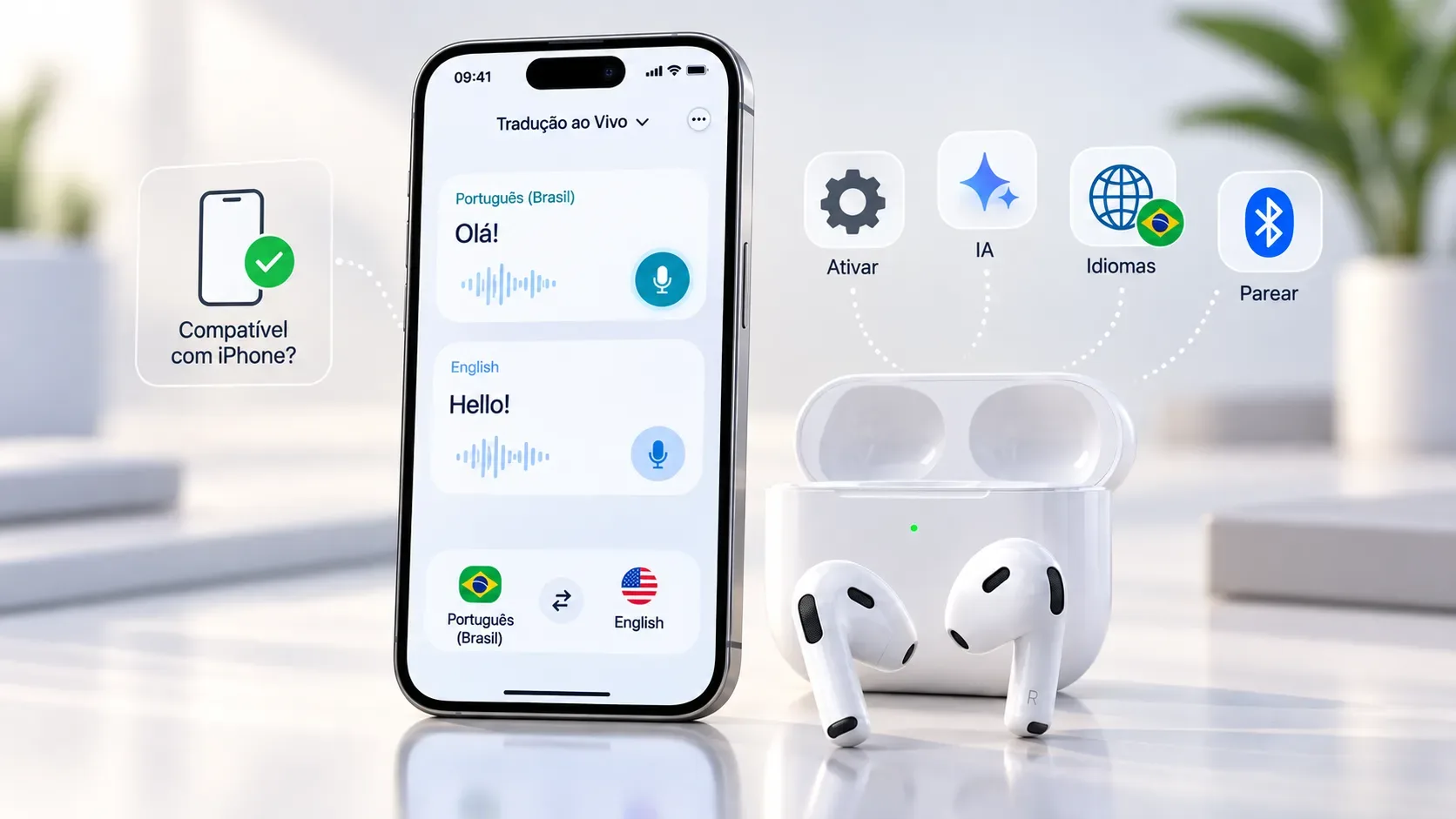
In its June documentation, Apple said Apple Intelligence and Siri AI features in iOS 27 require compatible devices, including iPhone 16 or later and iPhone 15 Pro/15 Pro Max. The list of devices that can run iOS 27 is broader. This distinction is important: an iPhone can receive the new operating system and still miss some AI capabilities. Check Apple’s official iOS 27 compatibility list and the availability notes for the specific feature you care about.
When a day-one update makes sense
Updating on September 14 is a reasonable choice if you have prepared the phone and do not depend on a single critical app with no alternative. The conditions are more favorable when:
- your model appears on Apple’s official iOS 27 compatibility list;
- you have a recent, verifiable iCloud or computer backup;
- the iPhone has enough free storage to download and install the update;
- you can leave the phone connected to power and a stable Wi‑Fi network during the process;
- your most important apps are up to date and you can tolerate some interface or behavior changes;
- you want the system improvements that actually ship at launch rather than relying on a feature scheduled for later.
Apple itself recommends that you back up before updating, connect the device to power, and use Wi‑Fi. The iPhone guide also says an update is designed to keep your data and settings unchanged, but a backup remains the safety net if something goes wrong or the phone needs to be restored.
When waiting a few days is reasonable
Waiting does not mean being “against updates.” It is a way to reduce operational risk when the iPhone is an essential tool. Some users benefit more from observing the first few days:
- people who use the phone as their only route to two-factor authentication, banking, work, boarding passes, or essential services;
- people who depend on enterprise apps, VPNs, MDM, accessories, medical apps, or other software with specific compatibility requirements;
- people who are short on storage and still need to organize photos, videos, downloads, and apps;
- people without a recent backup;
- people whose only reason to update is a feature Apple has already marked as arriving later or in another language.
Before deciding, check the App Store for updates to critical apps and, once iOS 27 is published, read Apple’s official release notes. If those notes include a security fix that is particularly relevant to you, the urgency may increase. Without that kind of information, there is no universal rule that “everyone should install immediately” or “everyone should wait.”
Checklist before you tap “Download and Install”
1. Confirm your model is compatible
Use Apple’s official list. Do not rely only on the fact that your phone still receives iOS 26 updates; what matters is whether it appears among the models supported by iOS 27.
2. Make a recent backup
Under Settings > [your name] > iCloud > iCloud Backup, you can check and start a manual backup. Apple also supports backups through a Mac or Windows computer. The official iPhone backup guide explains the options.
If you use a local backup and need to preserve sensitive data that depends on an encrypted backup, make sure encryption is enabled and that you know where the backup password is stored. A backup you cannot locate or restore does not provide the same protection as a verified one.
3. Check storage — without inventing a magic number
Apple requires enough available storage to download and install the update, but it does not provide one universal number of gigabytes that applies to every device and situation. Package size and temporary storage needs can vary.
Go to Settings > General > iPhone Storage. If space is tight, Apple says the system may offer to temporarily remove apps that can be downloaded again and reinstall them afterward. You can also free space manually. See Apple’s official guidance for update problems caused by insufficient storage.
4. Update the apps you actually need
Open the App Store and check for pending updates to banking, authentication, work, transportation, health, accessory, and other apps you cannot afford to lose access to. This does not eliminate every compatibility risk, but it reduces the chance of starting the new OS with outdated software.
5. Choose a time when an interruption is acceptable
Do not start a major update minutes before leaving for the airport, joining an important meeting, or relying on the phone for an urgent transaction. Even when everything goes well, downloading, preparing, restarting, and post-update indexing can take time and battery.
Free storage: how much is “enough”?
The accurate answer is: enough for the iPhone itself to complete the update. Avoid rigid advice such as “always keep X GB free” when Apple does not set a universal figure for iOS 27. The practical signal is the Software Update screen and the system’s warnings. If the phone says there is not enough storage, follow the recommendations in iPhone Storage before trying again.
It is also important to distinguish iPhone storage from iCloud storage. Extra iCloud space can help with backups, but it does not replace the local storage required to install the update.
What to check in the first hours after updating
After a major update, give the device some time to finish background work and focus on what actually changed in your daily use. Check:
- whether essential apps open and authenticate normally;
- whether notifications, Bluetooth, CarPlay, and accessories you use still behave as expected;
- whether privacy, location, and notification settings remain appropriate for your needs;
- whether features advertised for your language and model are actually available before assuming something is “missing.”
Do not confuse a delayed feature with a failed installation. With iOS 27, Apple has already communicated a phased schedule for some new capabilities, especially those connected to Siri AI and language support.
So: update on September 14 or wait?
Update on day one if you already have a backup, enough space, a compatible model, and room to deal with possible adjustments — and you want what iOS 27 actually delivers at launch.
Wait a few days if the iPhone is mission-critical, you depend on specific apps, you do not have a current backup, storage is tight, or your main reason for updating is a feature Apple has scheduled for later.
The key point is not to treat September 14 as a race. The date marks the start of iOS 27 availability, not an obligation to install immediately and not the simultaneous release of every feature Apple has announced.