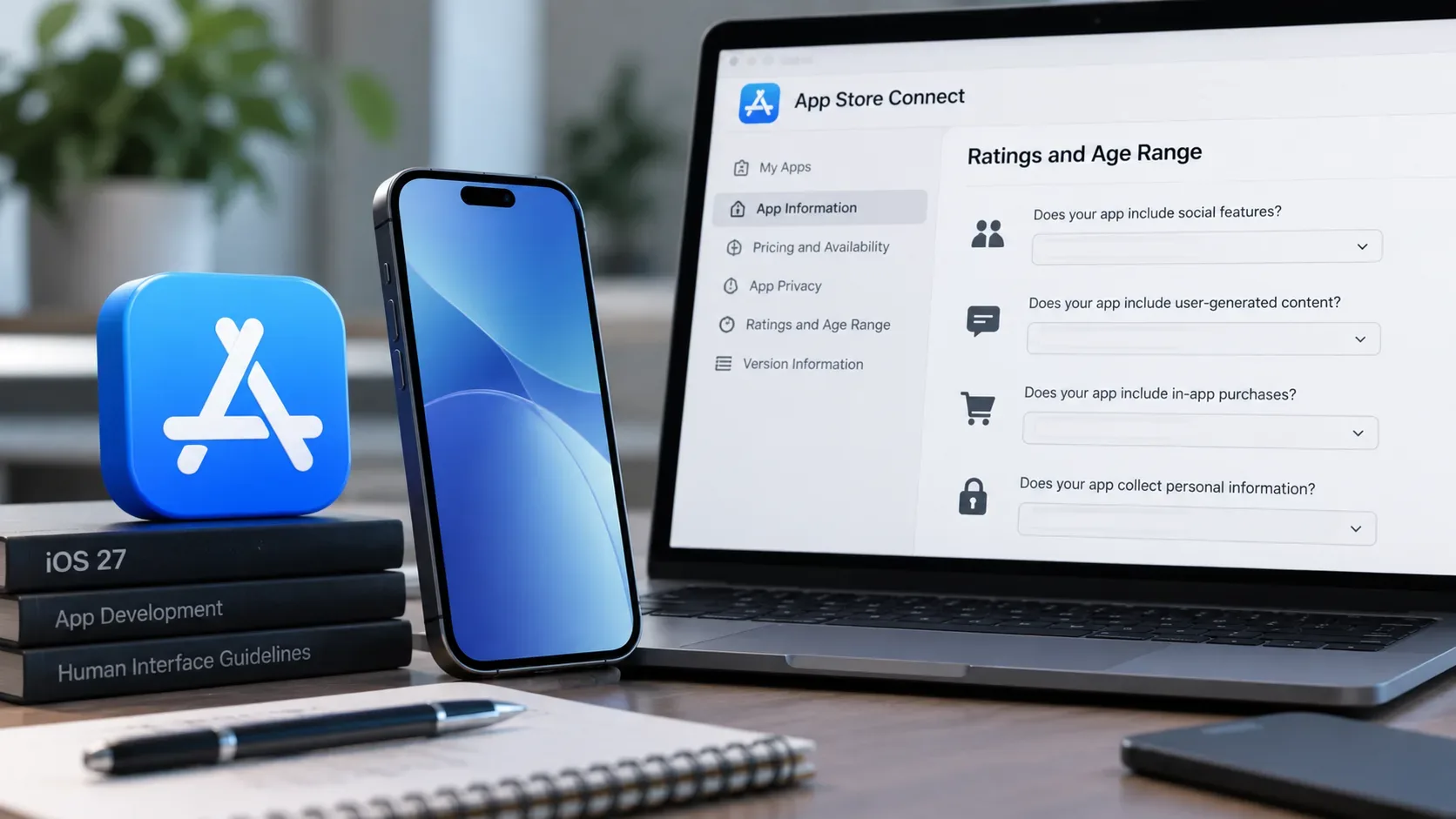
Anyone planning to submit a new app or an update through App Store Connect in September 2026 should review the app’s age rating before submission. The latest change is a set of questions about social media capabilities, added to support the new Time Allowances in iOS 27, iPadOS 27, and macOS 27 or later. Apple says that beginning in September 2026, these responses are required when submitting new versions or updates and when submitting apps for notarization for alternative distribution.
This is more than a label change on the product page. The answer to the questionnaire can place an app in the Social Media Time Allowance category, add a new descriptor to the product page, and in some cases establish a minimum 13+ age rating. The review should therefore be treated as a functional audit: what the app actually lets people do, who can access each feature, and how those capabilities are declared in App Store Connect.
What changed in the age rating questionnaire in 2026
The age rating system had already been expanded in 2025, adding the global 13+, 16+, and 18+ ratings to the existing 4+ and 9+ ratings. In that update, Apple also introduced required questions covering in-app controls, capabilities, medical or wellness topics, and violence. Updated responses became necessary to avoid interruptions when submitting app updates in 2026.
In July 2026, Apple added another layer: questions specifically about social media capabilities. According to Apple’s July 9 announcement, the purpose is to determine how an app appears in Time Allowances, an iOS 27, iPadOS 27, and macOS 27 or later feature that lets parents manage children’s time in categories such as Entertainment, Games, and Social Media.
Age Rating remains a required app-level field and applies across platforms associated with the same app record. The questionnaire is available under Apps > [your app] > App Information > Age Ratings. Apple calculates the rating from the answers and may apply different regional results where local rating rules require them.
The main question: does your app have social media capabilities?
For Apple, “social media” does not simply mean having users, comments, or any form of communication. The questionnaire uses a more specific definition: the ability to redistribute, amplify, or interact with user-generated content through a social feed or similar discovery method that visibly spreads that content to many users.
Examples close to this definition include feeds where people view, like, comment on, share, or otherwise amplify other users’ content. This classification is based on product capabilities, not the App Store category selected for discovery. An app listed under Photo & Video, Education, or another category can still be included in the Social Media Time Allowance category if it offers this type of experience.
| Capability | How Apple describes it | Audit question |
|---|---|---|
| User-generated content (UGC) | Broad distribution of videos, photos, text, or audio created by users as part of the intended app experience. | Confirm whether user content is broadly distributed even if there is no social feed. |
| Social media | Redistribution, amplification, or interaction with UGC through a social feed or similar discovery method. | Look for views, likes, comments, shares, and other amplification mechanics. |
| Messaging and chat | Direct communication between users through text, voice, video, individual or group messaging, and public posting. | Do not mark social media automatically just because chat exists; evaluate discovery and amplification. |
| Advertising | Paid promotion of products or services inside the app. | Review banners, video, native ads, and other paid formats. |
| Age assurance | Mechanisms that confirm whether a user’s age meets the requirement for specific content or services. | Consider the Declared Age Range API, age estimation, or document verification where applicable. |
The official definitions and examples are in Age ratings values and definitions. The distinction matters because UGC, chat, and social media are related capabilities, but they are not equivalent.
What happens if you declare social media capabilities
If an app or game has social media capabilities, Apple says it will be placed in the Social Media Time Allowance category and receive a minimum global age rating of 13+. A Social Media descriptor will also appear in the age ratings section of the App Store product page.
This result is independent of the primary or secondary App Store category. Entertainment and Games Time Allowances work differently: apps with Entertainment or Games selected as a primary or secondary category are grouped into the corresponding Time Allowance categories.
In practical terms, a team using categories such as Photo & Video, Utilities, or Education should not assume the app is outside the scope. The Social Media criterion is functional.
What if social media is disabled for users under 13?
The questionnaire also covers apps that include social media capabilities but disable them for users under 13. In this configuration, Apple says the app will not be included in the Social Media Time Allowance category for users under 13.
There is an important technical condition: the developer must use, at a minimum, the Declared Age Range API to check a user’s age range before enabling the social features. Apple also states that only age-appropriate UGC should be delivered to those users. For users 13 and older, the app remains in the Social Media category.
If this option is selected, the final age rating still depends on the rest of the questionnaire and may be lower than 13+ for the younger audience, provided that the social capabilities are actually disabled as declared. This is a case where App Store Connect metadata must match the product’s real behavior.
Checklist before submitting an iOS 27 release
- Open age ratings at the app level. Go to App Information and review the full questionnaire, not only the new social media question.
- Inventory the current capabilities. Record whether the app includes UGC, a feed, content discovery, likes, comments, sharing, messaging, chat, advertising, unrestricted web access, and age-assurance mechanisms.
- Separate UGC from social media. User-created content does not automatically mean a social experience with amplification and discovery; use Apple’s definitions.
- Review social experiences for users under 13. If the capability is blocked for that audience, confirm that the product uses at least the Declared Age Range API before enabling it.
- Confirm primary and secondary categories. Entertainment and Games categories influence their Time Allowances; Social Media is determined by capability regardless of App Store category.
- Reassess sensitive-content frequency. The questionnaire also covers mature themes, health and wellness, sexuality or nudity, violence, and chance-based activities. Apple also reminds developers to consider features such as AI assistants and chatbots when they can expose users to sensitive content.
- Check the calculated rating and regional variations. The global rating may not be identical in every market. If product policy requires a higher minimum age than Apple calculates, App Store Connect allows an override to a higher rating.
- Finish the review before submission. Apple warns that incomplete age-rating responses can interrupt submission. In September 2026, the social media capability declaration should be part of the release checklist.
How to answer without “checking everything just to be safe”
The questionnaire is not a form where selecting every capability is the safest approach. The answers affect the rating, descriptors, and parental controls. A better process is to map each product feature to the official definition and keep a short rationale for each answer.
For example, an app may allow private messages between two users without offering a feed that amplifies UGC. Another app may have no direct messages but may offer a public feed with likes and sharing; in that case, social media capabilities may be present. The audit should focus on the actual experience, not on the feature name in the product backlog.
Where to review this in App Store Connect
Apple instructs developers to open the app in App Store Connect, go to App Information, and use the Age Ratings section. The flow presents in-app controls, capabilities, and content descriptors in steps. After the questions are answered, the system calculates the applicable rating.
Operational details are available in Set an app age rating. Teams that automate metadata can also use the App Store Connect API to read and update age-rating declarations, but correct answers still depend on an accurate inventory of product capabilities.
What to review now, in one sentence
Before the next submission, confirm whether the app offers UGC, chat, or social media under Apple’s definitions; if social media is present, determine whether it is available to users under 13 and validate age-range handling when required; finally, review the calculated rating and the categories that feed iOS 27 Time Allowances.
Primary sources: Age rating questionnaire now includes social media questions, Introducing Time Allowances, Updated age ratings in App Store Connect, and Apple’s age rating values and definitions reference.