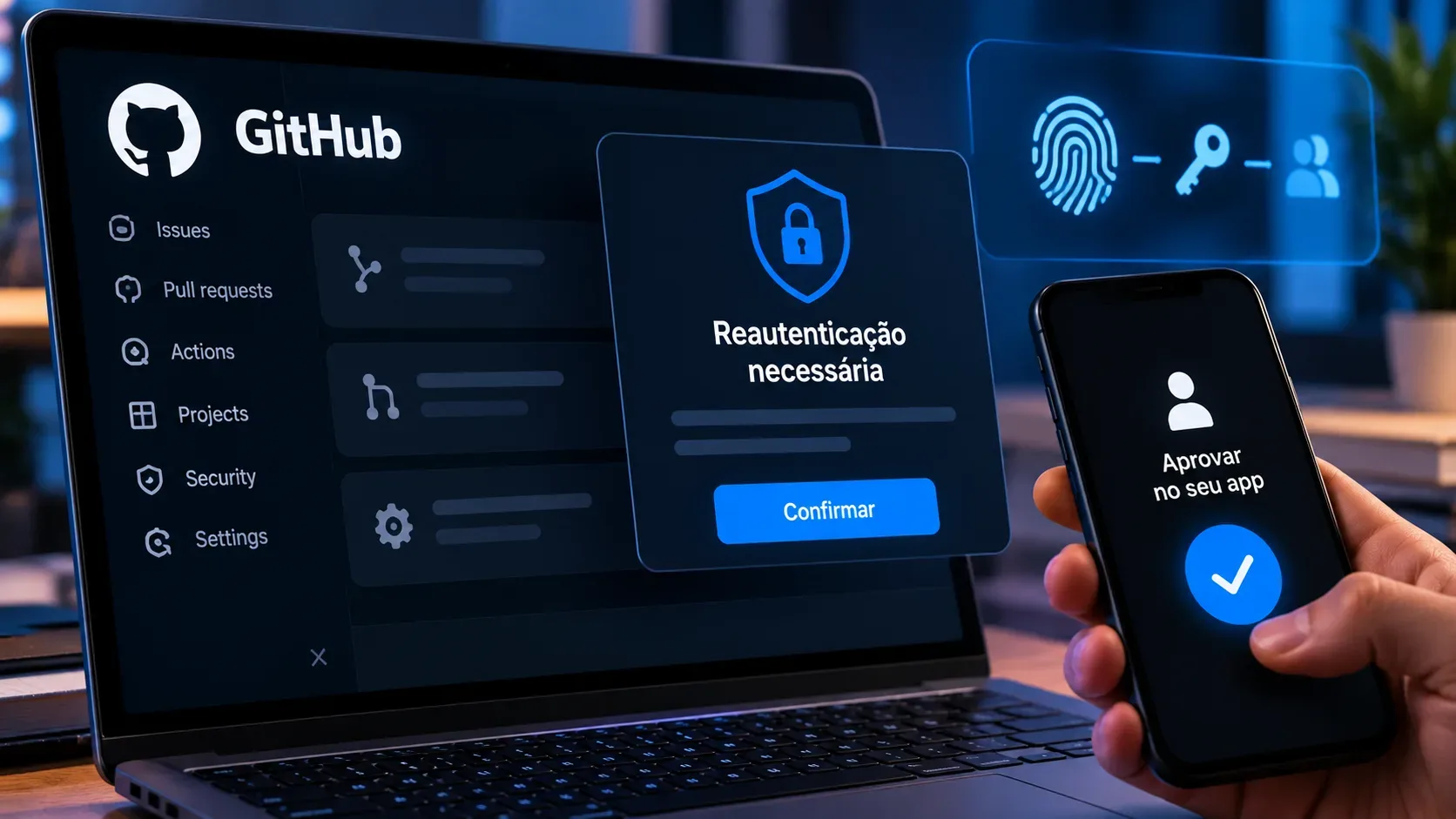
GitHub launched Proof of Presence on September 24, 2026 to raise the security bar for high-impact actions in GitHub Enterprise Cloud. In the preview announcement, availability was limited to enterprises with Enterprise Managed Users (EMU) on github.com and GHEC-DR using Microsoft Entra ID as their identity provider through SAML or OIDC. An already authenticated session is no longer enough for certain sensitive operations.
When a member attempts a protected action, GitHub redirects the person to the identity provider. Entra ID applies the organization's policy and returns confirmation that the challenge was satisfied. The setup can require reauthentication only or MFA as well. The feature is in public preview and may change.
Who can enable Proof of Presence
Within the scope announced at launch, the enterprise needs GitHub Enterprise Cloud with Enterprise Managed Users, Microsoft Entra ID as the IdP, and SSO through SAML or OIDC. It should also define an Entra ID authentication policy that matches the required assurance level.
GitHub's configuration documentation marks the feature as public preview and lists Microsoft Entra ID as supported. Because preview scope can expand quickly, administrators should check the current documentation before enabling the policy.
Which actions can trigger reauthentication
Proof of Presence extends enterprise sudo mode. Actions protected by sudo mode can also trigger a Proof of Presence challenge.
| Area | Examples of protected actions |
|---|---|
| Tokens and credentials | Creating personal access tokens, adding SSH keys, generating or removing client secrets, and revoking tokens. |
| Webhooks | Creating, viewing, editing, or deleting repository, organization, or enterprise webhooks, plus viewing or redelivering deliveries. |
| Account and apps | Changing an associated email address, deleting an account, or authorizing third-party applications. |
| Security and recovery | Changing organization security settings and viewing recovery codes, depending on the protected flows available. |
The launch announcement says support before pull request merges is coming later, so that case should not be treated as available in the initial preview.
Reauthentication or MFA
With Re-authentication, the member authenticates with the IdP again and, depending on enterprise policy, a password may be enough. With MFA, the member must also satisfy an additional factor configured in Entra ID, such as an authenticator app or biometric verification.
GitHub delegates the check to the IdP, allowing the GitHub requirement to work with identity controls already managed by the enterprise, including policies based on authentication method or device compliance.
How long does validation last?
After a successful challenge, the user enters the same protected-session window used by sudo mode. At launch, that window allows protected actions in the same browser for two hours without another Proof of Presence check. After it expires, a new high-impact action triggers another challenge.
This reduces interruptions during a short sequence of administrative tasks, but it also means MFA is not requested on every click. Teams requiring stricter assurance should account for this session model.
How to enable it and what to validate first
- Open the enterprise on GitHub and go to Settings.
- Open Authentication security.
- Under Proof of presence, choose reauthentication or MFA.
- Test the flow with Entra ID policies and confirm members can complete the challenge and return to GitHub.
Before a broad rollout, test administrator accounts, MFA methods, Conditional Access rules, and recovery procedures. An IdP policy that is too restrictive can block a sensitive operation, while one that is too permissive can reduce the intended security benefit.
What changes for security teams
The main change is separating a valid session from fresh authorization for a critical action. GitHub introduced the feature as a defense for scenarios in which session cookies or long-lived authentication tokens are compromised. Proof of Presence does not replace credential protection, token reviews, least privilege, or audit monitoring, but it adds an interactive barrier at the moment a sensitive operation is attempted.
See GitHub's announcement, the Proof of Presence documentation, and the sudo mode reference.