Paying the vehicle licensing fee and still seeing the CRLV-e from the previous year does not, by itself, mean the payment failed. Between the bank receipt and the document being available on your phone, there are different stages: the amount must be recognized by the responsible system, the vehicle's debts and restrictions must be cleared, the Detran of the federative unit may have its own issuance step, and only then does the document need to appear in the channels where you check it.
For that reason, the first step is not to pay again. It is to find out at which of these stages the process stopped. The most important point is to identify the federative unit (UF) where the vehicle is registered and follow the official procedure of that Detran. Official pages reviewed in 2026 show that the flow is not identical across Brazil, which makes it risky to treat any number of hours or days as a national rule.
Start by separating payment from CRLV-e issuance
A receipt from a bank or payment platform proves that a transaction was made or authorized. By itself, it does not prove that the Detran has already recorded the payment, that all vehicle debts have been cleared, or that the new CRLV-e has actually been issued.
Senatran makes the CRLV-e available through the federal traffic app and the Services Portal. On the official service page, the agency explains how to obtain the digital document, but it does not set a nationwide deadline for completion of the entire licensing process. That makes sense because regularizing the vehicle also depends on the state Detran and on pending items linked to the registration.
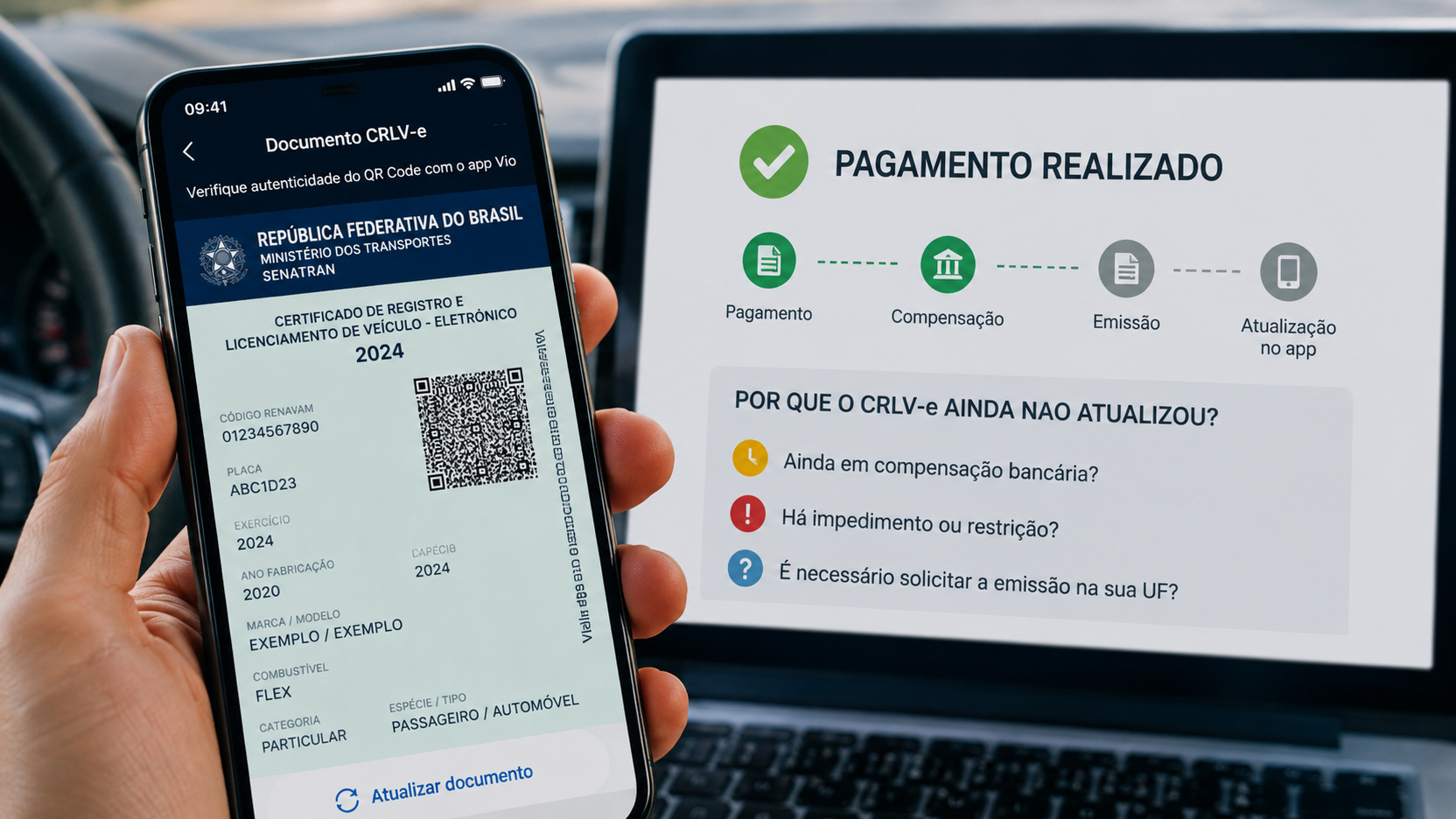
In practice, treat the problem as four different questions. Has the payment been recognized? Is the vehicle free of debts or restrictions that prevent licensing? Does your UF require any action to issue the document? After issuance, does the new licensing year already appear on the portal, or is only the app still showing old information?
First diagnosis: has the payment already been posted in the official system?
Open the official channel of the Detran for the vehicle's UF and check the licensing status or the debts linked to the Renavam. If the fee you paid still appears as pending, the problem is occurring before CRLV-e issuance. In that situation, a new payment may only create a duplicate charge without solving the cause.
If the payment was made through a bank, Pix or an intermediary, keep the receipt with the date, amount, transaction identification and Renavam when it is shown. If a third-party service was used, the status displayed by that service does not replace confirmation from the Detran. What matters for issuance is the posting that reached the system responsible for the vehicle.
Also, do not confuse payment of the annual fee with full settlement of everything required for licensing. In São Paulo, for example, the official service advises checking fines, IPVA, the licensing fee and administrative or judicial restrictions before proceeding. In Rio de Janeiro, the Detran states in 2026 that GRT, IPVA, overdue fines and debts from previous years may prevent issuance. The exact set of requirements must be checked with the agency in your UF.
Second diagnosis: is there a debt, block or requirement?
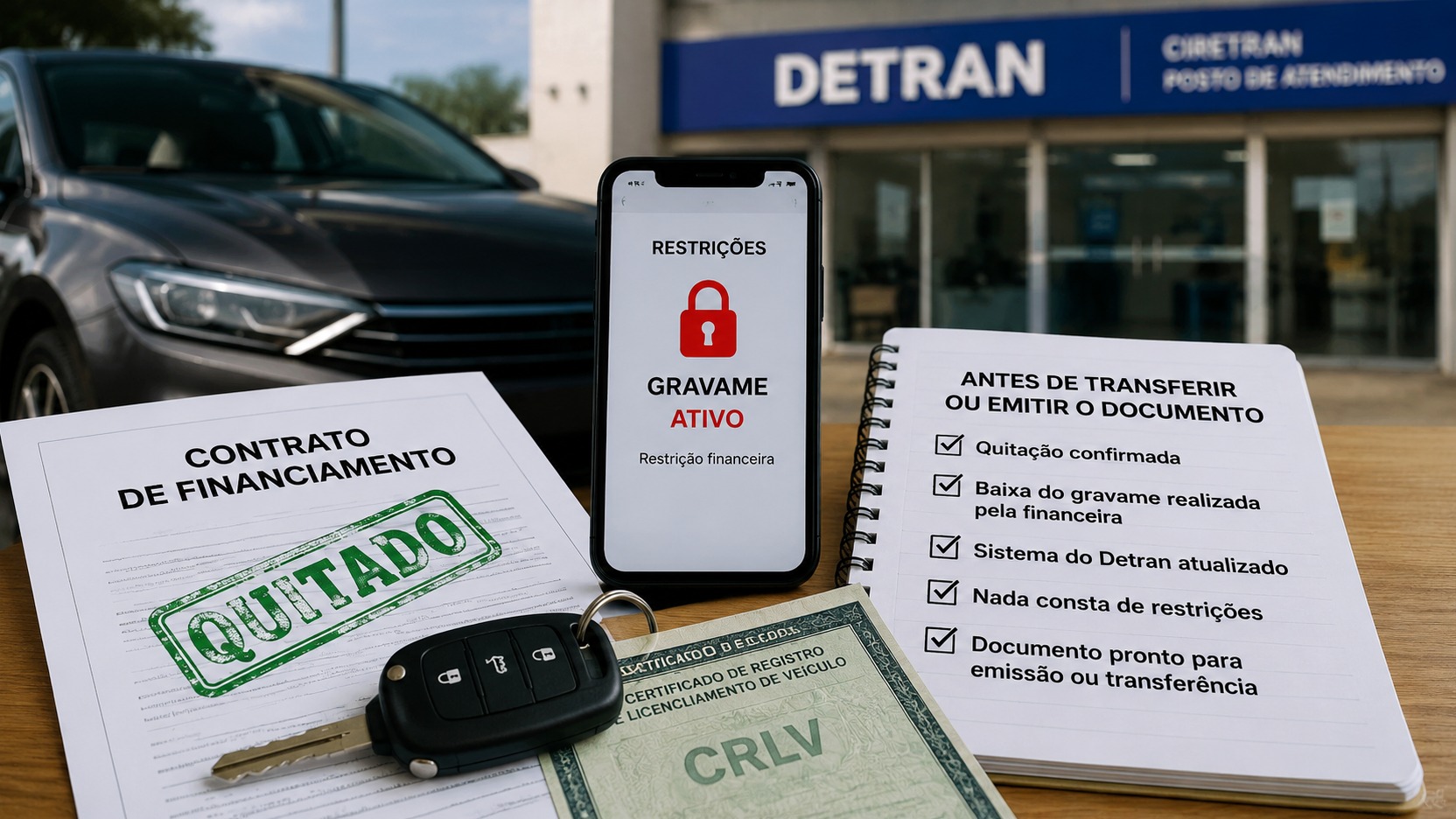
If the payment is already shown as posted, look for the debts, restrictions or vehicle-status section. Senatran maintains a restrictions and indicators query that may show administrative, judicial, financial and circulation-related records. This check is useful for finding out that the problem is not necessarily the fee you just paid.
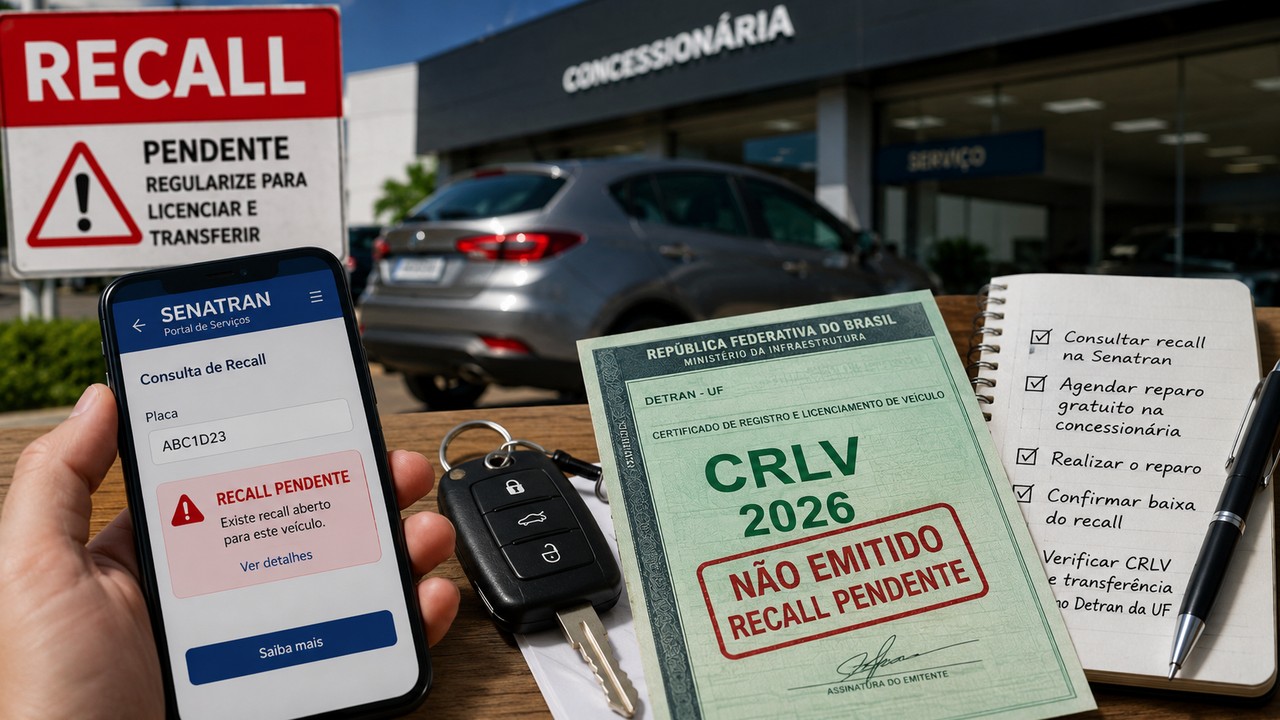
Some blocks are specific to the case and the state. Detran-RJ, for example, lists situations such as an administrative or judicial restriction, an open service request, a requirement resulting from inspection, a pending issue related to a recall, sale communication or intention to sell, and an update to vehicle characteristics. For vehicles with GNV in Rio, the Vehicle Safety Certificate for the year may also be required. These examples should not be turned into an automatic nationwide list: they show why you need to examine the specific warning displayed in the vehicle's own registration.
When the system reports a requirement, resolve the indicated cause before trying to issue the document again. If the message is generic, write down the exact text and the error code, if any. That information is usually much more useful when contacting support than simply saying that the app did not update.
Third diagnosis: does your UF require an issuance step after the payment is posted?
This is one of the points that causes the most confusion. The CRLV-e is a national document, but the path to obtain it may vary depending on the Detran.
In the Federal District, Detran-DF's service charter states that, after paying the debts and provided there is no blocking restriction, the citizen must issue the CRLV-e through the Detran-DF Services Portal or the agency's app. The guidance itself emphasizes that only after this issuance does the document appear in the federal app. Therefore, simply waiting for the national app to change on its own may not complete the procedure in the Federal District.
In São Paulo, the 2026 guidance presents the flow differently: the state service says that, after the debts and fee are paid, the CRLV-e becomes available for download or printing through the Detran-SP portal, the federal app and the Senatran Services Portal. The same page does not establish a general completion deadline for this service.
In Rio de Janeiro, the Detran states that it sends the issuance to the national Renavam database as soon as payments are settled. If automatic licensing does not occur, the agency itself offers the Annual Licensing option in the Posto Digital, followed by Request. This function can also reveal the requirement preventing the document from being generated.
These differences explain why the correct question is not only how long the CRLV-e takes to update. Before that, you need to know which procedure your UF adopted for that licensing year and for that type of vehicle.
Fourth diagnosis: is only the app still showing the old document?
After confirming that the Detran considers the vehicle licensed, check the document through more than one official channel. Senatran allows you to view vehicles and download the CRLV-e through the Services Portal, in addition to access through the app. Several Detrans also offer the document on their own state portal.
If the CRLV-e for the new licensing year can already be downloaded from the Detran or the Senatran Portal, but the app still displays the previous one, the payment and issuance stages have probably already been completed. The issue then becomes availability or synchronization in that specific channel. In that case, use the official update or document-addition options available in the app, confirm that you are signed in to the correct gov.br account, and keep the app updated. If the discrepancy persists, support for that channel or the Detran can verify the link and availability of the document.
If the new licensing year does not appear in any official channel, do not treat the situation as a simple visual problem in the app. Go back to the previous steps and check the payment posting, debts, restrictions and the need to request issuance.
Why there is no single national deadline
The agencies themselves publish different timeframes and procedures. Detran-RJ stated in February 2026 that, after payment confirmation and in the absence of administrative or judicial pending issues, licensing had been released within up to 48 hours in that state. Detran-DF's service charter, in turn, instructs the user to wait for the debts to be posted as paid and then carry out issuance through the district channel. The São Paulo annual licensing page reviewed in August 2026 does not provide a general estimated completion time.
These examples are not contradictory. They show that the bank settlement period, Detran processing time and the need for an action by the owner are different things. A number published by one state should not automatically be applied to another.
It is also important to distinguish the annual licensing calendar deadline from the time the system takes to process a payment. The calendar defines by when a given group of vehicles must be licensed. It does not turn the technical time for payment posting and issuance into a national rule.
When not to pay again
Avoid paying the fee again just because the CRLV-e has not yet changed on your phone. Before any new payment, confirm with the Detran whether the charge really remains open. If the debt already appears as paid, a second payment does not fix a restriction, an open service request, the absence of an issuance request or a synchronization failure.
If there is a discrepancy between the receipt and the Detran system, use the official support channel to trace the transaction. Have the receipt, payment date, Renavam, license plate and, when possible, a screenshot showing the pending item at hand. Do not publish these full details on social networks or forums.
When to contact the Detran
It makes sense to contact the Detran when the payment has already been posted, there is no payable debt or apparent restriction, the issuance step required by your UF has already been completed and, even so, the CRLV-e for the correct licensing year is not available through official channels.
When opening a support request, describe the sequence instead of only saying that the document did not update. State that the fee is shown as paid, say where the posting was confirmed, record whether there are any warnings in the registration, explain which issuance attempt was made and in which channels the document is still missing. This helps distinguish a payment error, a registration block, an issuance failure and a synchronization problem.
A simple way to find out where the CRLV-e got stuck
Start with the UF where the vehicle is registered and the official Detran portal. Confirm whether the payment has already been posted in the registration. Then check all debts and restrictions displayed for the vehicle. Next, read your state's issuance procedure to learn whether the document should appear automatically or whether there is a request or issuance step. Only then compare what appears in the Detran, the Senatran Portal and the federal app.
If the payment has not yet been posted, follow the settlement through the responsible channels. If there is a requirement, resolve it. If the UF requires manual issuance, complete that step. If the document already exists on the portal but not in the app, treat the discrepancy as a problem with the access channel. And if everything appears regular but no channel offers the new CRLV-e, open a support request with the Detran using the receipts and history of your attempts.
This order avoids the most common mistake: turning any delay into a reason to pay again. The correct diagnosis comes before a new payment and starts in the official system of the UF where the vehicle is registered.