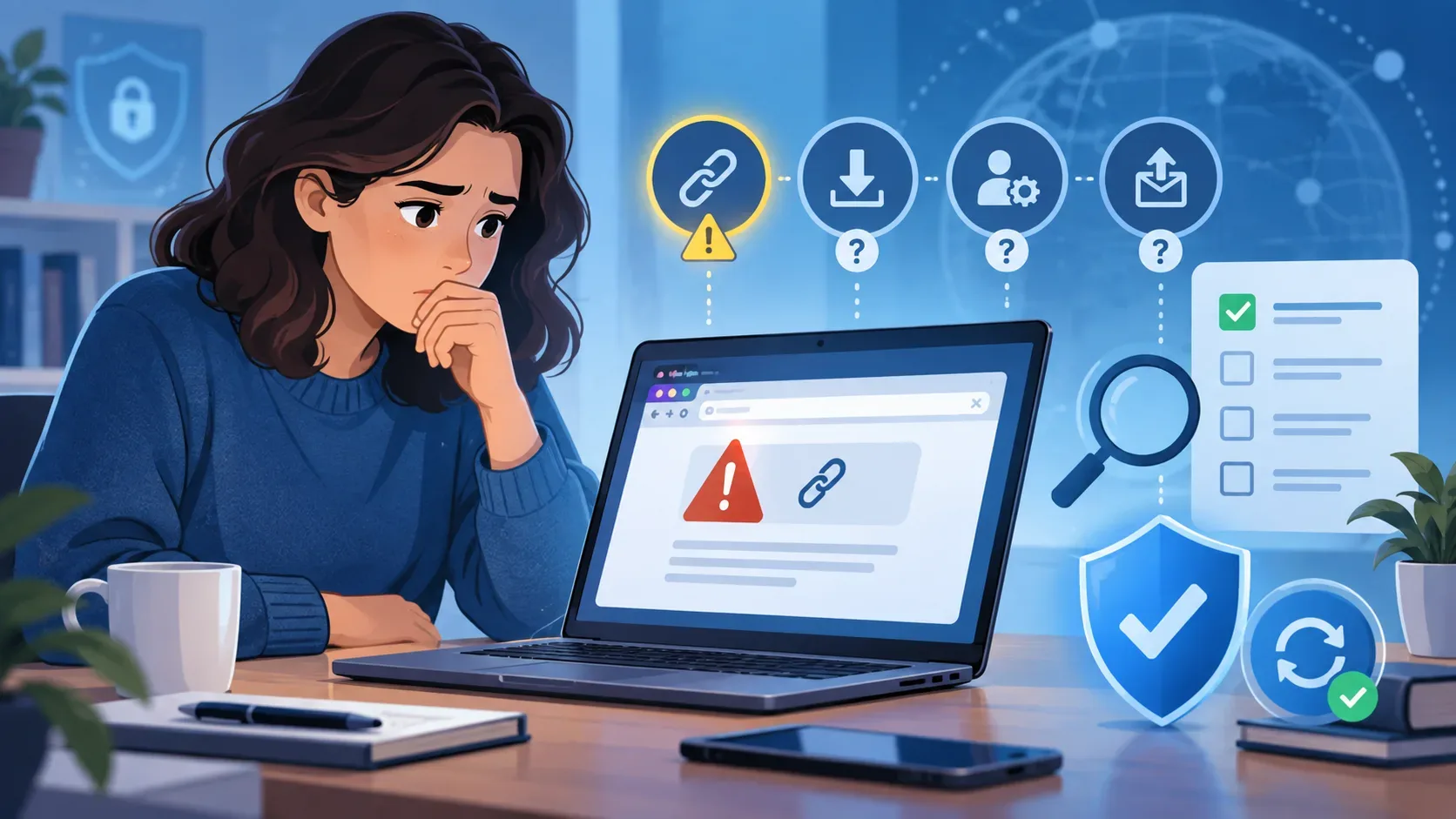
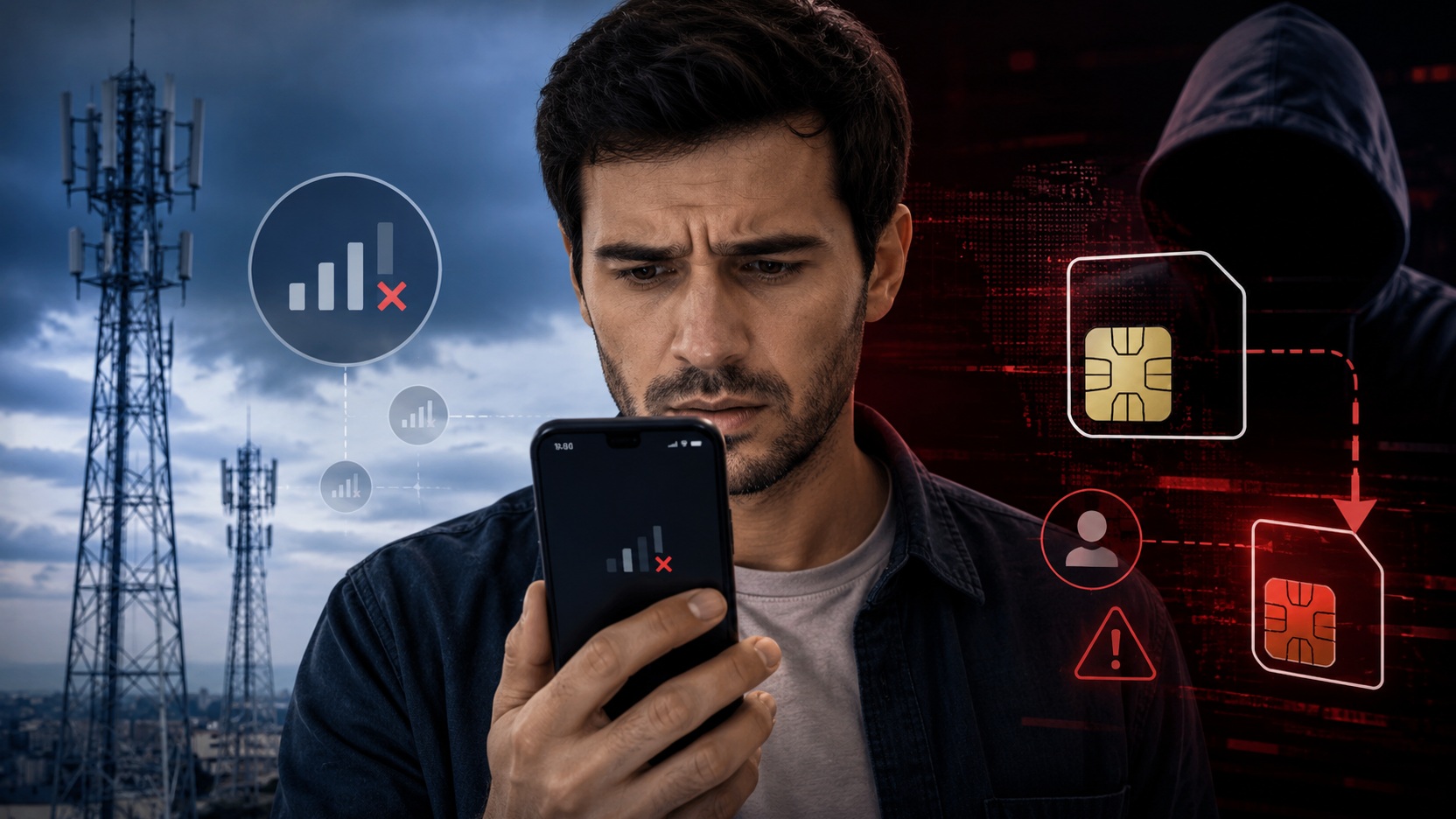
If your phone was working normally and suddenly lost signal, the first explanation is usually poor coverage, a carrier outage or a problem with the device itself. Most of the time, that is exactly what happened. But there is one situation in which a sudden loss of calls, SMS and mobile data deserves a different level of urgency: line hijacking, also known as SIM swap.
The most important distinction is that a SIM swap does not require the criminal to have your phone. The device can remain in your hand, connected to Wi-Fi and apparently intact, while the line may have been activated on another SIM card or profile controlled by a third party. Anatel describes this scam as a situation in which the line starts working on a new SIM and the criminal may receive calls, messages and authentication codes intended for the victim.
For that reason, the goal is not to stare at the screen and guess the cause. The useful question is: are there signs of a normal network outage, or is there enough evidence to treat the loss of service as a possible unauthorized transfer of the line? The final confirmation has to come from the carrier.
Losing signal by itself does not prove SIM swap
A phone can show “no service,” “emergency calls only” or no signal bars for many reasons. Poor coverage, a dead zone, network maintenance, a temporary failure, mobile-network settings being disabled, airplane mode, a physical SIM card that is loose or damaged, and a fault in the device itself are all real possibilities. Vivo, for example, advises in its support materials that users check airplane mode and the mobile network, restart the smartphone and, when possible, test another SIM when the device has no signal.
This means that a brief, isolated loss of service should not automatically be treated as fraud. At the same time, it is not wise to spend too long repeatedly restarting the device if the service disappeared suddenly, remains unavailable and there is no obvious cause. Anatel treats the interruption of calls, SMS and internet access outside Wi-Fi as an initial warning sign of line hijacking and recommends contacting the service provider immediately when this happens.
The test that helps separate a network outage from a problem with your line
The best initial check combines two comparisons: what is happening on your device and what is happening to other lines from the same carrier around you.
First, turn off Wi-Fi briefly and look at the cellular service. Wi-Fi can hide the problem because apps may remain online even when the mobile line has stopped working. Check whether mobile service is available, whether a regular phone call can be placed, and whether the device can send or receive SMS. If calls, SMS and mobile data all disappeared at the same time, the situation deserves more attention than a mobile-data-only problem.
Then compare your phone with another device using the same carrier in the same location, if one is available. If several lines from the same provider lost signal at the same time, a network outage becomes more likely. If only your line suddenly stopped working while others remain normal, the problem looks more specific to your account and you should speed up the check with the carrier.
That comparison is a clue, not a diagnosis. A SIM-card fault, an administrative block, a device problem or an account change can also affect only one customer. So even a situation that “looks like SIM swap” still needs to be confirmed in the carrier's systems.
Run only the quick checks before calling the carrier
A few checks can rule out simple causes without delaying your response. Confirm that airplane mode is off and that the mobile network remains enabled. Restart the device once. On phones with a physical SIM, check that the card is correctly inserted if doing so is simple and safe. If you have just changed locations, see whether the signal returns in another area.
The key is not to turn this stage into a long series of experiments. If the phone suddenly lost calls, SMS and mobile data, if the problem persists after these basic checks, or if other lines from the same carrier work normally nearby, the next step should be to contact the provider through an official channel using Wi-Fi or another phone.
Do not perform a factory reset as an initial attempt. Resetting the device does not reverse a possible transfer of the line in the carrier's systems and may remove sessions, apps and settings that can help you protect your accounts while you handle the incident.
What to ask the carrier
When you contact the carrier, do not stop at saying “I have no signal.” Explain that the loss was sudden and that you want to confirm whether any recent change was made to the line.
Ask them to check whether there was a SIM replacement or reissue, activation of a new eSIM, change of account holder, number porting, migration or any other procedure capable of moving the number to another profile. Ask for the time of the event and make it clear that you did not authorize any change, if that is the case. Request the blocking of any irregular operation, restoration of the line and keep the service protocol or ticket number.
The reasoning is the same for a line using eSIM. The absence of a removable physical card does not eliminate the need to confirm whether a new profile was issued or activated without authorization. The central question is where the carrier considers your line to be active at that moment.
Signs that increase the suspicion of SIM swap
The loss of signal becomes more concerning when it appears together with other clues. One is the simultaneous interruption of calls, SMS and mobile data without any change in location or settings. Another is that other nearby customers using the same carrier continue to have normal service. A legitimate notice about a SIM change, eSIM activation, porting request or account-data change that you did not request also strengthens the hypothesis.
Suspicion rises further if, during the same period, you receive alerts about login attempts, password resets, financial activity, device changes or access to important accounts. These signs do not necessarily mean that the attack started with the phone number, but they make it inappropriate to treat the loss of service as a simple technical inconvenience.
What to do if the carrier confirms an unauthorized change
If the provider confirms that the line was moved without your authorization, treat the situation as a security incident. The immediate priority is to regain control of the number and prevent further changes. Follow the carrier's procedure to reactivate the line on your SIM or eSIM and ask them to block the fraudulent activation.
While the line is compromised, do not use SMS as a trusted channel to recover passwords or authorize access. In a SIM swap, those messages may reach the device controlled by the attacker. Prefer a trusted computer or device connected to a secure network when reviewing
your most sensitive accounts.
Change the password of your primary email account first, because it is often the recovery gateway for other services. Then review banking apps, digital wallets, social networks, messaging services and accounts that use the phone number as an authentication or recovery factor. End unknown sessions and remove devices you do not recognize when the service provides that option.
If there is suspicious financial activity, contact the financial institution immediately through its official channels. Do not wait until the entire line-recovery process is complete before notifying the bank. Anatel notes that line hijacking is frequently used for financial fraud and access to personal information.
Anatel also advises that, once line hijacking is confirmed, the victim should file a complaint with the provider, with Anatel itself, and make a police report with the Polícia Civil. The records can help both with consumer protection and with the production of official information for an investigation.
Why the issue returned to attention in August 2026
On August 20, 2026, the Secretaria de Segurança Pública do Piauí, through the Civil and Military Police, announced the second phase of Operação Chip Falso II. The investigations made public pointed to an electronic-fraud scheme involving fraudulent transfers of phone lines, a practice associated with SIM swap, with victims in different states.
The Polícia Civil do Piauí reinforced that a sudden and prolonged loss of calls and data with no apparent reason is a warning sign and advised people to contact the carrier immediately to verify the situation. The episode matters because it shows why the symptom “my phone suddenly lost signal” should not be lumped together only with generic content about a “cloned phone.”
SIM swap is not the same as a cloned phone, spyware or a duplicated
IMEI
The expression “cloned phone” often mixes different problems together. In a SIM swap, the main target is the phone line. The criminal tries to make the number work on another SIM card or profile, which may cut service on the legitimate device and redirect calls and SMS.
Spyware is a different class of problem: it involves malicious software or unauthorized access to the device and does not, by definition, depend on transferring the phone line. IMEI irregularities, meanwhile, concern the identity of the handset on the network. Anatel treats line blocking and device blocking separately, which helps explain why a loss of signal while the phone is still in your possession should not automatically be labeled “phone cloning.”
That distinction changes the practical response. If the suspicion is SIM swap, the carrier is the source that can confirm whether there was a SIM or eSIM change, change of account holder or number porting. An antivirus scan or replacing the handset, by itself, does not answer that question.
The SIM PIN helps, but it does not prevent a SIM swap at the carrier
Protecting a physical SIM with a PIN is useful against someone taking that same card and using it in another device. Recent CERT.br materials recommend enabling this protection and changing the carrier's default PIN. But that protection acts on the SIM card that is physically with you.
It should not be confused with an absolute barrier against fraud during customer service, SIM
reissuance or porting carried out by third parties. In a SIM swap, the problem may occur in the line-activation process without the attacker ever touching your physical card.
After the incident, reduce dependence on SMS
Recovering the line resolves the immediate emergency, but the episode is also a good time to review how your accounts verify your identity. CERT.br recommends preferring physical security keys or authenticator apps that generate codes, when available, and using SMS only when there is no better option.
That does not make SMS useless, nor does it mean every account needs the same method. The goal is to reduce the impact of a future loss of control over the phone number. It is also worth keeping recovery codes in a safe place and reviewing which services still use your phone as the only way to reset a password.
On gov.br, for example, two-step verification uses a code generated in the app itself rather than SMS. The service also provides device management and recovery methods. The principle is simple: the less a critical account depends exclusively on the phone number, the lower the potential damage if the line is hijacked again.
When a carrier outage remains the more likely explanation
If several customers of the same provider in your area lost service at the same time, if the signal returns when you change location, or if the outage is brief and coincides with a known network failure, an ordinary technical explanation becomes more likely. The same is true when a simple action, such as turning off airplane mode or restarting the device, restores the connection and no other suspicious sign appears.
Even so, there is no magic number of minutes after which an outage becomes fraud. What matters is the combination of factors: sudden onset, duration, whether the problem is isolated to your line, and whether there are signs of account changes. When there is reasonable doubt, confirming the situation with the carrier is safer than waiting.
The practical decision is simple: test quickly, compare and confirm
If your phone suddenly lost signal, do a short initial check. Turn off Wi-Fi so you can see what has actually stopped working, verify airplane mode and the mobile network, restart once, and compare with another line from the same carrier if that is possible.
If service returns and there are signs of a wider outage, monitor the restoration. If only your line remains without calls, SMS and mobile data, especially after a sudden and prolonged loss, contact the carrier immediately and explicitly ask about a SIM change, eSIM activation, number porting or change of account holder.
Loss of signal does not diagnose a SIM swap. But when the scam is real, losing time by treating the incident only as “bad internet” can give the attacker the window needed to receive codes, reset access and move on to other accounts. The carrier confirms the status of the line; from that point on, the response stops being guesswork and becomes incident containment.