When a cell phone goes missing, randomly changing passwords is not the first response. The objective is to quickly cut off paths that could allow access to the device, telephone line, banking applications and accounts used to recover other passwords.
If you have another trusted person nearby, several of these actions can be done in parallel. If you are alone, a practical order is: lock the device remotely, issue the Secure Cellular alert, speak to the banks, confirm the blocking of the line and IMEI, protect the digital accounts and only then decide on remote deletion.
The police report remains important, but critical blockages should not wait for a police report. The Ministry of Justice itself first advises the containment of cell phones, lines and financial accesses.
1. First, lock the device remotely
Once you gain access to another cell phone or computer, try to locate and mark the device as lost.
On Android, Google Locator allows you to see the available location and use the Mark as lost option, which locks the device with PIN, pattern or password. On the iPhone, the Search app or iCloud allow you to activate Lost Mode, locking the device; In this mode, cards and tickets used with Apple Pay are also suspended.
This step must come early because the remote command depends on the device's location and connectivity conditions.
If it was just lost and the location shows a known and safe location, this information can help with recovery. If theft has occurred or the location is in an unknown location, do not turn the tracking into a recovery attempt on your own.
Don't rush to erase the device in this first step. On Android, after remote wiping, the location no longer appears in the Finder. Apple also recommends exhausting location alternatives before remote erasing.
2. Issue the alert on Safe Cell Phone
Cellular Secure, from the Ministry of Justice and Public Security, is one of the fastest ways to activate different fronts from a single alert. The system communicates with participating operators and financial institutions to execute the blockages provided for in their procedures.
Currently, there are two important choices.
Recovery Mode: keeps the IMEI unblocked, but allows you to request blocking of the line and access to partner financial institutions. The idea is to preserve the possibility of the device being enabled again with another line and help its identification by authorities.
Total Blocking: includes IMEI restriction, in addition to the possibility of blocking the line and access to partner institutions. It is the alternative aimed at preventing new activations of the device on mobile networks. The MJSP itself warns that this could reduce the chances of recovery by the authorities.
The choice between the two modes must be made carefully because, after the alert is issued, it is not possible to change the mode through the application. Any unlocking also needs to be handled directly with the operator or financial institution involved.
If you had not yet prepared the service before the problem, do not conclude that you missed this possibility. The MJSP informs that the incident can also be recorded later by the Safe Cellular Program. For blocks carried out by the operator, however, the holder's data must be consistent with the line's registration.
If access to Celular Seguro fails or there is any doubt about the coverage of your operator and banks, proceed immediately to direct contact. Don't wait for the tool to solve everything on its own.
3. Speak directly to banks, even after using Secure Cell Phone
The Celular Seguro alert does not eliminate the need to check each financial institution you use.
The service reaches partner institutions, and each one follows its own procedures and deadlines. Furthermore, the blocking described by the MJSP refers to access to accounts through applications, which should not be automatically interpreted as freezing the entire bank account or all of the customer's financial products.
Contact the banks through official channels and inform them that the device has been stolen, stolen or lost. Ask to check and, when applicable:
- block or revoke that device's access to the application;
- change compromised banking passwords;
- revoke biometric authentications associated with the device;
- block cards or digital credentials that are at risk;
- check recent movements and accesses that you don't recognize.
The Ministry of Justice expressly advises contacting banks and changing passwords, including requesting biometric login revocation when necessary.
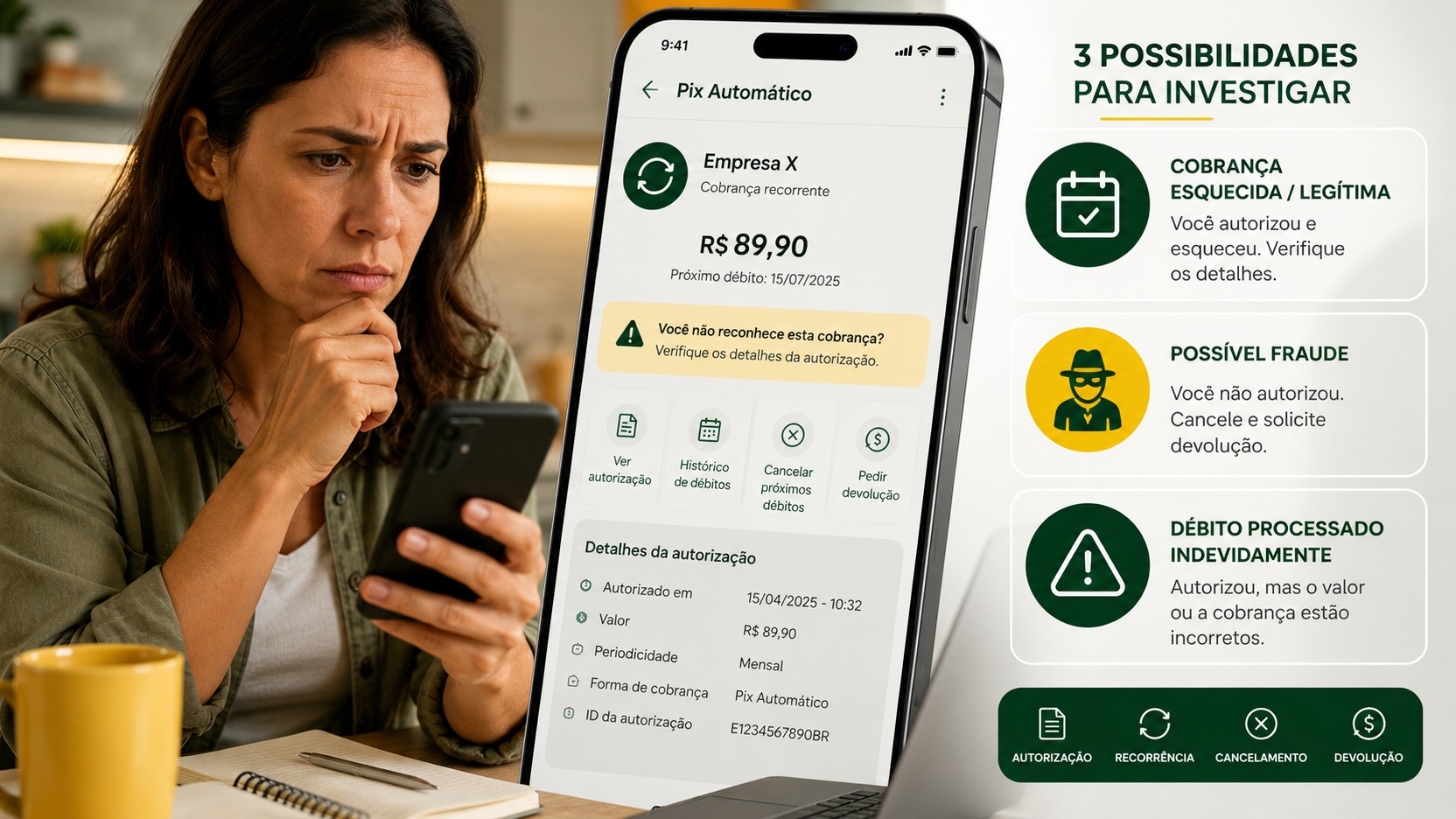
If a Pix has already appeared that you don't recognize, don't wait to finish all the other steps to inform the bank. The Central Bank provides for the Special Return Mechanism, the MED, for fraud situations involving Pix. It allows you to initiate an attempt to recover resources, but does not represent a money-back guarantee.
4. Confirm the blocking of the line, eSIM and, if applicable, the IMEI
Even if you used Secure Cellular, confirm that the operator received and executed the expected block, especially when the provider does not appear among the service participants.
Locking the line and blocking the device are not the same thing.
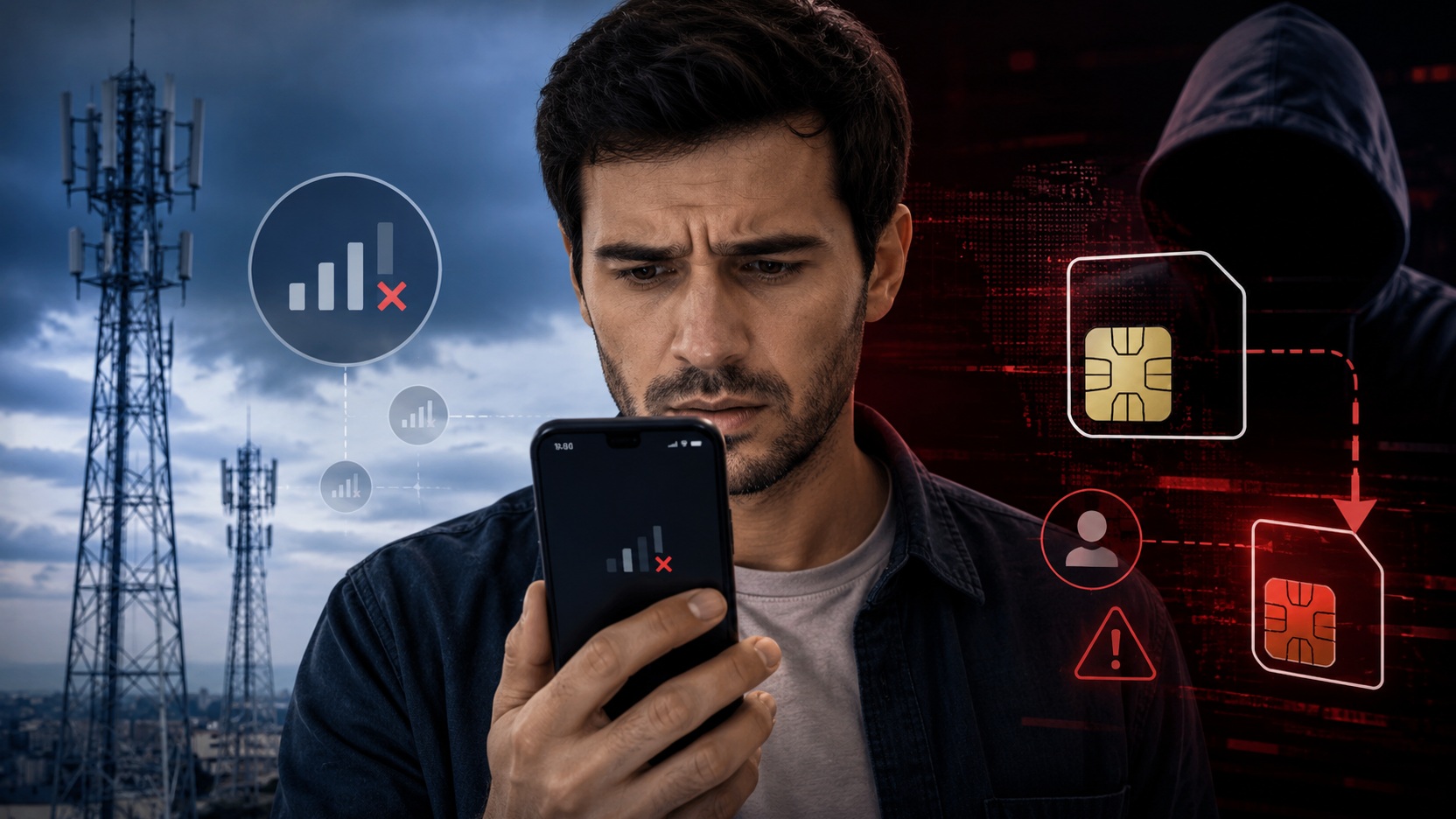
Blocking the line prevents that SIM or eSIM from continuing to be used normally. This reduces, among other risks, the possibility of the line being placed on another device.
IMEI blocking places the equipment on the list of blocked devices, restricting its access to Brazilian mobile networks. This does not erase the phone's data and is not equivalent to blocking all possible forms of connection, such as an available Wi-Fi network.
According to Anatel, to request the service to be blocked from the provider, simply inform the line number; It is not necessary to have memorized the IMEI. In procedures involving the device, the operator or authorities can locate this identifier based on the incident data.
Whoever uses a device with more than one SIM should pay additional attention: these devices may have more than one IMEI. Anatel recommends blocking all applicable identifiers.
If you were unable to issue the alert via Secure Cell Phone, contacts with banks and operator must be made without unnecessary intervals. While an unlocked device can maintain open banking sessions, an active line can also participate in authentication and account recovery processes.
5. Protect accounts that open the door to other accounts first.
After activating the remote location and lock feature, move on to digital accounts.
Start with your main email. The reason is practical: it is often used to reset passwords for various other services. Then, review your Google Account or Apple Account, your gov.br account, messaging apps, social networks and other important services installed on your phone.
Change passwords that may be compromised and look for security options to terminate sessions or devices you don't recognize. Also review recovery and two-factor authentication methods, especially if they depended on the number that was just blocked.
The MJSP advises changing passwords for email, social networks and messaging applications after loss or theft. Apple also recommends reviewing Apple Account security if there are any changes or unknown access.
There is one important caveat for iPhones: don't remove a stolen device from Find My just because you decide to delete it. According to Apple, removing the device from the list removes Activation Lock and may make it easier for someone else to reactivate it.
6. Decide if it's time to erase data remotely
Blocking and deleting are different measures.
Remote blocking attempts to prevent immediate use while maintaining some localization or recovery possibilities. Remote erasing is a more definitive measure, recommended when data protection outweighs the possibility of recovering the device.
On Android, wiping permanently removes data from the device, although it may not erase an SD card, and ends location availability through Finder.
On the iPhone, Apple allows you to erase the device remotely and informs you that an offline device will execute the request when it reconnects. Even after deletion, you should not remove it from Search if it remains lost or stolen.
Therefore, there is no universal “delete immediately” rule. If the cell phone was just forgotten in a known place, erasing everything in the first few minutes could be hasty. If there was theft, the device was unlocked or contains particularly sensitive information, the burden of data protection increases.
7. File a police report and monitor what happens next
After the most urgent blockages, register the police report through the channels provided by the Civil Police in your state or in person.
The Safe Cellular alert does not replace the BO. The Ministry of Justice recommends also keeping the protocol number generated by the service, as it may be necessary in subsequent unlocking procedures.
Record times, bank and operator protocols and any movement that you do not recognize. If fraud has already occurred, preserve available information about amounts, times and recipients.
In the following days, monitor bank statements, movement alerts and possible changes to your accounts. The MJSP also recommends periodically consulting the Central Bank's Registration to monitor information such as bank accounts and loans linked to the CPF.
If it was lost, stolen or stolen, does the priority change?
Digital restraint is similar, but the decision about the device may change.
When there is a loss with a real chance of recovery, marking the phone as lost and using Safe Cell Phone Recovery Mode preserves more possibilities for location and identification.
When there is theft or theft and the priority is to prevent new licenses, Total Blocking may make more sense because it includes the IMEI restriction. Still, it is the owner's choice: the MJSP makes it clear that this blocking reduces the possibility of the authorities recovering the device.
In any case, don't let the expectation of finding your phone delay protecting your financial accounts.
What not to do while trying to resolve it
- Don't wait to finish the police report to start critical blocking.
- Don't just trust Celular Seguro if you have banks or services that may not be among the partners.
- Do not treat IMEI blocking as if the device's data had been erased.
- Do not give passwords, codes or recovery data to someone who claims to have found your cell phone.
- Do not remove a stolen iPhone from Find My while it is still lost.
- Do not attempt to personally retrieve a device located in a situation that could put your safety at risk.
Apple itself warns that it does not contact you to report that it found an iPhone and recommends caution with messages, calls and other social engineering attempts after the theft.
After the emergency passes
If your cell phone is with you now, preparation takes less effort than trying to rebuild everything after a theft.
Keep Android Finder or Apple Search activated, use a strong screen lock, keep your Safe Cell phone registration up to date and consider registering a trusted person. MJSP allows this contact to issue an alert on your behalf when you are unable to access the service.
It is also useful to know in advance which banks, email accounts and important services are installed on the device. In an emergency, a simple list kept away from your cell phone reduces the risk of forgetting the most sensitive account.