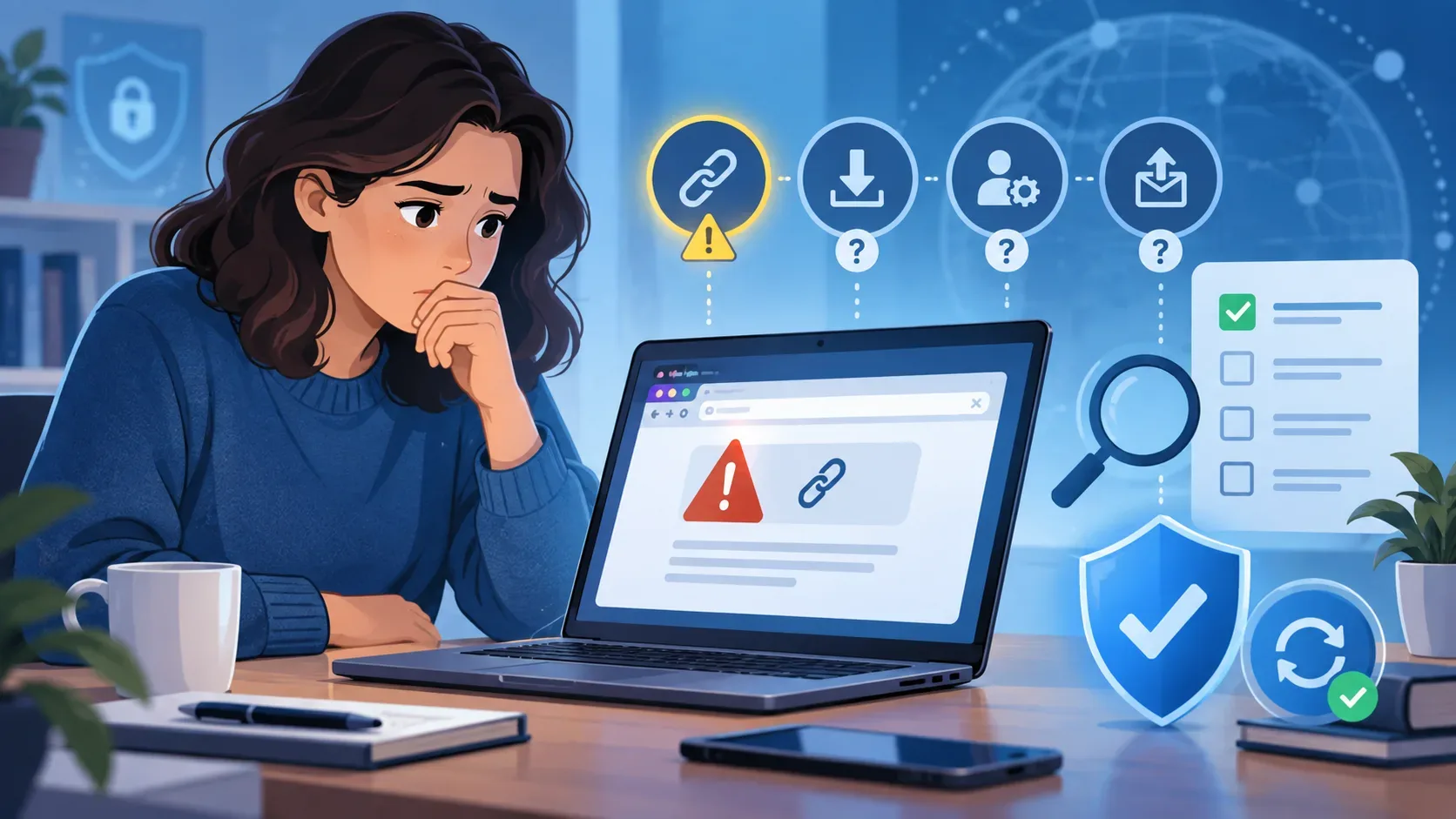
Clicking a suspicious link without typing anything does not, by itself, mean your password was stolen or your device was infected. It also does not prove that the risk is zero. The assessment depends on what happened after the click: did the page merely open, was a file downloaded, was permission granted, was software run, or were data actually submitted? A visited website may receive ordinary technical connection information; that is different from receiving your password or banking details.
What to do immediately without revisiting the link
- Close the suspicious tab or window. Do not follow the page's instructions, call numbers shown in alerts, or use a “verification” button offered by that same website.
- Retrace your actions: was there a download? Did you open a file, install an app or extension, allow notifications, camera or microphone access, sign in, or approve access to an account?
- Check download history and permissions in your browser settings without reopening the suspicious address.
- Update your browser, operating system, and security software through their settings or official stores. If you suspect a malicious file, update your protection and run a scan.
The FTC advises contacting the purported company through a known channel and, if harmful software may have been downloaded, updating security software and running a scan. The CERT.br security guides cover scams, malware, and device protection.
Which scenario occurred, and what does each sign change?
| What you observed | What it means and what to do next |
|---|---|
| The page only opened, with no voluntary submission, apparent download, or permission. | There is no evidence that you handed over a password. Close the page, update software, and watch for unusual signs. A click alone does not guarantee zero risk, especially with outdated software. |
| A file appeared in downloads, but you did not open it. | Downloading is not the same as installing. Do not run the file; review download history and use your device's protection to scan or remove it. Do not bypass a dangerous-download warning. |
| You opened the file, installed an app or extension, or authorized execution. | Treat this as a more serious exposure. Stop using the suspicious program, review recently installed apps and extensions, update, and run a security scan. Seek trusted support if there are signs of compromise. |
| You allowed notifications, camera, microphone, or another permission. | Review and revoke the permission in browser or device settings. Abusive notifications can continue after the tab is closed; granting them does not automatically mean a password was sent. |
| You entered and submitted a password, code, personal or banking details, or authorized an app to access your account. | Your account or information may be exposed. Use the official app or website, change affected credentials, end unknown sessions, revoke unrecognized access, and enable two-factor authentication. Contact your financial institution if financial details were involved. |
How to check downloads, permissions, and installed software
Open your browser's download list and the corresponding folder. Look for unexpected files around the time of the click. Do not open an item just to find out what it does. Also review recently installed apps and extensions. On Apple devices, unknown configuration profiles deserve attention: Apple explains how to review them and notes that school or work devices should be discussed with the administrator before removal.
Review site permissions, especially notifications, camera, microphone, location, and automatic downloads. In Chrome, for example, these can be managed under Site settings. If the suspicious address is no longer visible, look for it in the list of websites and stored data without visiting it again. Use the browser's safety check when available; official Chrome guidance covers notifications, protection, and updates.
If you use Windows and suspect a malicious file or program, Windows Security lets you scan a file and run a quick scan, followed by a more thorough check if concerns remain. A clean result reduces indications of a problem but cannot prove the absolute absence of a threat.
Do I need to change my passwords if I typed nothing?
A click alone, with no signs of account access or credential submission, does not show that all your passwords were exposed. Prioritize the updates and checks above. Changing a password becomes urgent if you entered or submitted data on a fake page, approved an unfamiliar sign-in or access request, or notice unrecognized activity. Check whether autofill inserted information and whether you actually submitted it; seeing filled fields does not, by itself, confirm transmission.
If this happened, open the service through an address you type yourself or its official app, set a new unique password, review connected sessions and devices, and enable multifactor authentication. If you shared access codes, banking information, or card details, promptly contact the service or bank through official channels. The FTC outlines responses for different kinds of compromised information or access.
Which signs call for additional help?
- An app, extension, or profile you do not recognize; protection alerts or an unexpected installation.
- Repeated redirects, persistent new windows, or notifications from a site you allowed.
- Sign-in alerts, password changes, transactions, or sessions you did not initiate.
- Inability to remove suspicious software, or abnormal behavior that continues after updates and scans.
An alarming pop-up by itself does not diagnose infection: it may be part of the scam. Do not install an “antivirus” suggested by the page itself. On a work phone or computer, notify IT and do not change managed settings without guidance. If an account or data have been compromised, record what happened and use official recovery and reporting channels.
In short: respond to what happened, not just the click
The key is to distinguish opening a page, downloading, running software, granting permission, and submitting data. With no submission or further action, investigate and keep protection updated without assuming compromise. If software was installed, access was granted, or data were transmitted, extend the response to the affected device and accounts. No single check certifies zero risk, but observable signs help you take proportionate action.