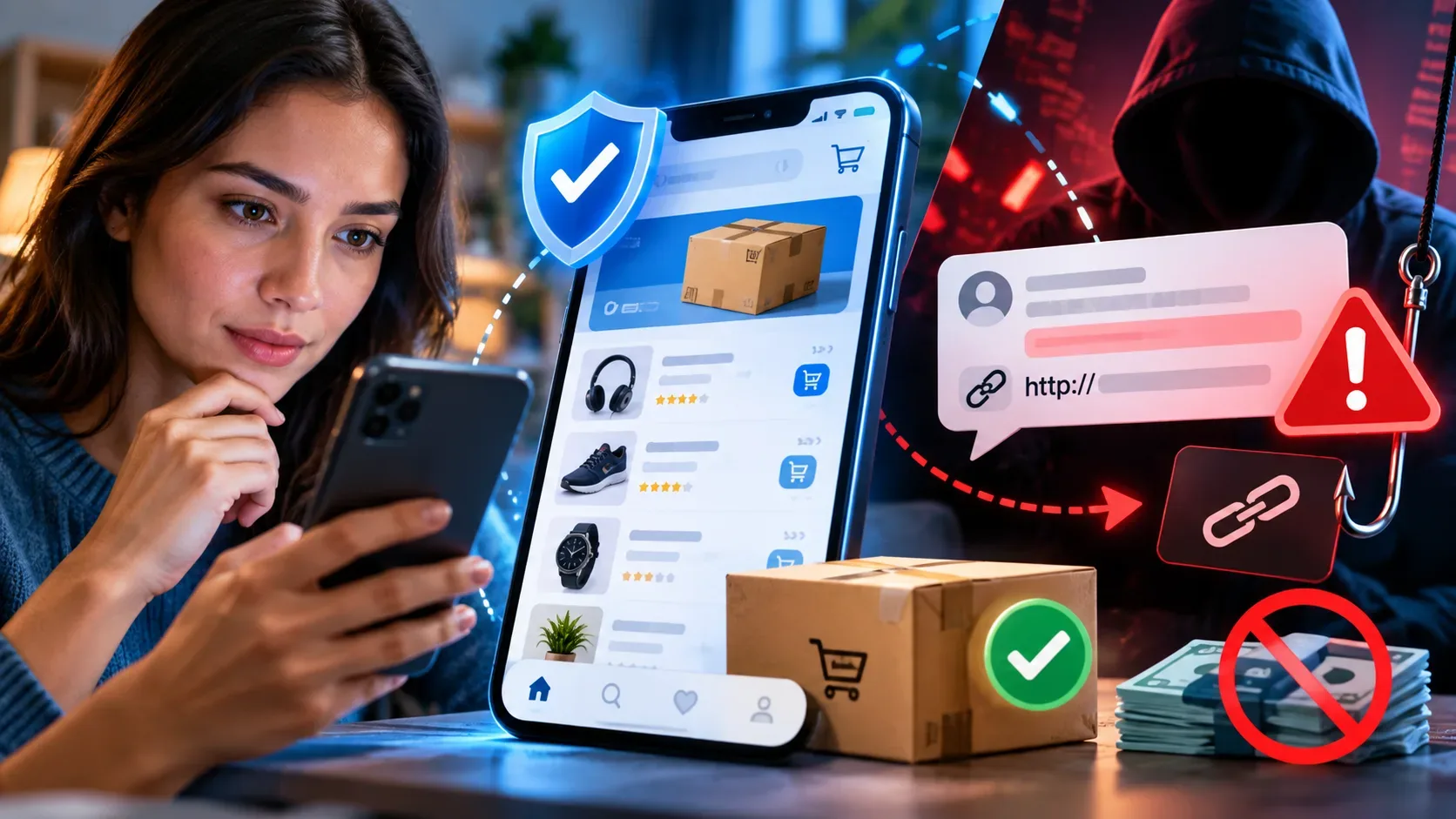
The message seems legitimate precisely because it copies the context that you already know. It may mention a recent purchase, use the name of a well-known institution, reproduce official colors or even present true personal data. None of this alone proves that the sender is authentic.
To identify phishing, look less at the appearance and more at the behavior required by the message. Fraud attempts often pressure the victim to act quickly, open a link, provide data, enter an authentication code or make a payment.
In guidance published on July 14, 2026, the Ministry of Communications warned that phishing can arrive via SMS, email, messaging applications, social networks, calls, QR Codes and pages that imitate well-known institutions. The objective may be to obtain CPF, passwords, authentication codes, bank details or card numbers. safer is simple:
Stop, check, access through another channel and report.
How to spot phishing before you click
A suspicious message does not need to show all of the signs below. A single unusual request is reason enough to stop the action and check the situation through an independent channel.
1. The message creates urgency or threatens an immediate consequence
Be suspicious when the message states that your account will be blocked in a few minutes, that a debt needs to be paid right away, or that you will lose a benefit if you don't respond immediately.
Urgency reduces the time available to think, compare information and contact the real institution. The Ministry of Communications cites alarmist language, immediate blocks and urgent registration updates among the warning signs. CERT.br also recommends caution when someone wants you to do something without time to reflect. Please be safe:** do not use the link or phone number presented in the message. Open the official app, type the known address into the browser or search for the contact in an independent source.
2. There is a request for a password, authentication code or bank details
Passwords, temporary codes, PINs and full card information should not be sent in response to messages.
Authentication codes exist precisely to confirm an action initiated by the account holder. Sharing them may allow someone else to complete an access or operation. The Ministry of Communications and CERT.br recommend not providing passwords or verification codes received on the device. It's safe:** end the contact. If there is a real request, log into the account directly through the app or official website.
3. The prize, refund or benefit arrived without request
Unexpected prizes, refunds, expiring bonuses and extraordinary discounts can act as bait.
The problem is not receiving a legitimate promotion, but being immediately taken to a link, form or payment to “release” the advantage. The Ministry of Communications includes rewards, refunds and unexpected benefits among the common signs of phishing. It's safe:** search for the campaign on the official website. Do not confirm the supposed offer through the channel indicated in the message itself.
4. The link does not correspond to the official channel
The text displayed on a button may mention a legitimate company, while the actual address leads to another domain. Shortened links also hide the destination before opening.
Check the full address, the spelling of the domain and the part that appears immediately before the main ending. Don't just consider the presence of the company name somewhere in the URL.
The Ministry of Communications recommends directly typing the address into the browser and checking if it belongs to the official channel. Apple also warns of links whose destination does not match the mentioned company's website. Safe:** Instead of trying to “fix” or test the link, abandon it and look for the service yourself.
5. The displayed name does not match the sender's address or number
Email apps and services may show a friendly name, such as the name of a bank or a colleague, even though the message was sent from another address.
In the email, check the sender's full address. In SMS and messaging apps, don't just rely on the photo, profile name, “business account” description or logo used.
Apple points to a discrepancy between the alleged name and the email or telephone number used in the contact as a sign of phishing. CISC also documented fake profiles that used official symbols and institutional appearance to gain credibility. It's safe:** confirm your identity using a previously saved contact or published on the official website.
6. The message contains an attachment, QR Code or installation request without context
Unexpected files may be presented as invoices, receipts, notifications, resumes or urgent documents. QR Codes can also direct to pages or payments without easily revealing the destination.
The risk increases when the file was unsolicited, when the message requires you to install an application, or when it directs you to change security settings. Apple recommends not opening or saving suspicious message attachments and only downloading programs from trusted sources. CERT.br also advises caution with QR Codes and fake applications. It's safe:** confirm with the sender first through another channel. Don't open the file just to find out what it is.
7. Payment by Pix or bank slip is requested within the conversation
The message may allege debt, administrative fee, retained order, pending registration or need for regularization. It then presents a Pix, bill or payment page.
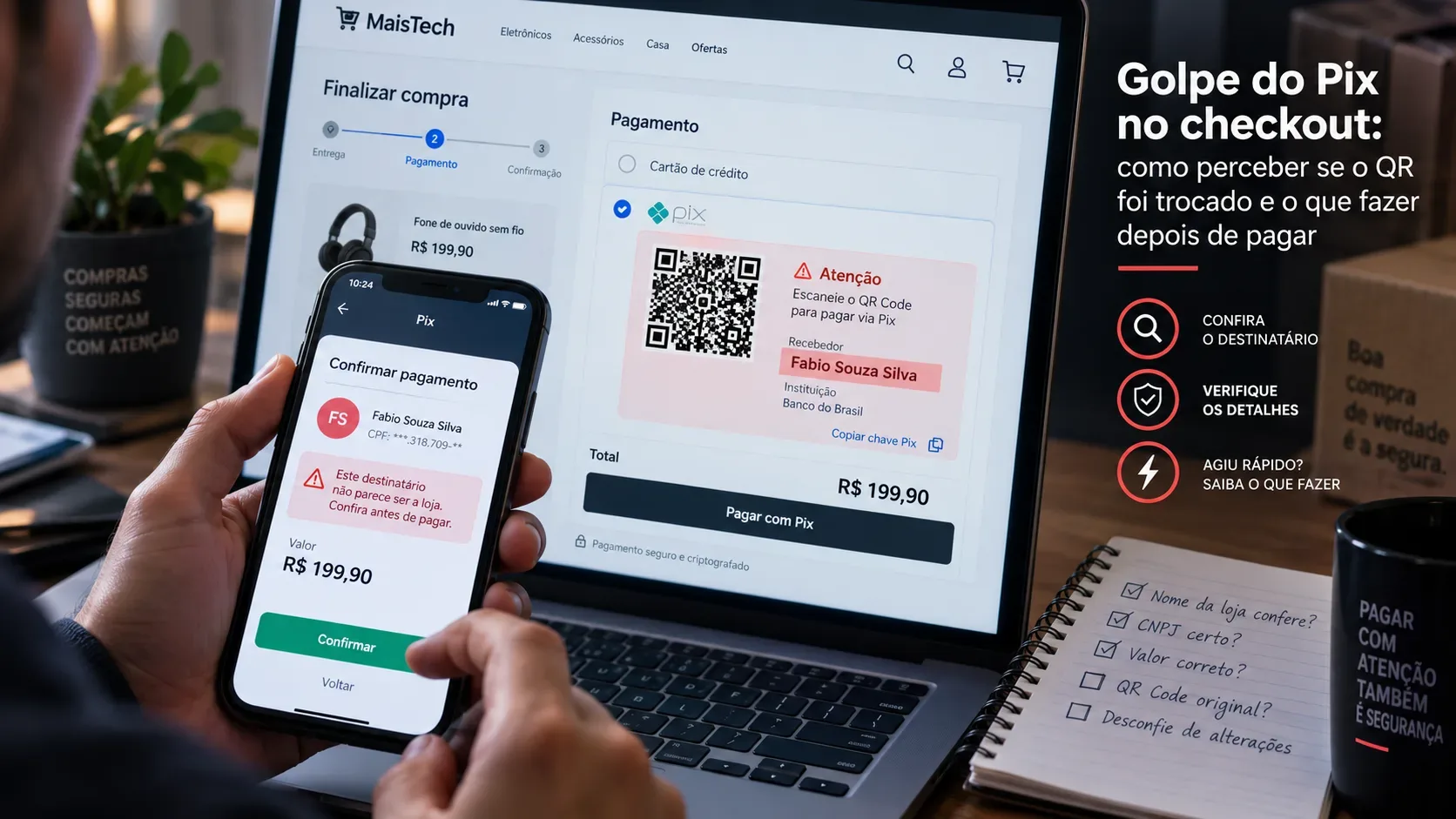
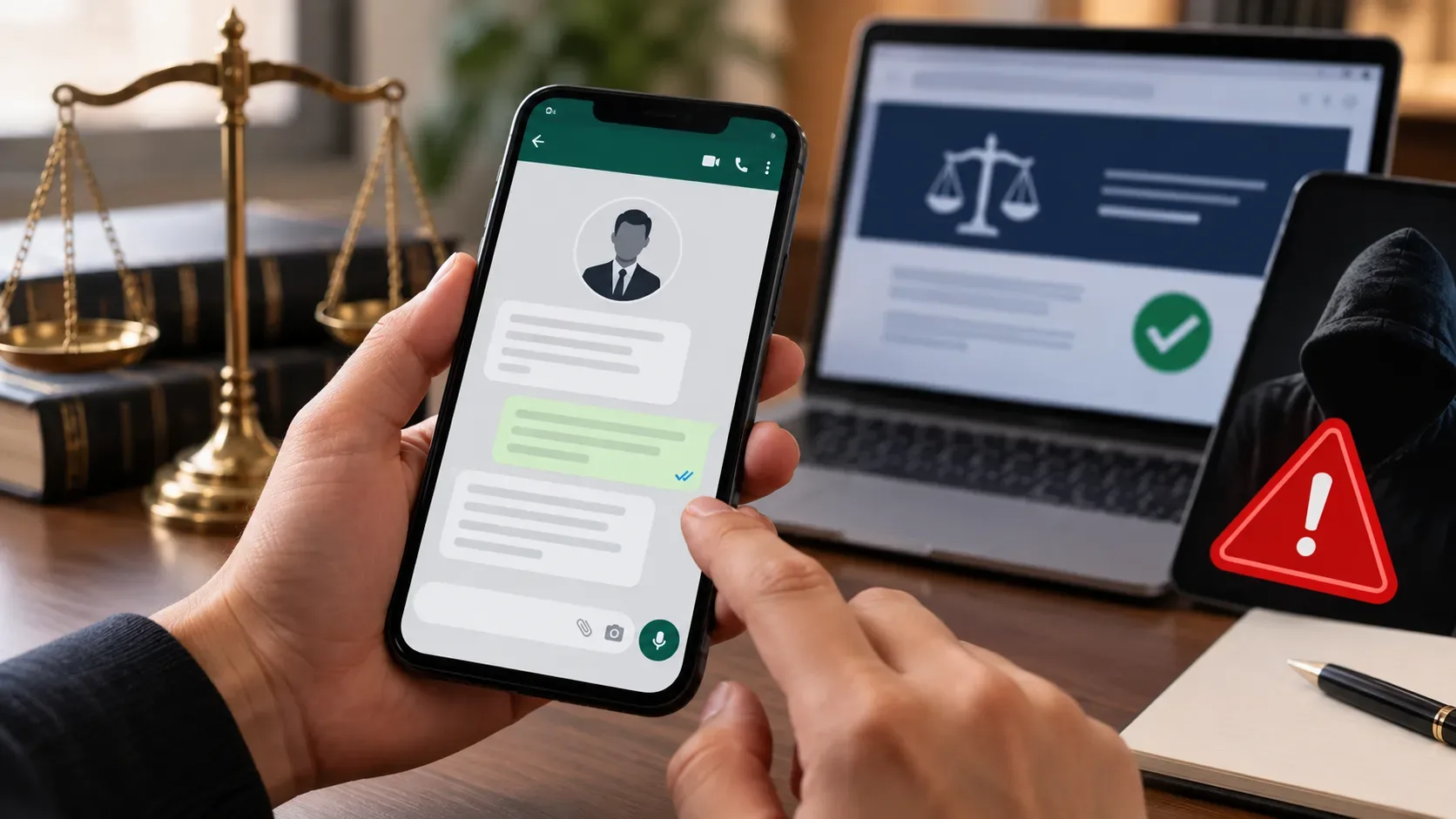
CISC warned in 2026 of campaigns on WhatsApp that used fake profiles, real personal data and pages similar to government portals to induce payments. The agency recommends not paying bills or Pix received in messages and consulting directly on official portals. any transfer, check it in the financial app:
- name of recipient;
- institution;
- CPF or CNPJ, when displayed;
- value;
- billing purpose.
Secure response: generate the charge again within the official application or portal. A true charge must be able to be located without relying solely on the message received.
8. The text deviates from the normal standard of the person or institution
Spelling errors, generic treatment, and strange formatting remain helpful signs. However, a well-written message is not automatically secure.
Observe changes in behavior: a contact who never asks for money starts demanding an urgent transfer; a company that normally sends notices in the application asks for updates via message; a colleague writes in an unusual way and avoids conversing in any other way.
Gmail warns that accounts of known people can also be compromised and used to send abnormal requests for money or information. Apple recommends comparing the message with previous communications from the same organization. It's safe:** talk to the person via phone call, face-to-face meeting or another known channel. Do not confirm via the same chat as it may be compromised.
9. The sender uses truthful data to build trust
Full name, CPF, address, relationship and information about services used may have been obtained from leaks, illegally sold databases, social networks or other sources.
In a 2026 alert, the CISC reported that fake messages sent via WhatsApp presented victims' real data to make the approach more convincing. Apple also notes that scammers may mention personal information to appear legitimate. , a message is not authentic just because it “knows who you are.”
Safe response: evaluate what the message asks. True data does not justify sending a password, code, payment or document.
Decision tree: stop, check, access via another channel and report
Use this flow whenever you receive an unexpected request:
1. Stop
Do not click, do not respond, do not call the number provided and do not make the payment. The pause breaks the pressure created by the message.
2. Check
Ask:
- Did I expect this contact?
- Does the institution usually use this channel?
- Does the request involve money, password, code or document?
- Are the sender and address the same as those used previously?
- Is there artificial urgency or threat?
- Can I confirm the information without using anything provided in the message?
3. Access via another channel
Open the already installed official application, enter the known address in the browser or look for a phone number on a document, card or legitimate website.
Do not use as confirmation:
- the link received;
- the phone number written in the message;
- a second contact indicated by the same sender;
- a page opened by suspicious QR Code.
The Ministry of Communications, CISC, CERT.br and Apple agree on the recommendation to look directly to the official channel when in doubt. state
If the message is false or continues without confirmation:
- block and report contact in the app;
- use the option to report phishing or spam in the email service;
- notify the institution that is being imitated;
- preserve screenshots, sender, time and other records;
- forward campaigns involving public bodies to the official CISC reporting channel.
CISC maintains a specific service for reporting fake pages, digital fraud and phishing campaigns that may affect bodies and entities that are part of SISP. check each type of message
| Channel | What to watch out for | How to check safely |
|---|---|---|
| Unknown number, recent profile, urgency, charge, code request or sudden change in behavior | Call the person or institution using a known number. Block and report suspicious contact in the app. | |
| SMS | Shortened link, warning of blocking, delivery, fine, benefit or registration update | Directly open the official app or website. Do not respond to the SMS or use the phone number indicated in it. |
| Sender address, domain, unexpected attachment, mismatch between link text and destination | Access the account through the browser or application. Use the “report phishing” function when available. | |
| Connection | Code request, application installation, transfer or stay online | Shut down. Locate the official number yourself and make a new call. |
| QR Code | Unexpected charge or code sent without request | Do not scan. Locate the charge directly on the official app or portal. |
Neutralized examples of suspicious situations
The examples below describe patterns, without reproducing links or messages ready for misuse.
| Pretext presented | Action requested | Safe decision |
|---|---|---|
| Supposed account blocking | Update data with one button | Open the official app and check the internal warnings |
| Order pending | Pay a small fee | Check tracking through the carrier's official channel |
| Unexpected refund | Inform card or account | Search for the company directly and check if there is a registered request |
| Government debt | Make Pix received via WhatsApp | Consult the corresponding official portal |
| Message from acquaintance | Transfer money urgently | Confirm by call or in person |
| Intrusion Alert | Enter authentication code | End contact and review security directly in the account |
What to do if you already clicked
Clicking doesn't necessarily mean all your accounts have been compromised, but it does require attention.
If you just opened the page:
- close the page;
- do not download files or grant permissions;
- check for unexpected download or installation;
- update system and applications;
- track access alerts and movements in related accounts.
If you entered a password:
- access the service via the app or official website;
- change password immediately;
- terminate unknown sessions, when the service offers this option;
- enable or review two-step authentication;
- change the password on other accounts where it has been reused.
If you provided an authentication code, bank details or card, please contact the responsible institution immediately. The Ministry of Communications recommends changing passwords, communicating the financial institution, monitoring movements and preserving fraud records. do if you paid or made a Pix
Contact your bank immediately, using the official app or channels published by the institution. Inform that the operation is related to a suspected scam and follow the indicated procedure.
CISC recommends stopping the payment when possible, contacting the bank to request available blocking or return measures and registering a police report. The possibility of recovery depends on the circumstances and is not guaranteed. recommended:
- save receipts and screenshots;
- record the number, profile, email or page used;
- communicate the institution that was imitated;
- register a police report according to the circumstances;
- monitor new contact attempts.
The Central Bank maintains guidelines on security at Pix and the procedures available for victims of scams. list to save before responding
Before clicking, paying or sending any information, please confirm:
- Did I expect to receive this message?
- Is the sender exactly the official one?
- Does the request involve a password, code, document or money?
- Is there a threat, urgency or unexpected advantage?
- Does the link belong to the official domain?
- Can I find the same information in the app or website?
- Did I confirm with the person or institution through another channel?
- Have I checked the recipient before making any payment?
- Did I report and block the suspicious message?
Frequently Asked Questions
Could a message sent by a known contact be phishing?
Yes. The person's account may have been compromised, cloned, or imitated. Unusual requests must be confirmed through another channel, especially when they involve money, codes or personal information. Is the message without errors in Portuguese reliable?
No. Errors are just one of the possible signs. Scam messages can be well-written, personalized, and visually similar to official communications.
Does the browser lock prove that the site is real?
Not by itself. The connection may be secure, but the address may still belong to a fraudulent page. Check the complete domain and, if in doubt, access the service by typing the known address.
Do government agencies collect debts via WhatsApp?
In an alert published in 2026, the CISC stated that government bodies do not use WhatsApp to collect debts, offer benefits or threaten blockages. Legitimate charges follow formal processes and must be checked on official portals. Does two-step temptation prevent all phishing?
No. It adds an important layer of protection, but the user can still be tricked into handing over their own code. Never share verification codes and don't approve requests that you didn't initiate. delete the message immediately?
First, preserve any information that may be needed for the report, such as screenshot, sender, and time. Then report, block and remove the message without opening links or attachments.
Save this checklist and share it with people close to you. When faced with a suspicious message, do not try to decide under pressure: stop, confirm the information on an official channel and report the attempt.